

New Copy to Figma now works on the web
Figma components you can copy, paste and ship
Browse components built by designers, drop them into Figma in one click, and spend your time on the work only you can do.
- 0components
- 0free tools
- 0templates
Try it live
All 307 componentsPick one, copy it
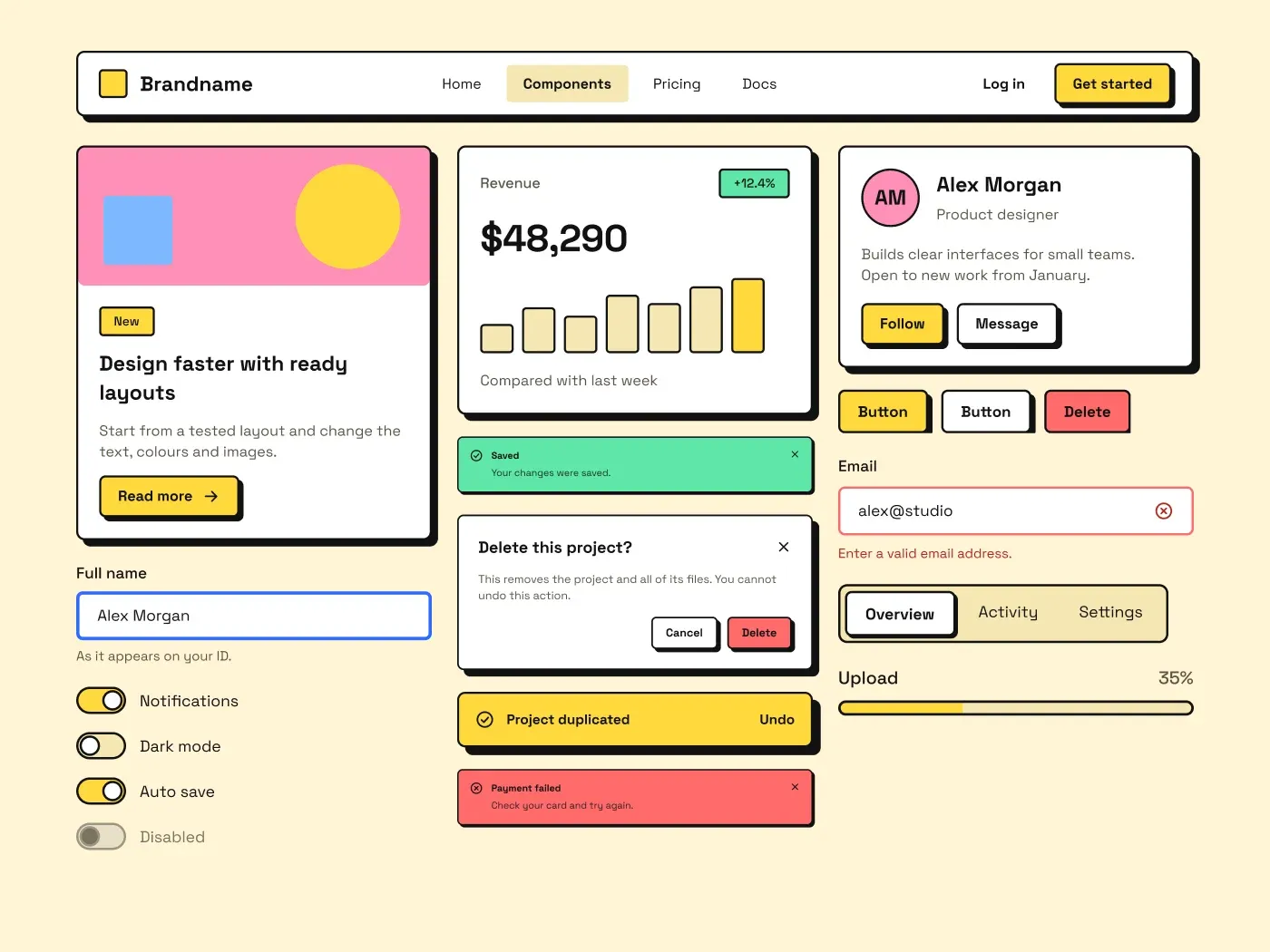
Neo Brutalism UI Kit for Figma: Buttons and FormsUI Components · Desktop
Prefer to stay inside Figma?
The ProFigma Components plugin shows the same library right in your file. You can copy 30 components for free, and a Pro key removes the limit.
- 307 components
- 150 free forever
- Pro key from My account
Free tools
Small tools that save big time
Everything runs in your browser. Your files never leave your device.
QR Code Generator
Custom QR codes for links, Wi-Fi, contacts and WhatsApp, with your logo and colours.
Case Converter
Switch text between 15+ cases in one click.
Image Compressor
Shrink photos up to 90% right in your browser.
Contrast Checker
WCAG 2.2 AA and AAA checks for any colour pair.
UI Grid Maker
Design Figma and CSS grids with a live calculator.
PNG to JPG Converter
Bulk convert images in three steps.
Video Compressor
Shrink videos in your browser. No upload, no sign-up.
Image Color Picker
Get HEX codes from a photo and build a palette from it.
CSS Gradient Generator
Linear, radial and conic gradients with CSS and Tailwind code.
Tailwind Shades Generator
One color to a 50–950 scale, plus tints, shades and tones.
PX to REM Converter
Convert px, rem, em, pt and %, or a whole block of CSS.
Type Scale Generator
Font sizes for H1 to H6 with fluid clamp() and CSS to copy.
Shadow & Glass Generator
Box shadows, glassmorphism and neumorphism with CSS to copy.
Favicon Generator
favicon.ico, PNG sizes and app icons from an image, letter or emoji.
SVG Wave & Blob Generator
Wave dividers and blob shapes as SVG or CSS.
Templates
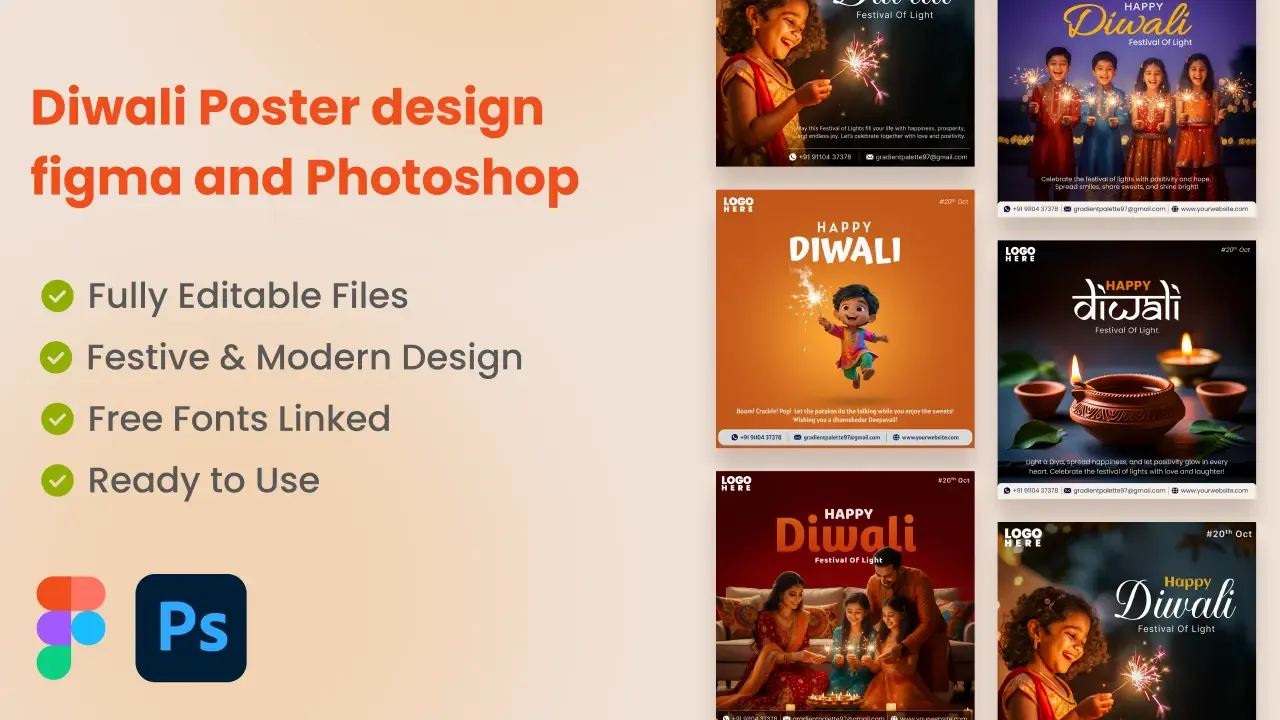
All templatesPay once, own it forever

Pricing
Start free. Go Pro when you are hooked.
Free
₹0forever
- Copy every free component from the website, with no limit
- 30 free copies in the Figma plugin
- Every free tool, no sign-up
- Commercial use on free components
Most popular
Pro
₹499per month
- Unlimited Copy to Figma, no 30-copy cap
- Every Pro component, plus new ones as they ship
- Figma plugin access on all your devices
- Commercial use on everything
- Cancel from your account, no emails needed
FAQ
Questions, answered
What is ProFigma?
ProFigma is a design resource website by designer Mahesh Kulal. It has Figma components you can copy into your file, editable Figma and Canva templates, free browser tools, and software such as the Full Page Screenshot extension, ClipDock, MeshShot and the Design System Generator.
How do I copy a component into Figma?
Open any component page and use the Copy to Figma button together with the ProFigma Figma plugin, then paste into your Figma file. The component arrives as editable layers. Free components are free to copy on the website. In the plugin you get 30 free copies, and Pro removes the limit and adds every Pro component.
Are the templates free or paid?
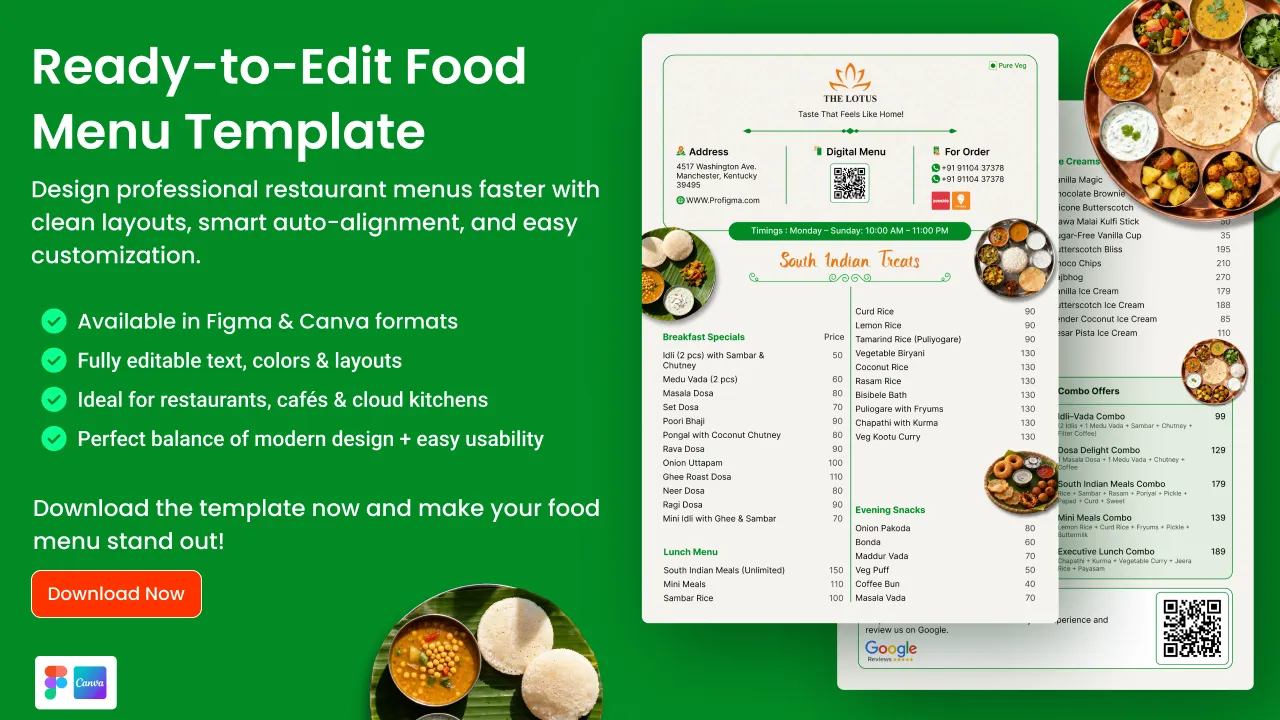
Both. There are free Figma and Canva templates you can download at no cost, and paid templates such as poster packs, menus and portfolios. Paid templates use a one-time price in Indian rupees with an instant download, not a subscription.
Do the free tools need a signup?
No. None of the free tools need an account. They include the QR code generator, image and video compressors, colour picker and CSS generators, and they run in your browser. The image and video tools process files on your device instead of uploading them.
Can I use ProFigma files in client work?
Purchased products are licensed for personal or commercial use as stated on each product, including in your own or your client's projects. You may not resell or redistribute the files. Read the copyright information page for the full wording before using a file commercially.
Ship the next screen faster
Free components copy with no limit and no card needed. Go Pro when you want everything.