Materials & objects
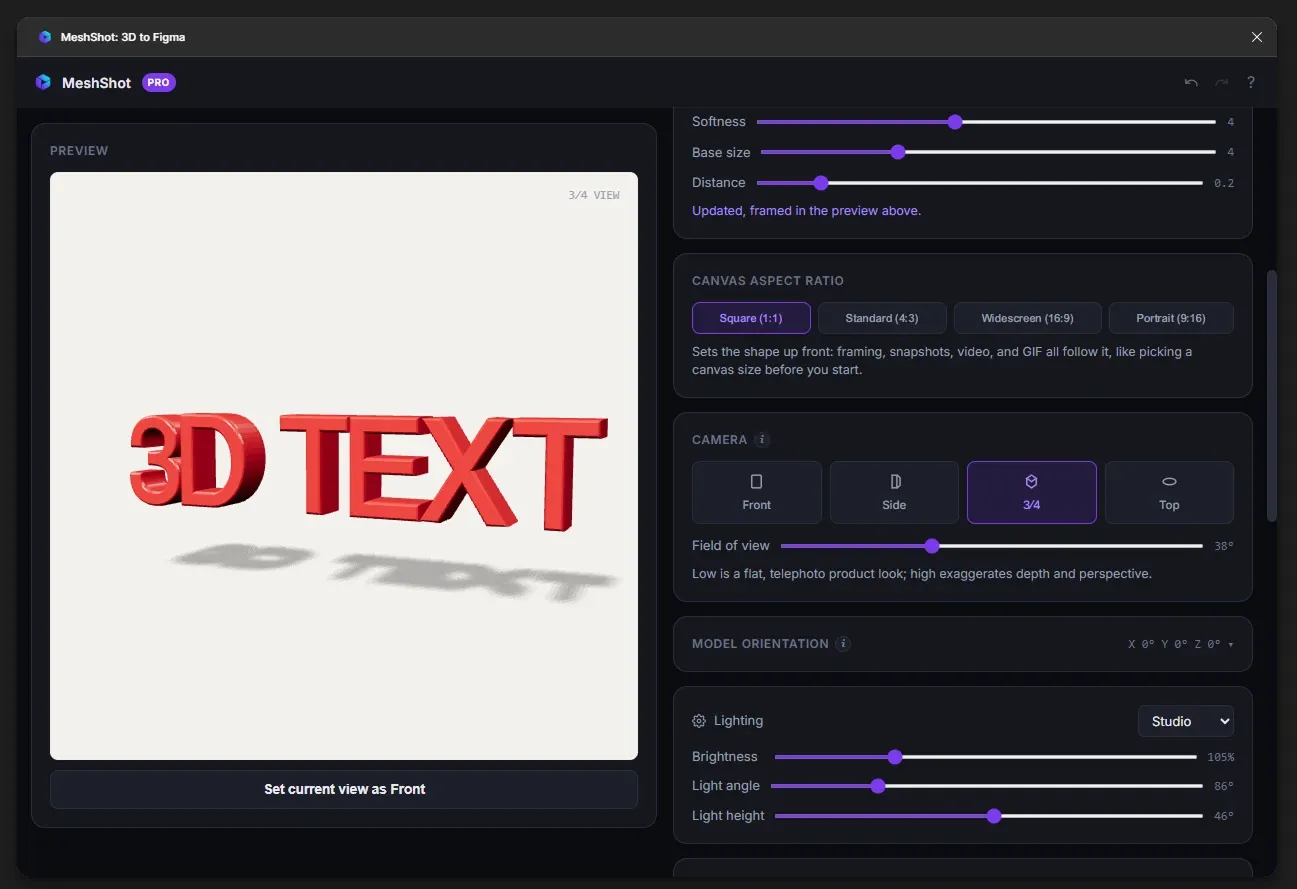
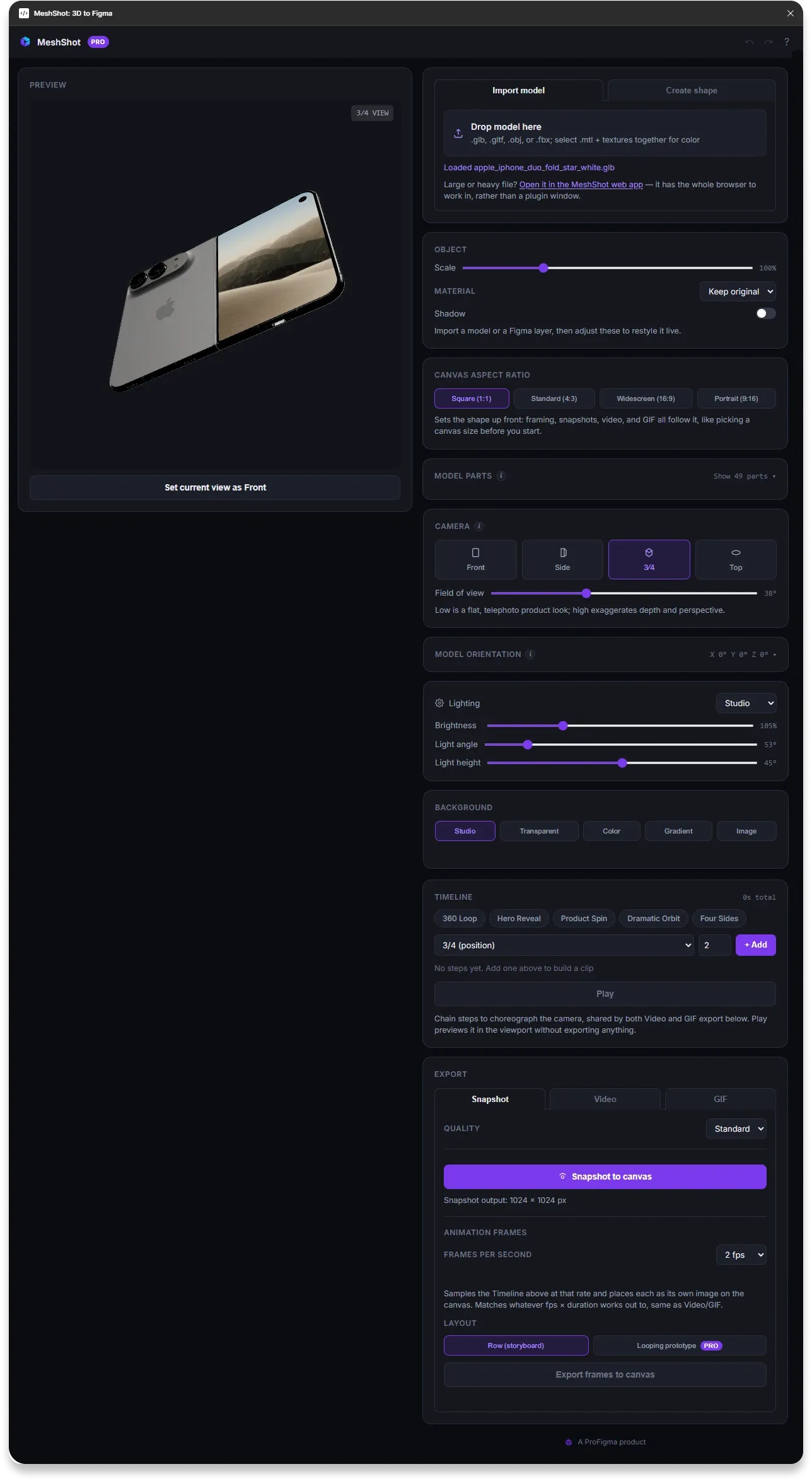
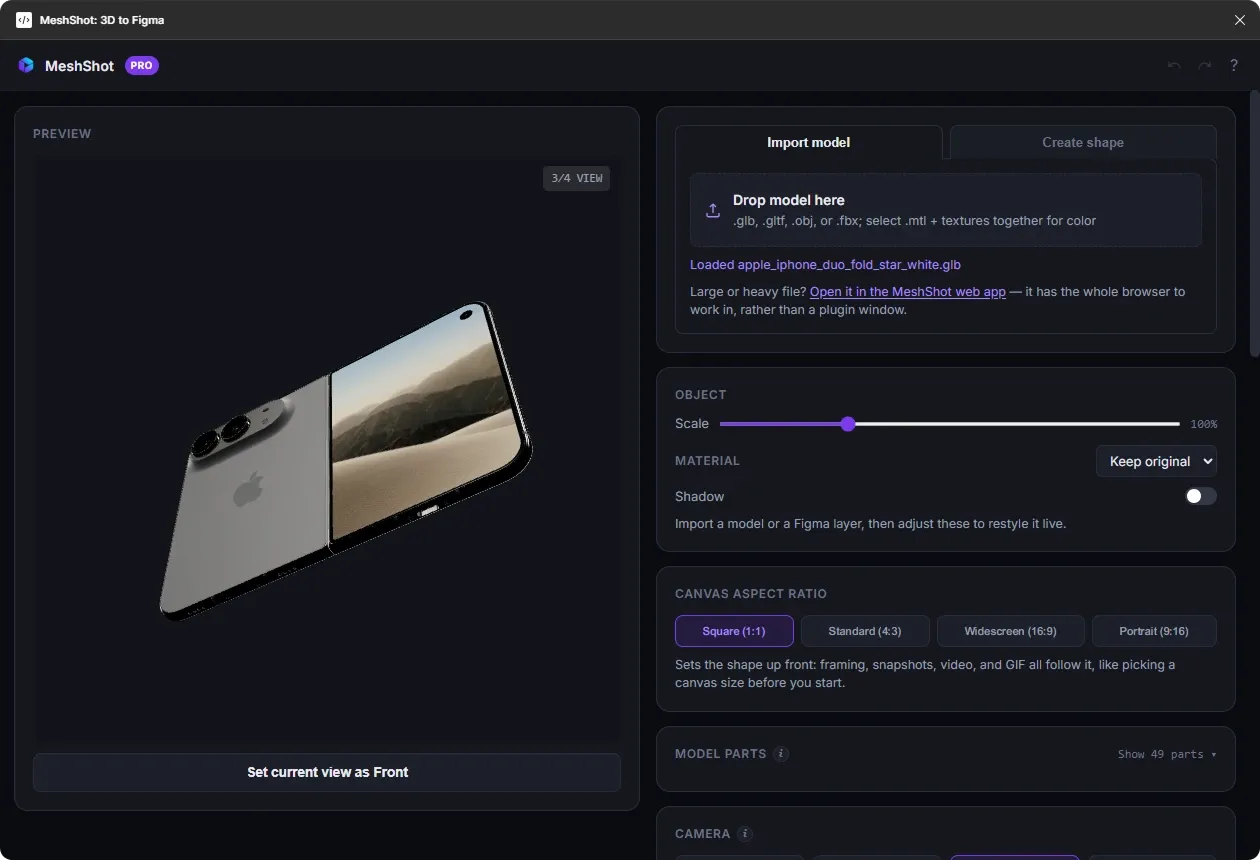
Adjust transforms, scale, orientation, materials and shadows to refine the appearance of your model.
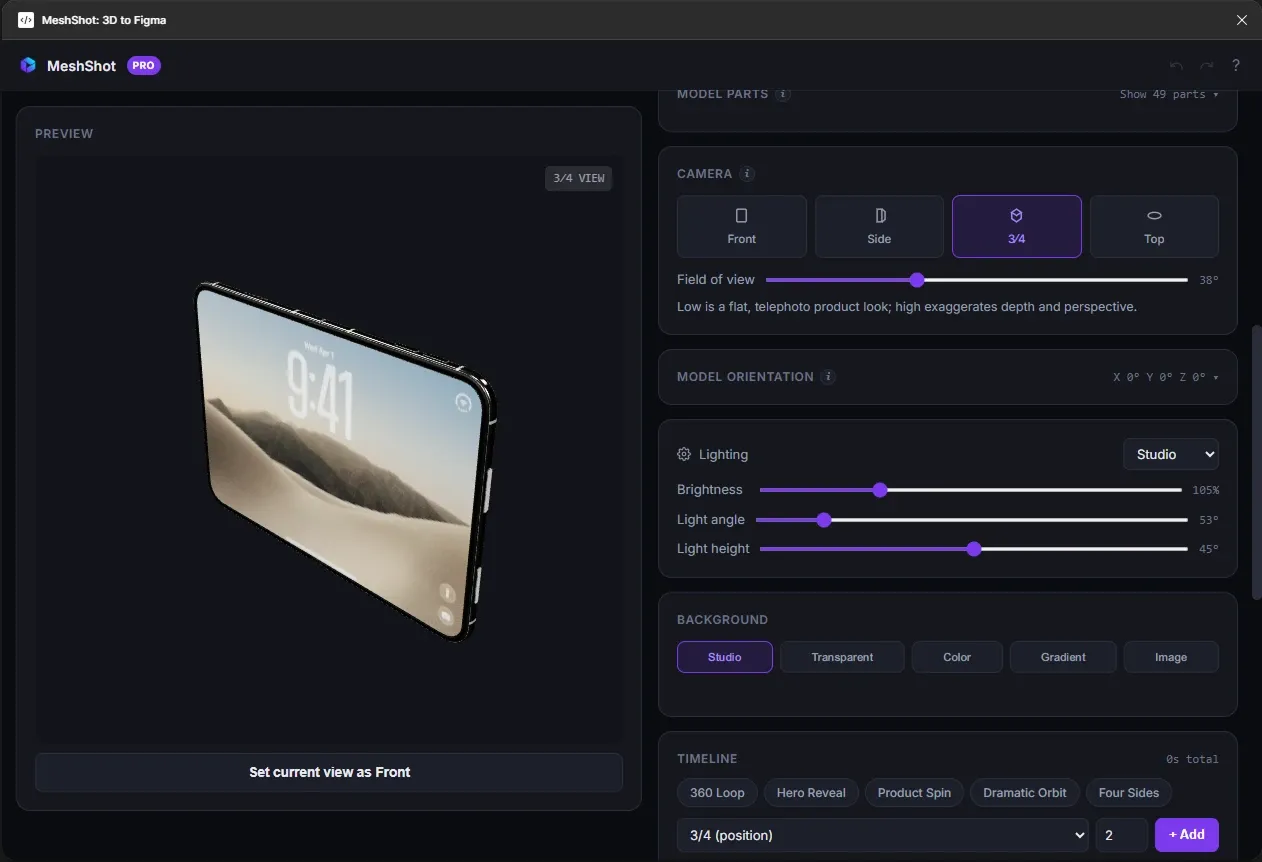
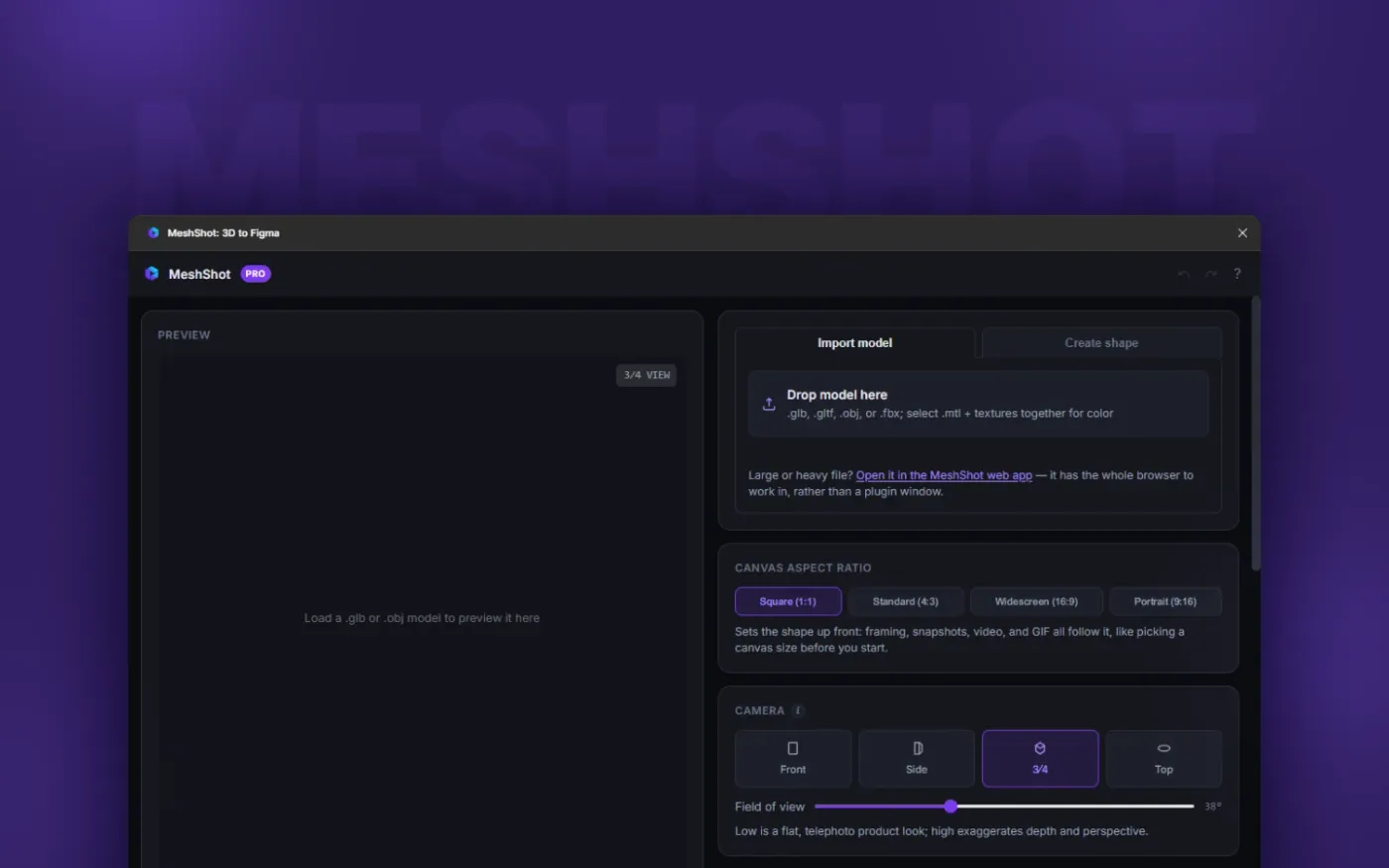
MeshShot gives designers a focused workspace for turning 3D models into polished product shots, camera sequences and interactive exports — directly in the browser.
Import your model, shape the scene, animate the camera and prepare your final export without jumping between multiple applications.
Adjust transforms, scale, orientation, materials and shadows to refine the appearance of your model.
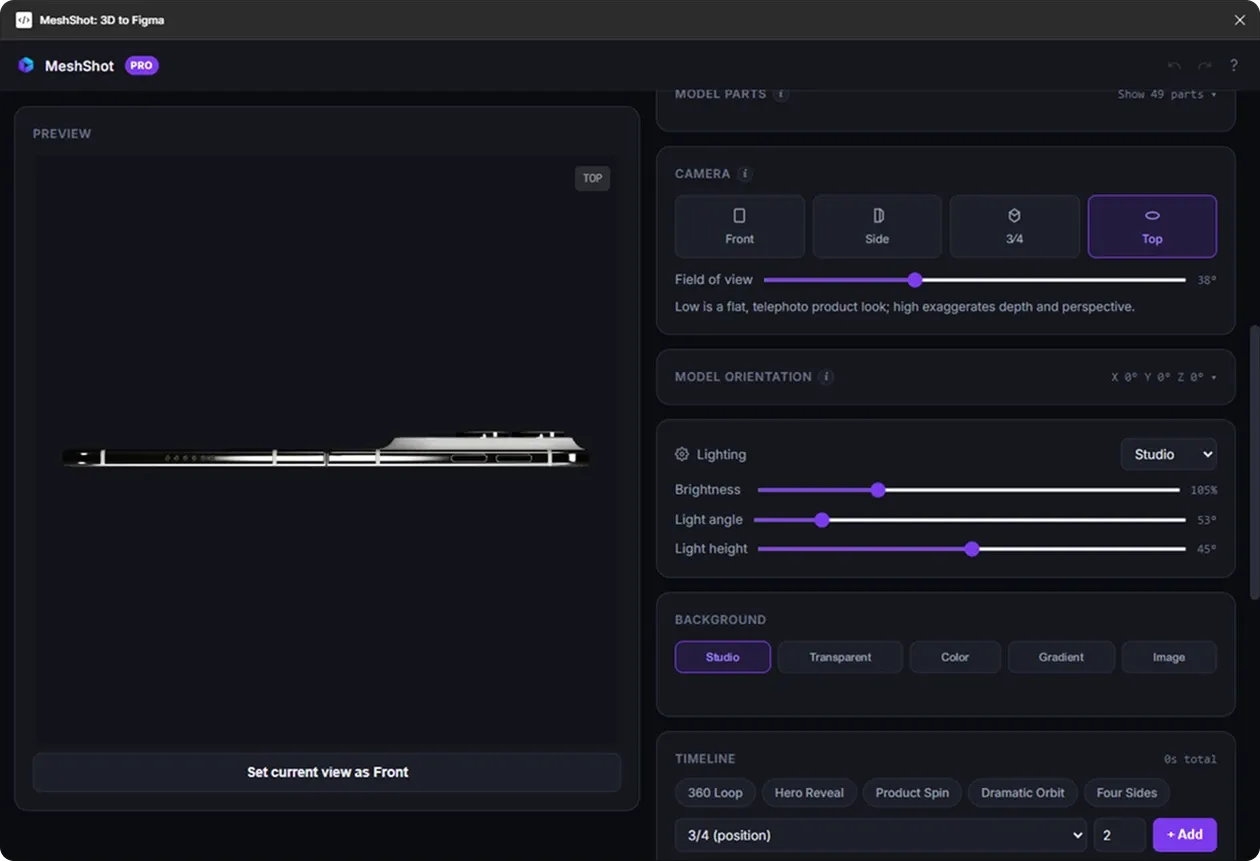
Work with lighting presets and control brightness, angle and height for polished product presentation.
Choose different canvas ratios and use studio, colour, gradient, image or transparent backgrounds.
Export your model and animation as a working Three.js package for web experiences and developer handoff.
The focused editor keeps the viewport, animation controls and camera sequence together so you can iterate quickly.
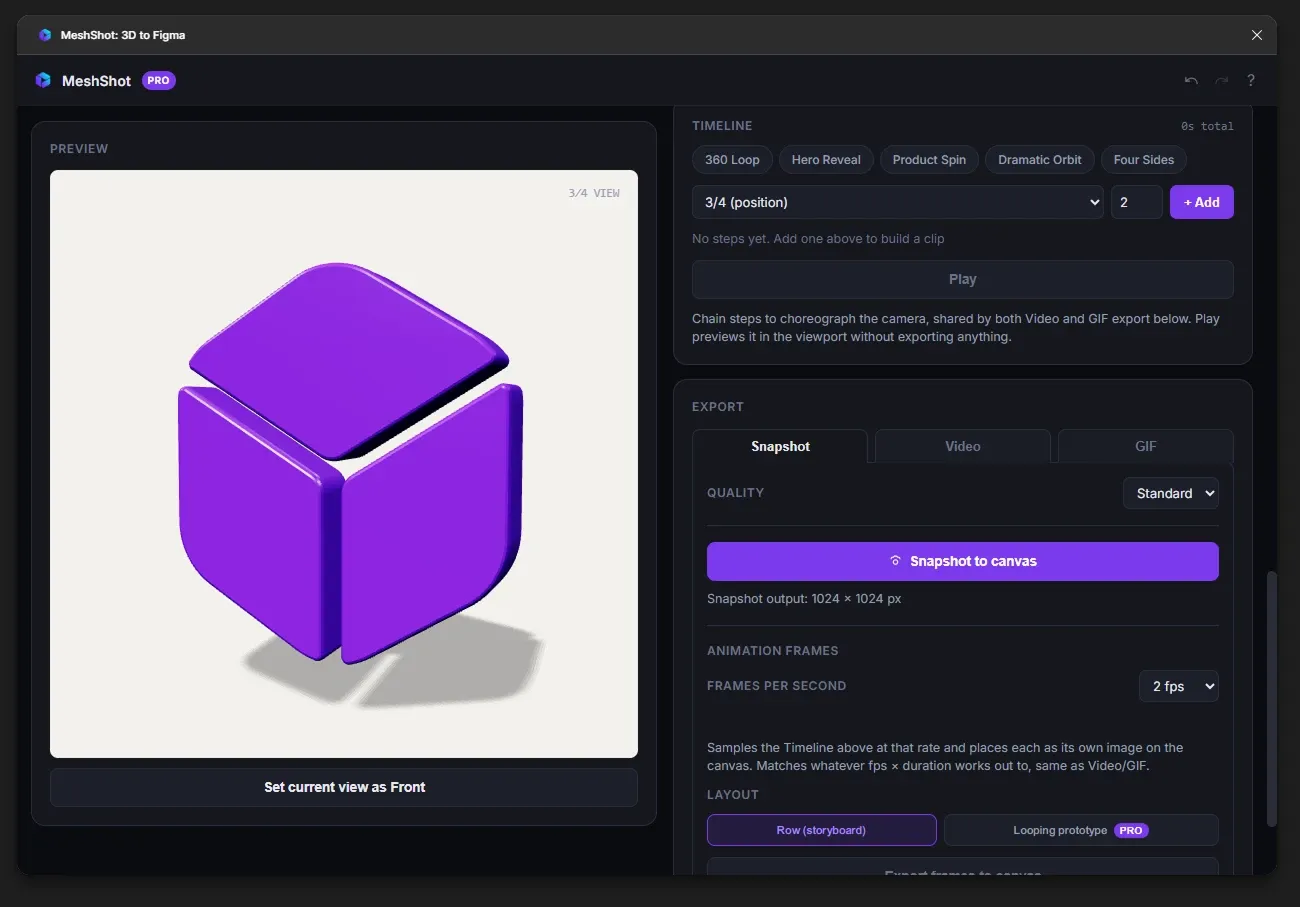
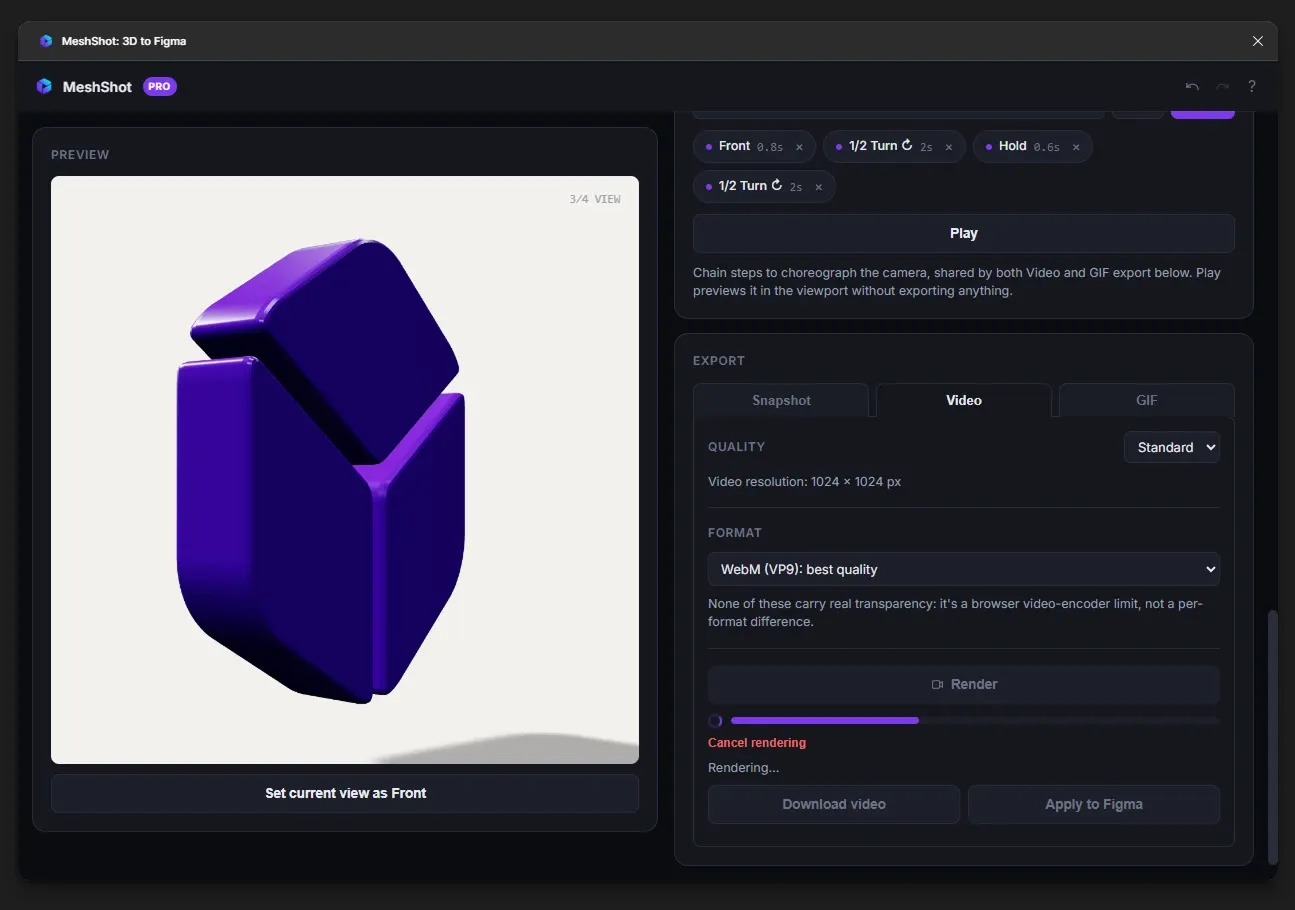
Arrange camera movements on a real timeline. Trim, reorder and preview your sequence until the motion feels right.
A straightforward workflow designed around the things designers actually need to control.
Bring in glTF, GLB, OBJ or FBX models directly from your computer.
Create camera moves, refine materials and lighting, and arrange the sequence on the timeline.
Export images, video, transparent GIFs, numbered PNG sequences or a Three.js package.
When a static render is not enough, MeshShot can export your model and animation as a working Three.js package for interactive web experiences.
Coming Soon
A future Figma workflow for bringing MeshShot's 3D animation capabilities closer to your design process.
Create polished 3D visuals, camera sequences and interactive exports directly in your browser.