
9 QR code types
URL, text, Wi-Fi, vCard, email, SMS, WhatsApp, phone and location, each with its own simple form.

Use this free QR code generator to create custom QR codes for links, Wi-Fi, contacts and WhatsApp, with your logo and colors. Download PNG or SVG, checked to scan, never expires.
What should your QR code open?
Choose a type, then fill in the details.
Tip: in Google Maps, right-click a place and click the numbers to copy them.
Every code uses your current design. The preview shows the first line.
Customize the design
Match your brand. The preview updates instantly.
Dot style
Corner frame
Corner dot
Quick themes
Fill
Colors
Adding a logo switches error correction to High so the code still scans.
Frame style
Locked to High because a logo is added.
Print size helper
Preview & download
Test-scan before you print.
Loading the QR engine…
☕ Support ProFigma
Hi, I'm Mahesh 👋 I build every ProFigma tool myself and keep them free for designers and developers. If one helped you today, a small coffee keeps new tools and features coming.
Pick URL, Wi-Fi, vCard, WhatsApp or another type and fill in the short form. The preview updates as you type.
Apply a theme or set your own colors, dot style, corners, logo and a "Scan me" frame. Keep the Scan health checks green.
Download a high-resolution PNG or a print-ready SVG. Look for the "Verified" badge, then do a quick test scan with your phone.
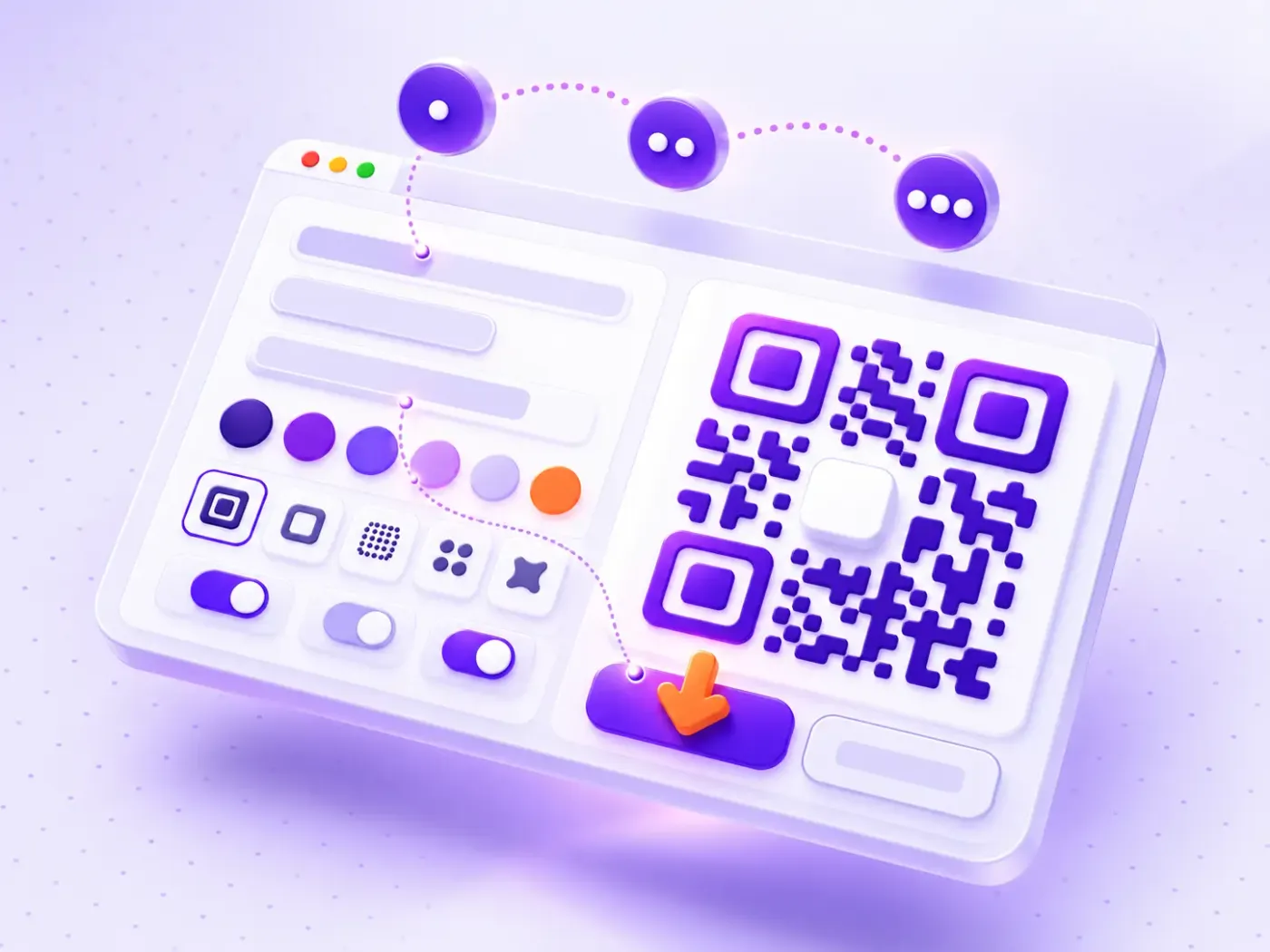
A QR code generator with no signup, no ads and no expiry dates.
URL, text, Wi-Fi, vCard, email, SMS, WhatsApp, phone and location, each with its own simple form.
Upload your logo and the tool raises error correction automatically, so the code still scans.
Choose dot shapes, corner styles, solid colors or gradients, frames and a transparent background.
Each code is read back in your browser right after it is made, so you know it works before you print.
Export PNG up to 2048 px or an SVG vector for print. Copy the image to your clipboard in one click.
Paste up to 100 links or lines of text and download every QR code in a single ZIP file.
Menus, Google review links, guest Wi-Fi and payment pages on counters and tables.
Brand-matched codes for posters, packaging and business cards, with SVG for print.
Link flyers, events and social profiles to landing pages, and make many codes at once in bulk.
Worksheets, attendance forms, event tickets and venue locations that students and guests open instantly.
A QR code generator turns information such as a link, a Wi-Fi login or a contact card into a square pattern of dark and light modules. Any smartphone camera can read it in a second.
QR stands for "Quick Response". The format was invented by DENSO WAVE in 1994 to track car parts, and today it appears on menus, packaging, posters and business cards.
Every code includes error correction, so it can still be read when part of it is damaged or covered by a logo. You can read the full technical background on Wikipedia's QR code article.
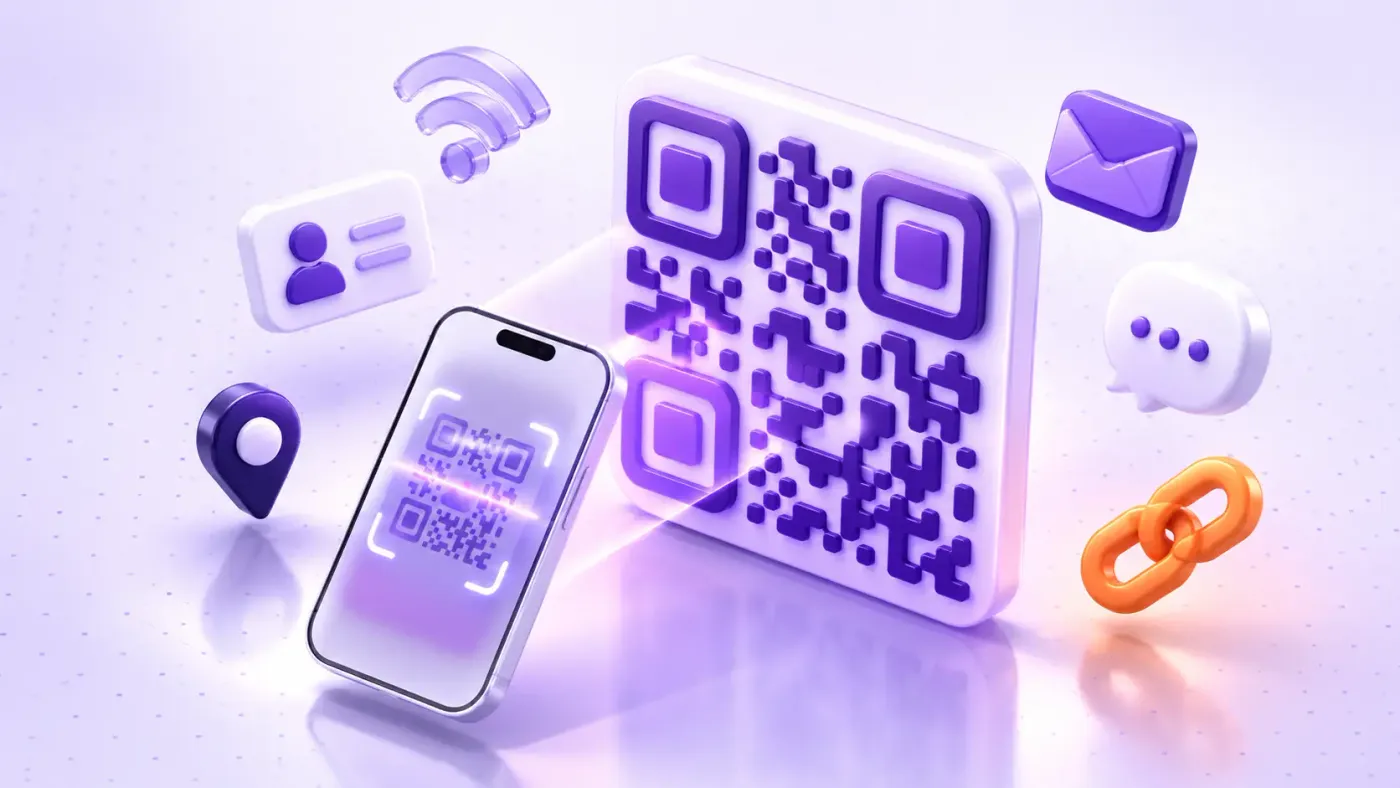
This free QR code generator creates static QR codes. Your data is written directly into the pattern, so the code keeps working forever, with no account, no scan limits and no tracking.
Many other sites create dynamic codes by default. These point to a short redirect link on the provider's server. When the free trial ends, the redirect is switched off, and every printed flyer, menu or package stops working.
Dynamic codes are useful when you need scan analytics or want to change the destination later. For everything else, a static code is simpler, more private and permanent.
Design freedom is great, but a custom QR code must still be readable. The scannability checks in the tool look for the most common problems automatically:
A simple rule: the code should be at least one tenth of the scanning distance. Use the print size helper in the tool, or this table:
| Where it's used | Scan distance | Minimum size |
|---|---|---|
| Business card | 20 cm | 2 × 2 cm |
| Flyer or menu | 30–50 cm | 3–5 cm |
| Poster | 1–2 m | 10–20 cm |
| Banner or shop window | 3–5 m | 30–50 cm |
When you design a layout around your code, the UI grid maker keeps spacing consistent, and the online image compressor keeps your PNG exports light for the web.
A Wi-Fi QR code stores your network name, password and security type. Guests point their camera at it and join instantly, with no long passwords to type. Your password never leaves your browser.
A vCard QR code saves your name, phone, email, company and website straight into the scanner's contacts. It is the fastest way to share details from a business card or a conference badge.
A WhatsApp QR code opens a chat with your number and an optional pre-filled message. It is perfect for shop counters, delivery packaging and customer support.
Ready to start? Scroll up, create your first code with the ProFigma QR code generator and download it in seconds: free, private and yours forever.
Yes. The ProFigma QR code generator is 100% free with no signup, no watermark and no limits on how many codes you create or how many times they are scanned.
No. These are static QR codes, so your data is stored inside the code itself. They keep working forever, even without a ProFigma account.
Yes. Upload a PNG, JPG, WebP or SVG logo in the Logo section. The tool switches to High error correction automatically and checks that the code still scans.
Yes. Everything is generated in your browser. Your links, Wi-Fi passwords and contact details are never uploaded to any server.
Use SVG for print, packaging and large signs because it scales to any size without losing quality. Use PNG for websites, social media and documents.
The most common causes are low color contrast, light dots on a dark background, a missing margin or a logo that is too large. Follow the Scan health checks until every item is green.
Yes. Open Bulk generate, paste up to 100 links or lines of text, and download every QR code as PNG or SVG in a single ZIP file.
Not a static code, because its content is fixed. To change the destination later, point the code at a page on your own website and update that page instead.
Switch text between 15+ cases in one click.
Shrink photos up to 90% right in your browser.
WCAG 2.2 AA and AAA checks for any colour pair.
Design Figma and CSS grids with a live calculator.
Bulk convert images in three steps.
Shrink videos in your browser. No upload, no sign-up.
Yes. You can create and download QR codes without paying, signing up or seeing a watermark. The codes you download are static, so they keep working and do not expire or depend on a subscription.
Yes. Upload a PNG, JPG, WebP or SVG logo up to 2 MB. The tool then raises error correction to High automatically, so the code still scans even though part of it is covered. Always test-scan before printing.
Nine types: URL, text, Wi-Fi, vCard contact, email, SMS, WhatsApp, phone number and map location. You can also generate up to 100 QR codes at once from a list of links and download them in a ZIP file.
Use PNG for websites, documents and social posts. Use SVG for print, such as packaging, menus and posters, because it scales to any size without blurring. Leave a quiet margin around the code and keep strong contrast between dots and background.
A static QR code stores your content inside the pattern, so it never expires but cannot be edited later. A dynamic code points to a redirect link that can be changed, but usually requires a paid service. This tool makes static codes.