
Compress to an exact size
Type 20, 50, 100 or 500 KB and every image is made as sharp as possible under that limit.

☕ Support ProFigma
Hi, I'm Mahesh 👋 I build every ProFigma tool myself and keep them free for designers and developers. If one helped you today, a small coffee keeps new tools and features coming.
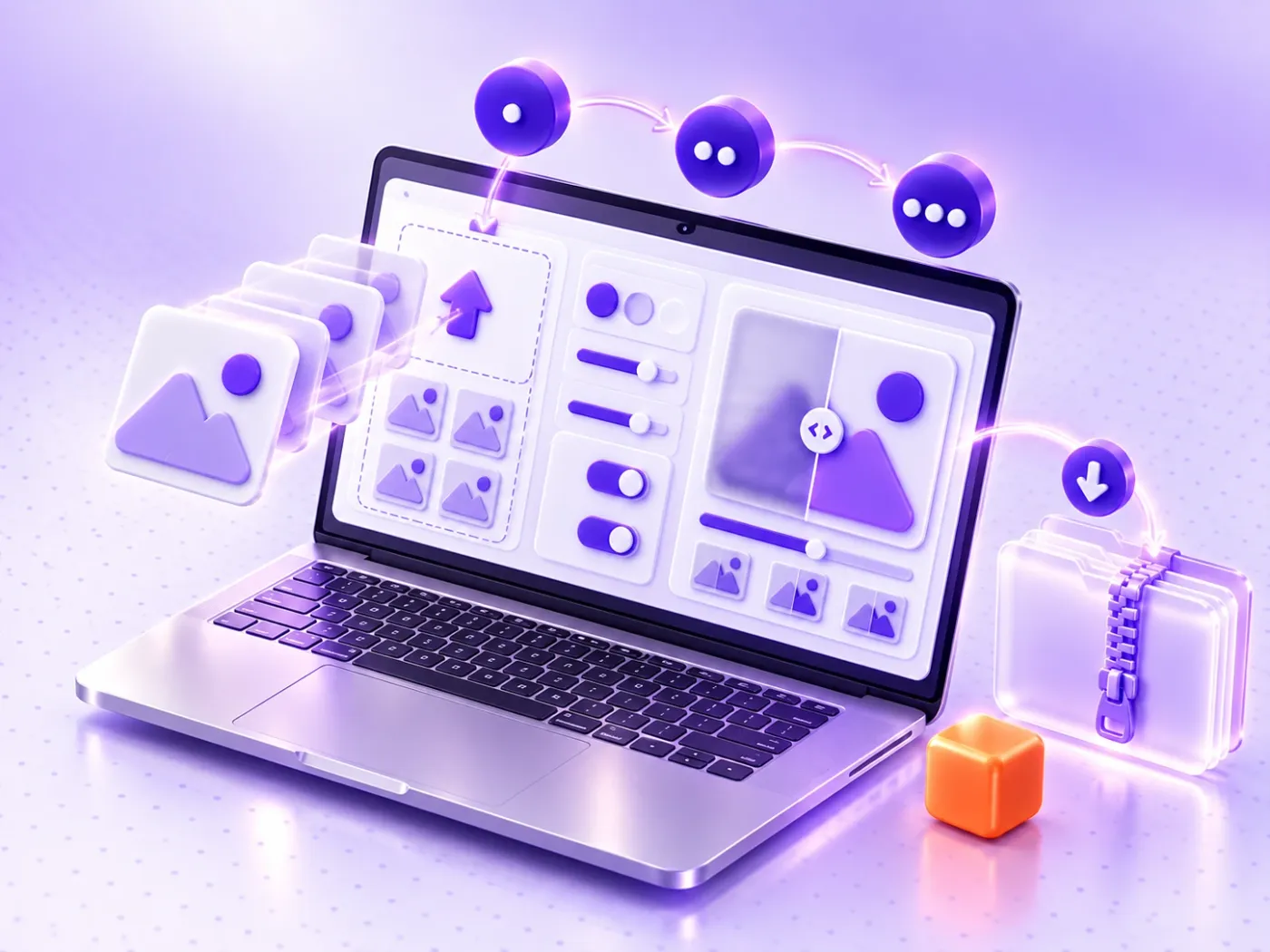
Drop photos onto the tool, click to browse or paste a screenshot with Ctrl+V. JPG, PNG, WebP, HEIC, AVIF, GIF and BMP all work.
Pick Low, Medium or High, or choose Target and type a size such as 100 KB. You can also resize big phone photos in the same step.
Drag the slider to compare the original and the compressed image, then download one file or all of them in a ZIP.
Most online image compressor tools send your files to a server. This one does all the work in your browser.
Type 20, 50, 100 or 500 KB and every image is made as sharp as possible under that limit.
Smart JPG, WebP and PNG compression cuts file size while keeping photos sharp to the eye.
Compare the original and the compressed image side by side, even at 100% zoom.
PNG files are shrunk by reducing colours, so logos and icons keep their transparent background.
If a file is already optimised, you get the original back instead of a larger copy.
Compress hundreds of images at once with no file limit and download them together in one ZIP.
Lighter images load faster, improve Core Web Vitals and help pages rank.
Compress a photo or signature to 20, 50 or 100 KB for online applications.
Shrink Figma and Photoshop exports before sending them to clients or uploading to a portfolio.
Send photo albums that fit under attachment limits without losing quality.
An online image compressor makes a picture file smaller while keeping it looking the same. It removes detail your eyes barely notice, drops hidden camera data and, if you want, reduces the number of pixels.
There are two kinds of compression. Lossy compression, used for JPG and WebP, throws away tiny details and can cut the size by 60–90%. Lossless compression keeps every pixel but saves much less.
This image compressor uses the right method for each format. Photos are re-encoded at the quality you choose. PNG files are reduced to a smaller colour palette, the same idea TinyPNG uses, so transparent backgrounds survive.
| Format | Recommended level | Typical saving | Best for |
|---|---|---|---|
| JPG | Medium (70%) | 60–80% | Photos, email, forms |
| PNG | High (256 colours) | 50–80% | Logos, icons, screenshots |
| WebP | Medium (70%) | 70–90% | Websites and online shops |
| HEIC | Medium, saved as JPG | 50–70% | iPhone photos |
Not sure? Start with Medium in the online image compressor above and drag the compare slider. If you cannot see a difference at 100% zoom, try Low for an even smaller file.
Many job portals, exam forms and email systems only accept files under a fixed size. To compress an image to 100KB with the online image compressor:
The tool finds the highest quality that fits. If the photo is still too big at the lowest quality, it scales the image down step by step until it fits. It counts 1 KB as 1,000 bytes, so files also pass strict forms that use that rule.
For a 20 KB or 50 KB limit, crop the photo first so only the face or signature is left. Fewer pixels mean the compressor can keep more detail within the same size.
Images are usually the heaviest part of a web page and often the Largest Contentful Paint element. Google's guide to optimising LCP recommends compressing and resizing them first.
Choose modern formats too: web.dev explains how to choose the right image format, and Google Search Central shares image SEO best practices such as descriptive file names and alt text.
Need a different format, such as PNG to JPG or HEIC to JPG? Use our bulk image converter. Planning the page layout as well? Try the UI grid maker.
With this online image compressor, yes. Your photos never leave your device, and hidden data such as GPS location and camera details is removed from every compressed file.
Bookmark the ProFigma online image compressor for your next batch of photos: free, fast, private and without limits.
Yes. It is 100% free with no signup, no watermark and no limit on the number or size of images.
No. Every image is compressed inside your browser on your own device. Nothing is uploaded, stored or shared.
Add your image, click Target, choose 100 KB and download. The tool picks the best quality that fits and scales the image down only if it has to.
At Medium or High the difference is very hard to see, while the file becomes much smaller. Use the compare slider at 100% zoom to check before you download.
Yes. PNG files are compressed by reducing the number of colours, so transparent backgrounds are kept.
Some images are already well optimised. Instead of giving you a bigger copy, the tool keeps the original and marks it as already optimised.
Yes. Add HEIC or HEIF photos like any other image. They are compressed and saved as JPG so they open everywhere.
There is no fixed limit. Add as many as you like and download them together as one ZIP file. Very large batches depend on your device's memory.
Custom QR codes for links, Wi-Fi, contacts and WhatsApp, with your logo and colours.
Switch text between 15+ cases in one click.
WCAG 2.2 AA and AAA checks for any colour pair.
Design Figma and CSS grids with a live calculator.
Bulk convert images in three steps.
Shrink videos in your browser. No upload, no sign-up.
Add your image, switch to the Target tab and type 100 KB, or tap the 100 KB quick size. The tool makes the image as sharp as possible under that limit, scaling it down slightly if quality alone is not enough.
No. Compression happens in your browser on your own device, so your images are never sent anywhere. Camera data such as GPS location is also removed from the compressed copies for privacy.
You can add JPG, PNG, WebP, HEIC, AVIF, GIF and BMP files. Output can stay the same format or become JPG, PNG, WebP or AVIF. PNG files keep their transparent background because they are shrunk by reducing colors.
Yes. There is no file limit, so you can add many images, compress them together and download them as one ZIP. You can also paste screenshots with Ctrl+V to add them quickly.
No. With Never make files bigger switched on, an already optimised image is returned unchanged instead of a larger copy. Use the before and after slider to check quality before you download.