
Bulk conversion + ZIP
Convert dozens or hundreds of images at once and download them together in one ZIP file.

☕ Support ProFigma
Hi, I'm Mahesh 👋 I build every ProFigma tool myself and keep them free for designers and developers. If one helped you today, a small coffee keeps new tools and features coming.
Drop files onto the tool, click to browse or paste a screenshot with Ctrl+V. PNG, JPG, WebP, HEIC, AVIF, GIF, BMP and SVG all work.
Pick JPG, PNG, WebP or a favicon, set the quality, choose a background colour for transparent areas and resize if you need to.
Check the before and after sizes, then download one image or every file together in a single ZIP.
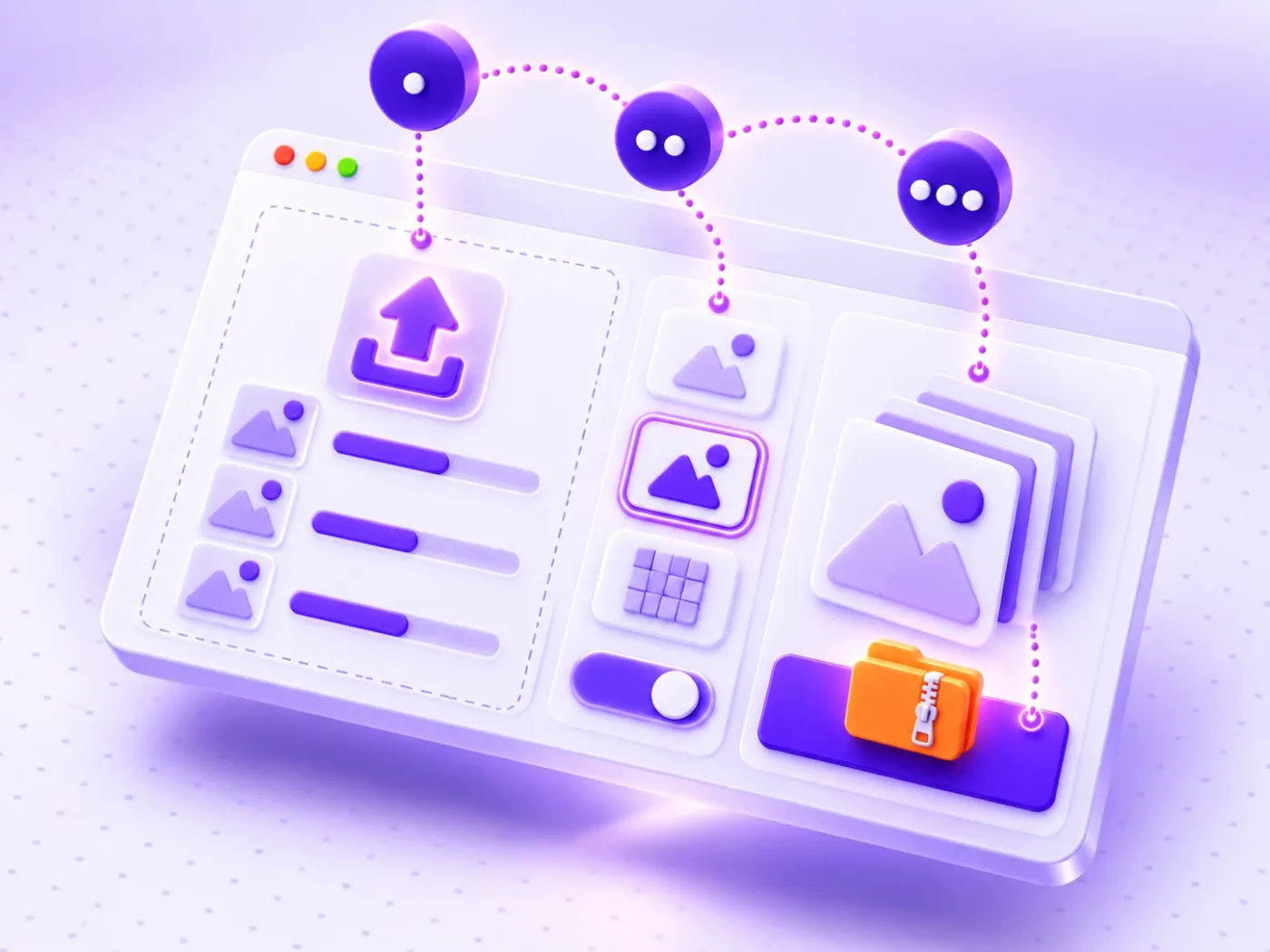
This PNG to JPG converter runs entirely in your browser, so your photos are never uploaded to a server.
Convert dozens or hundreds of images at once and download them together in one ZIP file.
Read PNG, JPG, WebP, HEIC, AVIF, GIF, BMP and SVG, and save as JPG, PNG, WebP or a favicon .ico.
Pick white, black or any colour for transparent areas and see the result before you download.
Each file shows its size before and after, and warns you when a format makes it bigger.
Shrink large photos to a maximum size and give files clean, web-safe names in the same step.
Nothing is uploaded, and hidden photo data such as camera details and GPS location is removed.
Turn Figma and Photoshop exports into light JPG or WebP files for clients and portfolios.
Use the PNG to JPG converter on product photos to get the size your store needs, with a clean white background.
Batch convert assets to WebP, add a favicon and keep page weight low for Core Web Vitals.
Turn HEIC photos into JPG so they open on Windows, in email and on any website.
A PNG to JPG converter changes an image from one file format to another without changing what it shows. PNG files are perfect for screenshots and graphics, but they are often much larger than they need to be for photos.
Converting a photo from PNG to JPG usually cuts the file size by 70–90%, which makes it faster to upload, email and load on a website. This tool also works the other way round and converts to WebP, the modern format for the web.
| Format | Transparency | File size | Best for |
|---|---|---|---|
| JPG | No | Small | Photos, email, printing, sharing |
| PNG | Yes | Large | Logos, screenshots, sharp graphics |
| WebP | Yes | Smallest | Websites and online shops |
| ICO | Yes | Tiny | Browser tab icons (favicons) |
Not sure which to pick? The PNG to JPG converter above lets you switch formats and compare the sizes instantly. JPG uses lossy compression that throws away detail the eye barely notices. PNG is lossless, so it keeps every pixel. WebP can do both and is usually 25–35% smaller than JPG at the same quality, according to Google's WebP documentation. MDN's image file type guide lists which browsers support each format.
JPG has no transparency. When a PNG with a transparent background is converted, every converter has to fill those empty pixels with a colour, and many tools simply use black.
This PNG to JPG converter fills transparent areas with white by default. You can switch to black, lavender or any custom colour in the Background tab, and the preview shows exactly what you will get. If you need to keep the transparency, choose PNG or WebP instead.
Large images are the most common reason for slow pages. Google's guide to choosing the right image format recommends JPG or WebP for photos and PNG only when you need lossless graphics.
blue-sofa-front.webp for better image SEO.For even smaller files, run the results through our online image compressor. Designing the page layout too? Plan it with the UI grid maker.
iPhones save photos as HEIC, which many Windows apps and websites cannot open. Add them here and convert them to JPG in one click: the decoder only loads when you add a HEIC file.
Bookmark the ProFigma PNG to JPG converter for your next batch of images: free, fast and completely private.
Yes. It is 100% free with no signup, no watermark and no limit on how many images you convert.
No. Every image is converted inside your browser on your own device. Nothing is uploaded, stored or shared.
There is no fixed limit. You can add dozens or hundreds of images, and they are downloaded together as one ZIP file. Very large batches depend on your device's memory.
JPG does not support transparency, so transparent areas must be filled with a colour. The tool uses white by default, and you can choose another colour or save as PNG or WebP to keep transparency.
JPG is lossy, but at 90% quality the difference is almost impossible to see while the file becomes much smaller. Use PNG if you need a pixel-perfect copy.
Yes. Add HEIC or HEIF files like any other image and convert them to JPG, PNG or WebP.
Converting a small JPG or WebP to PNG often makes it larger, because PNG is lossless. The tool warns you when this happens so you can choose WebP or JPG instead.
Yes. Choose ICO as the output and pick the sizes you need, such as 16, 32 and 48 pixels. Every size is saved inside one favicon.ico file.
Custom QR codes for links, Wi-Fi, contacts and WhatsApp, with your logo and colours.
Switch text between 15+ cases in one click.
Shrink photos up to 90% right in your browser.
WCAG 2.2 AA and AAA checks for any colour pair.
Design Figma and CSS grids with a live calculator.
Shrink videos in your browser. No upload, no sign-up.
Drop all your PNG files on the tool, choose JPG as the output, set the quality and download the results. With many files, download them together as a single ZIP instead of one by one.
JPG cannot store transparency, so transparent areas must be filled. White is the default, and you can choose another background color. Keep the format as PNG, WebP or ICO if you need to preserve transparency.
No. Files are converted on your own device inside the browser, so private client images never leave your computer. You can also paste a screenshot with Ctrl+V to convert it.
Inputs include PNG, JPG, WebP, HEIC, AVIF, GIF, BMP and SVG. Outputs are JPG, PNG, WebP and ICO for favicons, where you pick the sizes, such as 16, 32, 48 and 64 pixels.
Yes. You can fit images inside a maximum size or scale by percent, and images are never enlarged. Renaming options add a prefix or suffix, number the files and make web-safe lowercase names with hyphens.