How to use it in Figma, even if you have never used Figma
Four steps. You do not need to draw anything, and a free Figma account is enough (Pro components need a ProFigma Pro plan).
Fill
Export
- Press Copy to FigmaClick the button on this page. The design is copied, like text you copy with Ctrl + C.
- Paste it in FigmaOpen Figma, open any file and press Ctrl + V (Cmd + V on Mac). You get real, editable layers.
- Make it yoursDouble-click a text to type your own words. Click a shape and change its color under Fill. Drag your own photo onto an image box.
- Export itClick the design. In the right panel, scroll to Export, choose PNG, JPG, SVG or PDF, then click Export.
Tip: install the free Google Fonts used in the design (the name shows when you click a text) so the text looks the same on your computer.
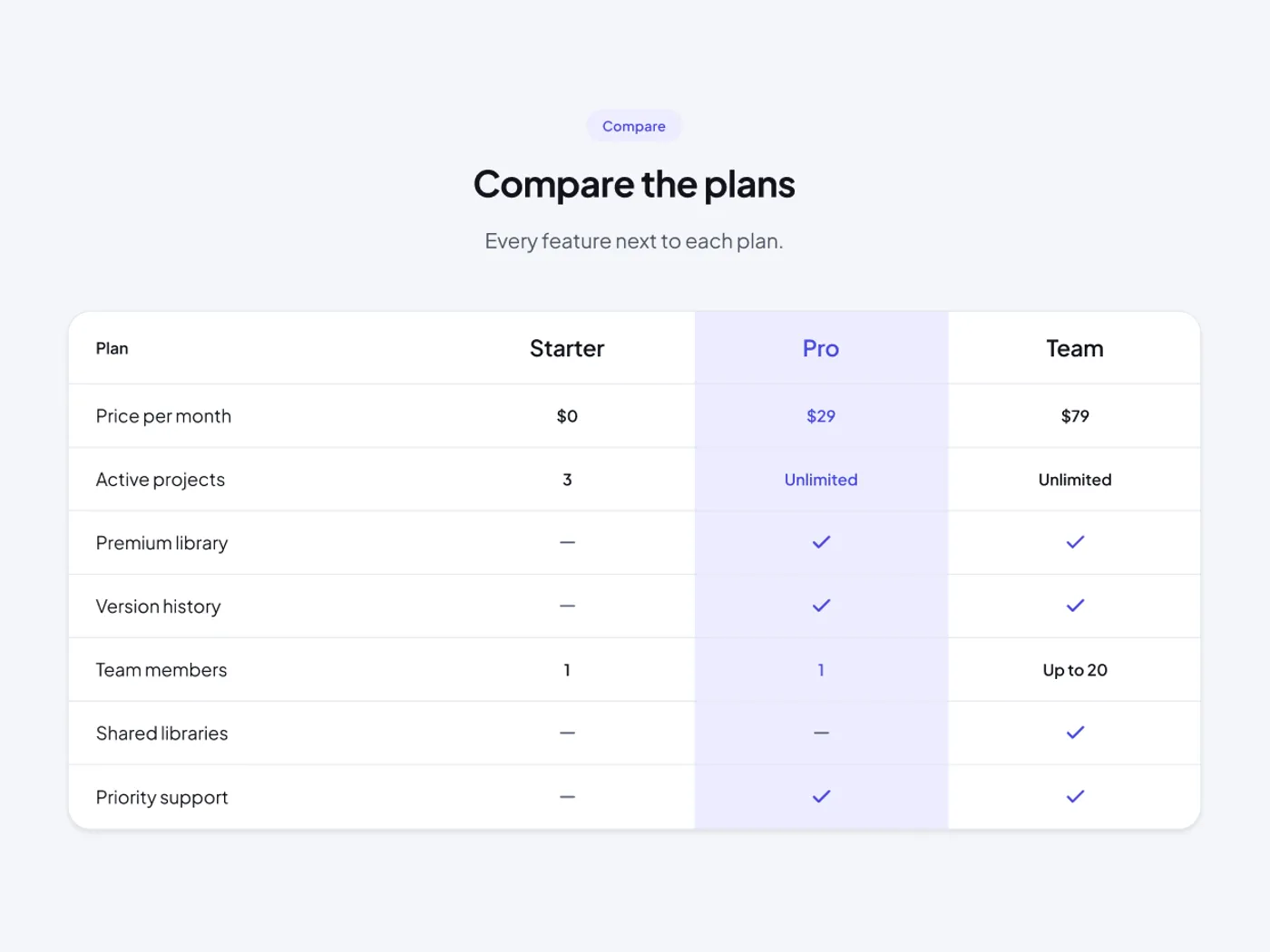
Help people choose a plan by putting every feature side by side. The Pro column has a soft color so it stands out.
What is included
- Three plan columns with a highlighted middle plan
- Eight feature rows with equal height
- Check marks and dashes that differ in shape, not only color
- Rounded card with thin row dividers
- Light and dark versions
Where to use it
Use it below a pricing table or on a separate compare page.
Design notes
The frame is 1200 px wide and 778 px tall. The table has three plan columns and eight feature rows of equal height, inside a card with a 20 px radius. The middle plan is highlighted. Check marks and dashes differ in shape, not only in color.
Questions
How do I add a feature row?
Duplicate a row and edit the label and the marks. The card grows with the table.
Why are the marks different shapes?
So the table still works for people who can't tell the colors apart. Keep a check and a dash, and don't rely on color alone.
How to use it
Copy this comparison table with the copy button and paste it into Figma with Ctrl+V or Cmd+V. The copy has a Light and a Dark frame, so use the one that fits your project. The text uses Plus Jakarta Sans, which is free on Google Fonts.