
How to use it in Figma, even if you have never used Figma
Four steps. You do not need to draw anything, and a free Figma account is enough (Pro components need a ProFigma Pro plan).
Fill
Export
- Press Copy to FigmaClick the button on this page. The design is copied, like text you copy with Ctrl + C.
- Paste it in FigmaOpen Figma, open any file and press Ctrl + V (Cmd + V on Mac). You get real, editable layers.
- Make it yoursDouble-click a text to type your own words. Click a shape and change its color under Fill. Drag your own photo onto an image box.
- Export itClick the design. In the right panel, scroll to Export, choose PNG, JPG, SVG or PDF, then click Export.
Tip: install the free Google Fonts used in the design (the name shows when you click a text) so the text looks the same on your computer.
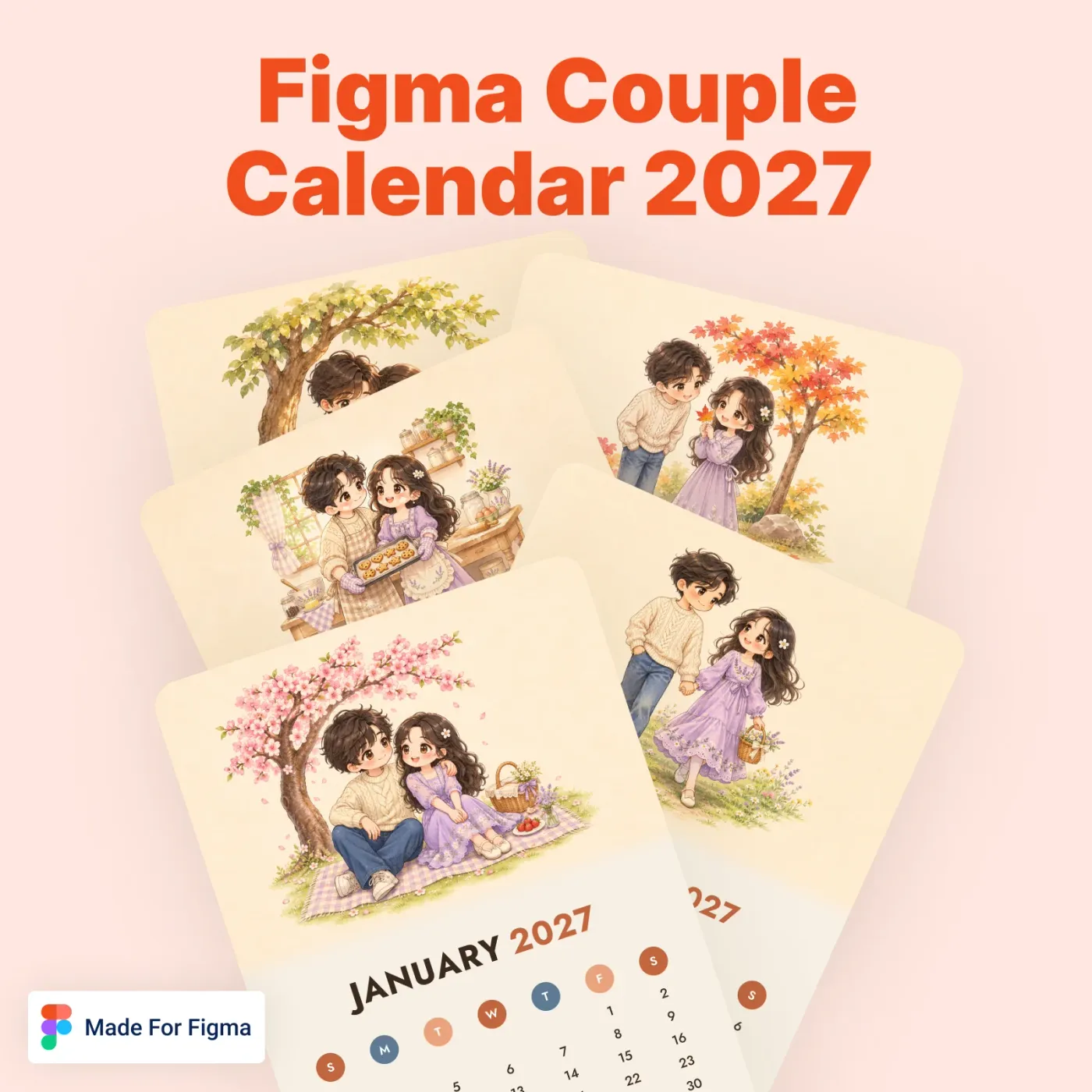
This couple calendar layout pairs watercolor scenes of a couple with monthly date grids for 2027. It's useful as a reference when designing a printed calendar or a seasonal gift.
Design details
- A June 2027 calendar page with a couple sharing a lavender umbrella
- Smaller July, November, and December page previews
- Beach, autumn tree, and snowman scenes on the smaller pages
- Cream paper backgrounds with rounded page corners
- Brown month labels and date grids with terracotta accents
- Decorative leaves and flowers around the page previews
How to use it
Click Copy to Figma, then paste into your Figma file. The calendar layout and illustrations are shown as a visual reference. Fully editable layers.
This 2027 couple calendar design gives you a clear example of how to pair an illustration with a readable date grid. You can use the June page as a starting point for another month, then keep the smaller previews nearby as a guide for seasonal colors and scenes. The layout also works as a reference for a printed calendar listing image.
12:11 AM