How to use it in Figma, even if you have never used Figma
Four steps. You do not need to draw anything, and a free Figma account is enough (Pro components need a ProFigma Pro plan).
Fill
Export
- Press Copy to FigmaClick the button on this page. The design is copied, like text you copy with Ctrl + C.
- Paste it in FigmaOpen Figma, open any file and press Ctrl + V (Cmd + V on Mac). You get real, editable layers.
- Make it yoursDouble-click a text to type your own words. Click a shape and change its color under Fill. Drag your own photo onto an image box.
- Export itClick the design. In the right panel, scroll to Export, choose PNG, JPG, SVG or PDF, then click Export.
Tip: install the free Google Fonts used in the design (the name shows when you click a text) so the text looks the same on your computer.
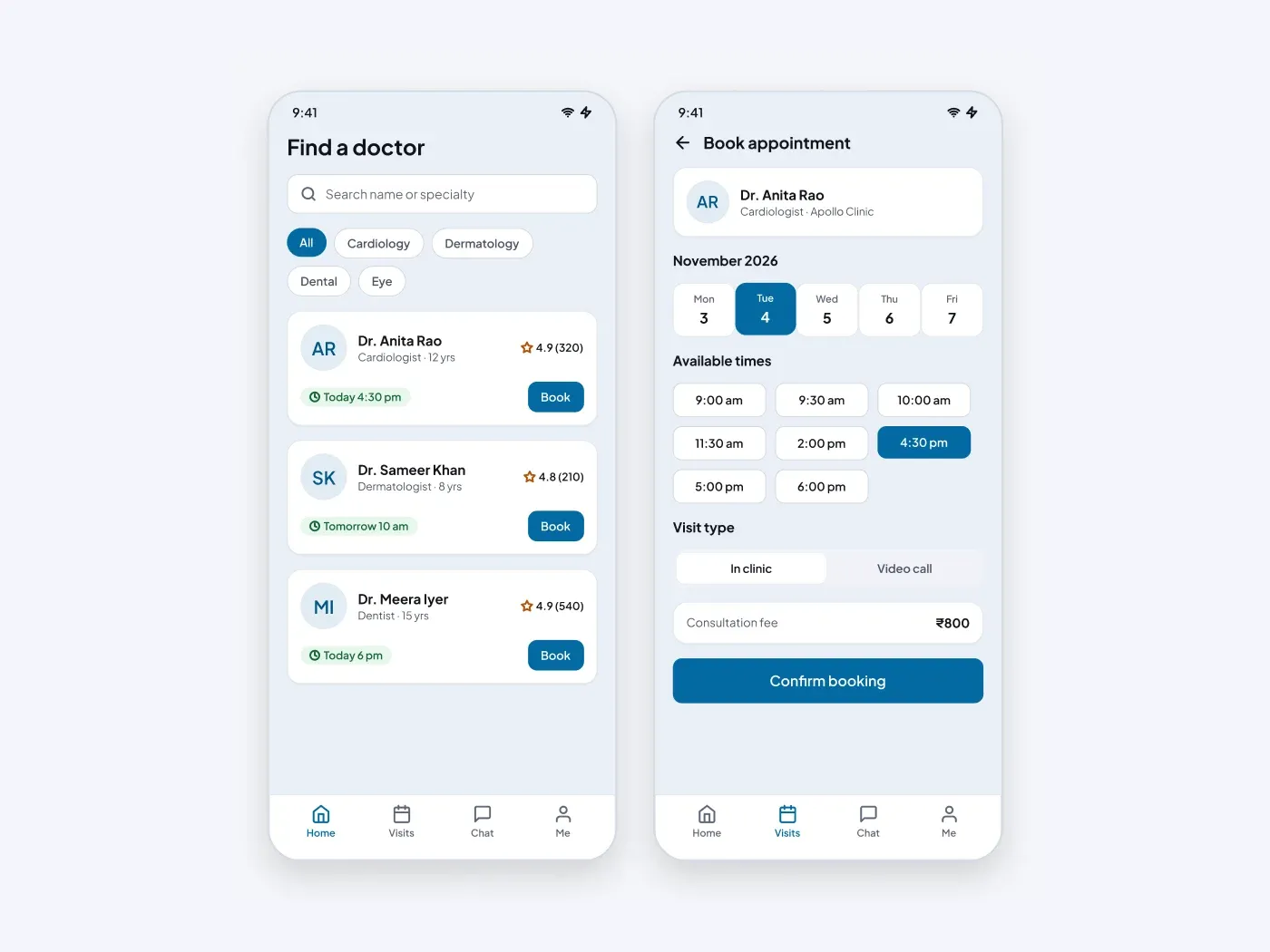
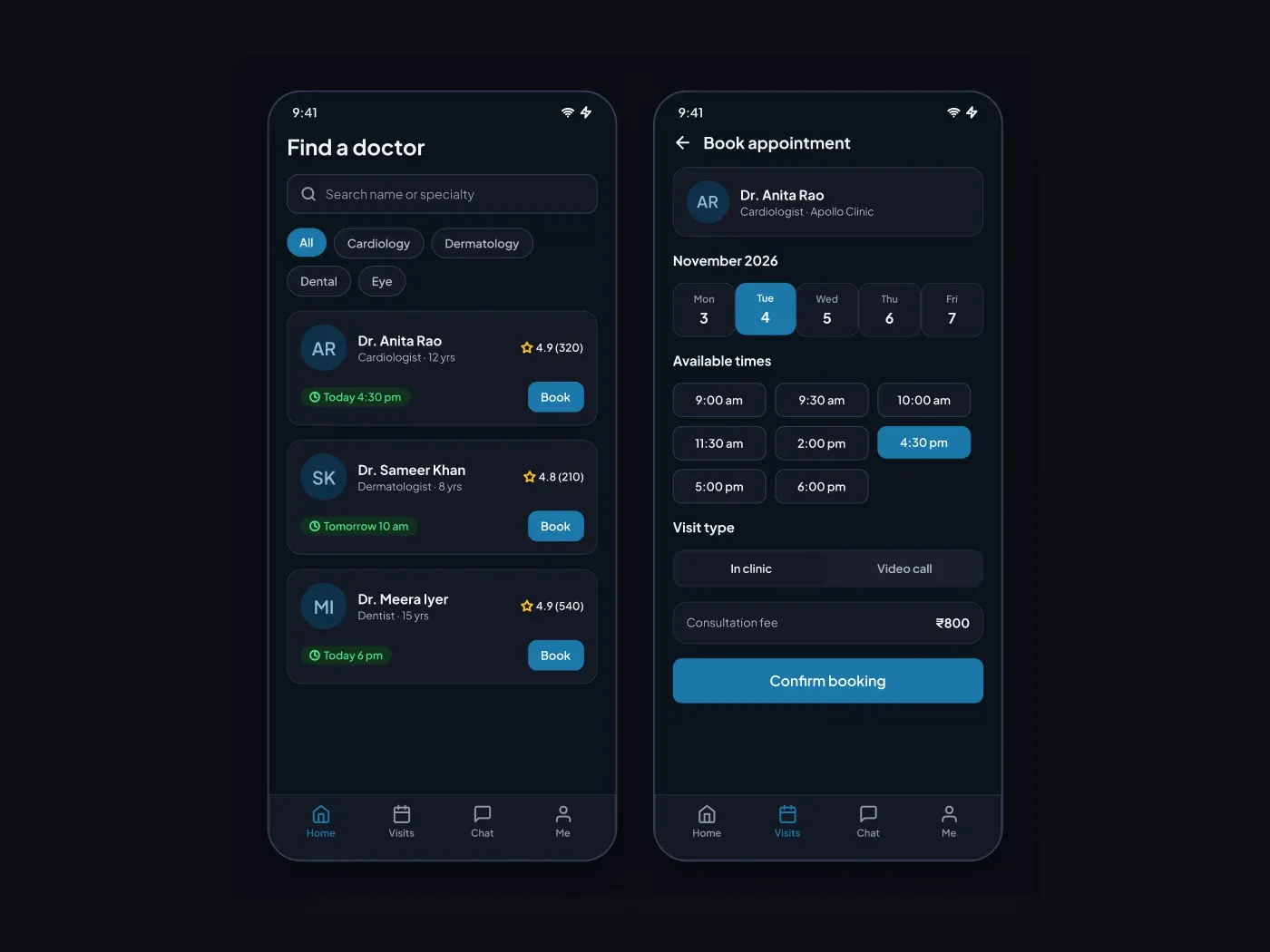
The dark version keeps every layer from the light one and changes only the colors. Let patients find a doctor and book a slot without leaving the phone. The first screen lists doctors with ratings and the next free time. The second picks a day, a time and a visit type.
What is included
- A search field and specialty chips
- Doctor cards with rating and next slot
- A five day date picker
- A grid of time slots with one selected
- An in clinic or video call switch and a fee row
Where to use it
Use it for a clinic app, a telehealth service or a hospital booking flow. Replace the doctors and fees with your own data.
How to use it
Copy the component with the copy button and paste it into Figma with Ctrl+V or Cmd+V. The layers keep their auto layout, so you can edit text, colors and spacing. The text uses Plus Jakarta Sans, a free font on Google Fonts. Install it first so the text looks the same.
Dark version
This listing is the dark version. The light version is listed separately, so you can pick the one that fits your project.