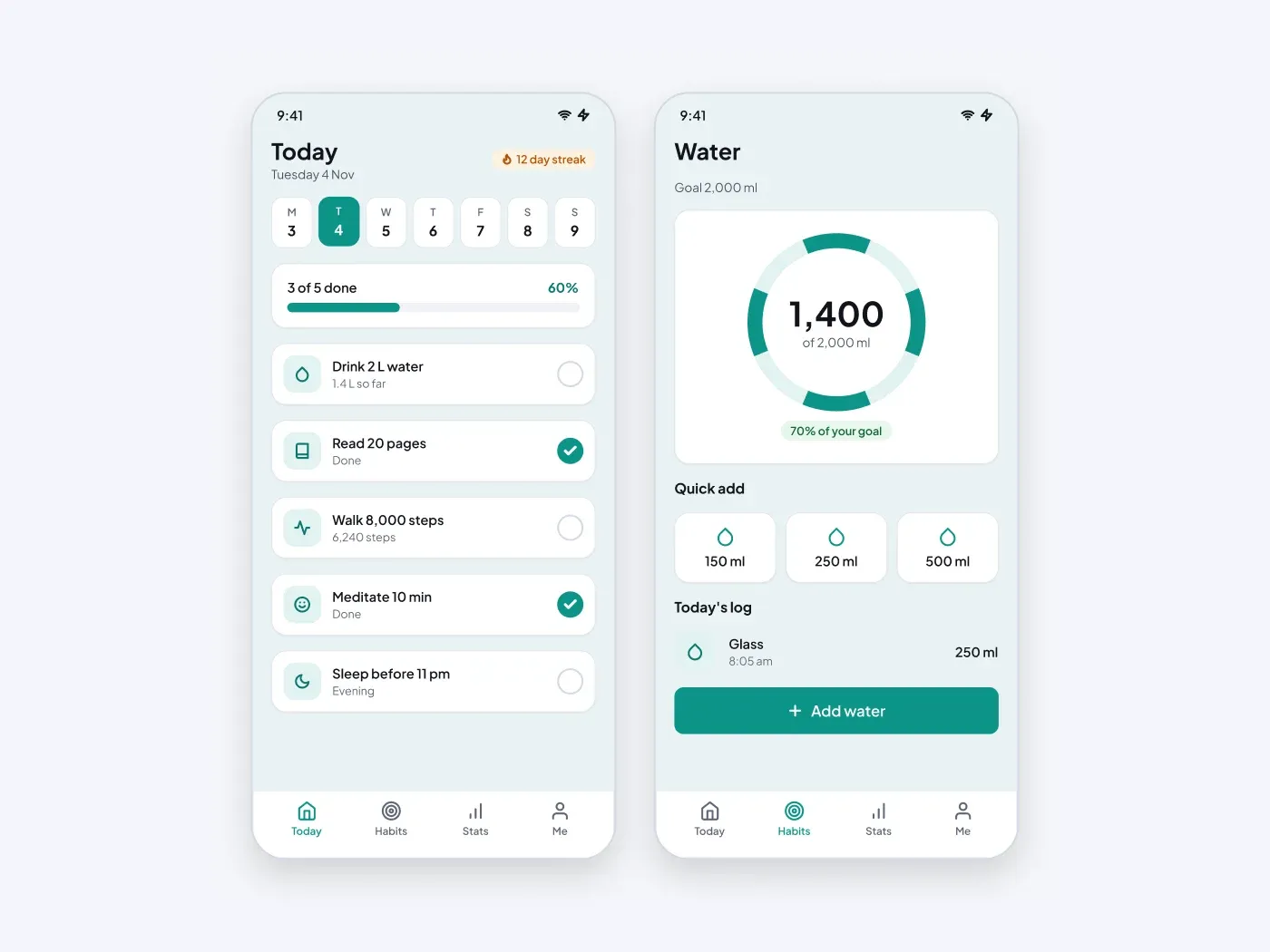

The dark version is made for night use, with muted text colors that stay easy to read. Build small daily wins into an app. One screen lists the habits for today with a streak badge, and the other tracks water with a progress ring and one tap amounts.
What is included
- A week strip with the selected day
- A progress bar for habits done today
- Five habit rows with check circles
- A water goal ring with a percent label
- Quick add tiles and a short intake log
Where to use it
Use it for a habit app, a health app or a wellness challenge. Change the habit names and the daily goal.
How to use it
Copy the component with the copy button and paste it into Figma with Ctrl+V or Cmd+V. The layers keep their auto layout, so you can edit text, colors and spacing. The text uses Plus Jakarta Sans, a free font on Google Fonts. Install it first so the text looks the same.
Dark version
This listing is the dark version. The light version is listed separately, so you can pick the one that fits your project.