

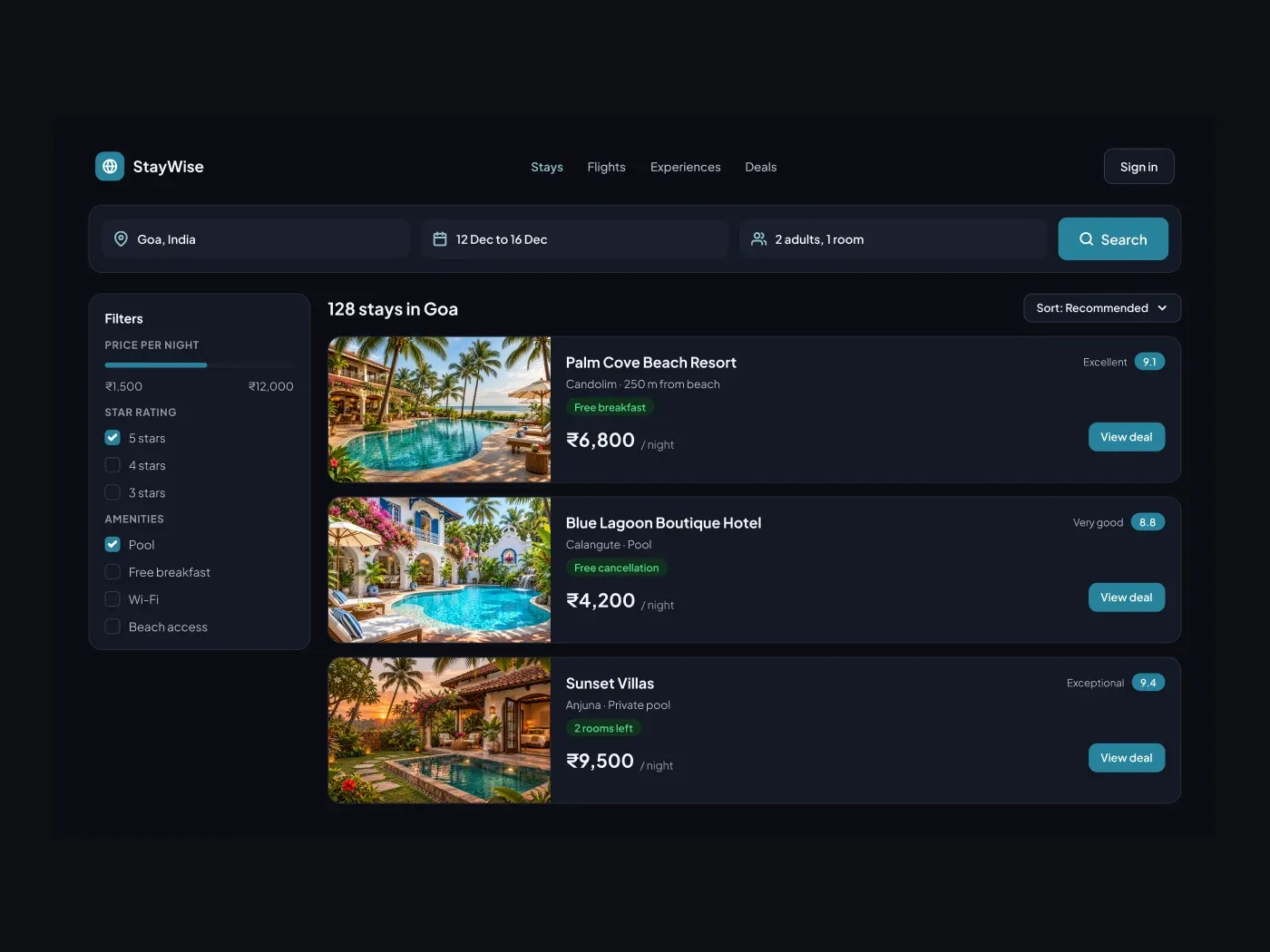
The dark version puts the layout on a near black page and keeps the same accent color. Let travellers compare stays quickly. The search bar holds the trip details, the filters narrow the list, and each card shows a photo, a review score, a perk and the nightly price.
What is included
- A search bar with place, dates, guests and a button
- A filter panel with price range, stars and amenities
- Three hotel cards with photo slots
- Score badges and perk tags such as free breakfast
- A sort button above the list
Where to use it
Use it for a booking site, a travel agency or a stay finder. Replace the hotels and the prices.
How to use it
Copy the component with the copy button and paste it into Figma with Ctrl+V or Cmd+V. The layers keep their auto layout, so you can edit text, colors and spacing. The text uses Plus Jakarta Sans, a free font on Google Fonts. Install it first so the text looks the same.
Dark version
This listing is the dark version. The light version is listed separately, so you can pick the one that fits your project.


