
How to use it in Figma, even if you have never used Figma
Four steps. You do not need to draw anything, and a free Figma account is enough (Pro components need a ProFigma Pro plan).
Fill
Export
- Press Copy to FigmaClick the button on this page. The design is copied, like text you copy with Ctrl + C.
- Paste it in FigmaOpen Figma, open any file and press Ctrl + V (Cmd + V on Mac). You get real, editable layers.
- Make it yoursDouble-click a text to type your own words. Click a shape and change its color under Fill. Drag your own photo onto an image box.
- Export itClick the design. In the right panel, scroll to Export, choose PNG, JPG, SVG or PDF, then click Export.
Tip: install the free Google Fonts used in the design (the name shows when you click a text) so the text looks the same on your computer.
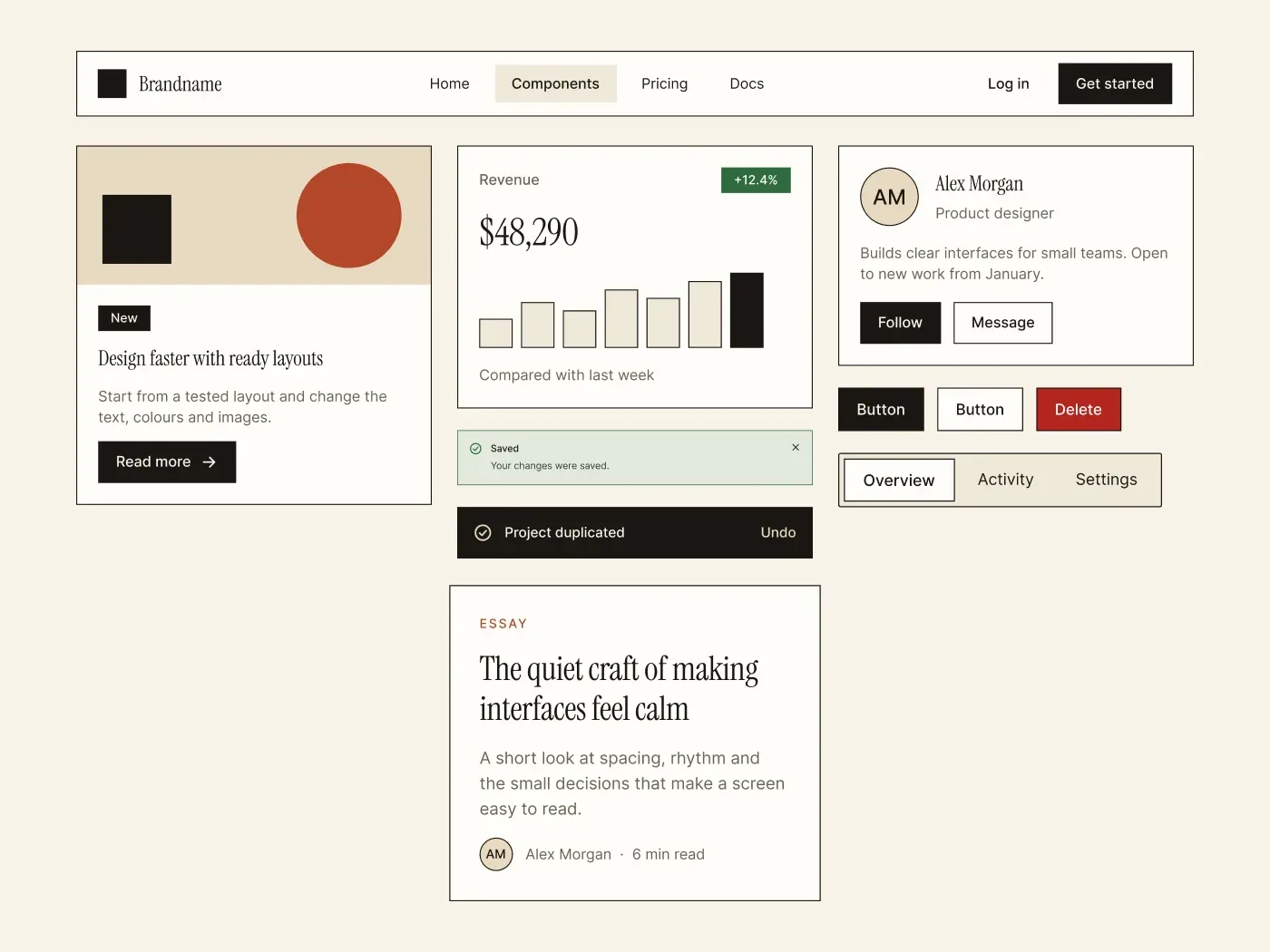
This grain texture ui kit gives clean components a warm, printed feel. A light film grain sits over paper colored sections, with clay red buttons, serif headings and a ticket card with stamps.
What is included
- Clay red buttons with outline, ghost and danger variants in five states and three sizes
- Paper fields, textarea, select menu, checkbox, radio, toggle and slider
- Content, stat and profile cards, four soft alerts, a toast and a modal
- A ticket with barcode and perforation, two round stamps and a settings list
- Navbar, tabs, breadcrumb, pagination, avatars and an accordion
Where to use it
Use it for craft shops, cafes, events, journals and any brand that wants a handmade look.
Design notes
The grain is a monotone noise effect at 12 percent on each section, which you can switch off in the effects panel. Colors are paper #EFE6D3, card #F8F1E1, clay #B84A24, ochre #E9B872 and sage #6B8F71. Buttons have a 2 px bottom edge like a pressed label. Headings use Fraunces.
Built for editing
Spacing sits on a 4 point grid and layers have clear names. Fonts are free on Google Fonts (Fraunces and Inter) and every color is a fill you can change in the fill panel. Text sizes stay at 12, 14, 16, 20 and 36 px, so the scale is easy to follow.
How to use it
Copy the kit with the copy button and paste it into Figma with Ctrl+V or Cmd+V. The layers keep their auto layout, so you can edit text, colors and spacing. Install the free Google Fonts first so the text looks the same.