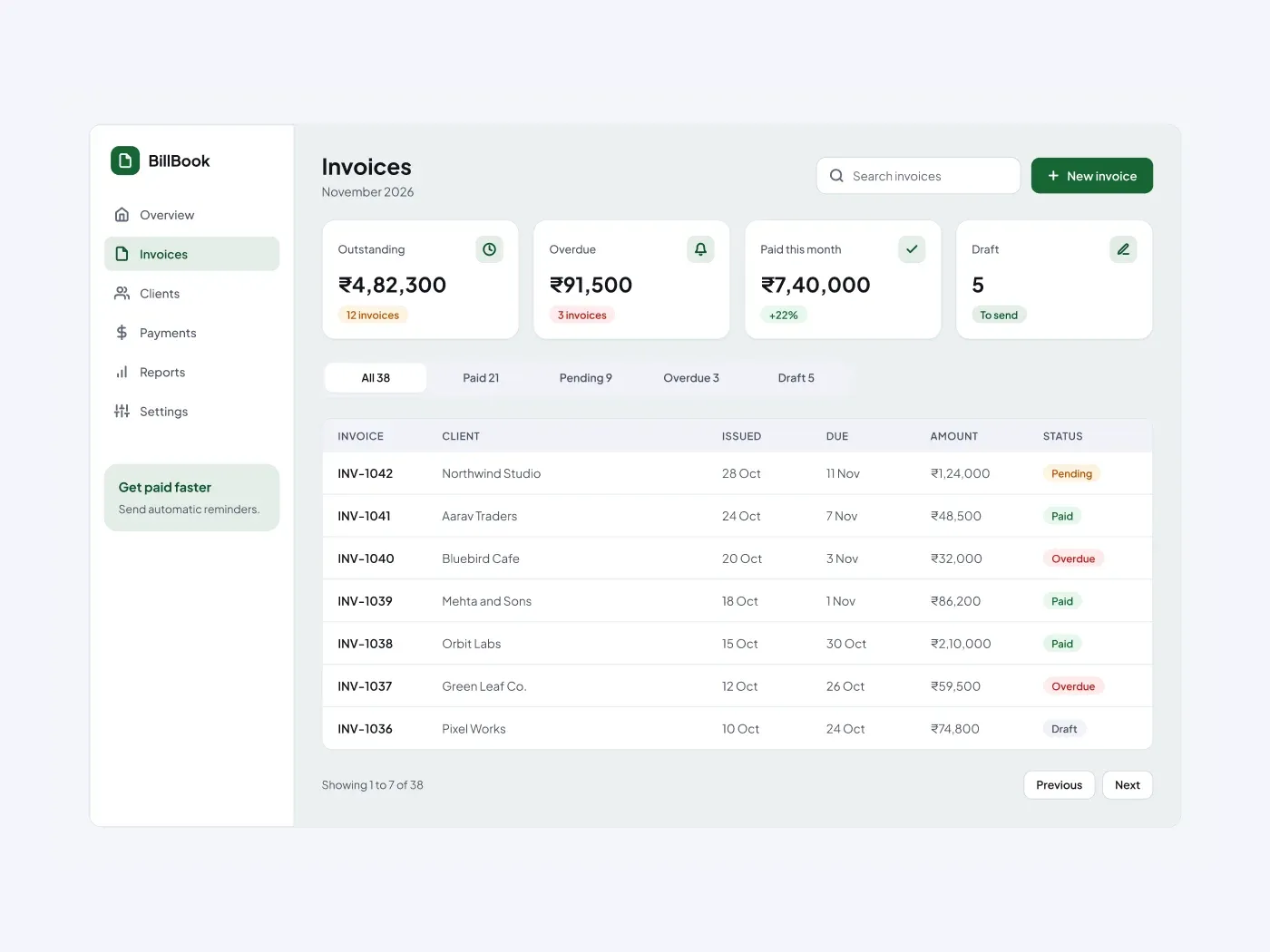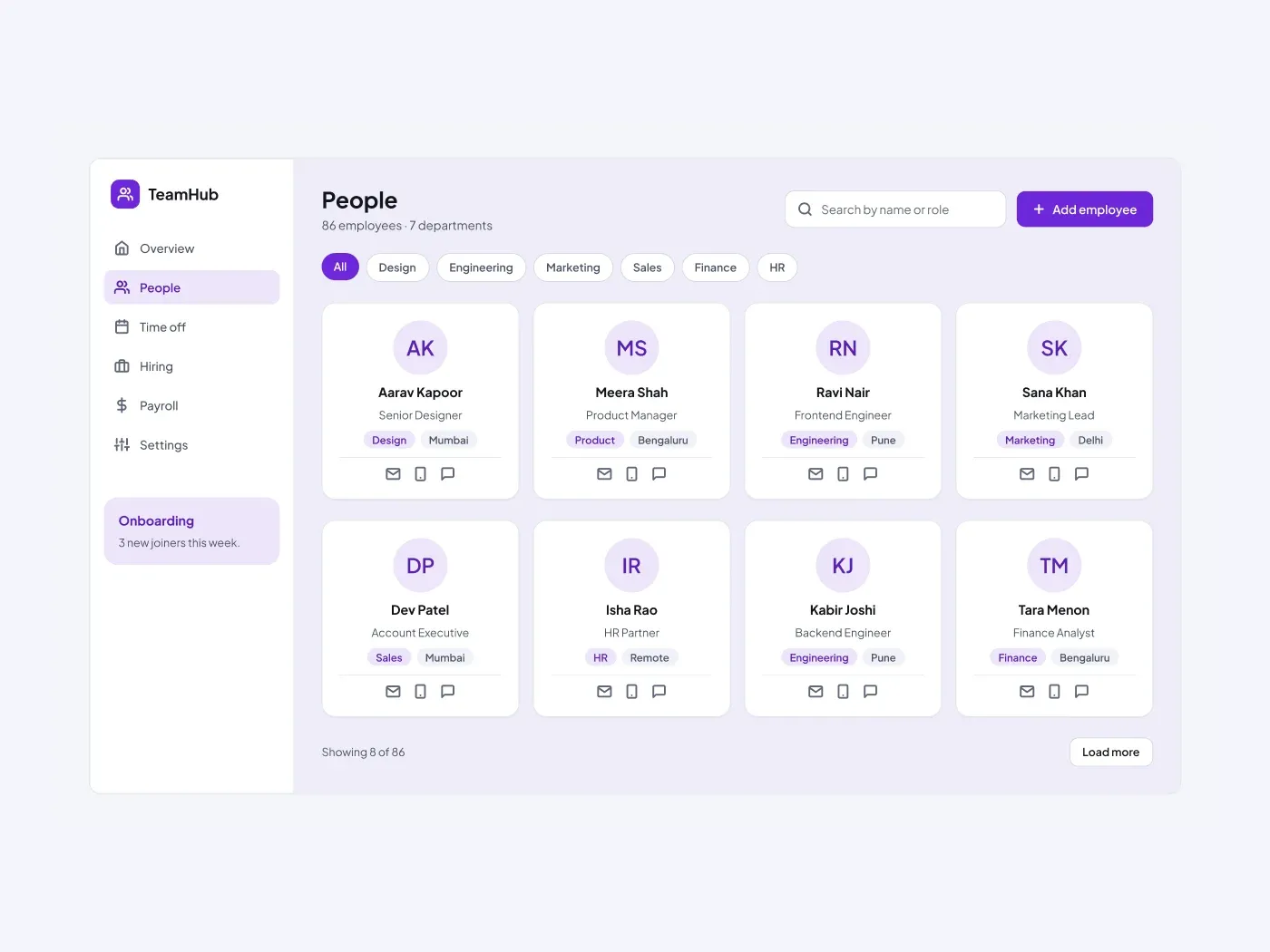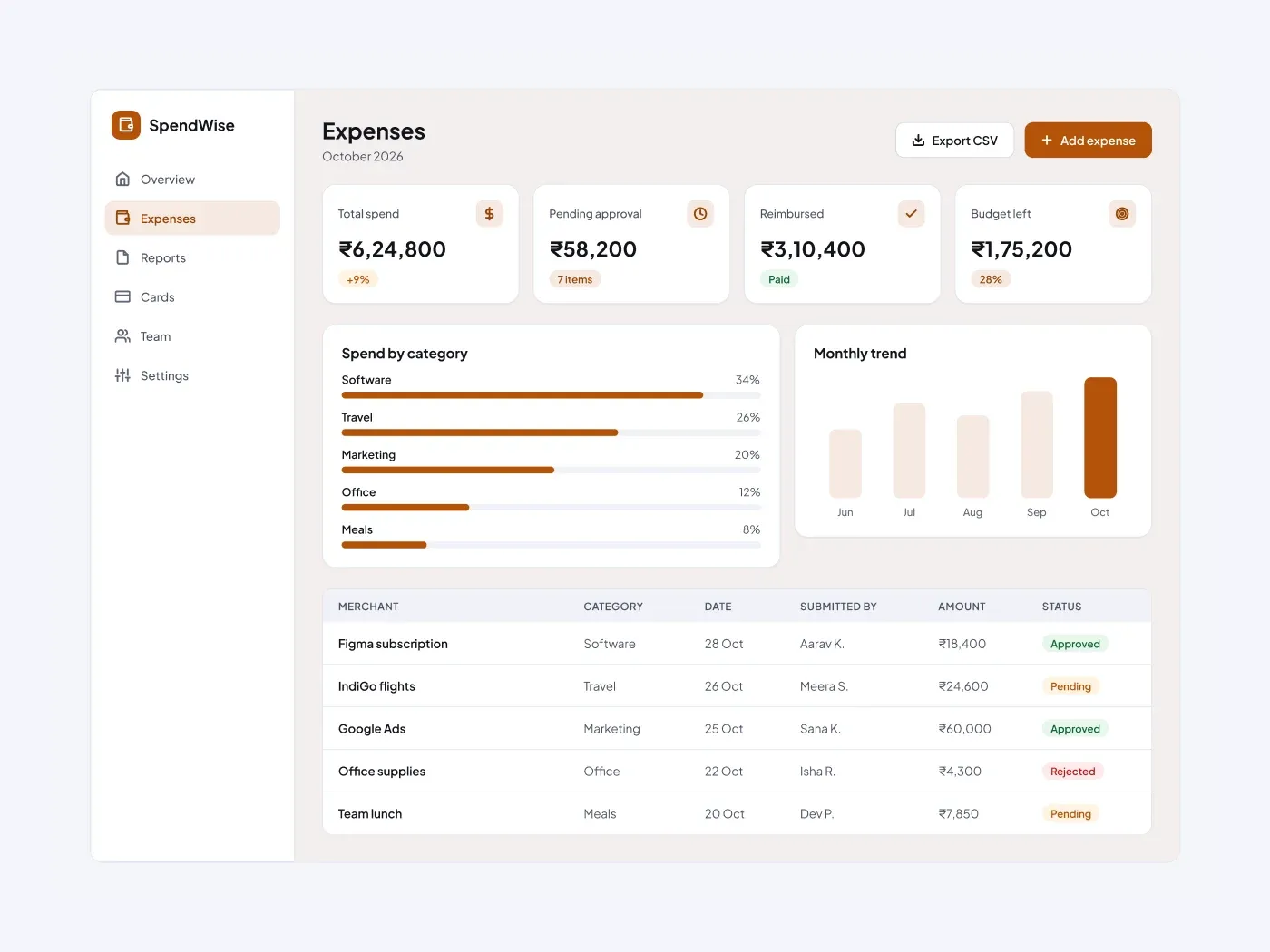
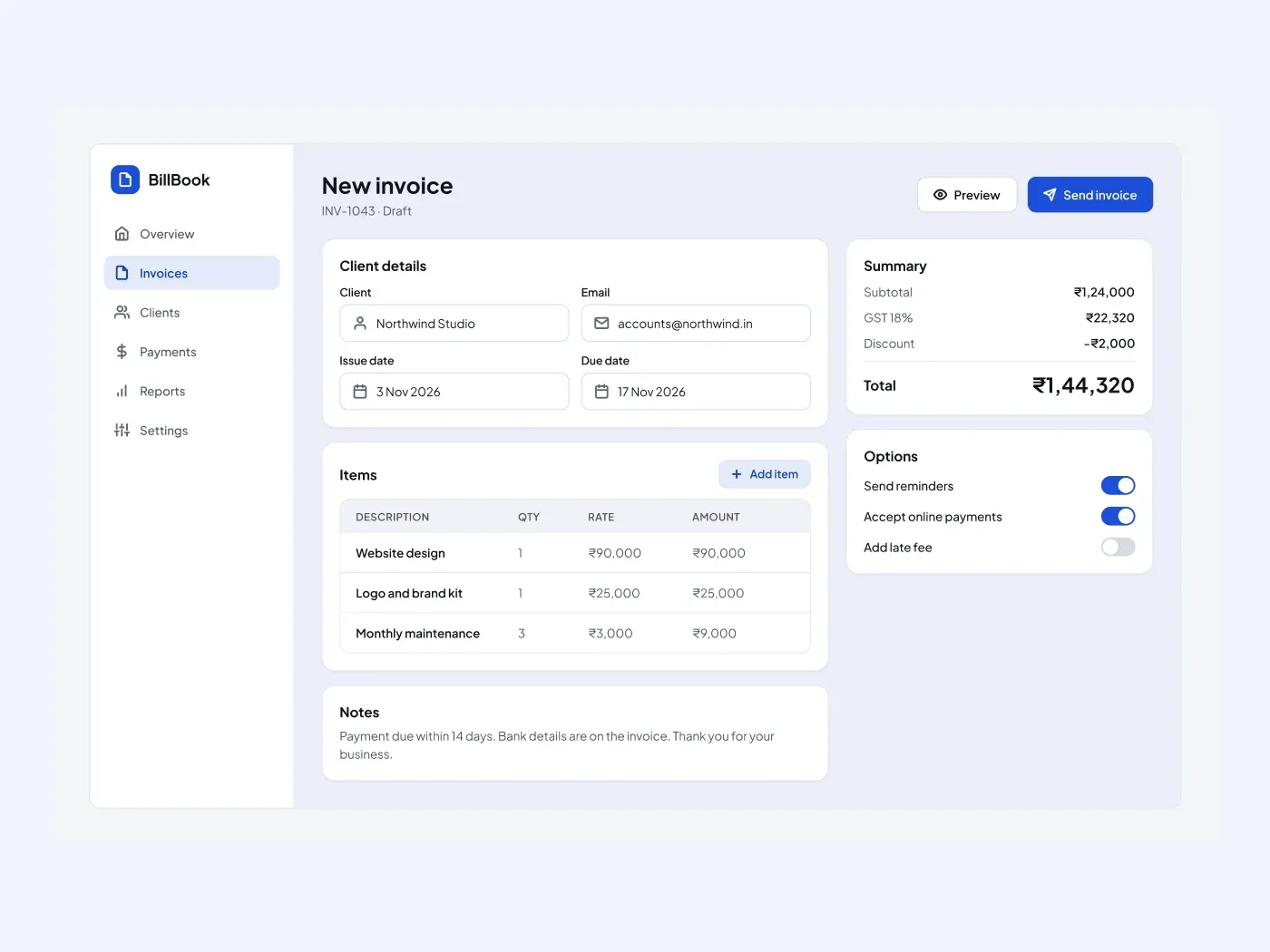
Create an invoice in one screen. The form holds the client and the dates, the table holds the items, and the summary on the right updates the total.
What is included
- Client, email, issue date and due date fields
- A line items table with an add item button
- A notes box for payment terms
- A summary card with subtotal, tax, discount and total
- Switches for reminders, online payments and late fees
Where to use it
Use it for an invoicing app, a billing tool or a freelancer dashboard. Edit the items and the tax rate.
How to use it
Copy the component with the copy button and paste it into Figma with Ctrl+V or Cmd+V. The layers keep their auto layout, so you can edit text, colors and spacing. The text uses Plus Jakarta Sans, a free font on Google Fonts. Install it first so the text looks the same.
Light version
This listing is the light version. The dark version is listed separately, so you can pick the one that fits your project.