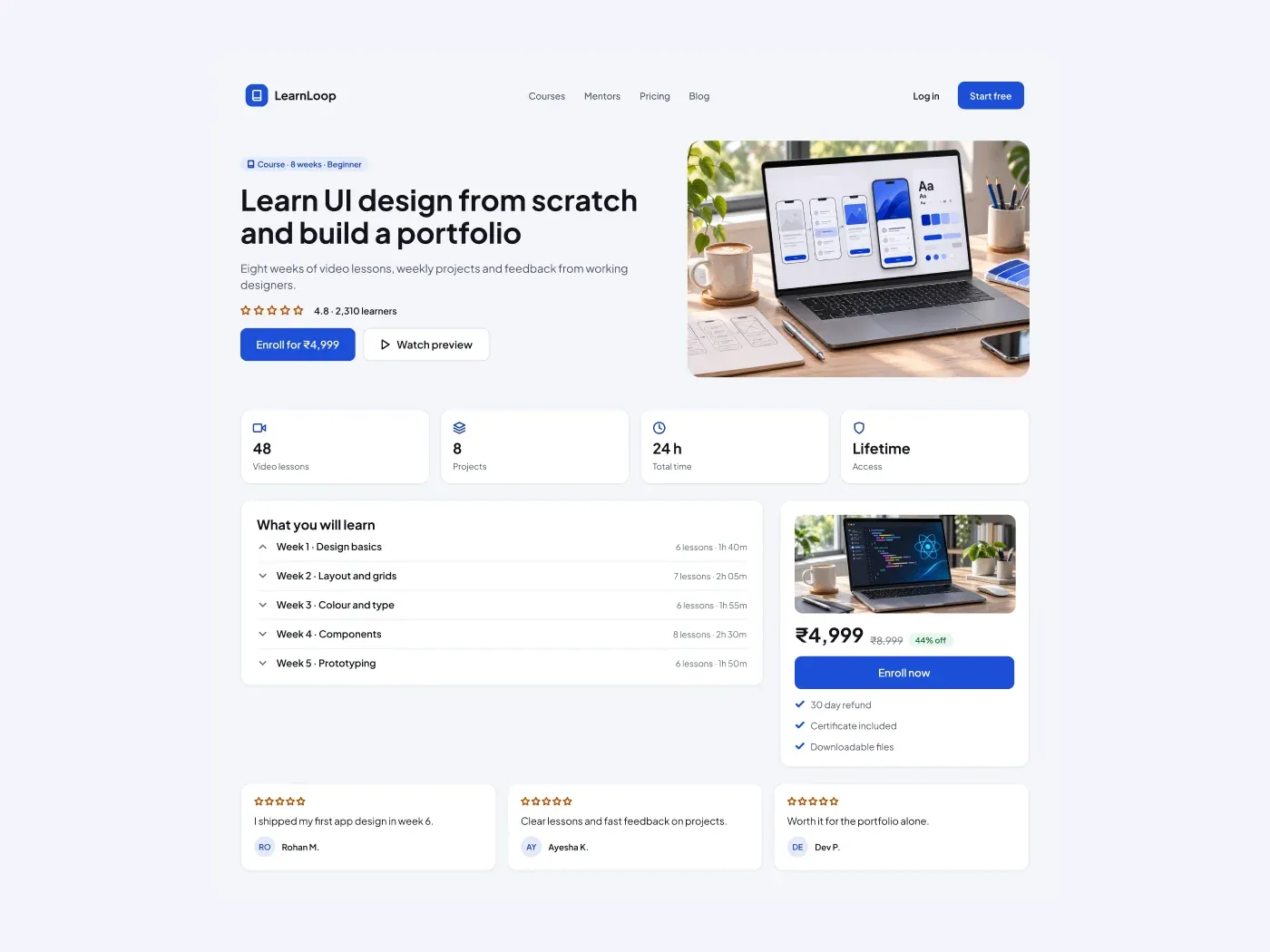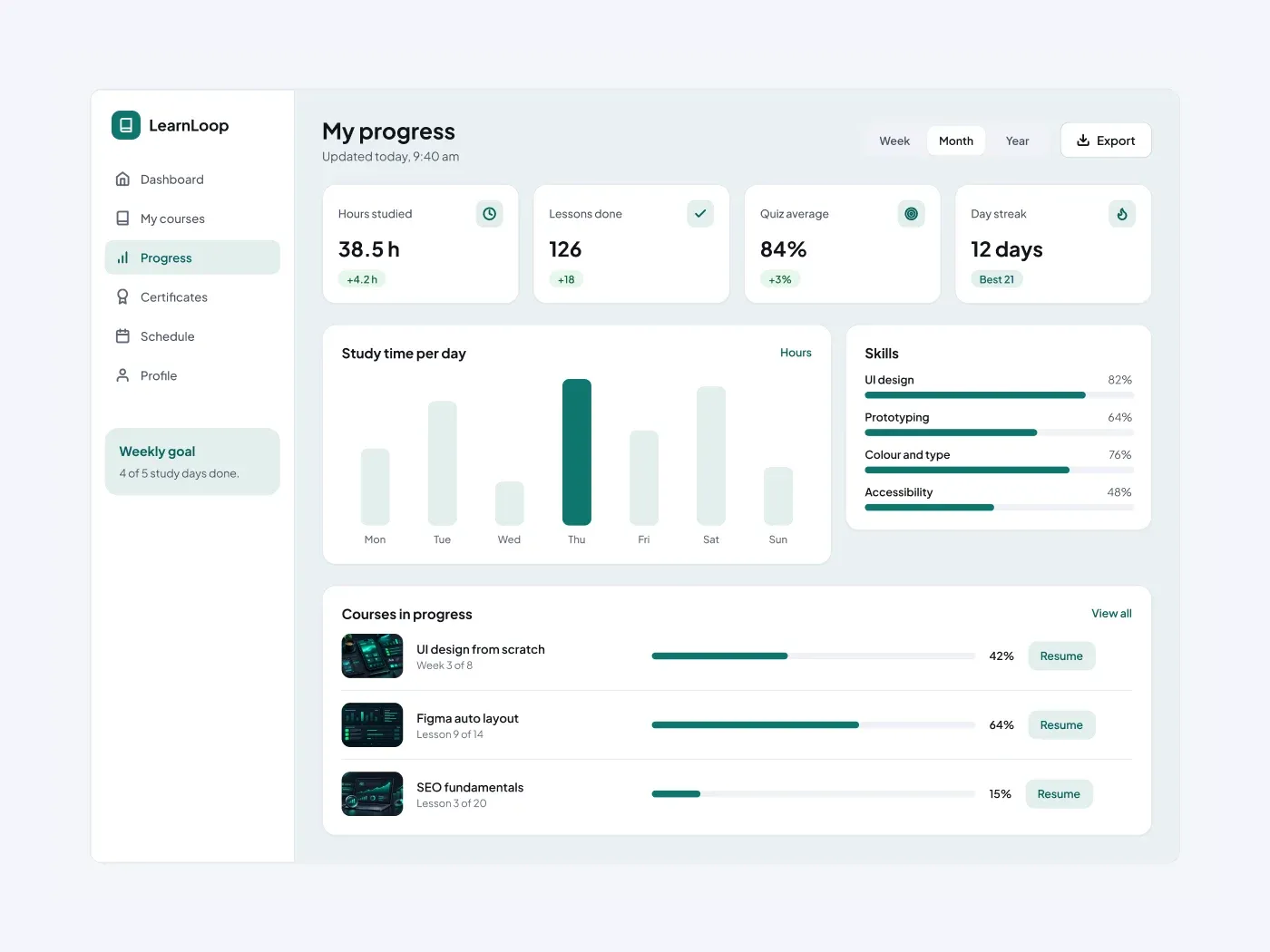
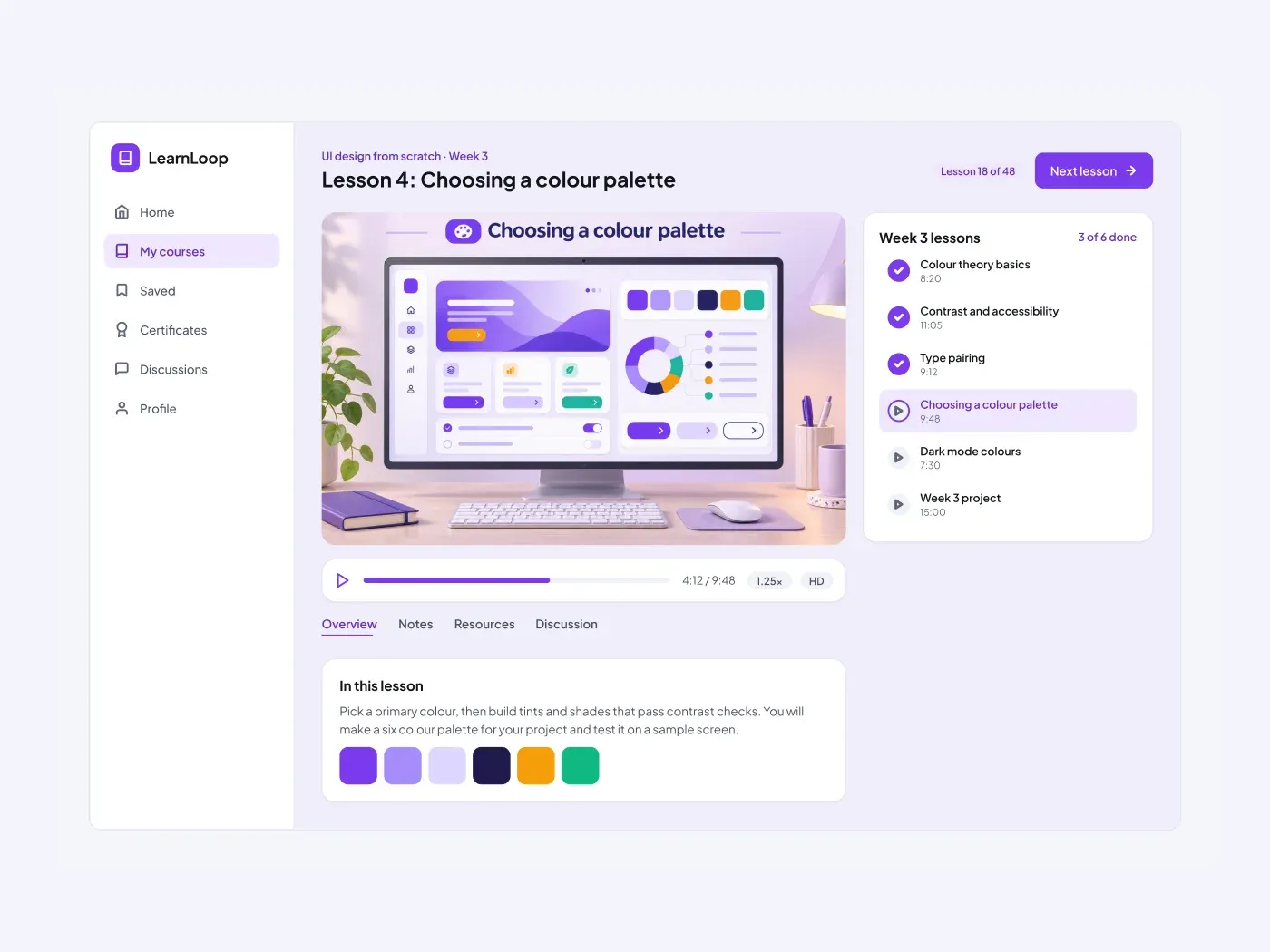
Keep a learner focused on the lesson. The video takes the main area, the progress bar sits under it, and the list on the right shows which lessons are done and which one is playing.
What is included
- A header with the course, the lesson title and a next button
- A video frame with a control bar and speed badge
- Tabs for overview, notes, resources and discussion
- A lesson description with a swatch row
- A lesson list with done, playing and locked states
Where to use it
Use it for an online academy, a training portal or a video course. The video frame is ready for your own image or embed.
How to use it
Copy the component with the copy button and paste it into Figma with Ctrl+V or Cmd+V. The layers keep their auto layout, so you can edit text, colors and spacing. The text uses Plus Jakarta Sans, a free font on Google Fonts. Install it first so the text looks the same.
Light version
This listing is the light version. The dark version is listed separately, so you can pick the one that fits your project.