How to use it in Figma, even if you have never used Figma
Four steps. You do not need to draw anything, and a free Figma account is enough.
Fill
Export
- Press Copy to FigmaClick the button on this page. The design is copied, like text you copy with Ctrl + C.
- Paste it in FigmaOpen Figma, open any file and press Ctrl + V (Cmd + V on Mac). You get real, editable layers.
- Make it yoursDouble-click a text to type your own words. Click a shape and change its color under Fill. Drag your own photo onto an image box.
- Export itClick the design. In the right panel, scroll to Export, choose PNG, JPG, SVG or PDF, then click Export.
Tip: install the free Google Fonts used in the design (the name shows when you click a text) so the text looks the same on your computer.
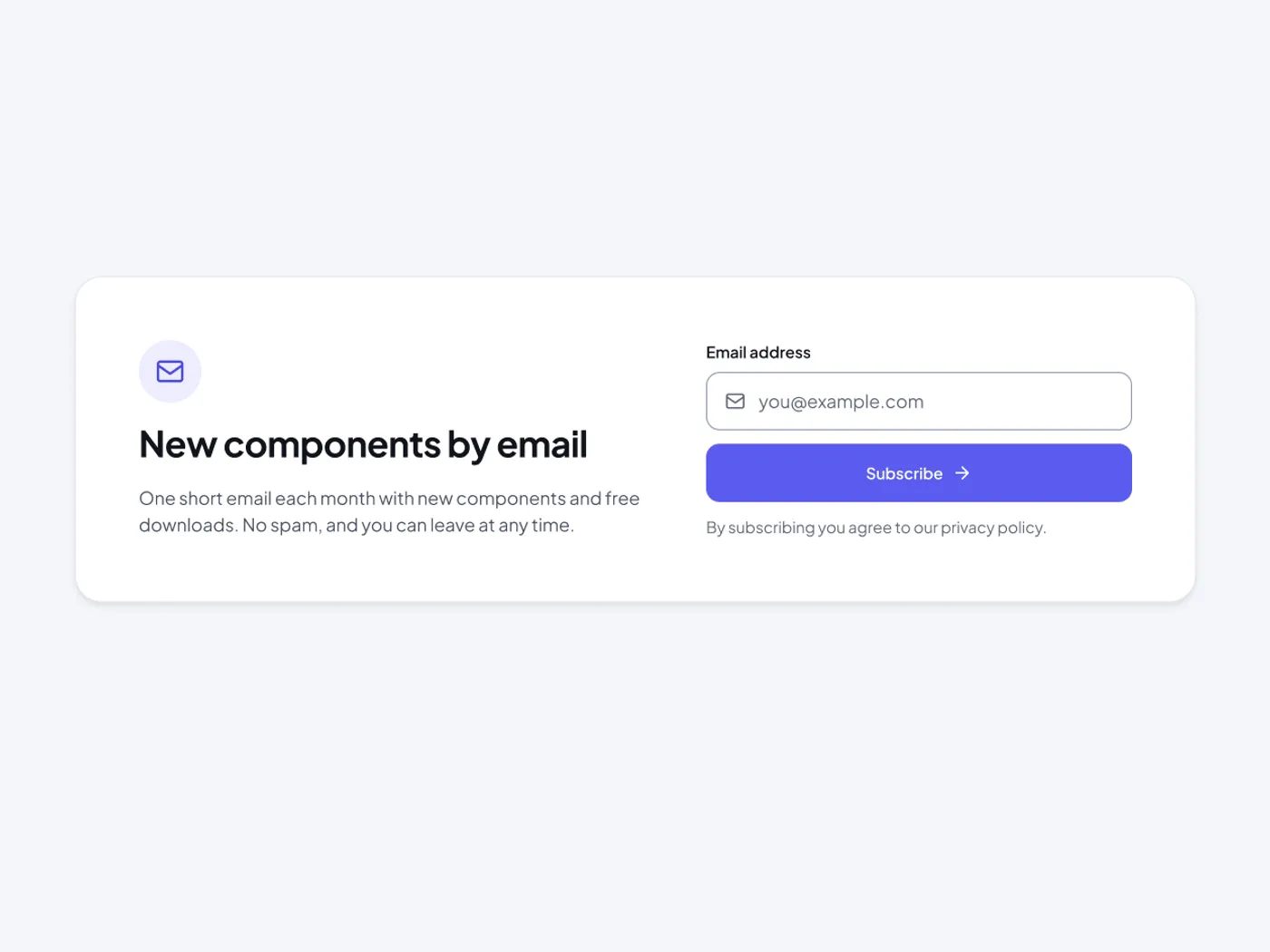
Ask for an email in a calm, clear way. This card pairs a short heading with a single field and a button, plus a line about privacy.
What is included
- Icon, heading and short text on the left
- Email field and subscribe button on the right
- Privacy note under the button
- Wide card that fits a footer or a blog page
- Light and dark versions
Where to use it
Place it above a footer or at the end of a blog post. Change the text to say how often you send email.
Design notes
The frame is 1200 px wide and 482 px tall. The card has a 24 px radius and 56 px padding, with an icon, a heading and short text on the left and an email field with a subscribe button on the right. A privacy note sits under the button.
Questions
How do I tell people how often I send emails?
Edit the privacy note under the button, for example 'One email a week. Unsubscribe any time.'
Can I use it in a footer?
Yes. The wide card fits above a footer, or at the end of a blog post.
How to use it
Copy this newsletter signup section with the copy button and paste it into Figma with Ctrl+V or Cmd+V. The copy has a Light and a Dark frame, so use the one that fits your project. The text uses Plus Jakarta Sans, which is free on Google Fonts.