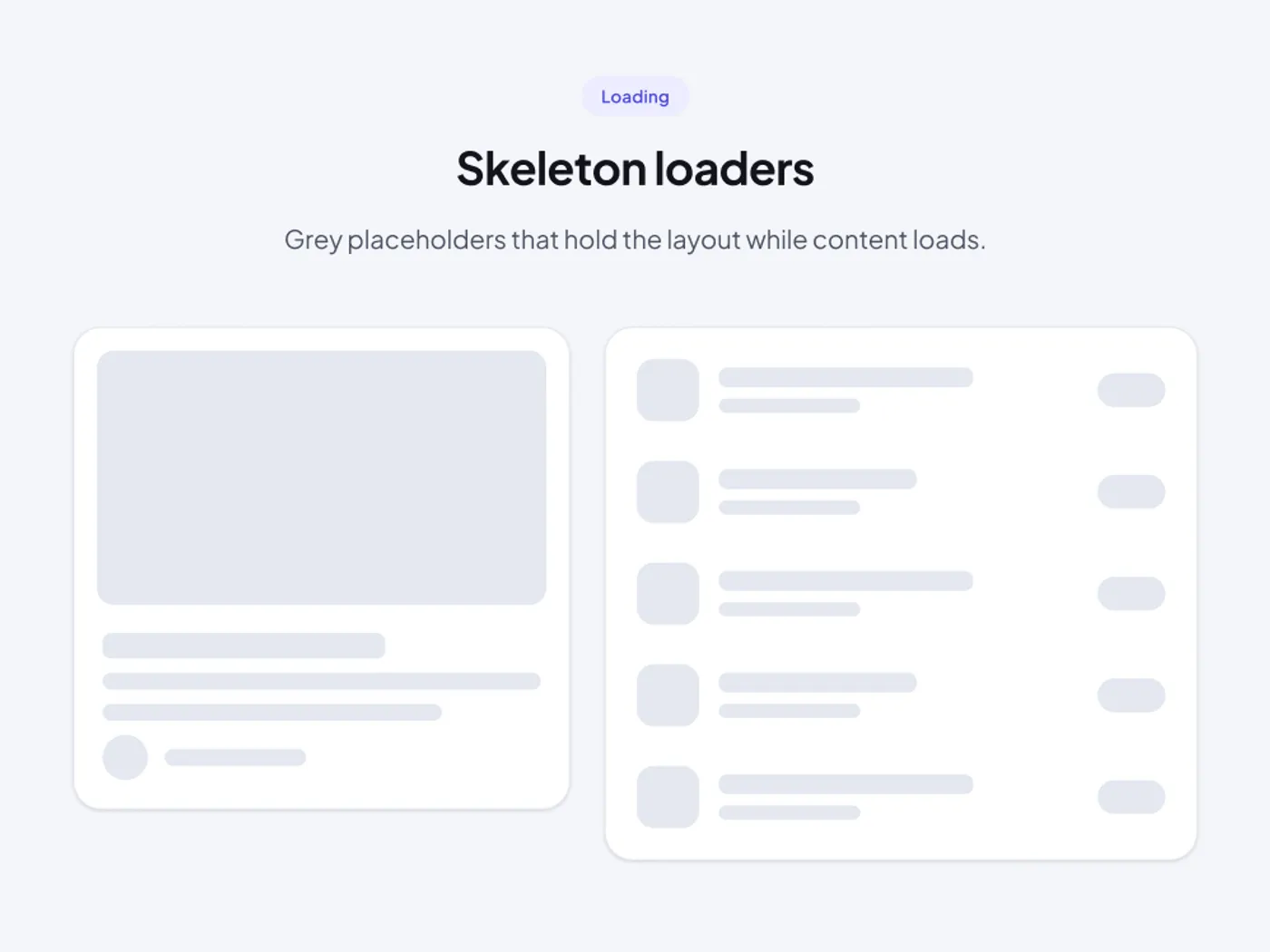
A blank screen feels slow. Skeleton placeholders show the shape of the content that is coming, so the page feels steady while data loads.
What is included
- Card skeleton with an image, title, text and avatar
- List skeleton with five rows and a side label
- Rounded blocks that match your real components
- Soft grey that works on light and dark
- Sizes that match the card and list components
Where to use it
Use them on cards, lists and tables that load from a server. Match the block sizes to your own content.
How to use it
Copy the component with the copy button and paste it into your Figma file with Ctrl+V or Cmd+V. The layers keep their auto layout, so you can change text, colors and spacing without breaking the design. The text uses Plus Jakarta Sans, which is free on Google Fonts. Install it before you paste so the text looks the same.
Built for editing
Spacing follows a 4 point scale, corners are rounded to match, and layers have clear names, so developers can find what they need. Text and shadows use plain Figma styles. Where a design has a picture, the frame is ready for your own image, so the layout stays the same.
Light and dark versions
Each component includes a light and a dark version. Both come in the copy, so you can use the one that fits your project.
This skeleton loader for Figma has light and dark versions in one copy.