How to use it in Figma, even if you have never used Figma
Four steps. You do not need to draw anything, and a free Figma account is enough.
Fill
Export
- Press Copy to FigmaClick the button on this page. The design is copied, like text you copy with Ctrl + C.
- Paste it in FigmaOpen Figma, open any file and press Ctrl + V (Cmd + V on Mac). You get real, editable layers.
- Make it yoursDouble-click a text to type your own words. Click a shape and change its color under Fill. Drag your own photo onto an image box.
- Export itClick the design. In the right panel, scroll to Export, choose PNG, JPG, SVG or PDF, then click Export.
Tip: install the free Google Fonts used in the design (the name shows when you click a text) so the text looks the same on your computer.
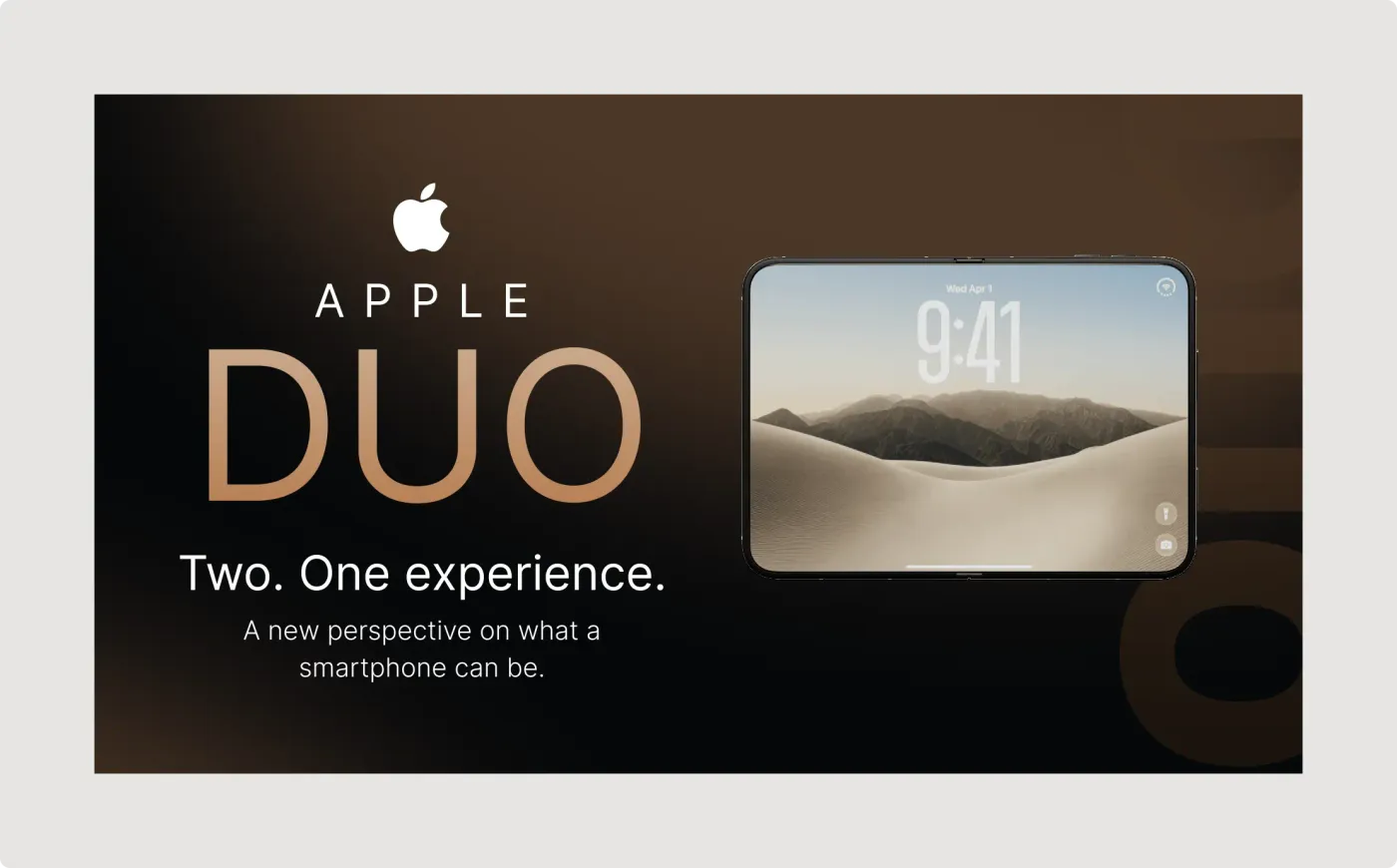
This smartphone product presentation template is a single landscape slide for introducing a new phone or device. The dark brown and black background makes the gold title and bright screen stand out.
A product launch slide has to feel premium at first glance. This one uses a dark gradient, wide letter spacing and a gold title to set that tone, and the device on the right shows the screen at an angle for depth. The layout is deliberately sparse, so each line of text has room and the device stays the focus.
What you get
- A wide slide with a dark gradient background
- A logo mark, a spaced-out brand name and a large gold-gradient product name
- The line "Two. One experience." and a short supporting sentence
- A device mockup on the right with a lock screen, clock and landscape wallpaper
- Soft, large shapes in the corner for depth
How to use it in Figma
Click copy and paste into Figma with Ctrl or Cmd + V. Replace the brand text and product name with your own, swap the screen image and change the supporting line. The sample brand and name are placeholders. Do not use another company's name or logo on your own work.
Best for
- Product launch decks and keynotes
- Concept and student projects
- Tech blog and review thumbnails
- Pitch decks for hardware ideas
Customisation tips
- Keep the title to one or two words.
- Use a screen image with a similar warm tone.
- Look at more slide styles in Pitch Decks. For a landing page version, see the SaaS hero section.