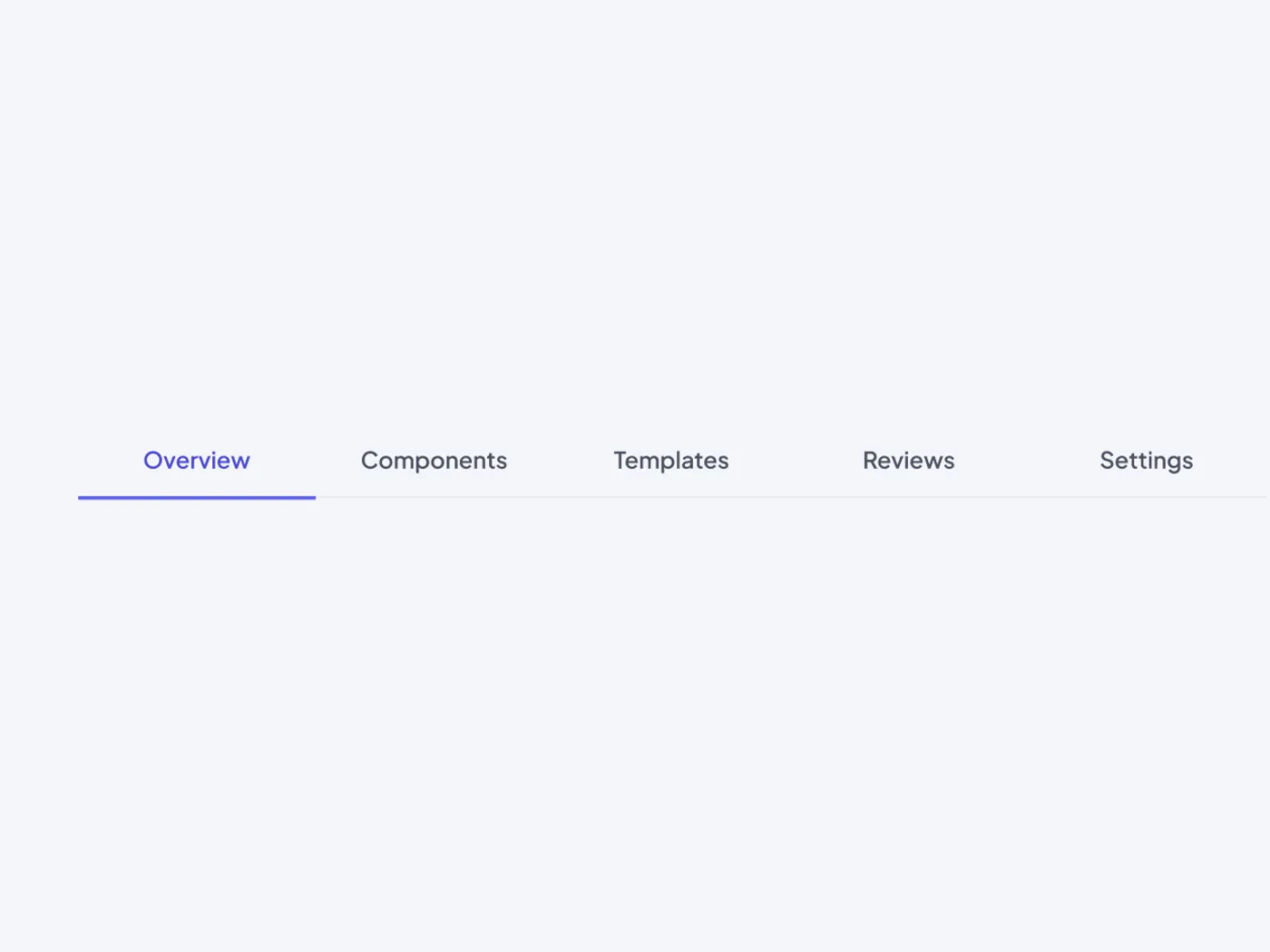
Tabs split a page into clear sections. The active tab has a colored label and a thicker line, so it is easy to see where you are.
What is included
- Five equal width tabs
- Active tab with an accent label and a 2 pixel line
- Thin grey line under the other tabs
- Even padding for easy clicking
- Light and dark versions
Where to use it
Use it on settings pages, profiles and product pages.
How to use it
Copy the component with the copy button and paste it into your Figma file with Ctrl+V or Cmd+V. The layers keep their auto layout, so you can change text, colors and spacing without breaking the design. The text uses Plus Jakarta Sans, which is free on Google Fonts. Install it before you paste so the text looks the same.
Built for editing
Spacing follows a 4 point scale, corners are rounded to match, and layers have clear names, so developers can find what they need. Text and shadows use plain Figma styles. Where a design has a picture, the frame is ready for your own image, so the layout stays the same.
Light and dark versions
Each component includes a light and a dark version. Both come in the copy, so you can use the one that fits your project.
This underline tabs for Figma has light and dark versions in one copy.