
The design is done
Now the developer wants the images, for every screen size.

Export Figma images to WebP in seconds.
WebP Export by ProFigma is a free Figma plugin. Select your frames, pick a quality and the sizes you need, and download one ZIP of WebP files, named and sorted the way you want.
Now the developer wants the images, for every screen size.
hero@1x.png1.2 MB
hero@2x.png3.9 MB
hero@3x.png7.4 MB
Renaming 24 files by hand…Same frame, four sizes, and a pile of heavy PNG files.
The page is slow. Can these be WebP?
"Can they be WebP?" So you convert them again, somewhere else.
hero_2x.webp240 KB
hero_3x.webp410 KB
hero_4x.webp620 KB
One ZIP. Done.Pick quality and sizes, press Export, send one ZIP.
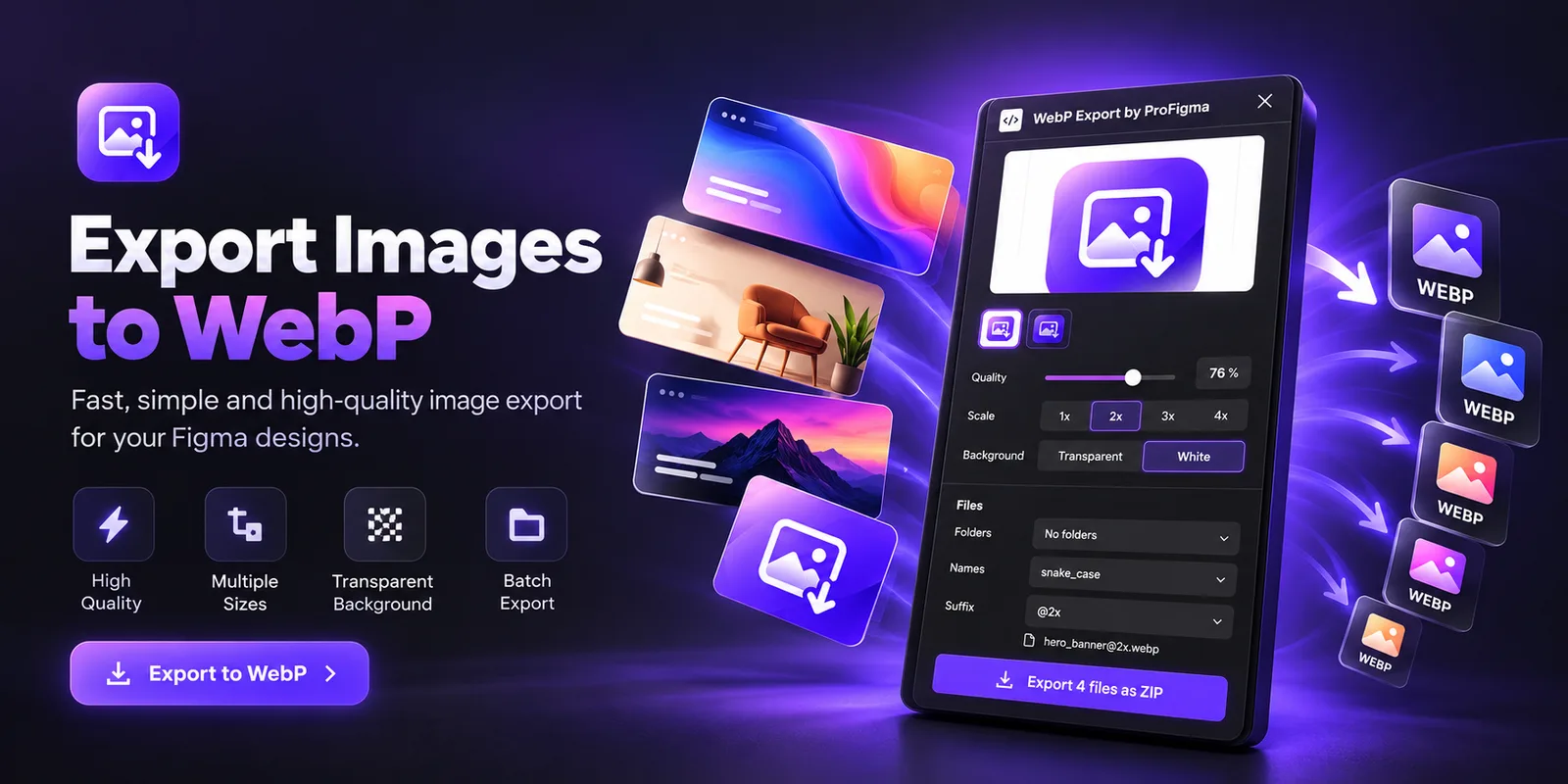
Select frames or layers on the canvas. Each one shows up in a list with a small thumbnail and a larger preview, so you know what you're exporting.
Set the WebP quality from 10 to 100 and choose a transparent or white background. That's most of the setup.
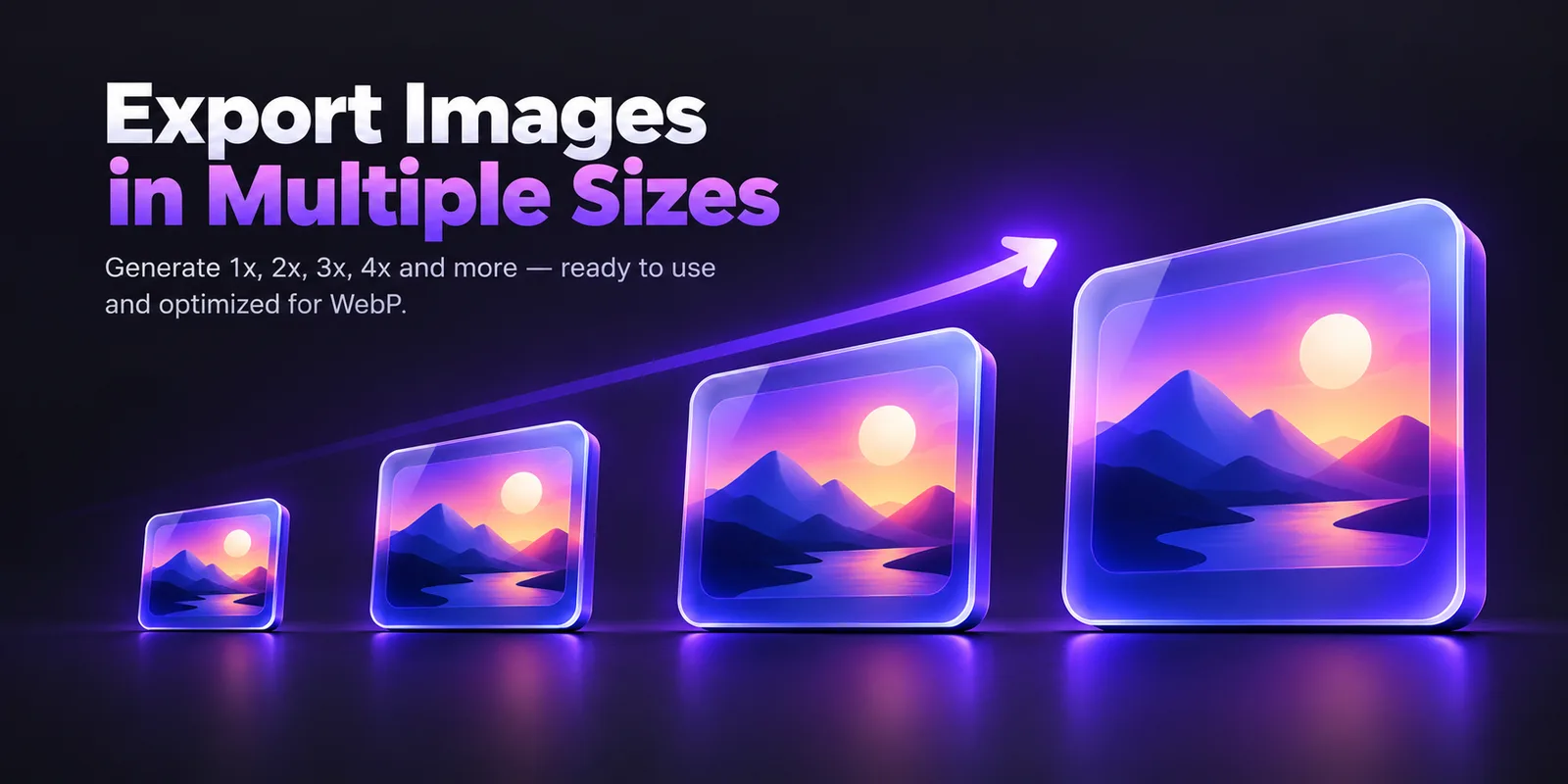
Tick 1x, 2x, 3x and 4x together. The plugin makes a WebP file for each size of each layer.
No more exporting the same frame four times and renaming the files by hand.
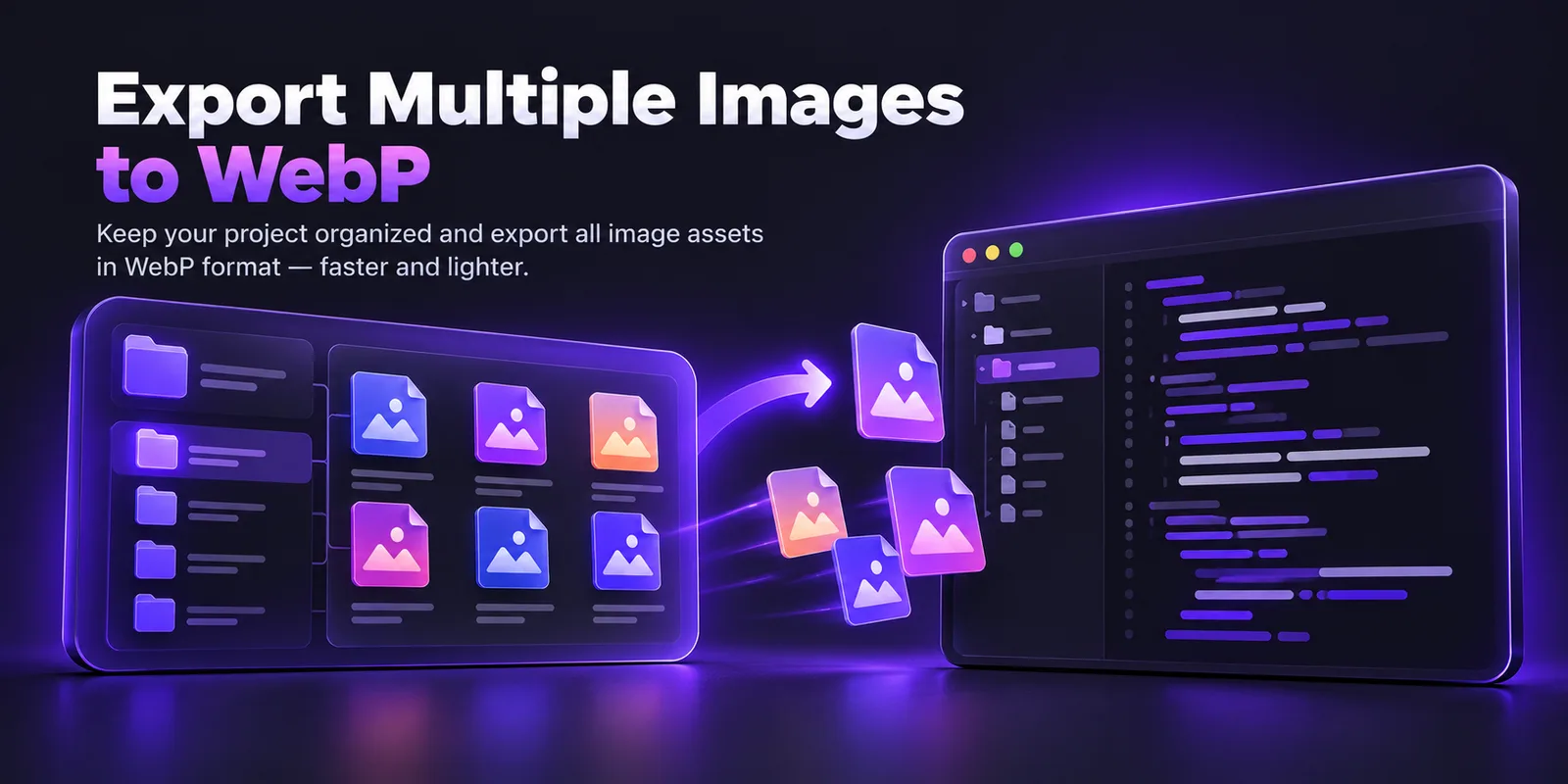
Put the files in folders by size, by layer or by page. Or use the Android drawable or iOS @2x and @3x layouts.
Names can stay as they are, or become kebab-case or snake_case. Add a suffix like @2x, -2x or -1440w, or none at all. The list shows the real file name before you export.
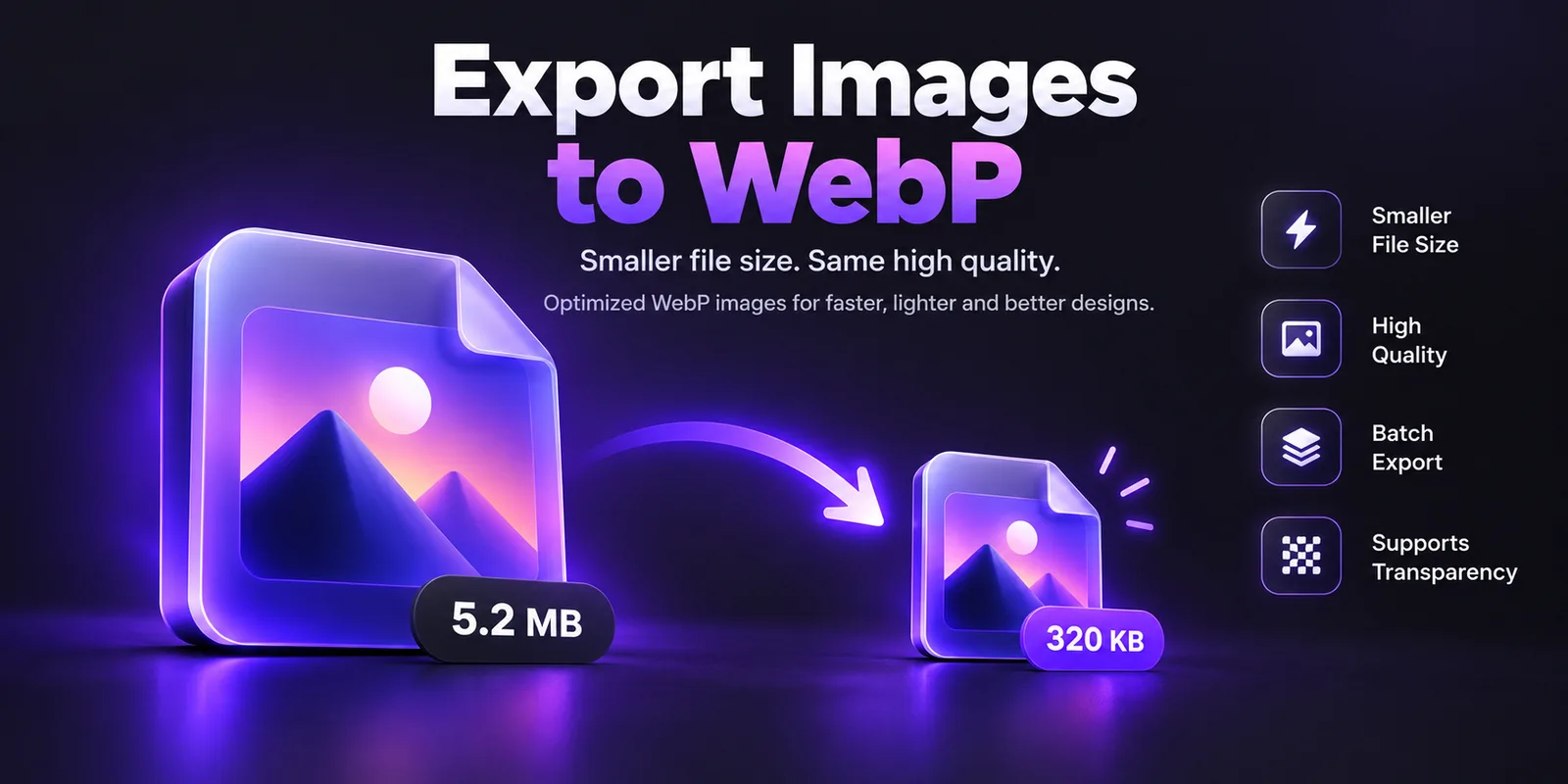
Press Export and download a single ZIP. WebP files are usually much smaller than the PNG you'd export otherwise, with the same look.
The conversion runs inside the plugin. Your designs aren't uploaded anywhere.
Select as many frames and layers as you like and export them together.
1x, 2x, 3x and 4x in a single export.
Keep transparency, or choose a white background.
By size, by layer, by page, Android drawable or iOS.
Original, kebab-case or snake_case, with the suffix you want.
Nothing is uploaded. The plugin has no network access.
Yes. The plugin is free.
WebP is an image format that is usually much smaller than PNG or JPG for the same look. Smaller images make websites and apps load faster.
No. Figma gives the plugin the image and the plugin converts it on your computer. It has no network access.
Yes. Choose Transparent for the background, or White if you want a solid background.
Yes. Select several frames or layers and export them together into one ZIP.
Under Files, choose Folders: Android (drawable) or iOS (@2x, @3x). The files are named and sorted for you.
Yes. Quality, scale, folder and name choices are saved for next time.
Install the free plugin and export your next set of images as WebP.
Get it on Figma Community