
You design the hero
The spacing is right. The headline is right. It looks finished.

Your landing page looks great. It just doesn't move.
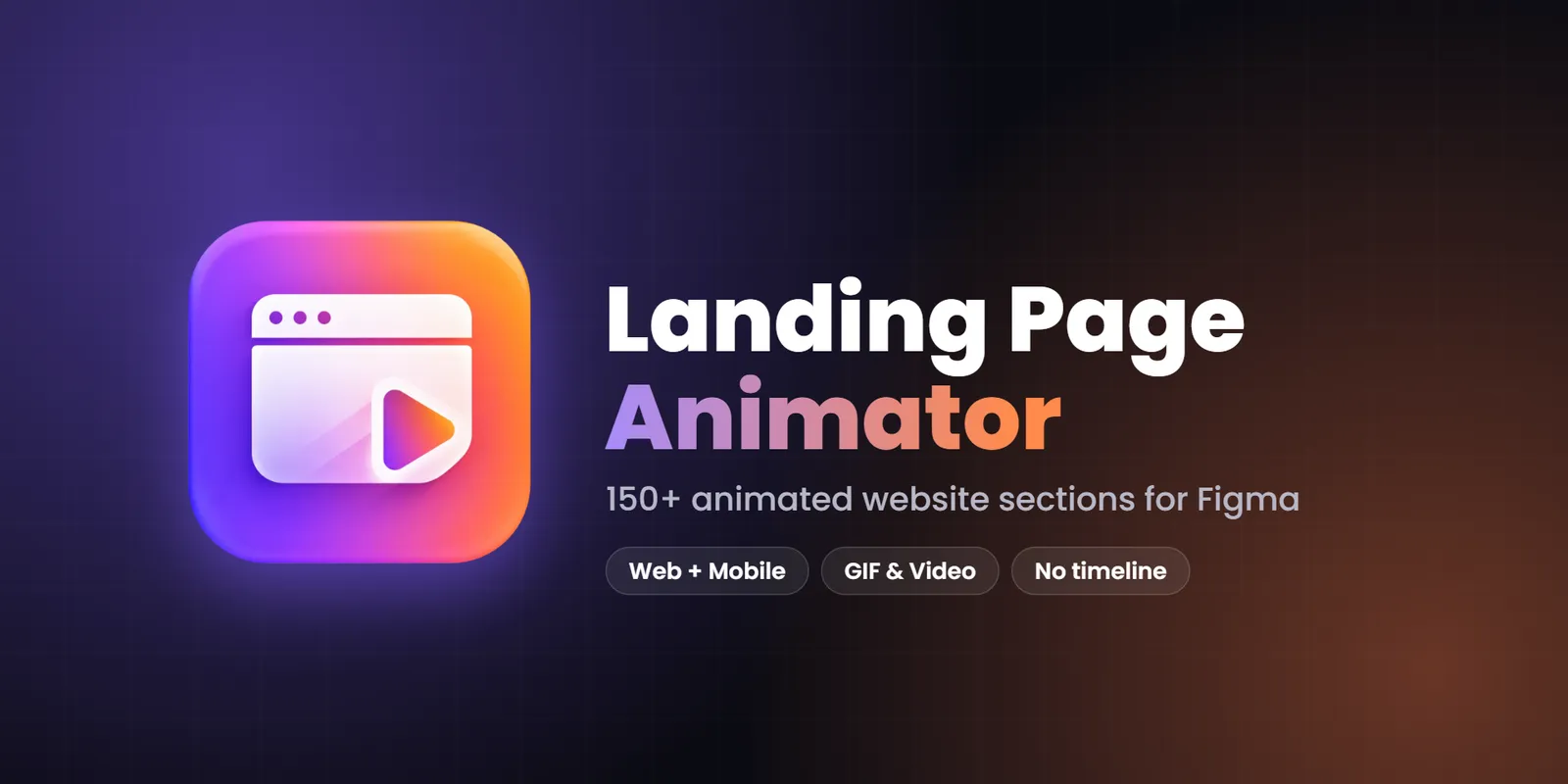
Landing Page Animator is a Figma plugin with 150+ animated website sections. Pick one, add your images, change the words and export a GIF, video or web embed. No timeline, no layers, no animation skills.
The spacing is right. The headline is right. It looks finished.
Love it! Can it move?
Three small words, and your evening changes.
Keyframe after keyframe. The evening disappears.
Pick a section that is animated from the start. Add your images and words.
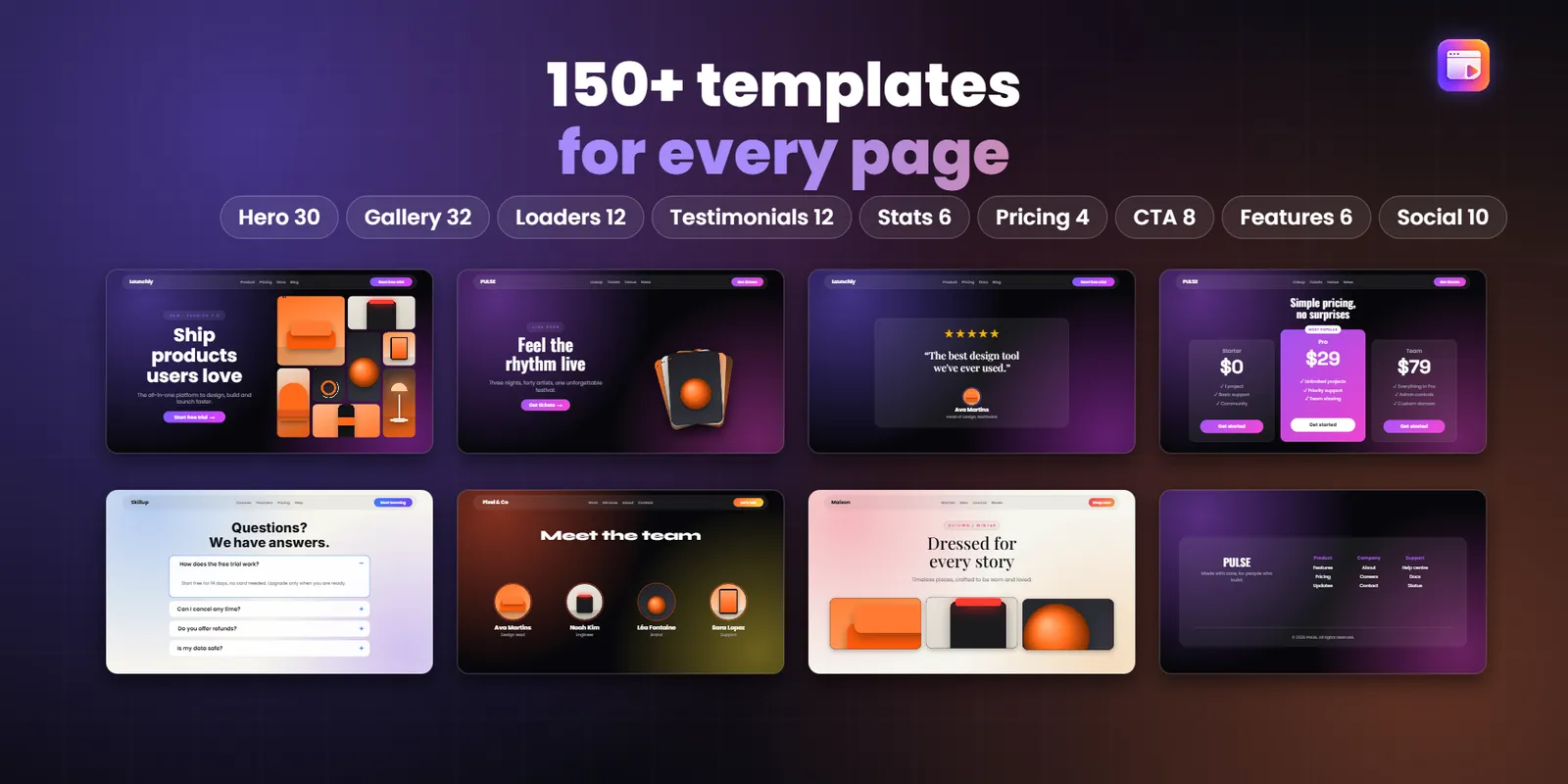
There are 150+ of them. Heroes, galleries, loaders, testimonials, pricing tables, stats, calls to action, features, team and logo strips.
You don't build anything. You choose the one that fits your page and filter by type or by industry, from SaaS and fashion to restaurants and travel.
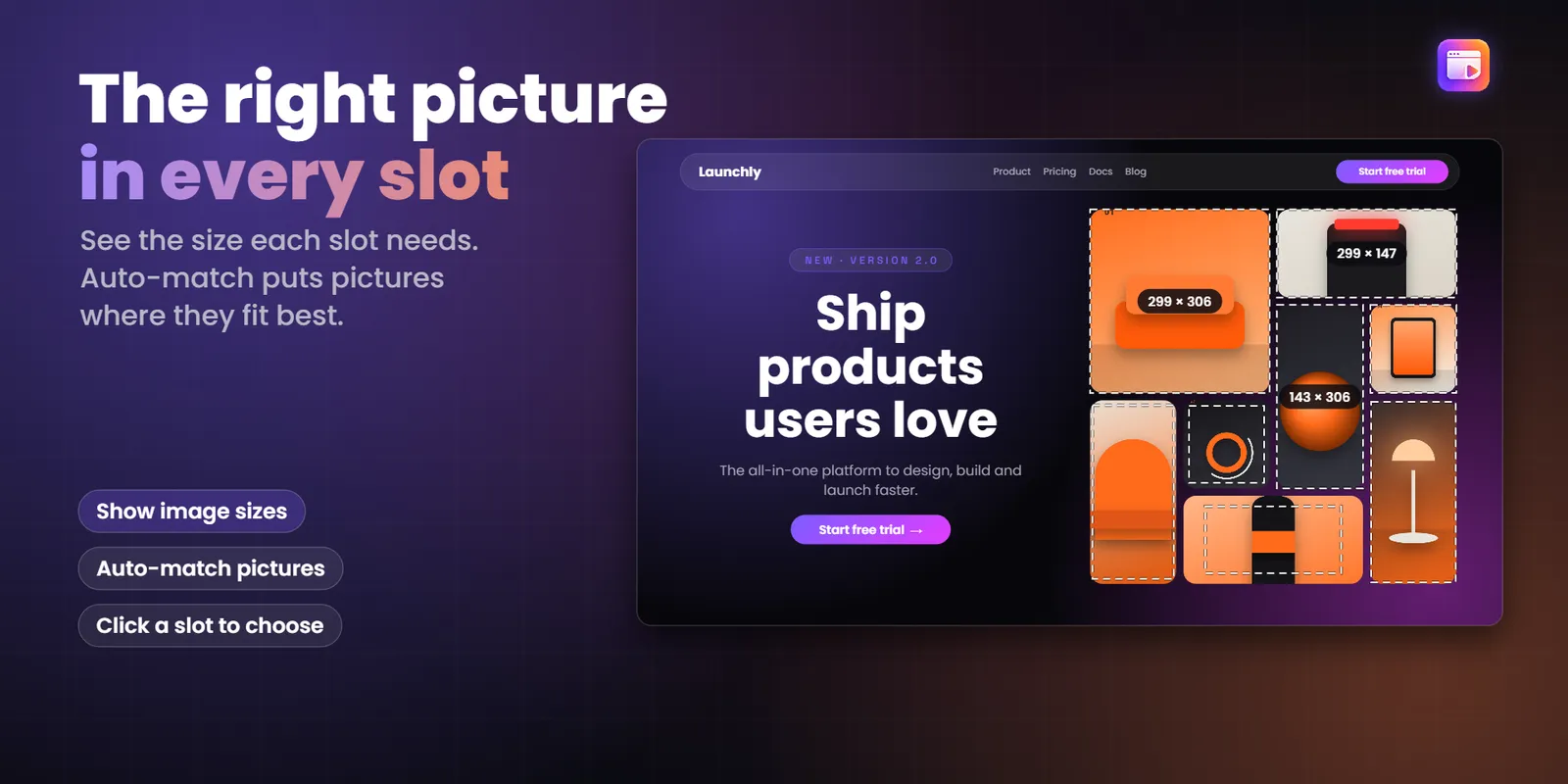
Sample images fill every slot until you add your own. Then you click a slot on the design and choose which picture goes there.
Edit the headline, the text and the buttons. If you only need the gallery, turn the header off.
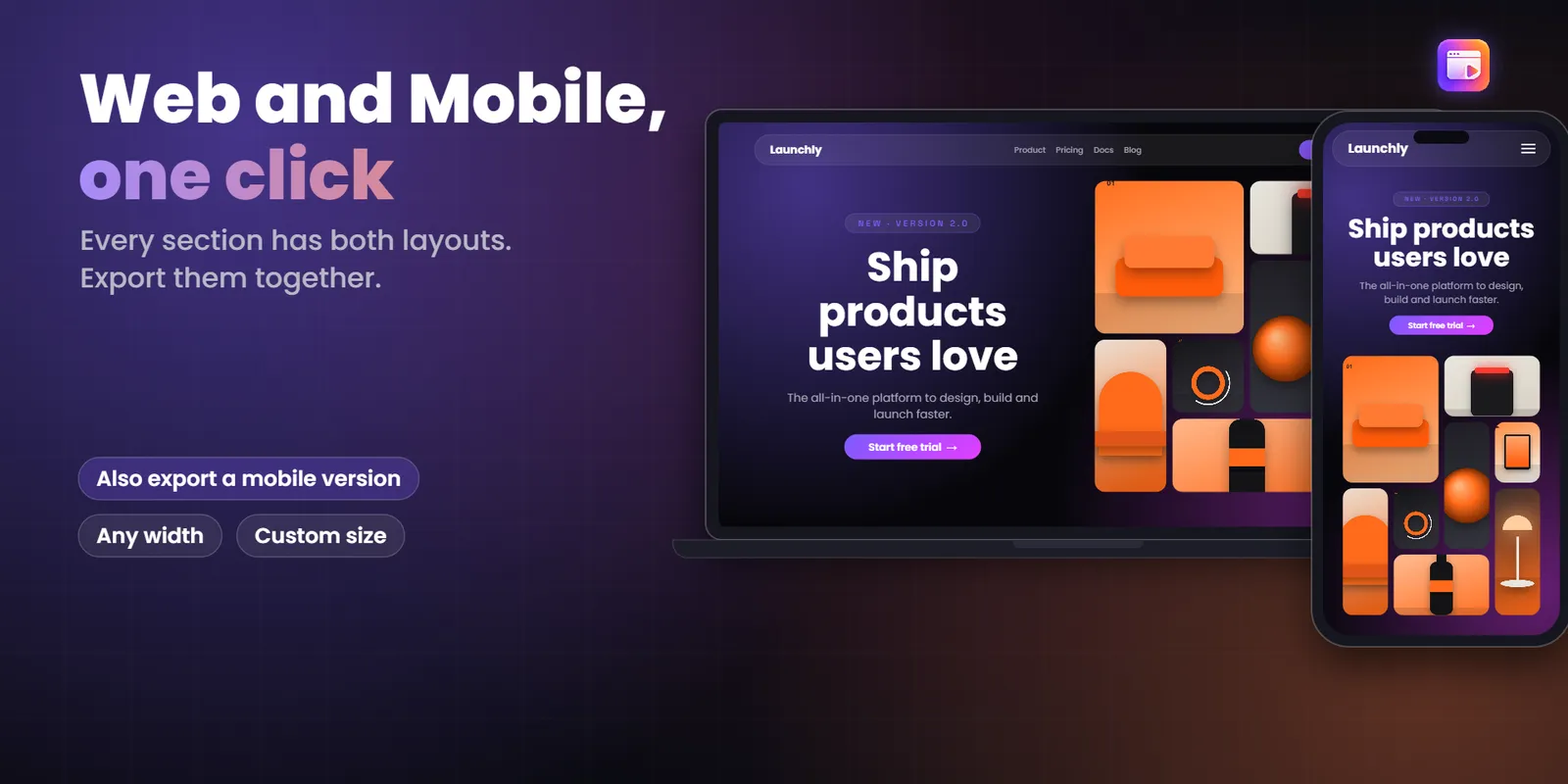
Choose a width from 1920 down to 360, or type any size you want. Every position is worked out from the frame, so the same template fits them all.
Tick one box and you export the web version and the mobile version together, side by side.
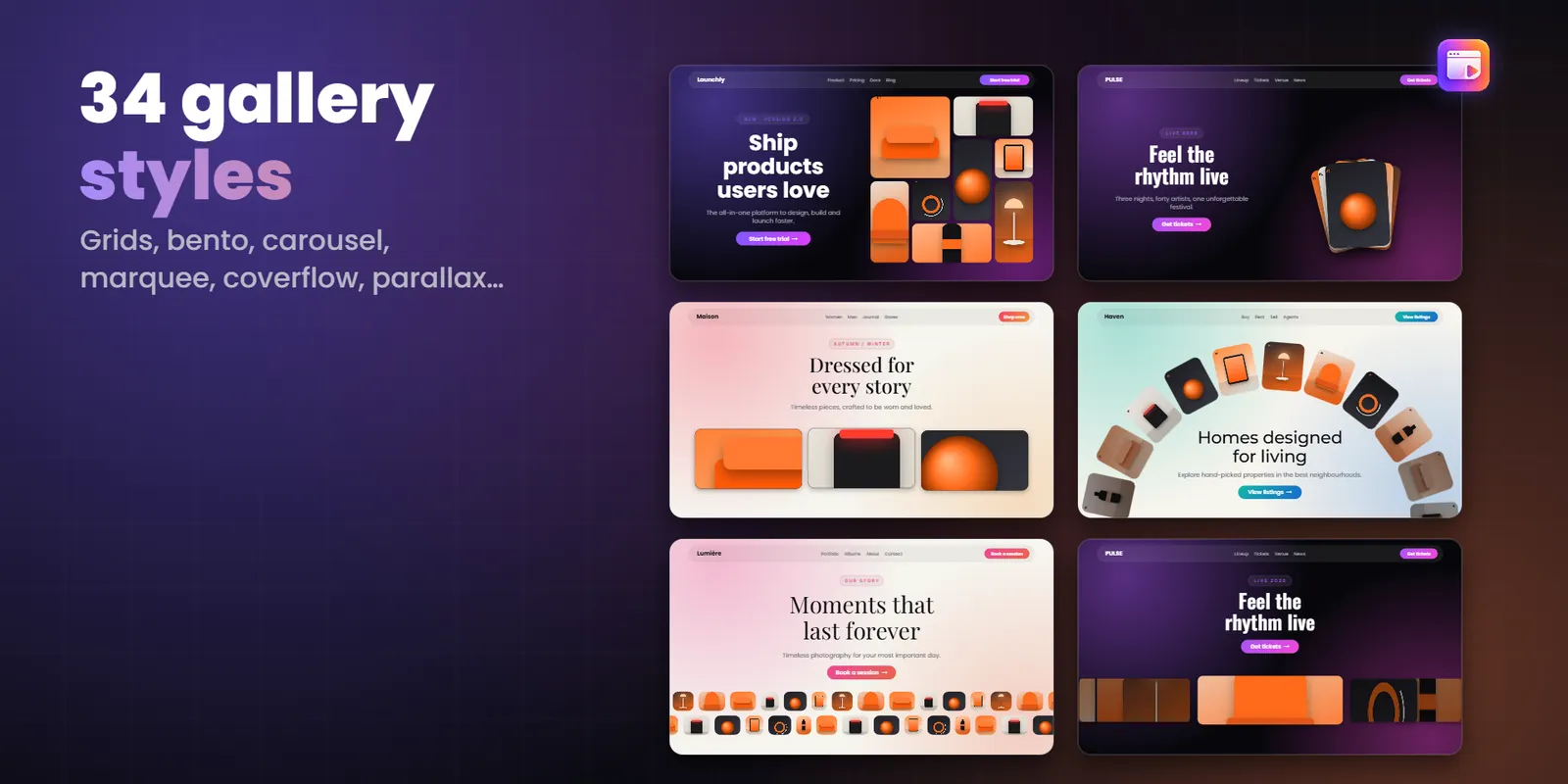
Set the speed, the way text comes in, the easing and the headline loop. Pick from 34 gallery styles: grids, bento, carousel, coverflow, masonry, parallax and more.
Need a loader first? There are progress bars, bouncing dots, a dot ring, a big counter, a curtain reveal and a logo pulse.
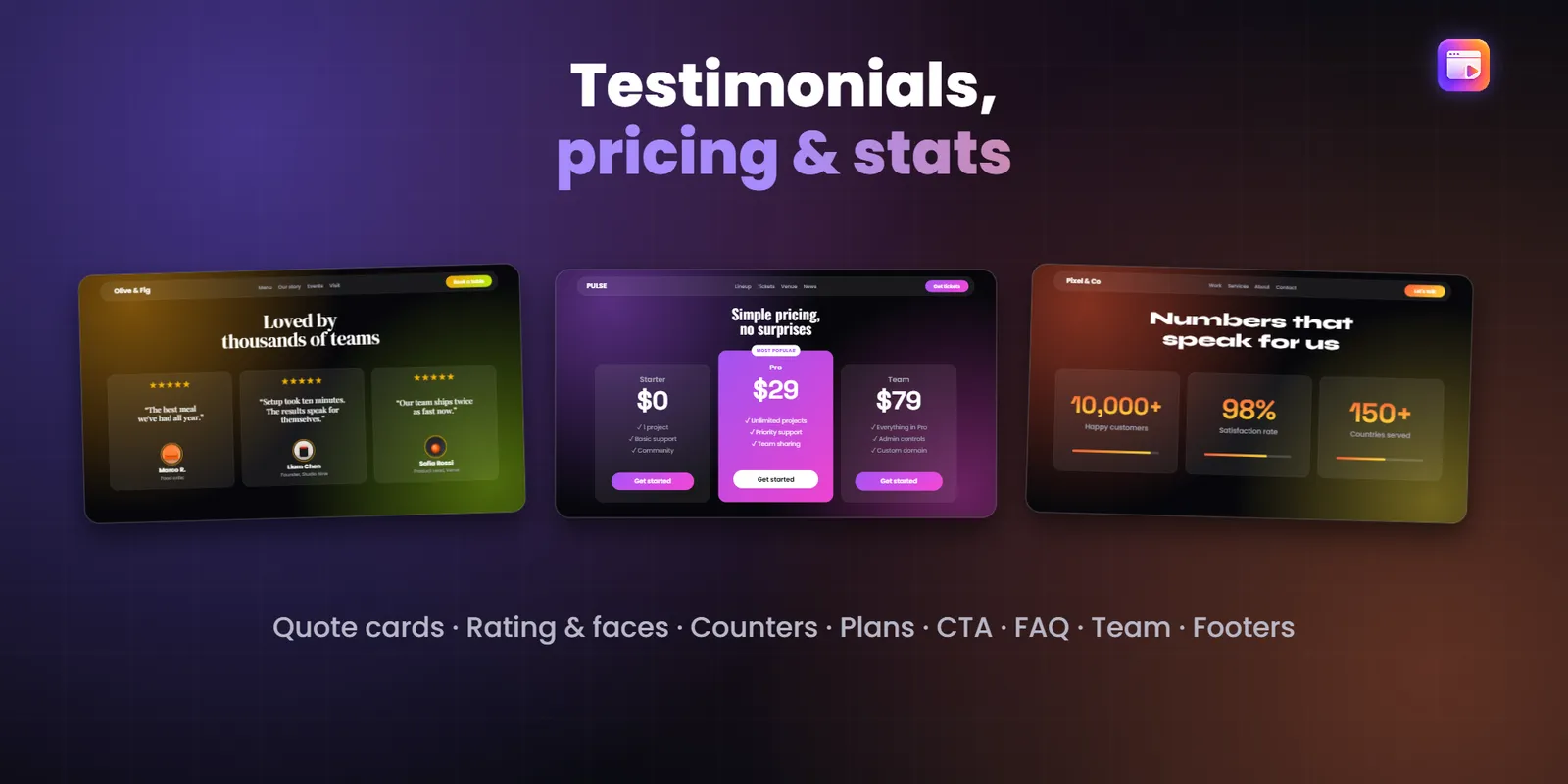
Testimonials, stats, pricing, calls to action, features, FAQs, team and a footer. They share the same look, so the page feels like one thing and not a pile of parts.
Switch the theme between light and dark, set your accent color and choose a glow background.
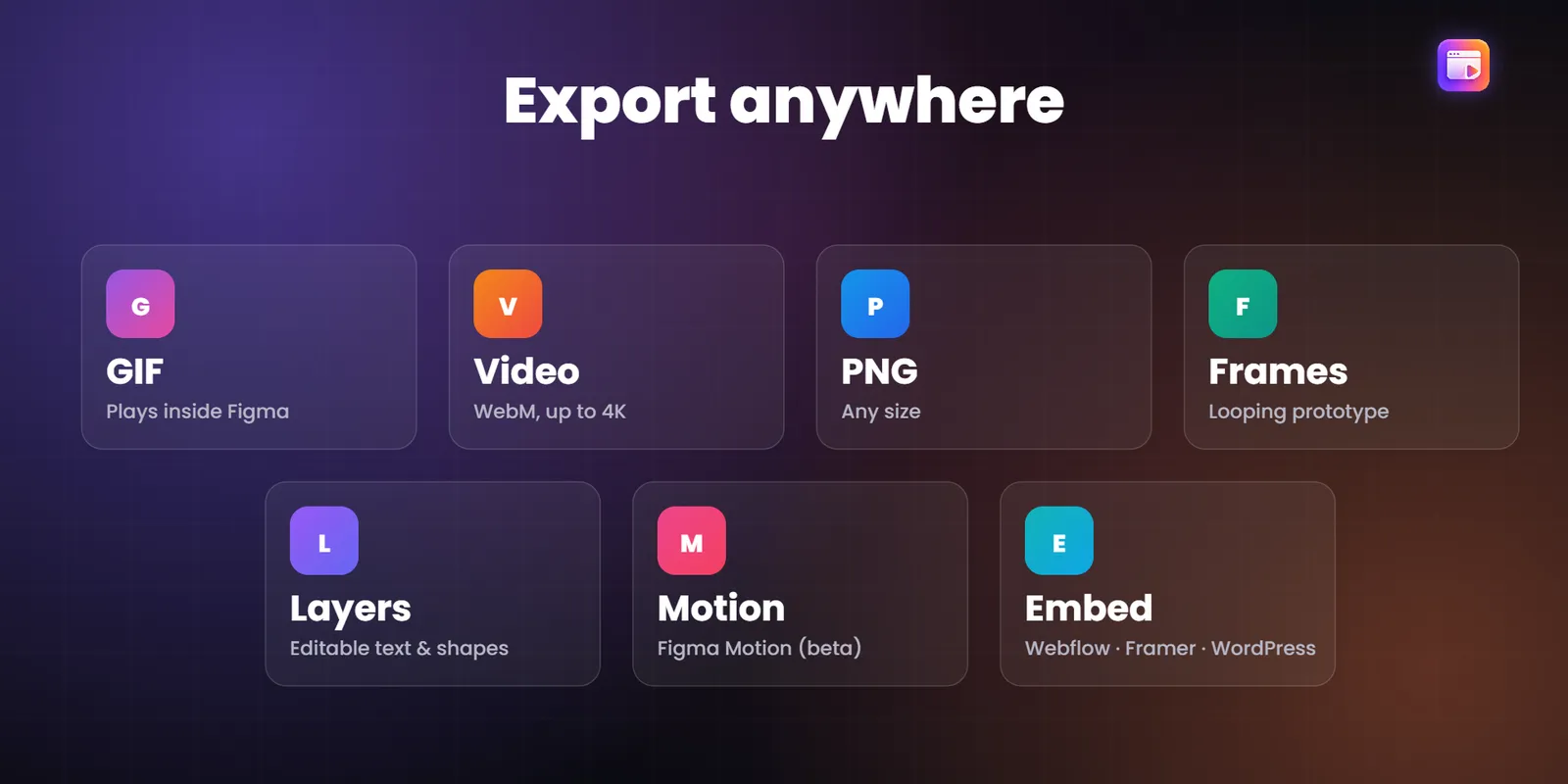
A GIF for a quick preview. Video for a pitch. PNG, prototype frames or editable layers for the team. Or a web embed you can paste into Webflow, WordPress or Framer.
Export the section that is on the stage, with the sizes you picked.
Install the free version from Figma Community. Click Go Pro inside the plugin when you want everything.
No. Every template is already animated. You change the images, the words and a few settings.
Yes. Each template has a Web and a Mobile version. You can pick a common width or type any width and height.
GIF, video, PNG, prototype frames, editable layers and an embeddable HTML file. Some of these are Pro only, see the table above.
Yes, in your own projects and your clients' projects. You can't resell the templates themselves.
Open the plugin and click Go Pro. After you subscribe you get a licence key. Paste it into the plugin and press Activate. It works in every Figma file. If you cancel, Pro stays on until the period you paid for ends.
Yes. New sections are added regularly and Pro members get them with their subscription.
Write to sales01@profigma.com within 7 days of buying and we'll sort it out.
Open Figma, install the plugin and have your first animated section in a few minutes.
Get it on Figma Community