
You set the headline
The font is right. The size is right. The layout is done.

Your type is perfect. It just sits there.
MotionShot Text is a Figma plugin that animates text and logos. Type it, pick one of 41 presets, and export a GIF, a video, a web embed or real Figma Motion layers. No After Effects needed.
The font is right. The size is right. The layout is done.
Nice! Can the title animate in?
"Just a few seconds of motion." It never takes a few seconds.
Keyframes, layers, exports. The evening disappears.
Pick a preset, press play, export. All inside Figma.
Type a headline, a label or a quote. Or select text layers in Figma and bring them in with their font, size and color kept.
Logos and icons work too: PNG, JPG, WebP and SVG, drawn sharp at high resolution. Or start from one of 26 templates like product launch, logo and tagline, event, countdown, testimonial and stats.
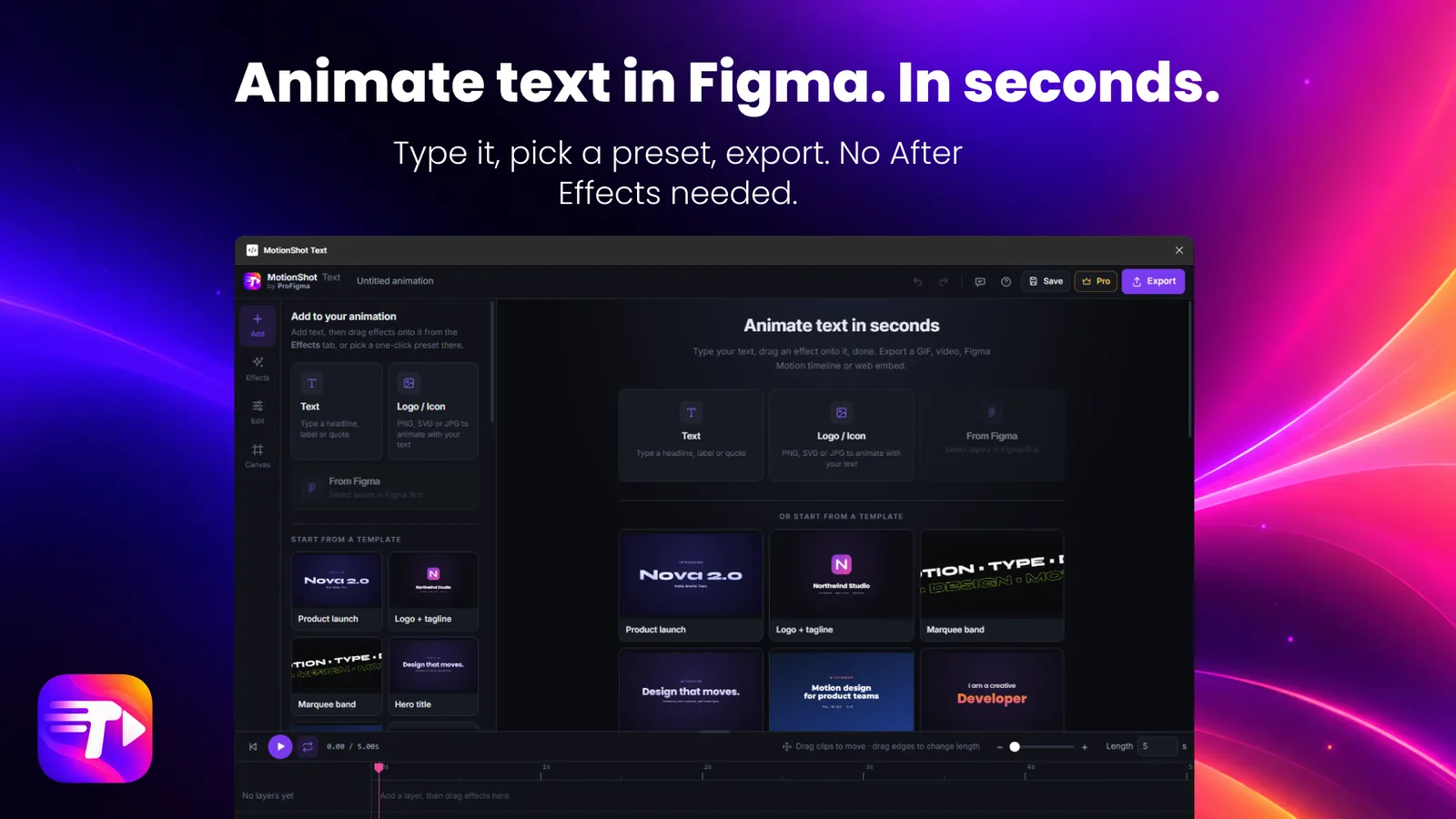
41 one-click presets, 31 for text and 10 for logos. Each one is a complete story: in, loop, out.
Prefer to build it yourself? Drag effects onto your text: marquee, word swap, odometer counter, 3D roll, mask reveal, tracking in, highlighter, blinking cursor, typewriter, stretch in, bounce and glitch. Pick an enter, a loop and an exit, and watch it on the timeline.
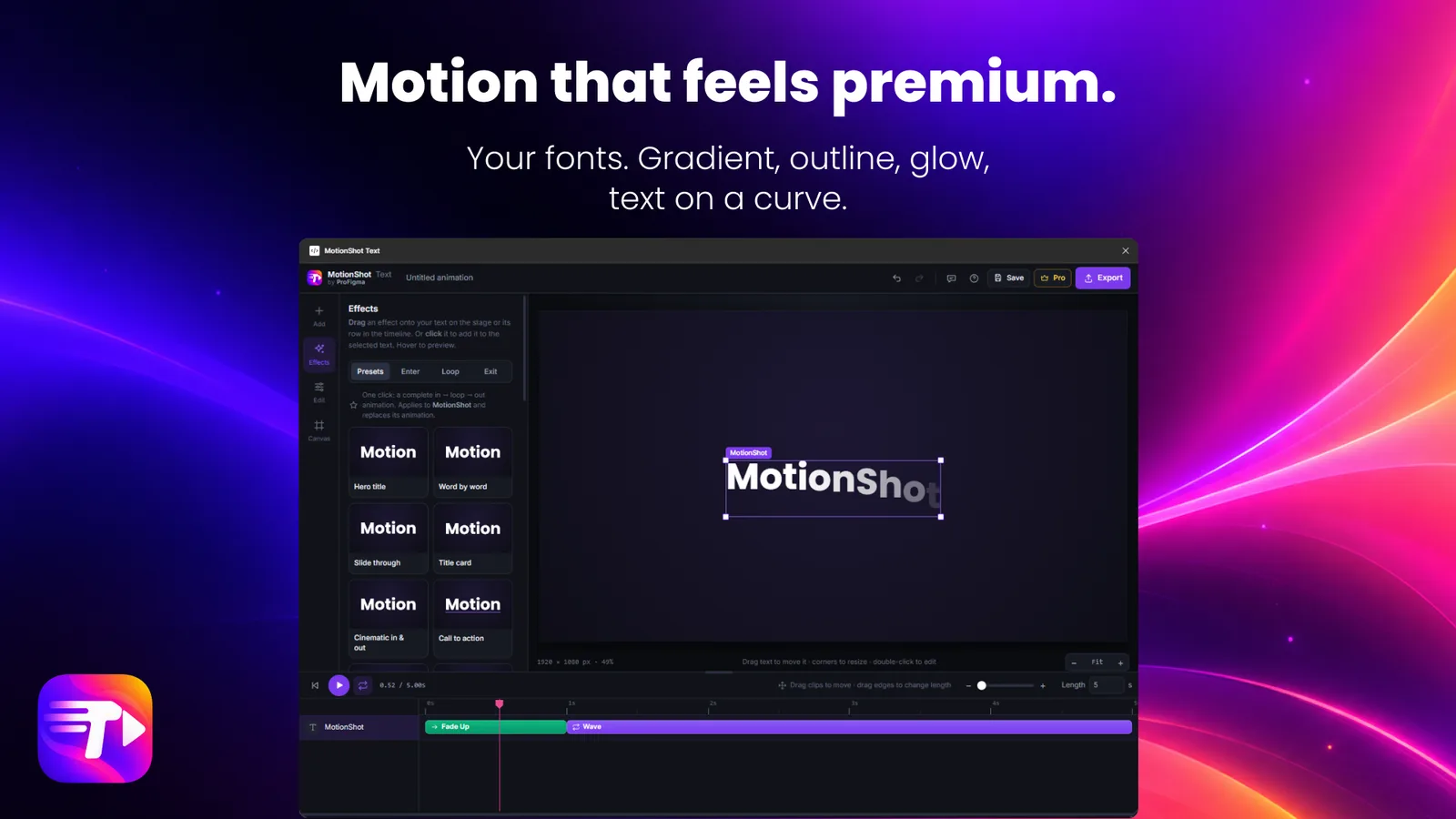
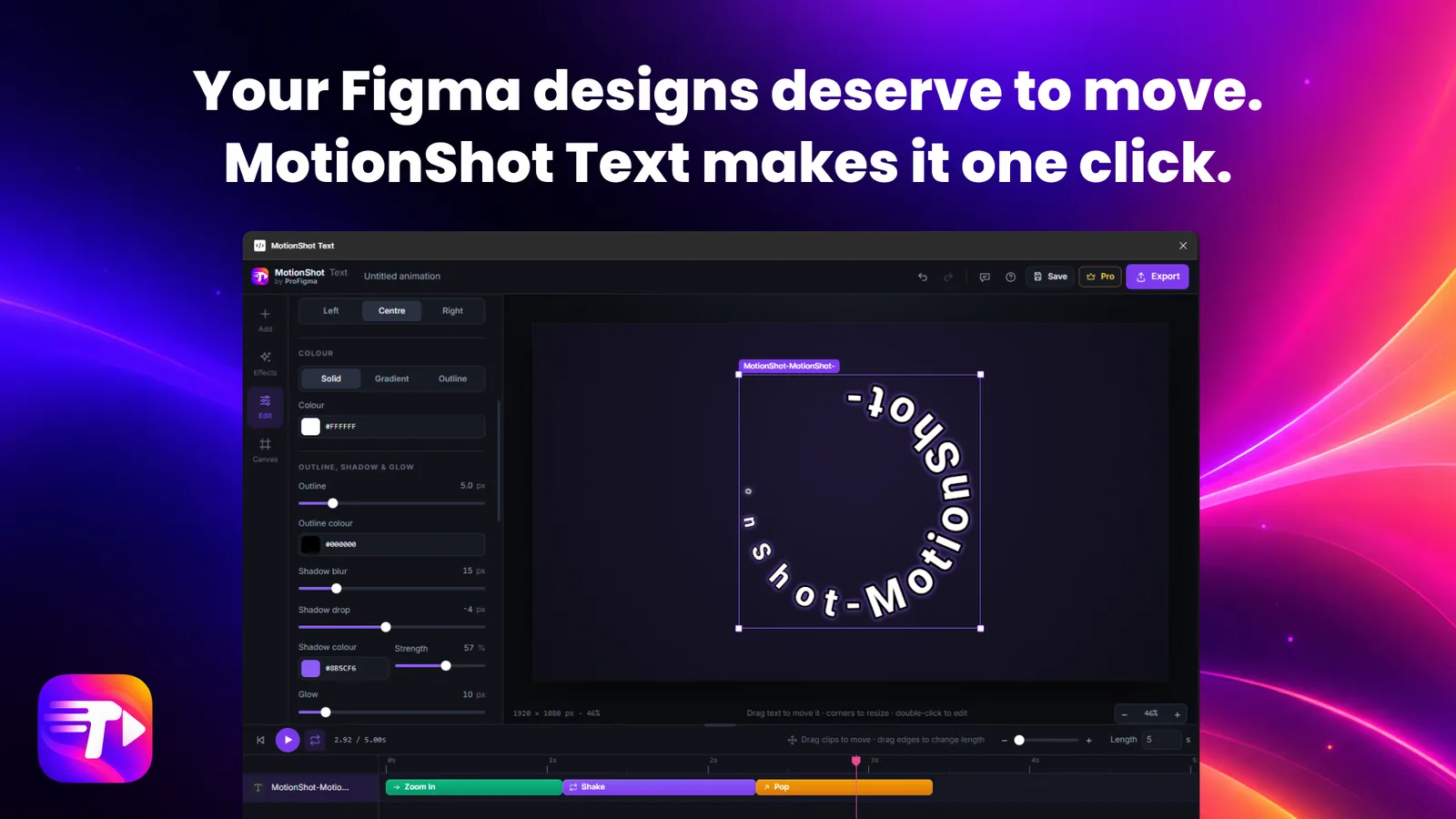
Solid, gradient or outline fill. Outline, shadow and glow. Any Google Font.
Bend the text into an arc, a circle or a wave. With a layer selected, the plugin shows only the effects and presets that work on it.
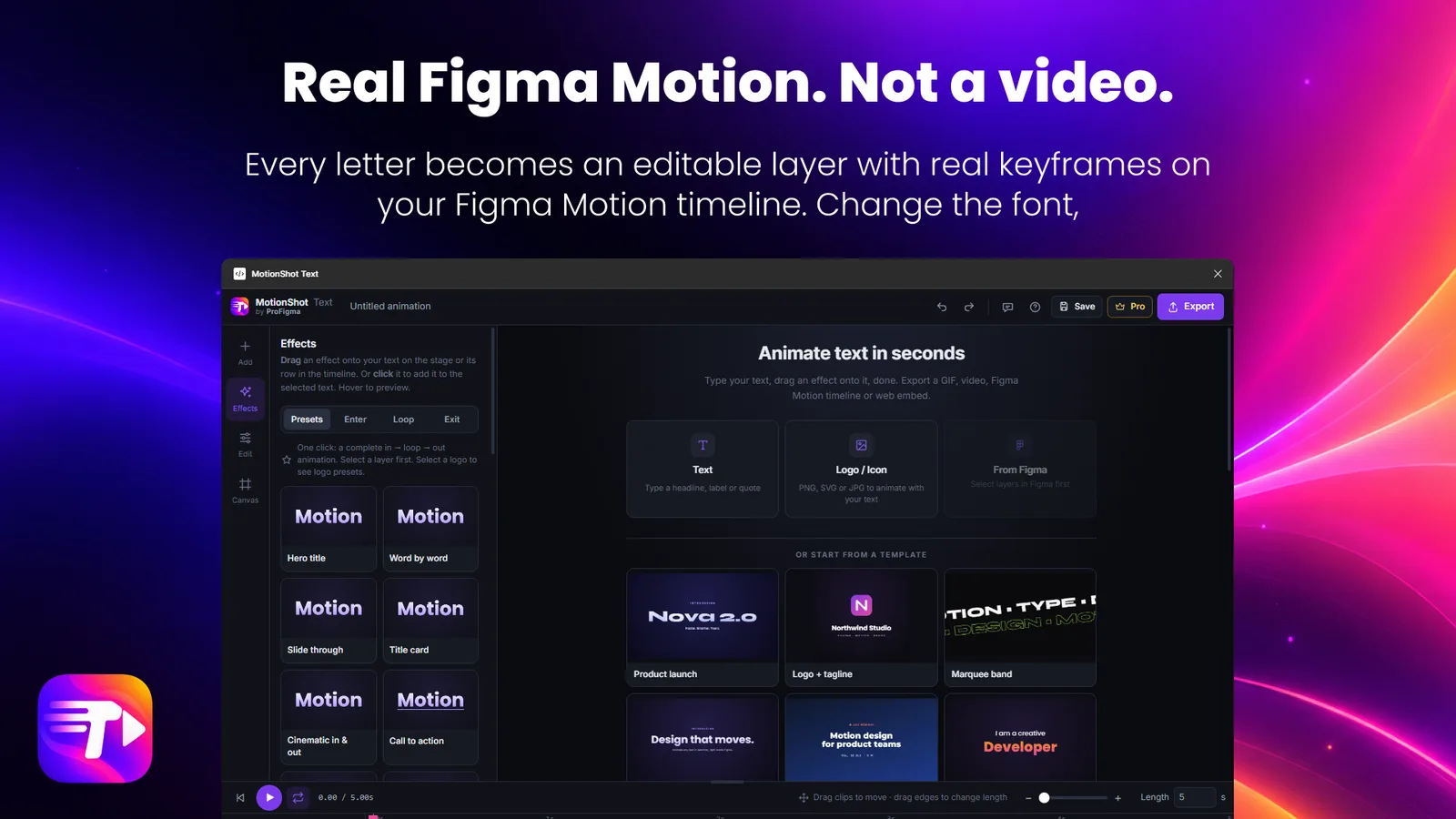
With Pro, every letter becomes an editable layer with real keyframes on your Figma Motion timeline. Change the font or the words later and the animation stays.
Need something simpler? Export a GIF that plays inside Figma, a video, a PNG or a web embed you can paste into a site.
31 for text and 10 for logos, from simple fades to full in, loop and out stories.
Product launch, logo and tagline, event, countdown, testimonial, stats and more. Text fits the canvas, so nothing is cropped.
Marquee, word swap, counter, 3D roll, mask reveal, typewriter, glitch and more.
Any Google Font, gradient or outline fill, shadow, glow and curved text.
PNG, JPG, WebP and SVG, animated with your text.
Keep your animations inside the Figma file and come back to them.
Install the free version from Figma Community. Pro is $6 a month. Click Pro inside the plugin to upgrade.
No. Type your text, pick a preset or drag an effect on, and export. It all happens inside Figma.
A GIF that also plays inside Figma, a video, a PNG, a web embed (HTML) and Figma Motion with editable layers and keyframes. GIF and PNG are in the free plan. The rest is Pro.
Yes. Select text layers in Figma and import them, and the font, size and color come with them. You can also pick any Google Font.
Yes. Add PNG, JPG, WebP or SVG files and animate them together with your text. There are 10 presets made for logos.
Open the plugin and click Pro. Subscribe, then paste the licence key from your receipt and press Activate. Pro is $6 a month.
Yes. The Pro window lets you try one Pro export free, with a code sent to your email.
Use the Feedback button in the plugin, or write to sales01@profigma.com.
Open Figma, install the plugin and animate your first headline in a few minutes.
Get it on Figma Community