How to use it in Figma, even if you have never used Figma
Four steps. You do not need to draw anything, and a free Figma account is enough (Pro components need a ProFigma Pro plan).
Fill
Export
- Press Copy to FigmaClick the button on this page. The design is copied, like text you copy with Ctrl + C.
- Paste it in FigmaOpen Figma, open any file and press Ctrl + V (Cmd + V on Mac). You get real, editable layers.
- Make it yoursDouble-click a text to type your own words. Click a shape and change its color under Fill. Drag your own photo onto an image box.
- Export itClick the design. In the right panel, scroll to Export, choose PNG, JPG, SVG or PDF, then click Export.
Tip: install the free Google Fonts used in the design (the name shows when you click a text) so the text looks the same on your computer.
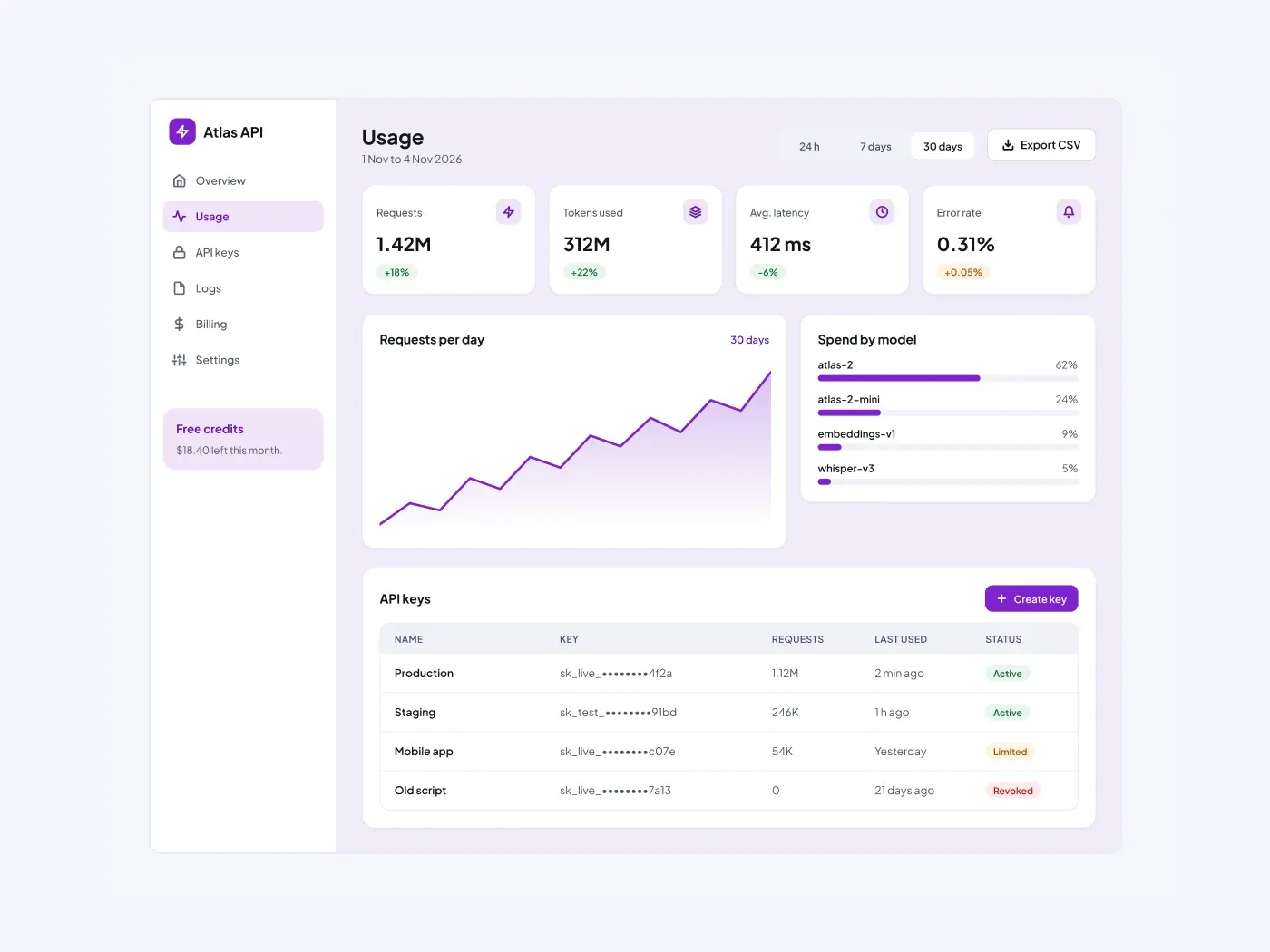
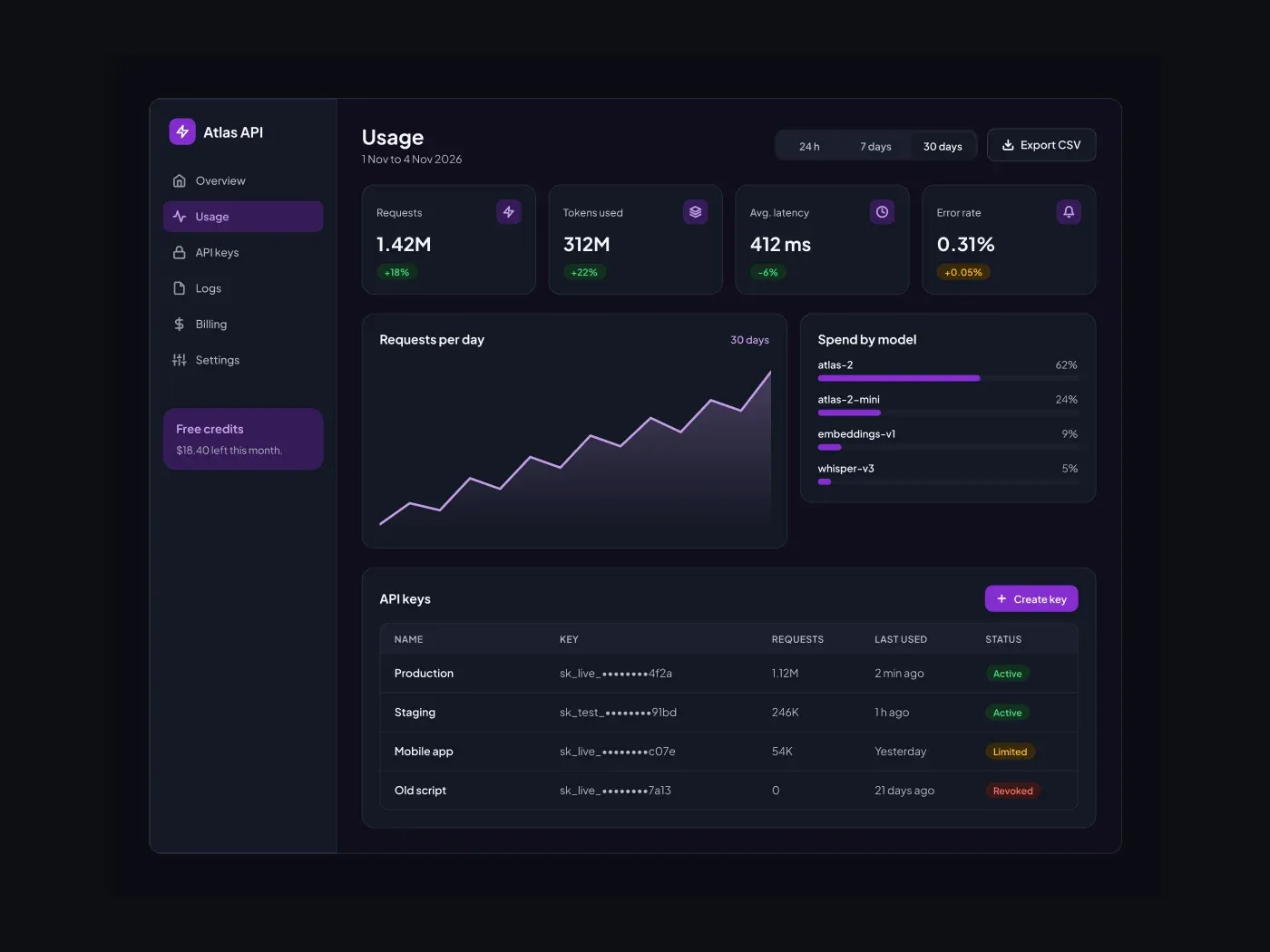
The dark version has muted text colors that stay easy to read at night. Show usage at a glance. The page has request and token stats, a daily chart, spend by model bars and a table of API keys.
What is included
- Four stat cards
- A requests per day area chart
- Spend by model bars
- An API keys table with status
- Range switch and export button
Where to use it
Use it for an API platform, an AI product or a developer console.
Design notes
This ai usage and api dashboard follows a simple rule: A dashboard is read in a few seconds, so the key numbers sit at the top and the details below. Swap the sample data for yours and keep the same hierarchy. It includes four stat cards, a requests per day area chart, spend by model bars, so you can start from a finished layout and change only what you need.
Built for editing
Spacing follows a 4 point scale and layers have clear names, so developers can find what they need. Fonts are free on Google Fonts, and every color can be changed from the fill panel. You also get an api keys table with status and range switch and export button.
How to use it
Copy the component with the copy button and paste it into Figma with Ctrl+V or Cmd+V. The layers keep their auto layout, so you can edit text, colors and spacing. The text uses Plus Jakarta Sans and a few free Google Fonts. Install them first so the text looks the same.
Dark version
This listing is the dark version. The light version is listed separately.