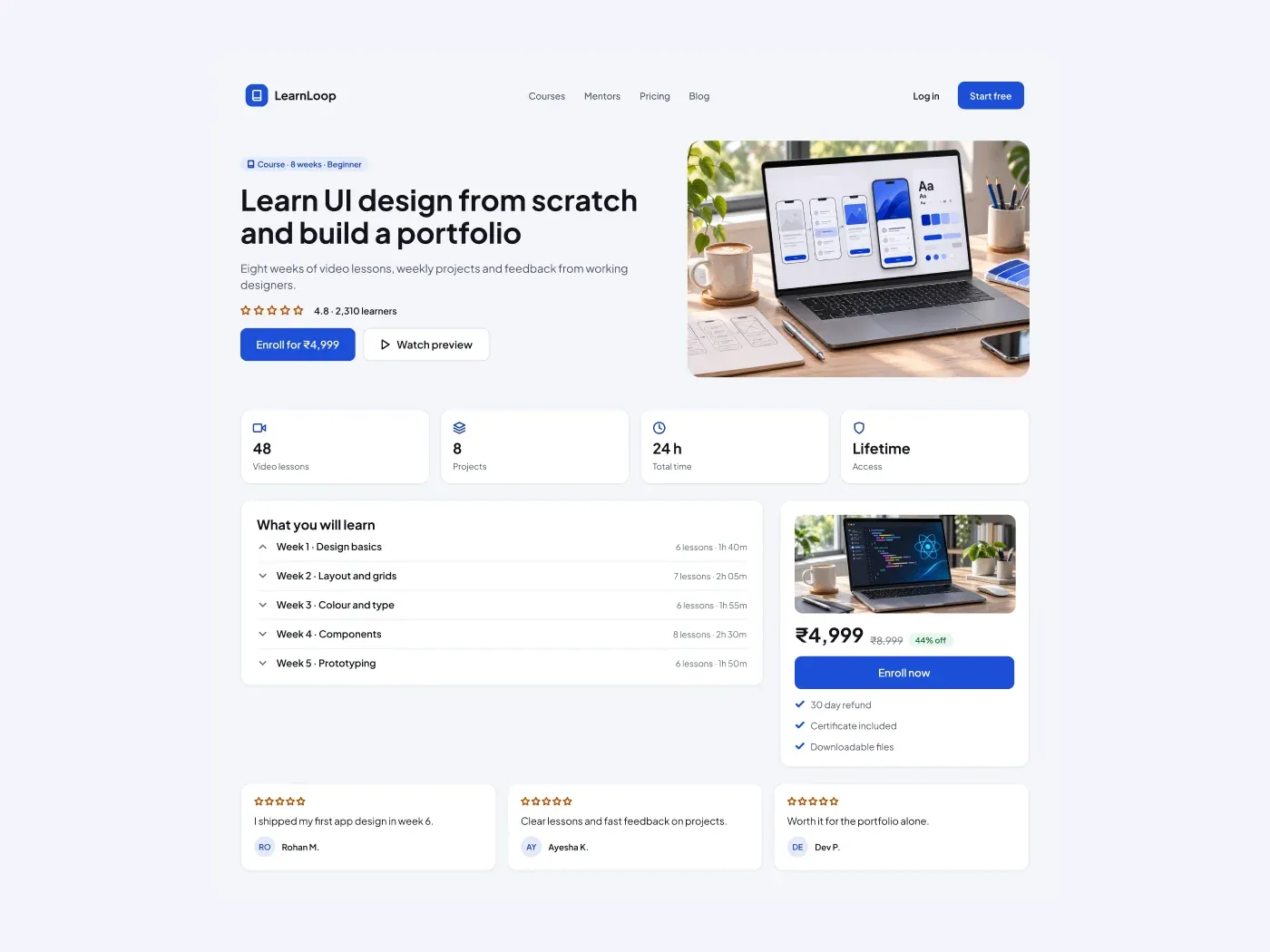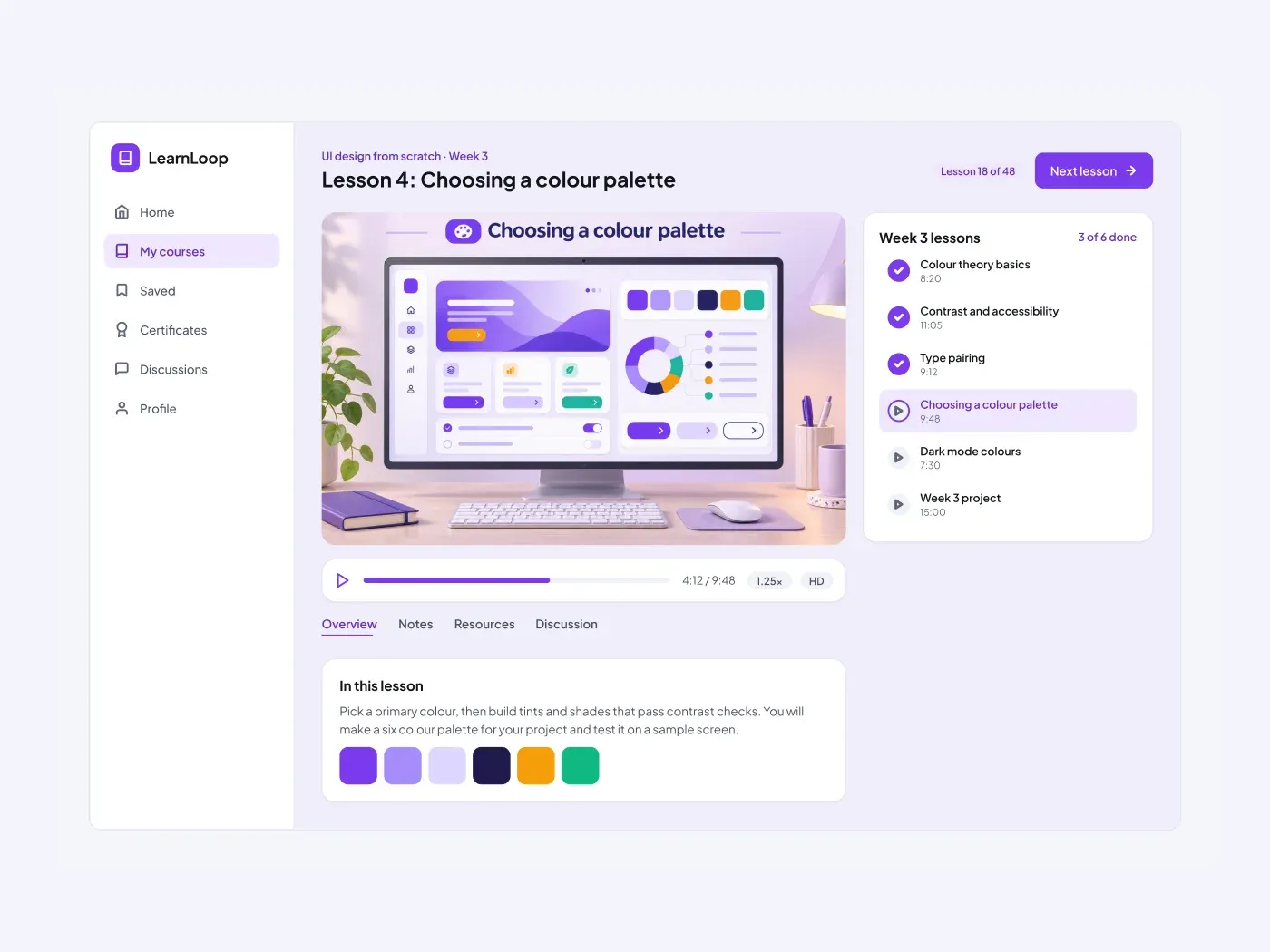

The dark version uses deep panels with soft borders, so the content stands out on a dark page. Help learners narrow a long list of courses. A filter panel on the left sets the category, the level and the price, and the cards on the right show the result.
What is included
- A filter panel with three checkbox groups
- A search field and a sort button
- Six cards with image, tag, teacher, rating and price
- A free price shown in green
- A numbered pagination row
Where to use it
Use it for a course marketplace, a library of tutorials or an academy site. Add more filter groups if you need them.
How to use it
Copy the component with the copy button and paste it into Figma with Ctrl+V or Cmd+V. The layers keep their auto layout, so you can edit text, colors and spacing. The text uses Plus Jakarta Sans, a free font on Google Fonts. Install it first so the text looks the same.
Dark version
This listing is the dark version. The light version is listed separately, so you can pick the one that fits your project.