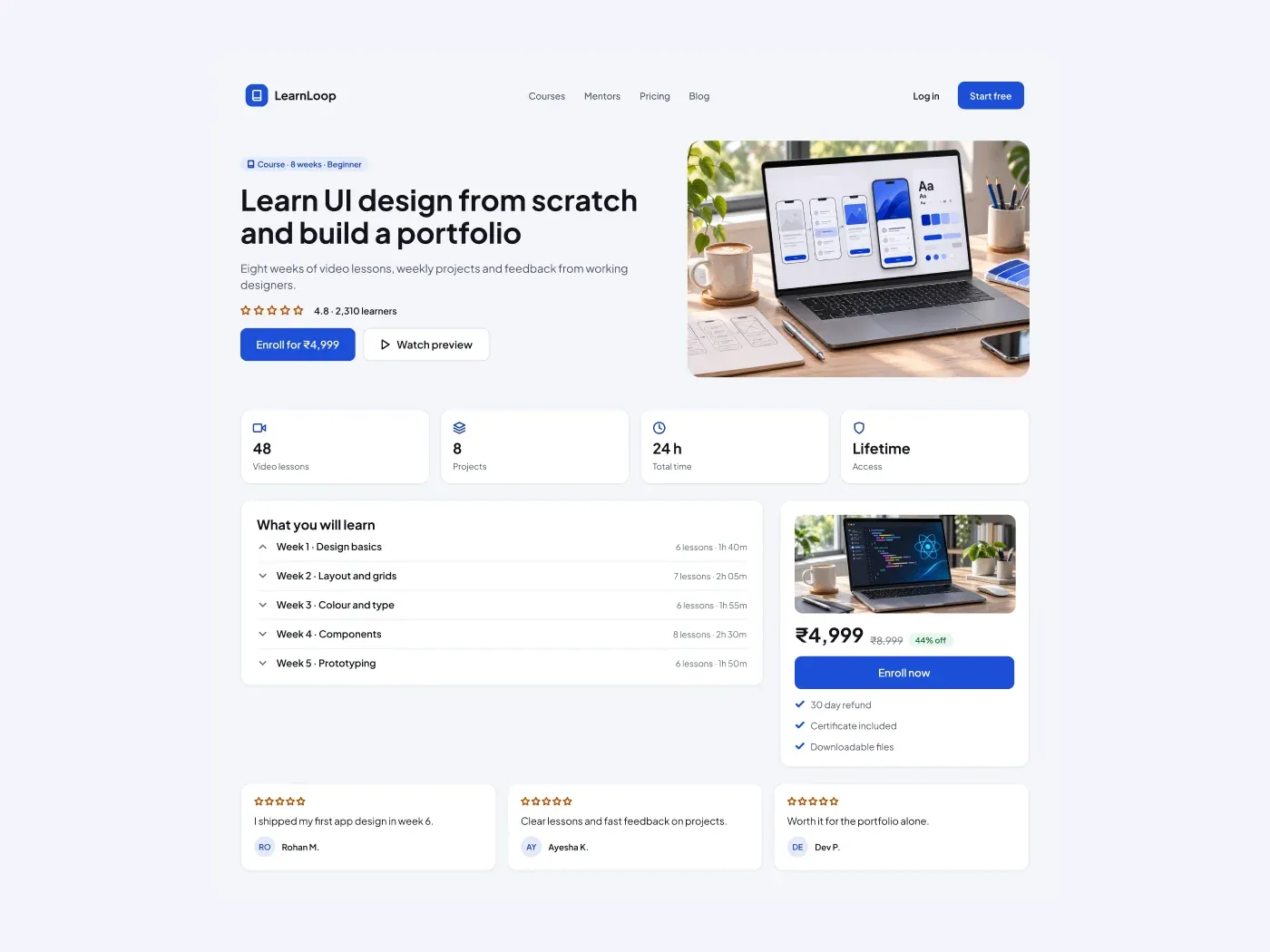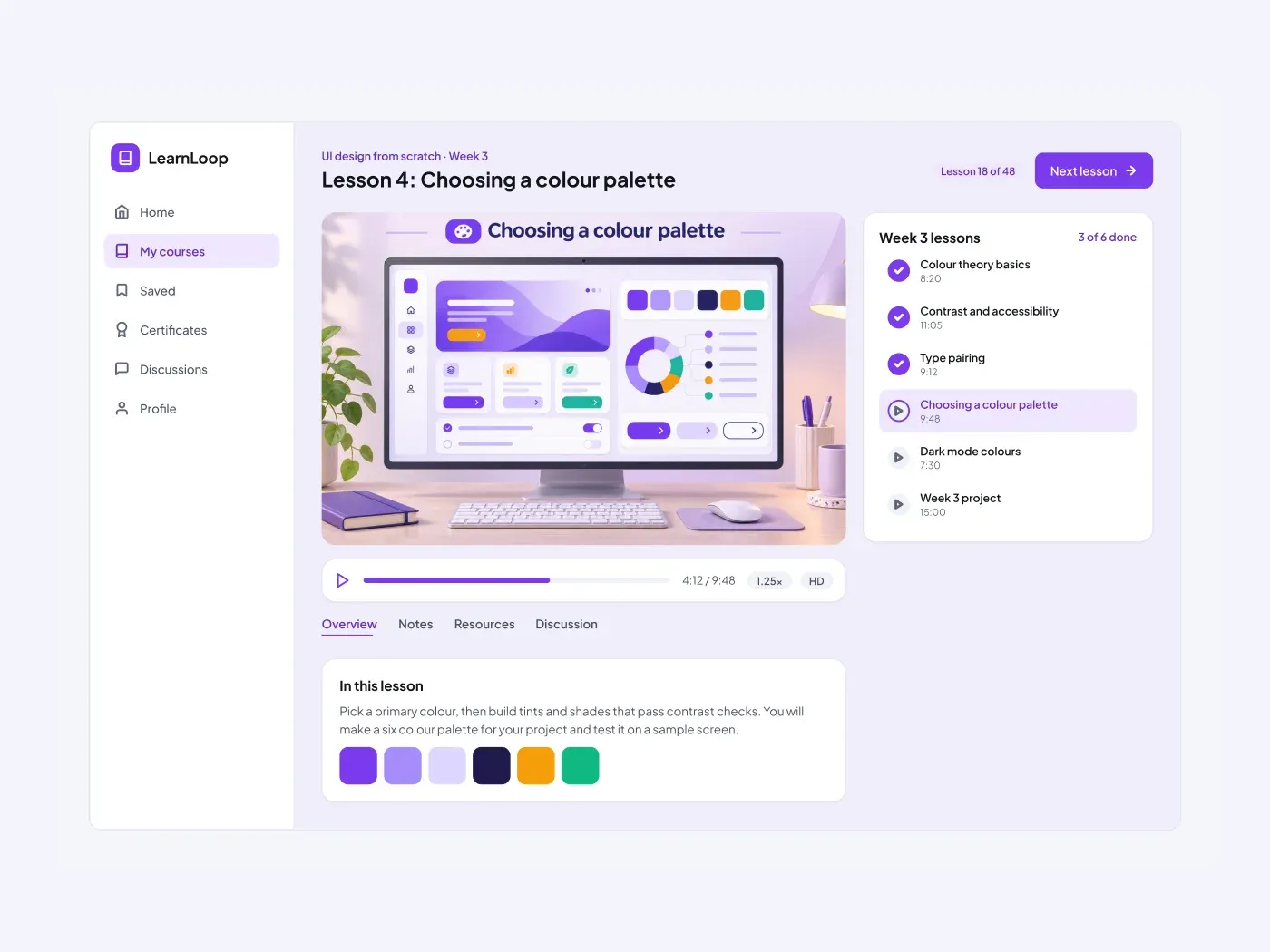

The dark version puts the layout on a near black page and keeps the same accent color. Sell one online course on one page. The hero states the promise, the stats row shows lessons and hours, and a sticky style price card holds the discount and the buy button.
What is included
- A navigation bar with login and a start button
- A hero with rating, two buttons and a course image
- Four stat tiles for lessons, projects, hours and access
- A week by week curriculum list
- A price card with a refund line and three reviews
Where to use it
Use it for a single course, a bootcamp or a cohort program. Replace the text, the price and the images.
How to use it
Copy the component with the copy button and paste it into Figma with Ctrl+V or Cmd+V. The layers keep their auto layout, so you can edit text, colors and spacing. The text uses Plus Jakarta Sans, a free font on Google Fonts. Install it first so the text looks the same.
Dark version
This listing is the dark version. The light version is listed separately, so you can pick the one that fits your project.