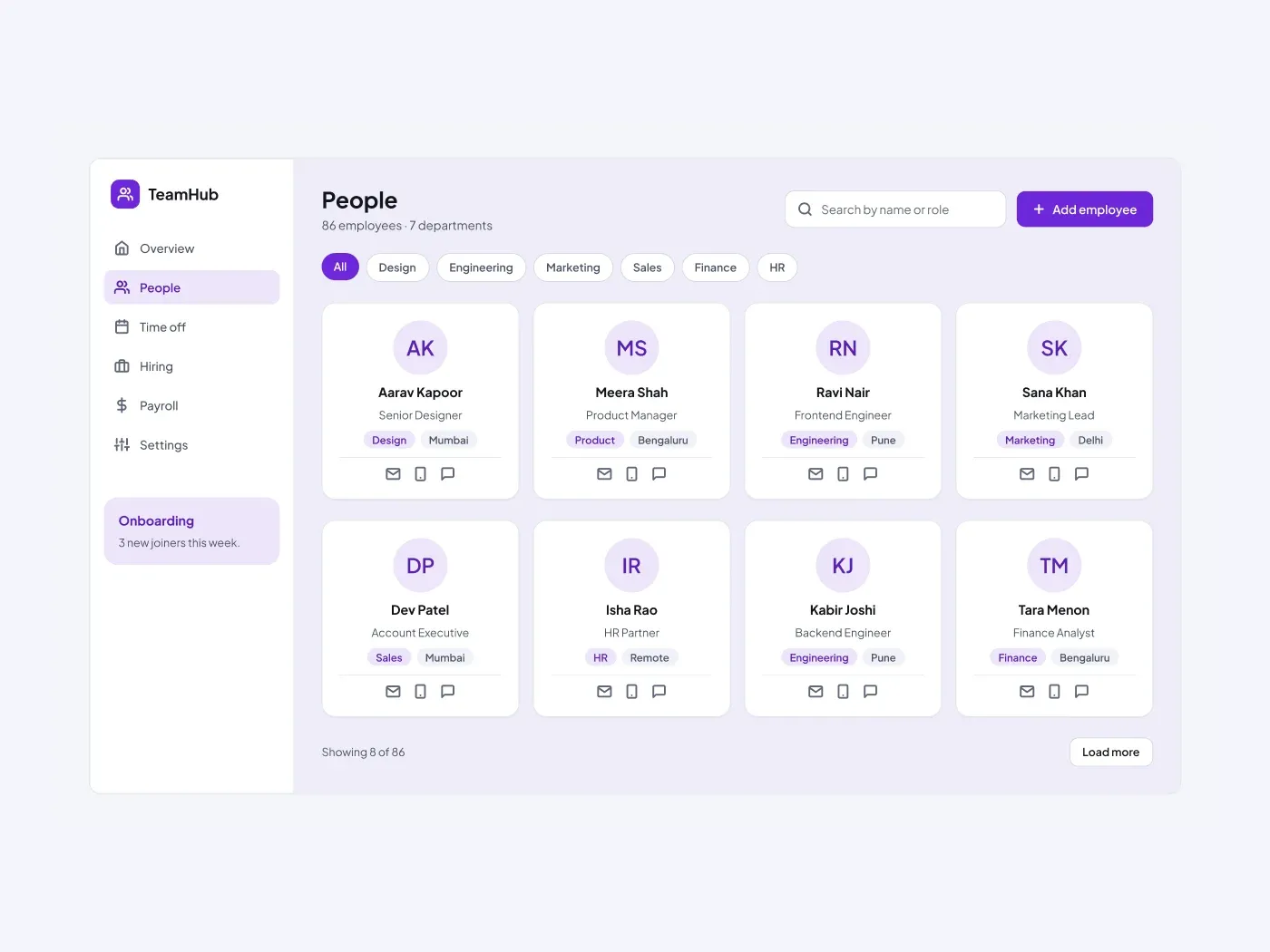

The dark version swaps the light surfaces for charcoal cards and keeps the accent bright. Help a team find each other. Each card shows a name, a role, a department and a city, and has icons for mail, phone and chat.
What is included
- Department filter chips
- A search field and an add employee button
- Eight people cards in a four column grid
- Department and location tags
- A load more button and a count
Where to use it
Use it for an HR tool, an intranet or a team page. Replace the names and the departments.
How to use it
Copy the component with the copy button and paste it into Figma with Ctrl+V or Cmd+V. The layers keep their auto layout, so you can edit text, colors and spacing. The text uses Plus Jakarta Sans, a free font on Google Fonts. Install it first so the text looks the same.
Dark version
This listing is the dark version. The light version is listed separately, so you can pick the one that fits your project.