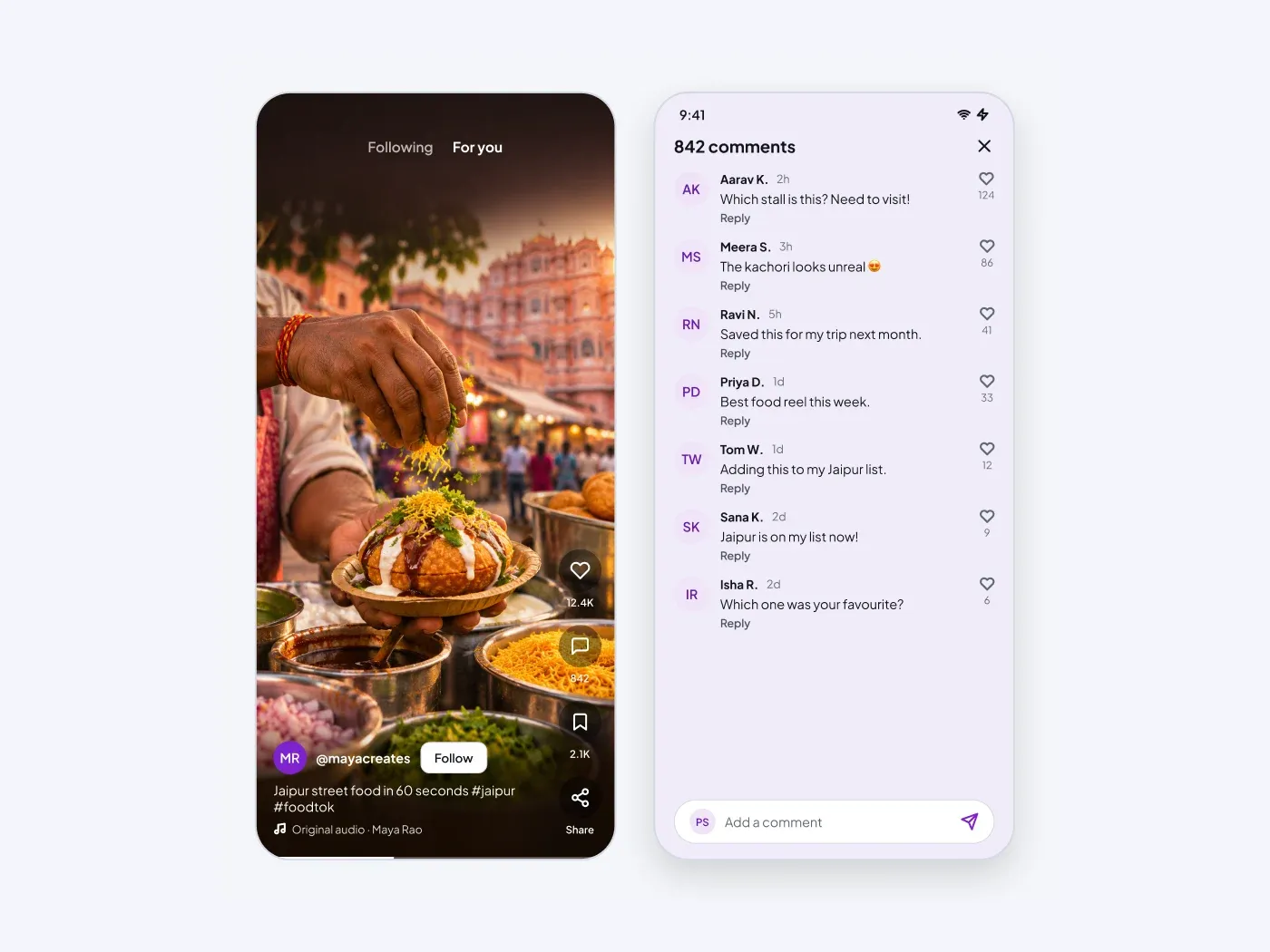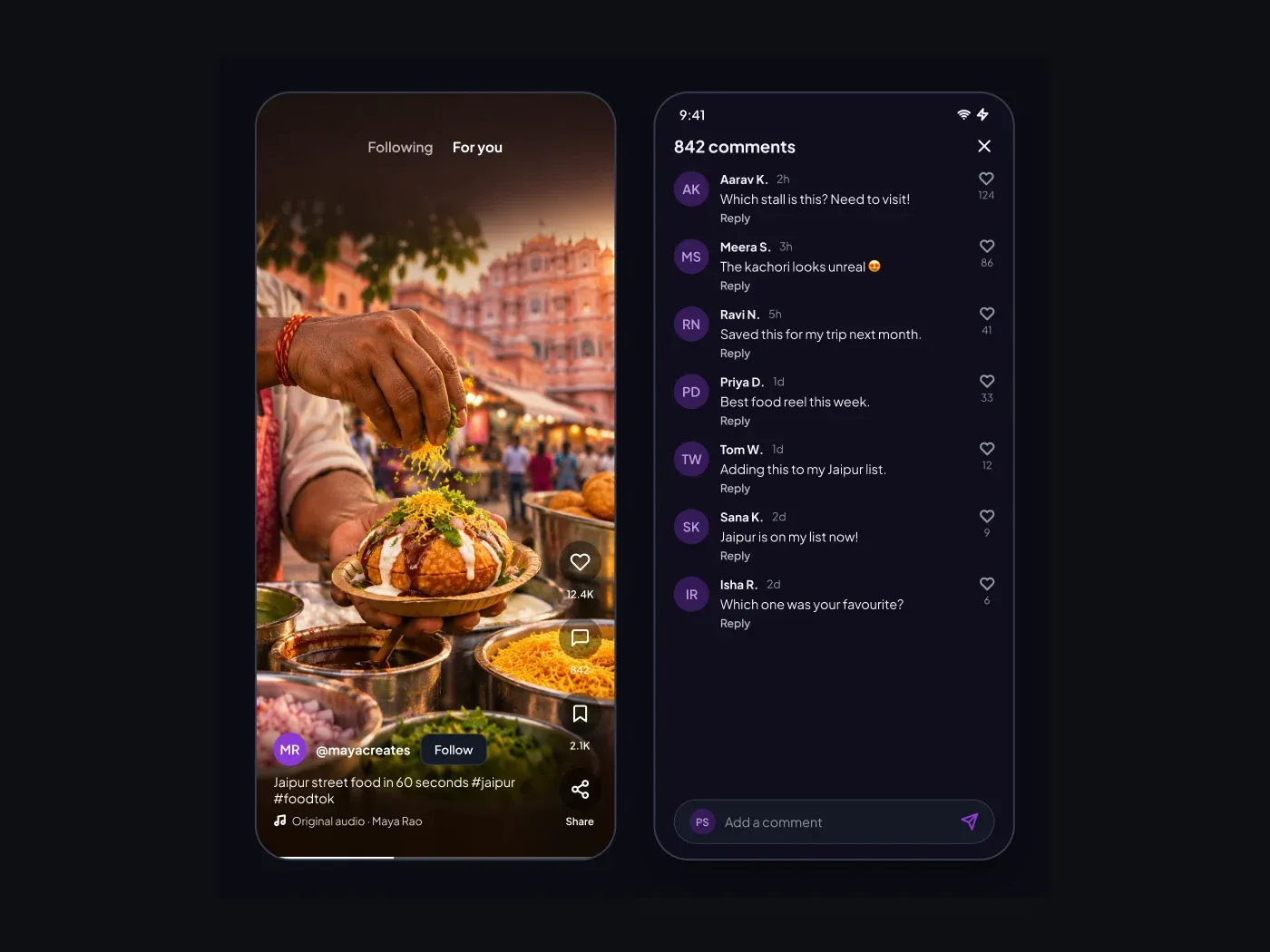

The dark version is made for night use, with muted text colors that stay easy to read. Keep people in touch. The feed groups alerts by day and marks the unread ones. The chat screen shows a short thread with clear sent and received bubbles.
What is included
- Filter chips for all, mentions, follows and likes
- Today and earlier groups with unread dots
- Avatars with a short line and a time
- A chat header with an active status
- Sent and received bubbles and a message field
Where to use it
Use it for a social app, a community app or a marketplace chat. Edit the names and the messages.
How to use it
Copy the component with the copy button and paste it into Figma with Ctrl+V or Cmd+V. The layers keep their auto layout, so you can edit text, colors and spacing. The text uses Plus Jakarta Sans, a free font on Google Fonts. Install it first so the text looks the same.
Dark version
This listing is the dark version. The light version is listed separately, so you can pick the one that fits your project.