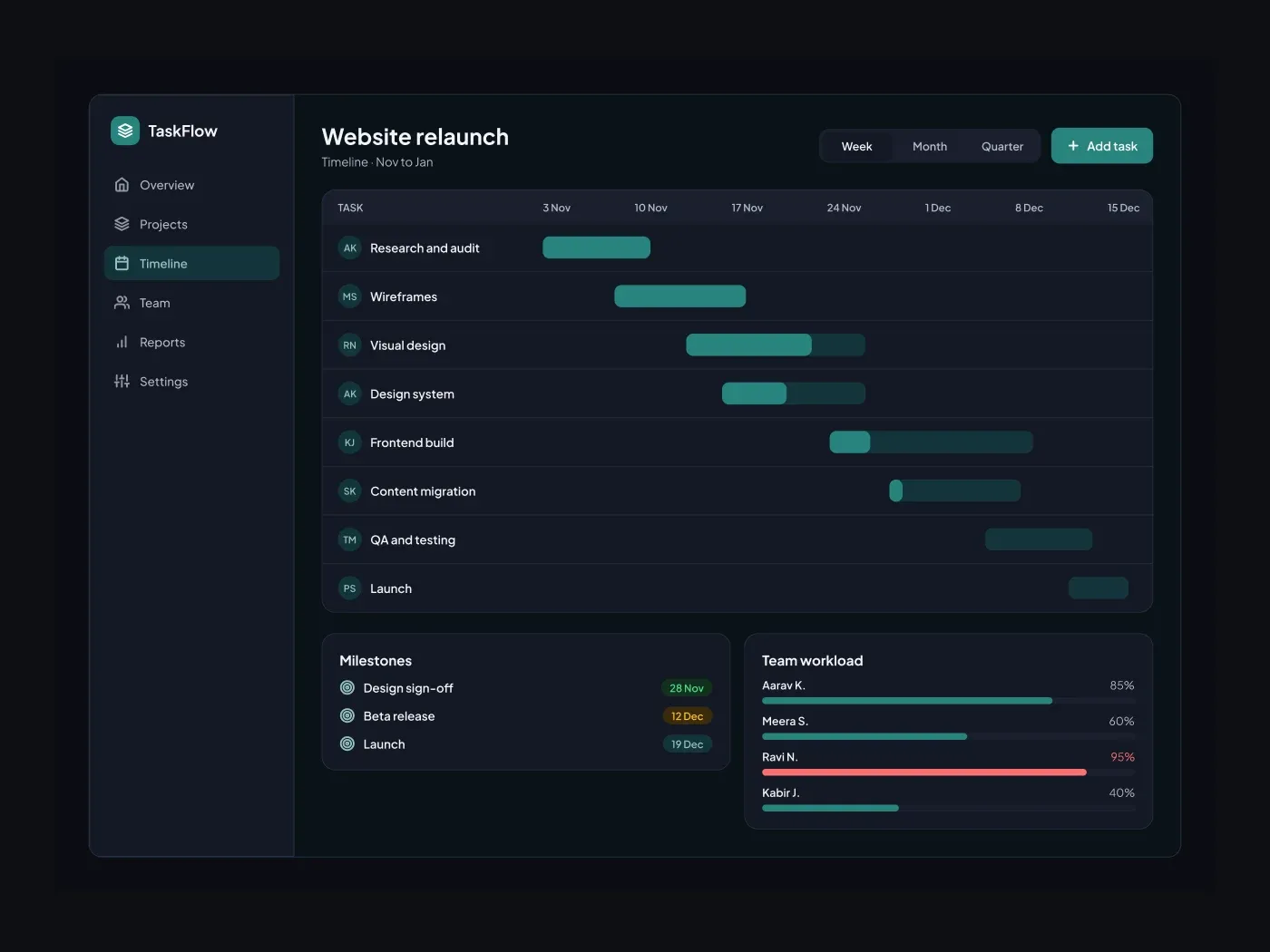
The dark version keeps every layer from the light one and changes only the colors. Show a project plan on one screen. Each task is a bar placed on a week scale, with the filled part showing progress and an avatar showing the owner.
What is included
- A week and month switch with an add task button
- Eight task rows with owner avatars
- Bars with a progress fill
- A milestones card with dates
- A workload card that flags an overloaded person
Where to use it
Use it for a project management tool, an agency planner or a launch plan. Move the bars to match your tasks.
How to use it
Copy the component with the copy button and paste it into Figma with Ctrl+V or Cmd+V. The layers keep their auto layout, so you can edit text, colors and spacing. The text uses Plus Jakarta Sans, a free font on Google Fonts. Install it first so the text looks the same.
Dark version
This listing is the dark version. The light version is listed separately, so you can pick the one that fits your project.