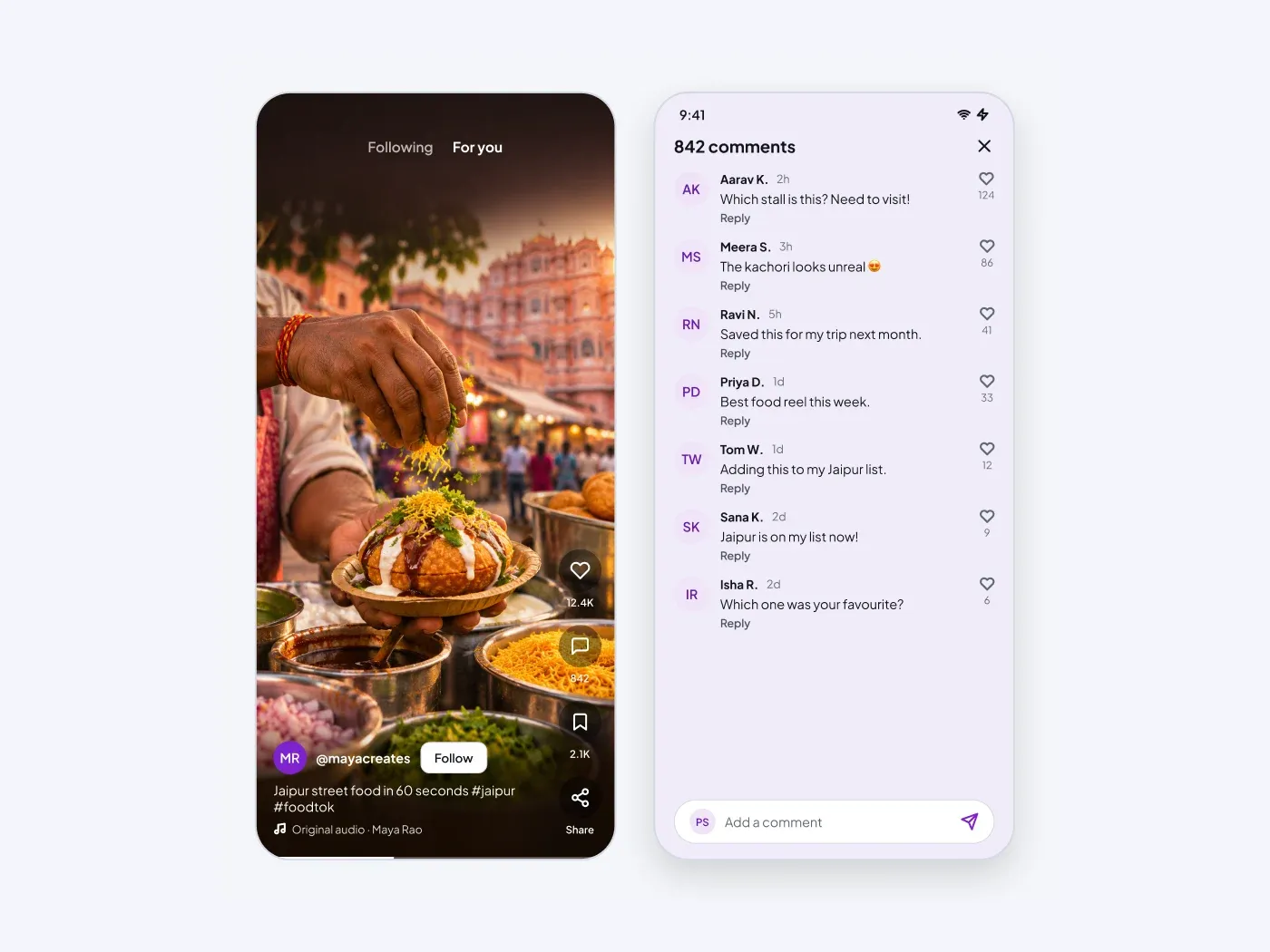
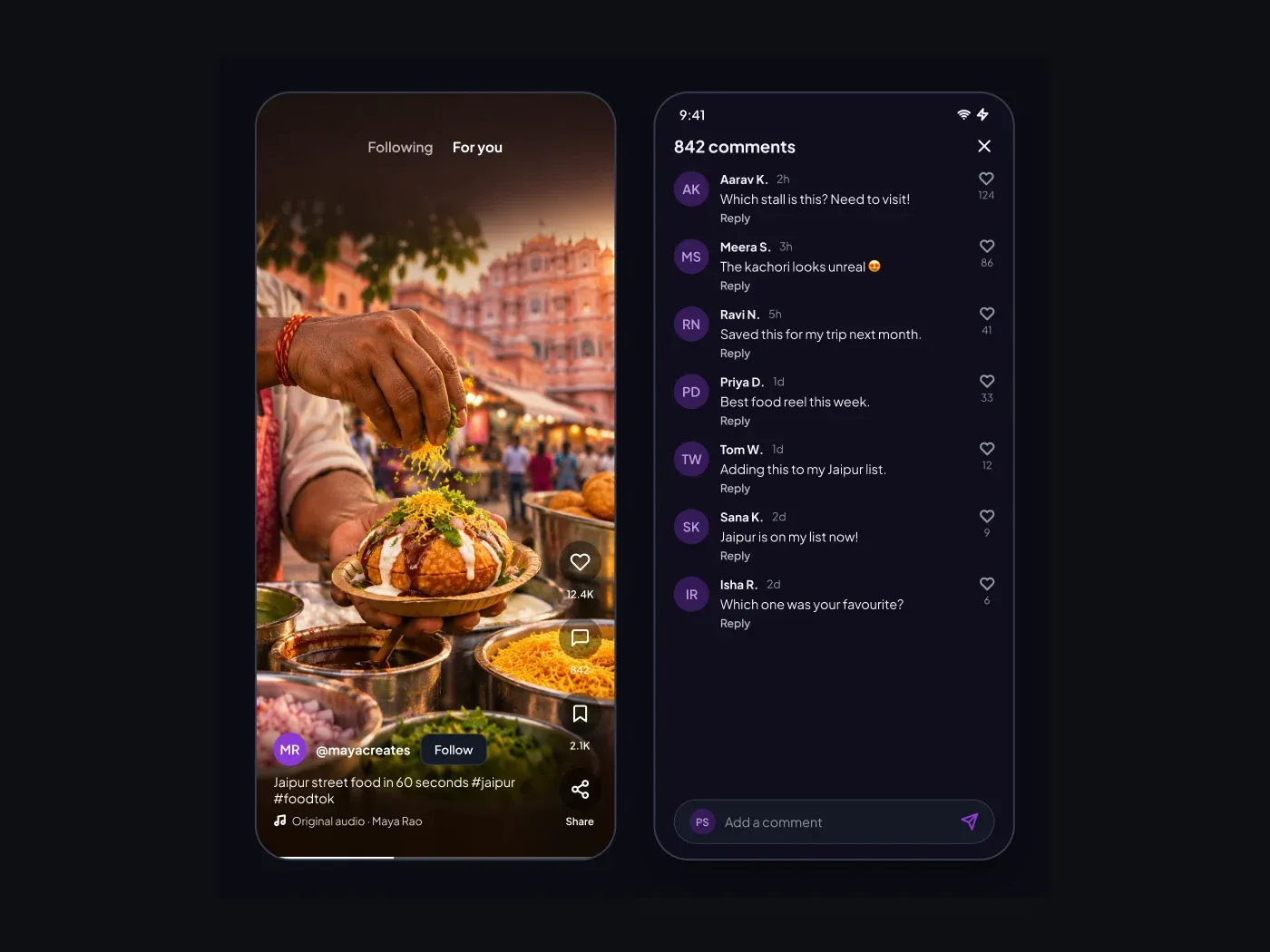
The dark version keeps every layer from the light one and changes only the colors. Design a short video feed that feels familiar. The video fills the screen with buttons on the right and a caption at the bottom. The second screen lists comments with a field to reply.
What is included
- A full screen video frame with a feed switch
- Like, comment, save and share buttons
- A creator row with a follow button and a caption
- A comment list with likes and reply links
- A comment field pinned to the bottom
Where to use it
Use it for a video app, a creator platform or a product demo feed. The video frame is ready for your image.
How to use it
Copy the component with the copy button and paste it into Figma with Ctrl+V or Cmd+V. The layers keep their auto layout, so you can edit text, colors and spacing. The text uses Plus Jakarta Sans, a free font on Google Fonts. Install it first so the text looks the same.
Dark version
This listing is the dark version. The light version is listed separately, so you can pick the one that fits your project.