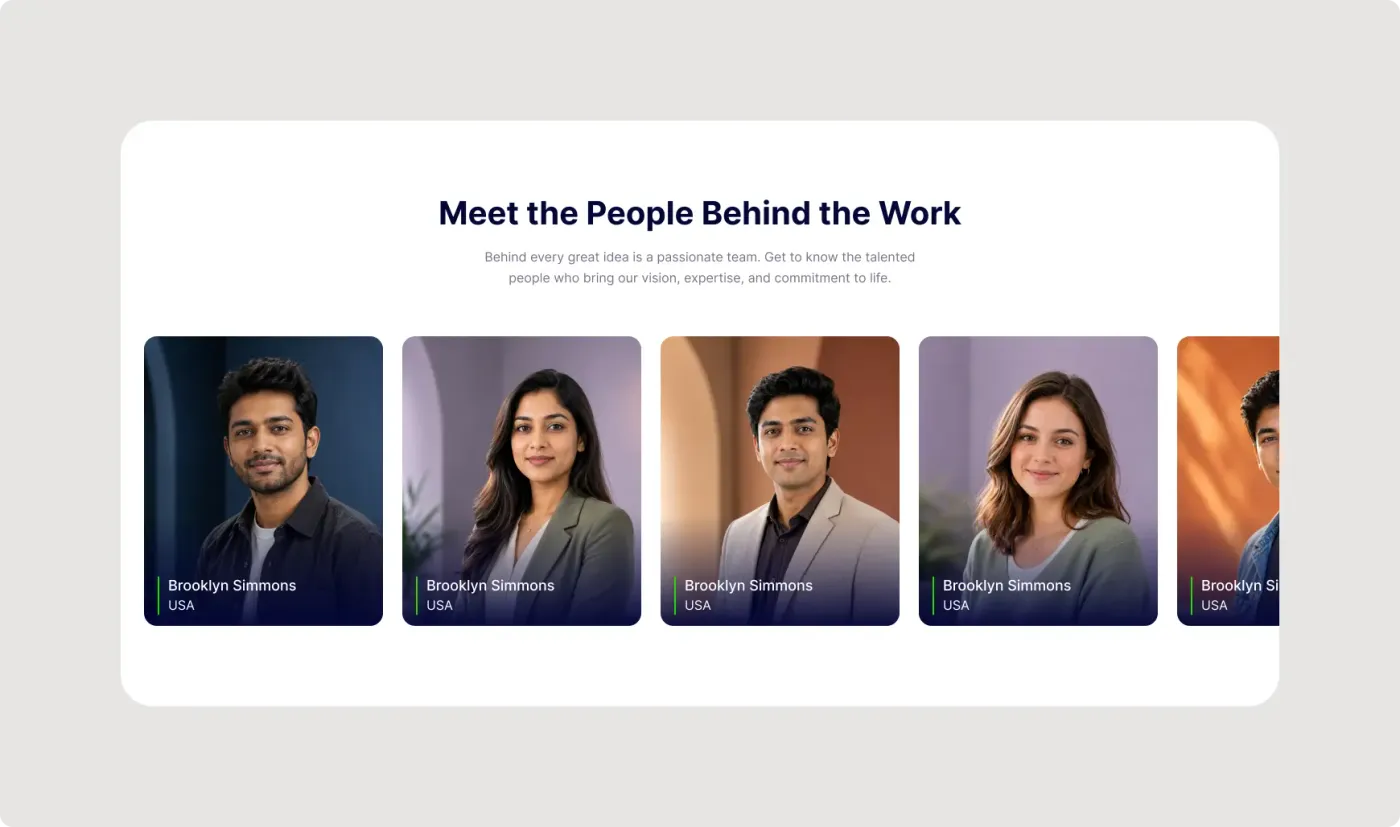
This team members section UI is a simple way to show your people on a website. It has a centred heading and a horizontal row of portrait cards with names and locations.
People like to see who they might work with. This section gives each team member a large portrait with a name and location, and the card cut off at the edge shows that the row scrolls. The dark gradient at the bottom of each portrait keeps the white text readable on photos of different colours.
What you get
- A centred heading, "Meet the People Behind the Work", with a short intro
- A row of rounded portrait cards with different coloured backgrounds
- A dark gradient at the bottom of each card for readable text
- A name, a location line and a thin green accent bar on every card
- A fifth card cut off at the edge to suggest a scrollable carousel
How to use it in Figma
Press copy on this page and paste into Figma with Ctrl or Cmd + V. Replace the photos, names and locations. The sample names and photos are placeholders, so change all of them. Add or remove cards to match your team size.
Best for
- About pages and company profiles
- Agency and studio websites
- Event speaker and mentor sections
- Portfolio and proposal pages
Customisation tips
- Use portraits with a similar crop and background tone.
- Show a role instead of a country if that is more useful to visitors.
- Resize photos with the online image compressor before you upload them. Pair this with the services section for a full about page.