
You need a section
A hero, a pricing table, a login screen. Something you've drawn many times before.

Stop rebuilding the same section.
ProFigma Components is a Figma plugin with ready-made UI components. Search the library, click Copy and paste onto your canvas as real, editable layers. 30 components are free.
A hero, a pricing table, a login screen. Something you've drawn many times before.
landing_final.fig
landing_final_v7.fig
landing_final_v7_REAL.fig
Searching… 6:40 pmWas it in v7 or v8? You'll find something close, and then you'll rebuild it anyway.
Can I see it by tonight?
Meanwhile you're nudging the same padding you nudged last week.
Click Copy, press Ctrl+V, and start from a finished section.
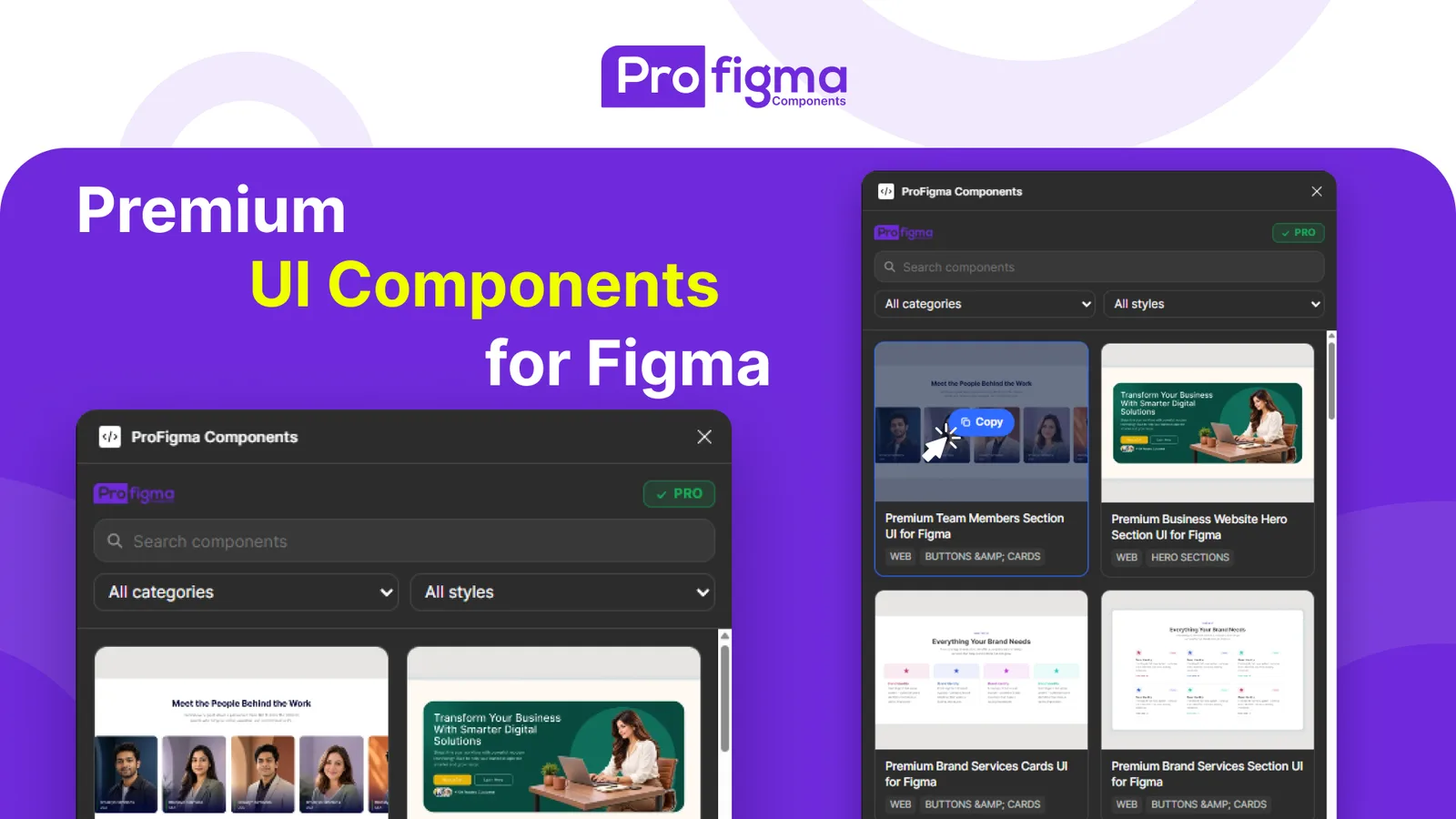
The plugin shows the same library as profigma.com: 37 UI components and growing. Search by name, or filter by category and style.
Categories include Desktop, Mobile App, Presentation, Print and Social Media. Styles include hero sections, login and signup, forms, headers and navbars, buttons and cards, and footers. Every card has a real preview, so you see what you're getting.
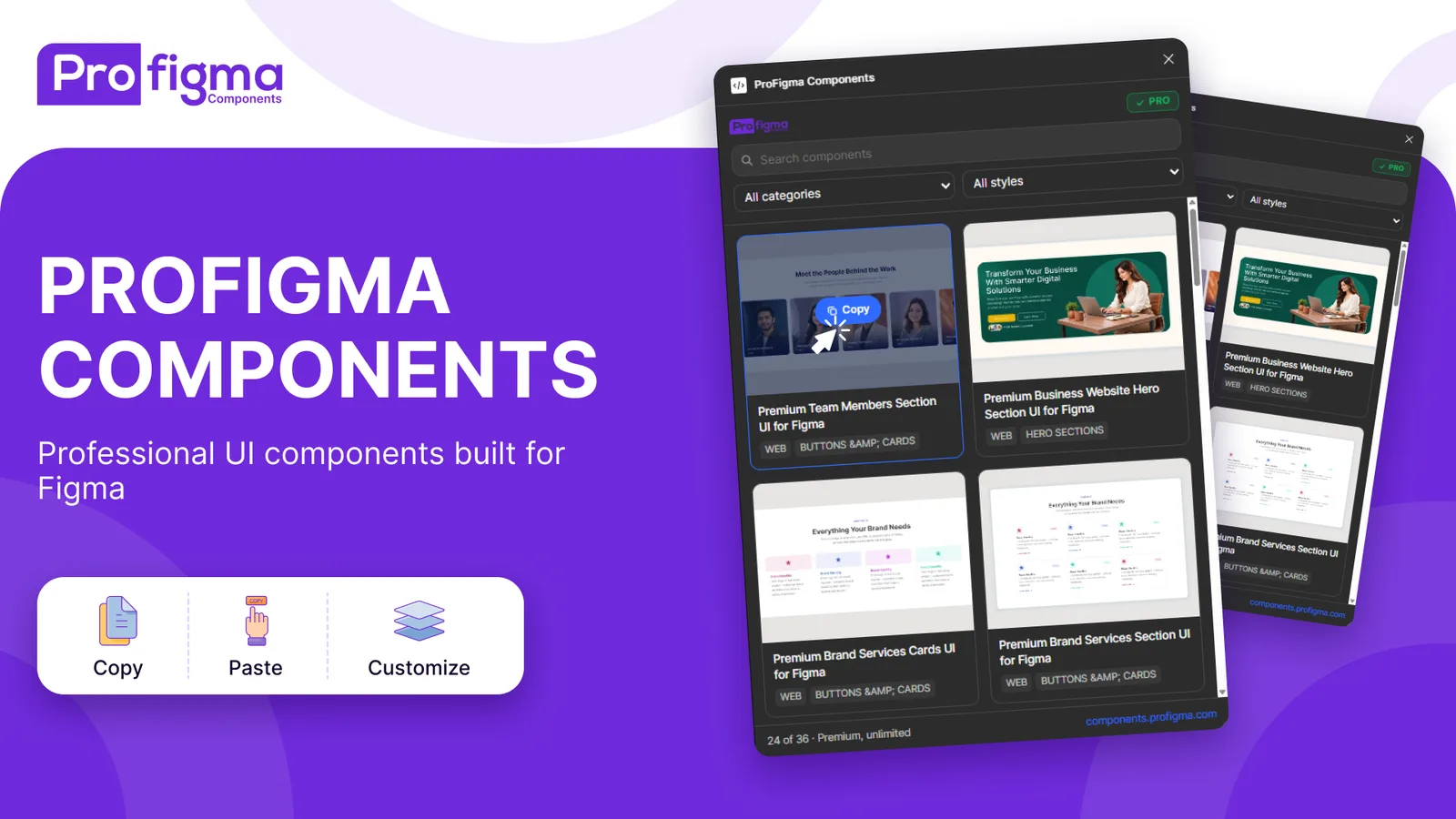
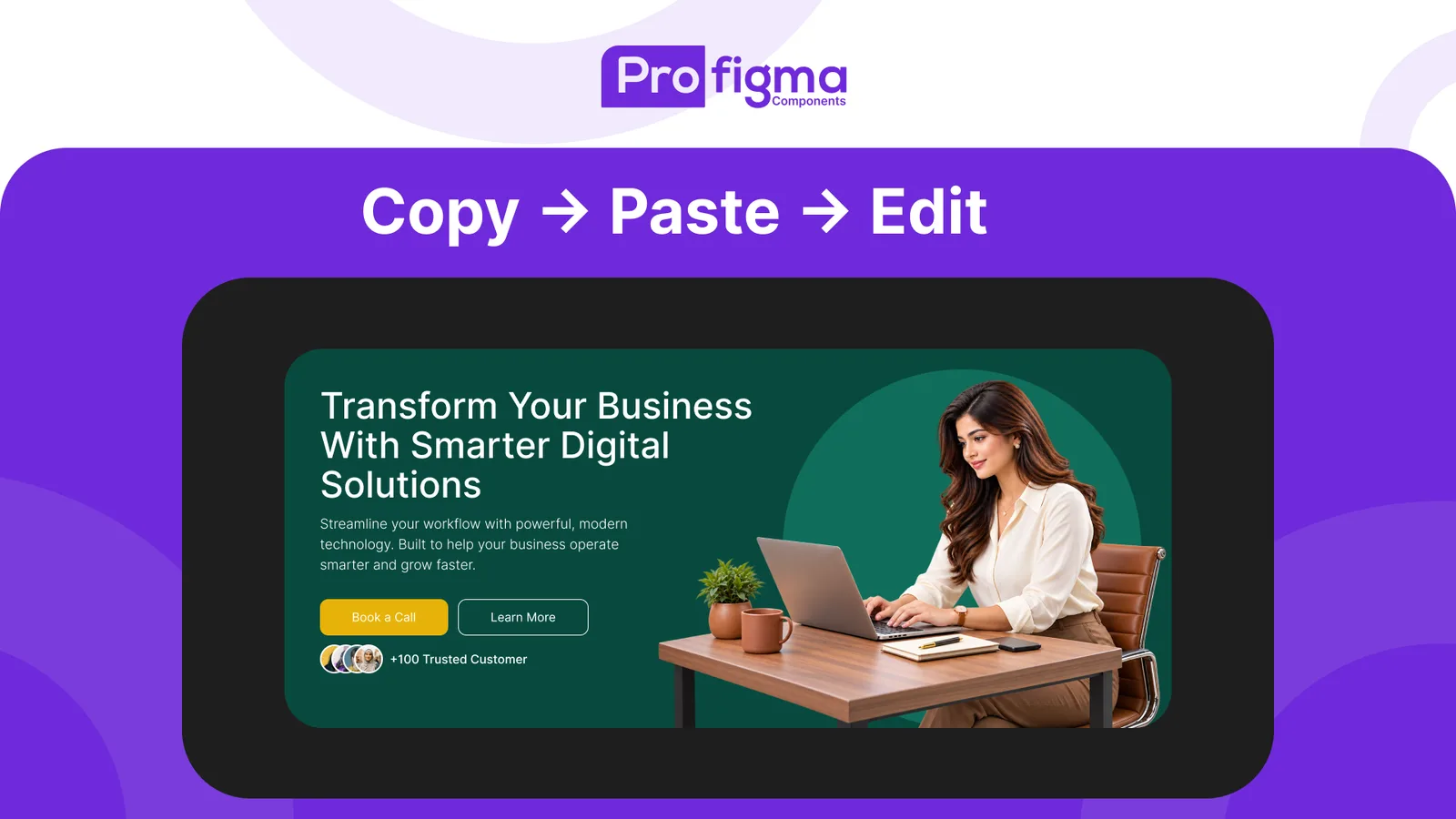
Click a component, then click on your Figma canvas and paste. You get real layers, with text you can edit, colors you can change and layouts you can move.
It isn't a flattened image or an approximation. The plugin copies the component's original Figma data, so what you paste is what we built.
The free plan lets you copy 30 components. Pro removes the limit and includes the Pro components too.
If you subscribe on the website, your plugin key is on your account page. Paste it into the plugin with the I have a key button and you're done.
 Premium Smartphone Product Presentation UIFree
 Premium Team Members Section UI for FigmaFree
 Premium Business Website Hero Section UI for FigmaFree
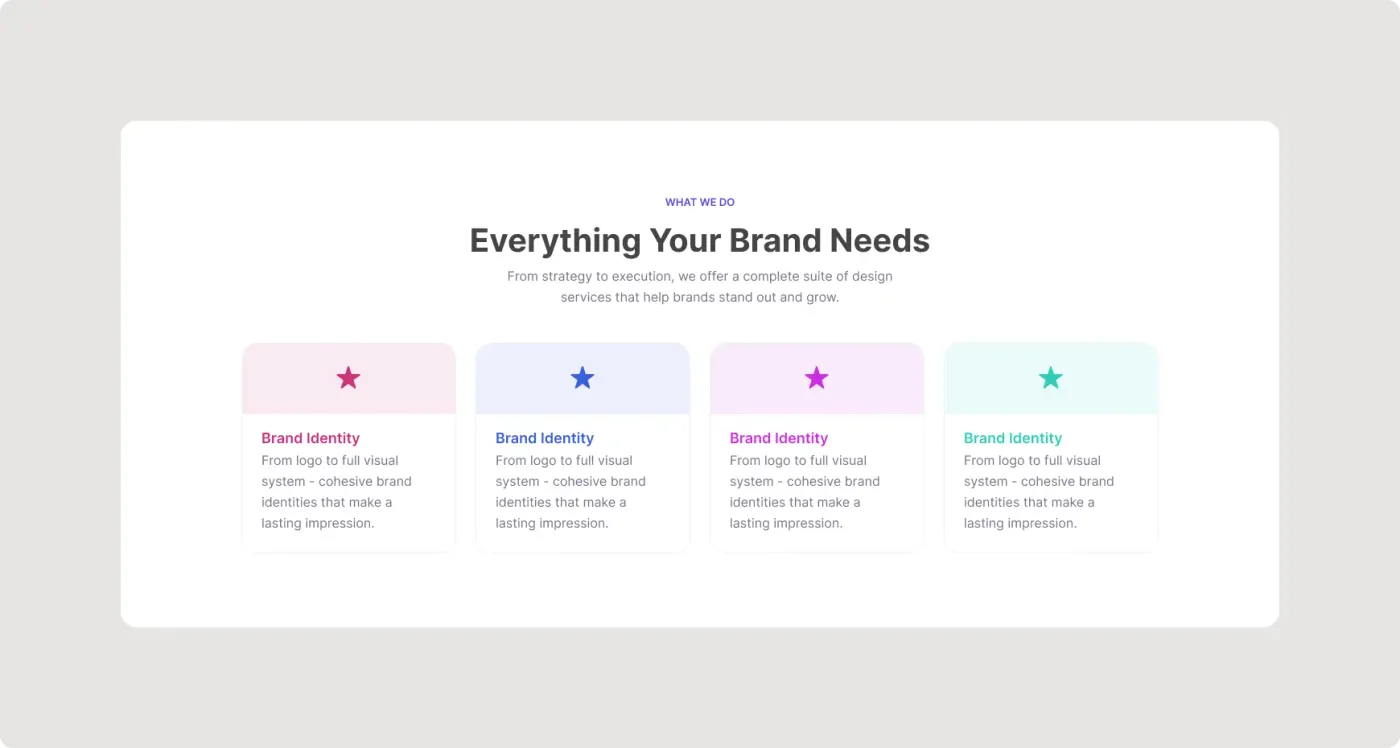 Premium Brand Services Cards UI for FigmaFree
 Premium Good Friday Social Media Poster for FigmaPro
 Premium Good Friday Social Media Template for FigmaPro
 Premium Good Friday Instagram Post Template for FigmaPro
 Premium Good Friday Story Template for FigmaPro
Find a component by name, category or style in seconds.
See each component before you copy it, so you don't paste and delete.
Pasted components are native Figma layers, not images.
Start without paying. No card needed.
Pro removes the limit and adds the Pro components.
New components appear in the plugin as soon as they're added to the library.
Yes. You can copy 30 components for free. Pro gives you unlimited copies and the Pro components.
Yes. You get real Figma layers with editable text, colors and layout, not a flat image.
They come from the ProFigma library at profigma.com/components. It has 37 components right now, and 6 of them are Pro.
Sign in at profigma.com/my-account and copy your key. In the plugin, click I have a key, paste it and press Save.
Yes. Free components and Pro components can be used in your own projects and your clients' projects.
Open My account on profigma.com and cancel there. Pro stays active until the period you paid for ends.
Yes. Use the Feedback button in the plugin and choose Component request.
Install the plugin, copy a component and paste it into your next design.