Canva Resume Template for Modern Job Seekers
Made for Designer, Employer.
Open in CanvaFree to download, no sign-up needed. See the copyright page for how you can use it.
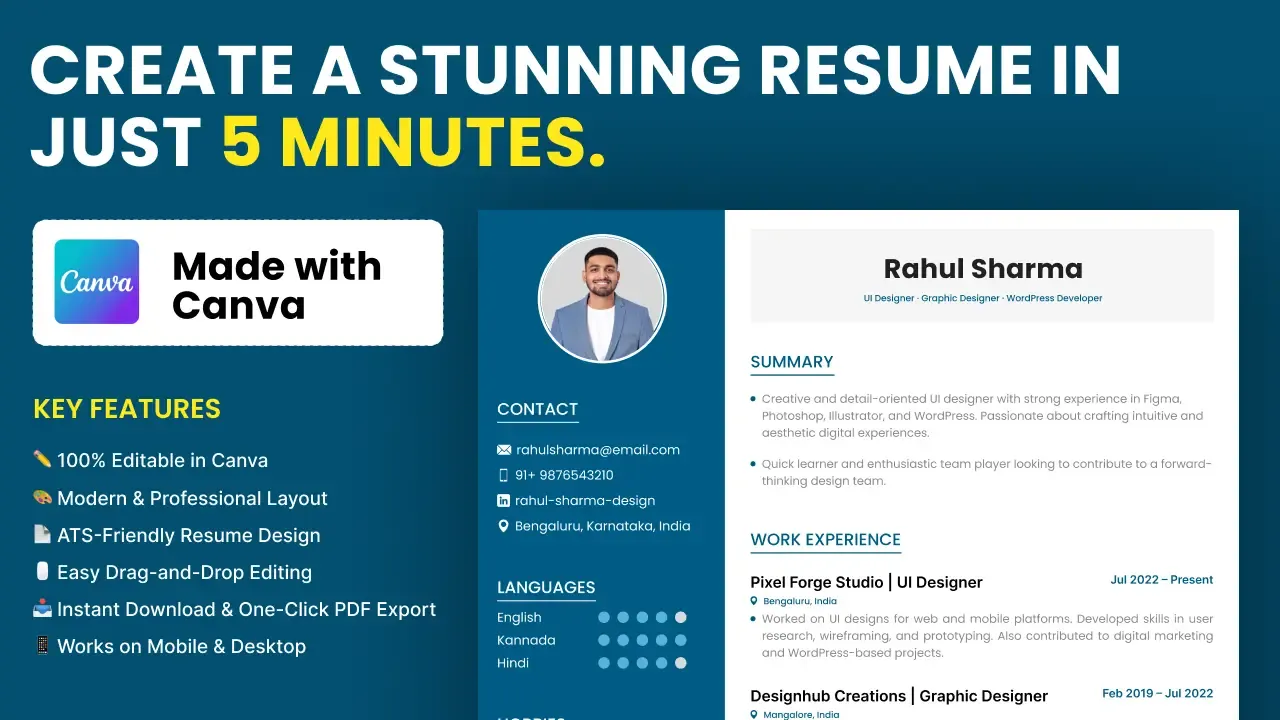
This free Canva resume template gives you a clean, modern CV layout that you edit right in your browser. It is made for people who want a tidy resume without learning design software.
What you get
- A resume design with a dark blue sidebar and a white main column.
- Sections for a photo, contact details, languages, hobbies, interests, skills, summary, work experience, education, certificates and projects.
- Fully editable text, colours and sections in Canva.
Who it is for
Students, fresh graduates, working professionals and career changers. If you are applying for your first job or updating an old CV, it saves you hours of layout work.
How to use it
- Open the template link and sign in to Canva. A free account is enough.
- Make your own copy of the design.
- Replace the sample name, photo and details with yours.
- Keep each point short and focus on work that matches the job.
- Download the resume as a PDF and send it to employers.
Read your resume once more before sending it, and check spelling and dates. Save a separate copy for each type of job so you can change the summary and skills to match the role.
Cost and terms
The template is free to open and edit. For usage terms, see our copyright information page.
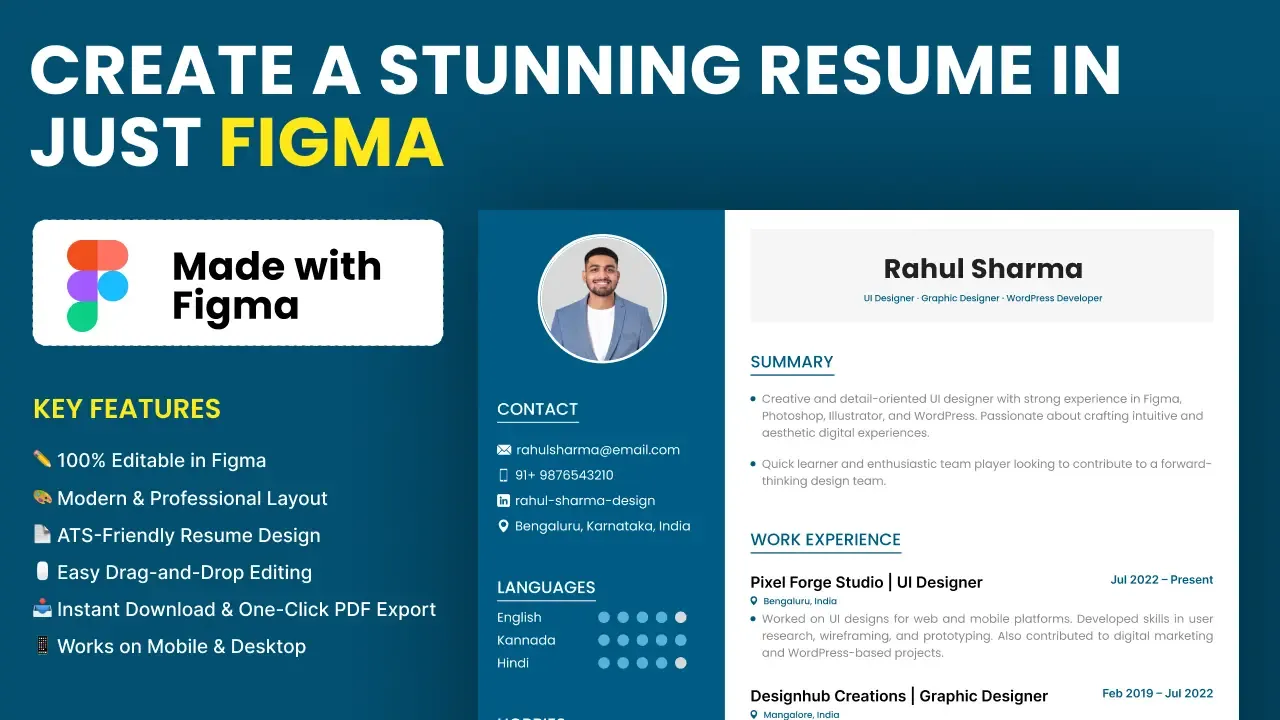
Prefer to work in Figma? Try the free Figma resume template, or browse more free and premium templates. Questions? Contact ProFigma.