Free Figma Resume Template: Get Hired Faster with Professional, Editable CV Designs
Made for Designer, businesses.
Download freeFree to download, no sign-up needed. See the copyright page for how you can use it.
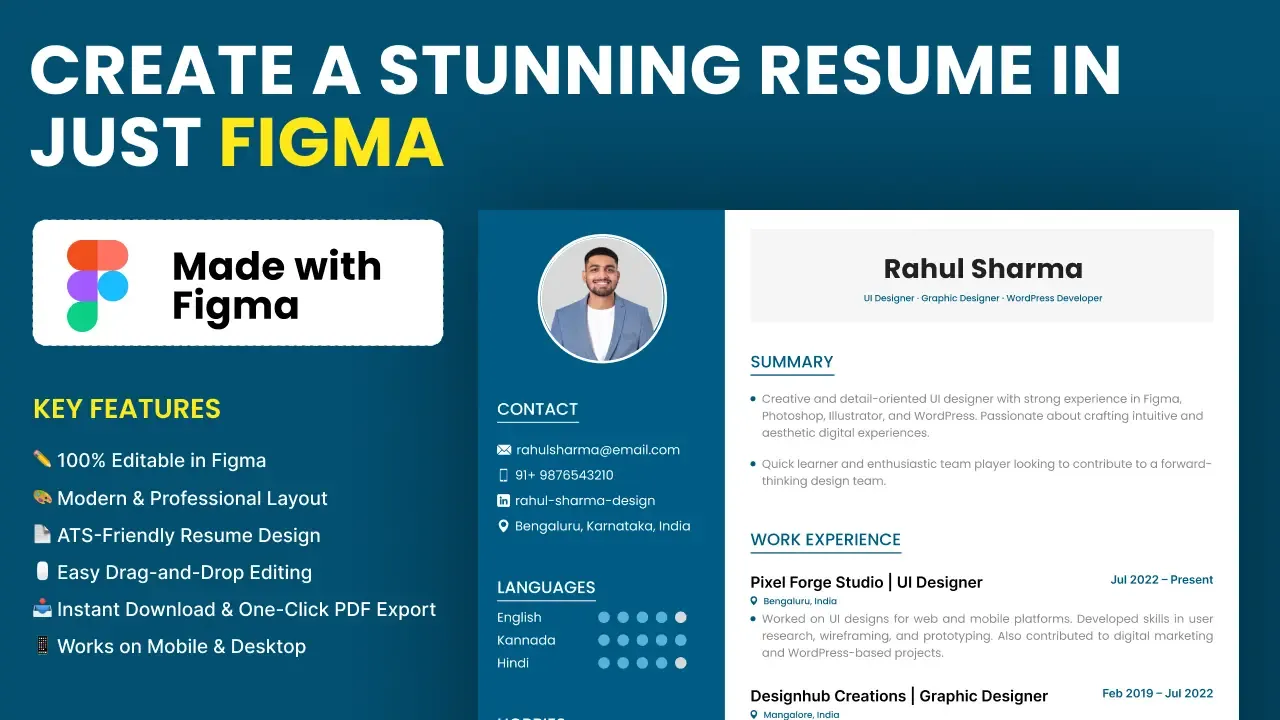
This free Figma resume template is a clean CV layout that you can edit and export yourself. It suits designers, developers, students and anyone who already uses Figma or wants to try it.
What you get
- A resume design in Figma with a blue sidebar and a white content area.
- Blocks for a photo, contact details, languages, hobbies, interests and skills with level bars.
- Sections for a summary, work experience, education, certificates and projects.
- A zip download with the template files.
Who it is for
Designers, students, fresh graduates and professionals who want full control over spacing, fonts and colours. It is also handy for freelancers who update their CV often.
How to use it
- Download the zip file and unzip it on your computer.
- Create a free Figma account if you do not have one, and import the file.
- Duplicate the file so you keep an untouched copy.
- Replace the sample name, photo and details with your own.
- Use short bullet points and keep the layout to the pages you need.
- Export the resume as a PDF to share.
Preview the PDF before you send it, and check that all text fits.
Cost and terms
The template is free to download. Terms are on the copyright information page.
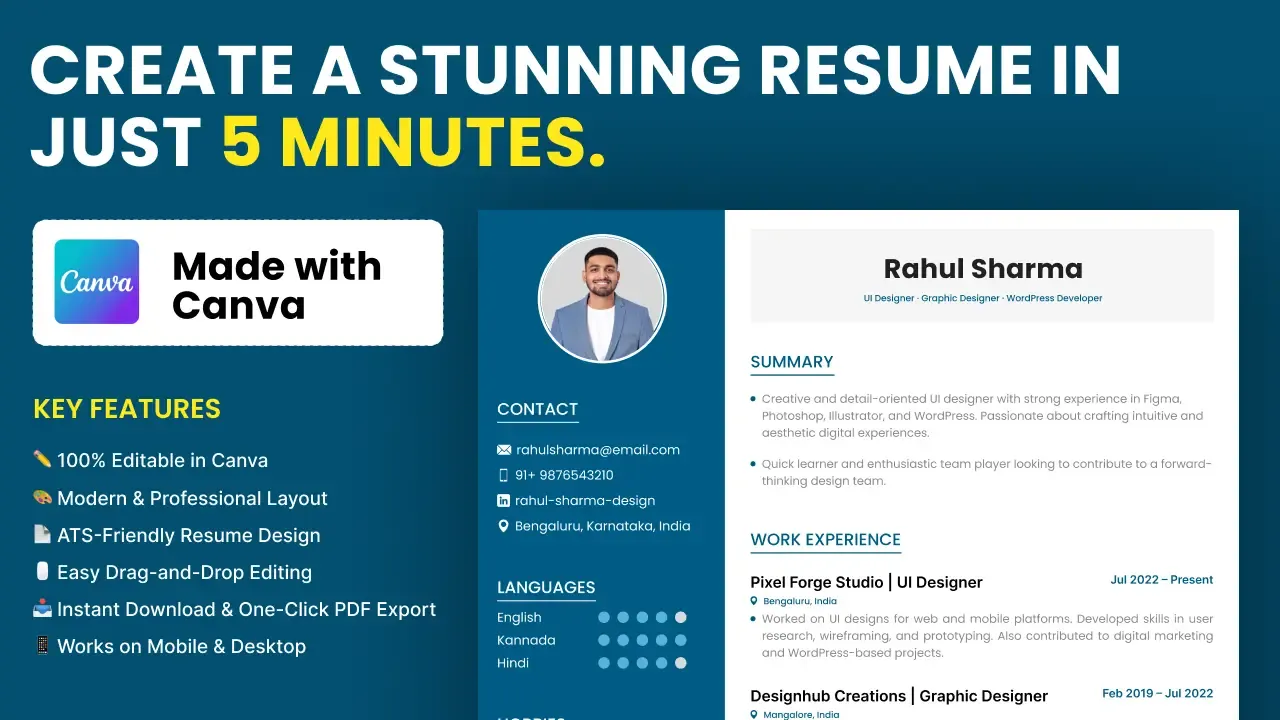
If you prefer Canva, use the free Canva resume template. You can also copy a layout from the professional Figma resume component, or see all templates. Need help? Contact us.