

Windows and Mac app · CallFlow CRM
CallFlow CRM cold calling tracker
Call your lead list faster.
Import your Excel file or Google Sheet, call each lead, pick what happened, and CallFlow tells you who to call back and when.
Free download. CallFlow asks for a license key when you open it. Windows 10 and 11 (.exe, 121 MB), Mac with Apple Silicon or Intel (.dmg, 220 MB).
- Windows + Mac
- Excel + Google Sheets
- $23 one time
- Team mode
01 Start
Bring in your lead list the way it already is
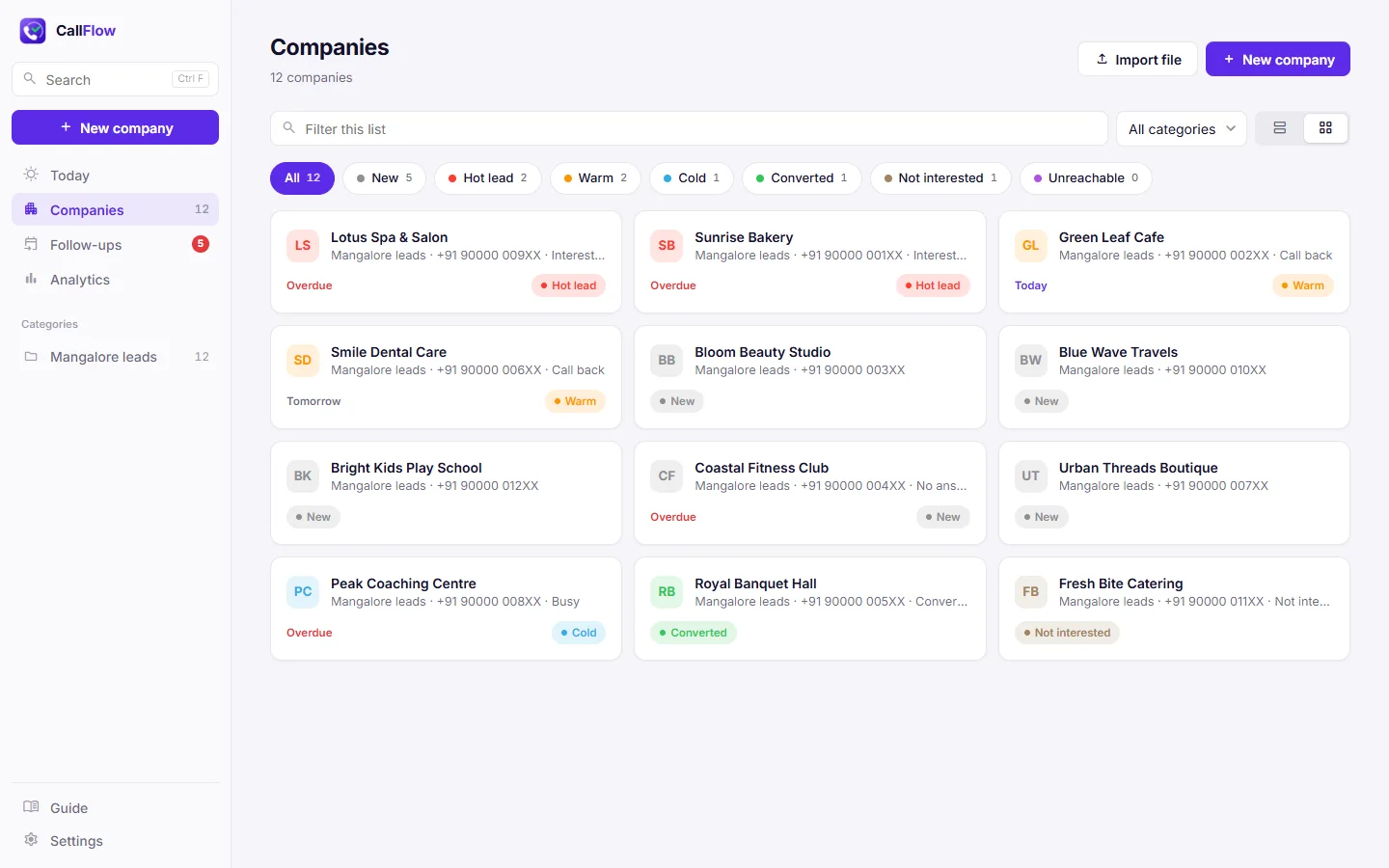
Import an Excel (.xlsx) or CSV file with any columns in any order. CallFlow guesses which column is the name, phone, WhatsApp, email or map link, and you fix a wrong guess with a dropdown.
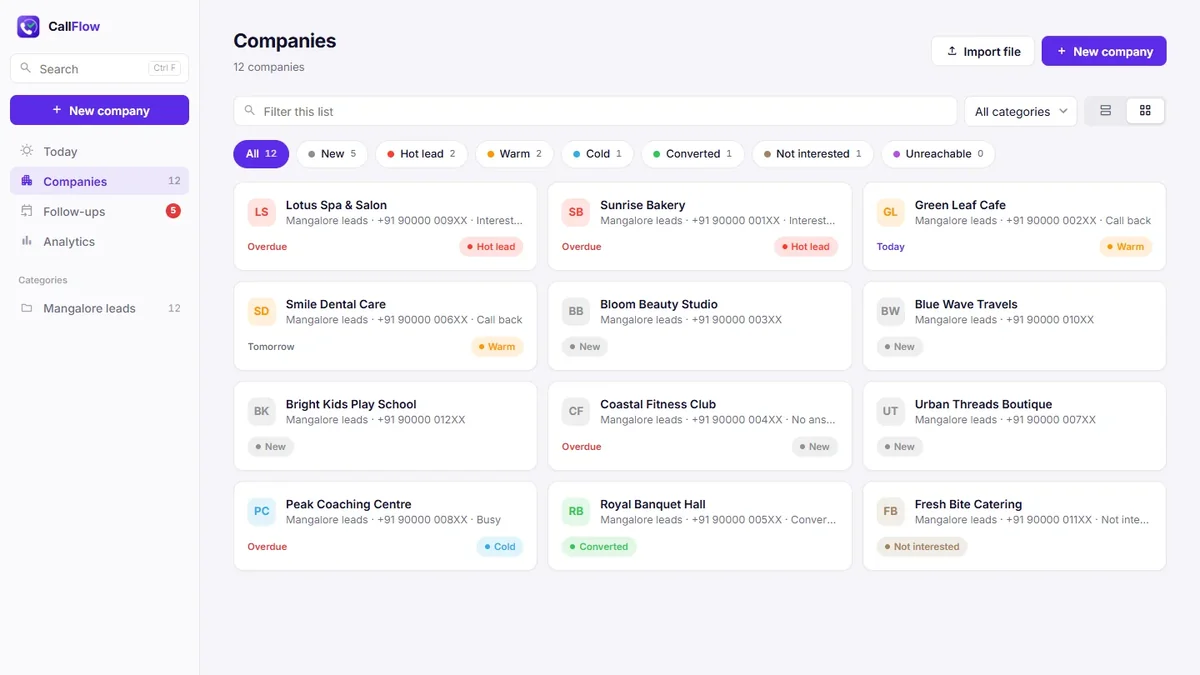
Each Excel tab or file becomes its own category. Two numbers in one cell are split into Phone and Phone 2, and companies that share a phone number can be merged.
02 Call
One screen for the whole call
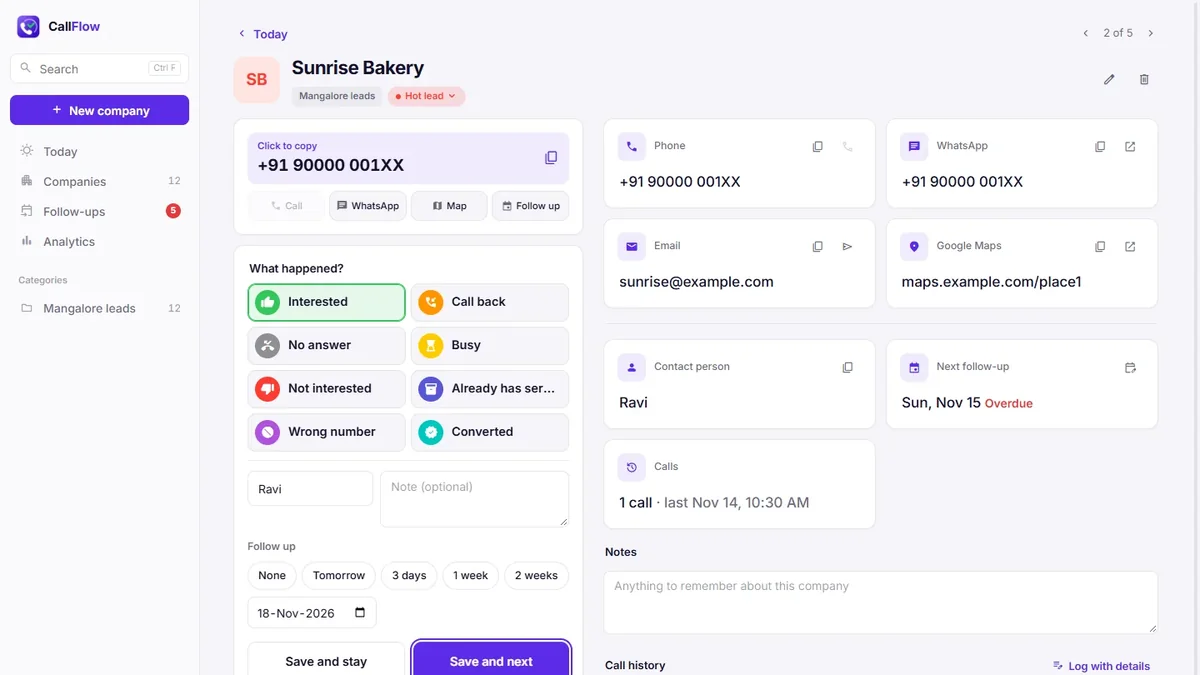
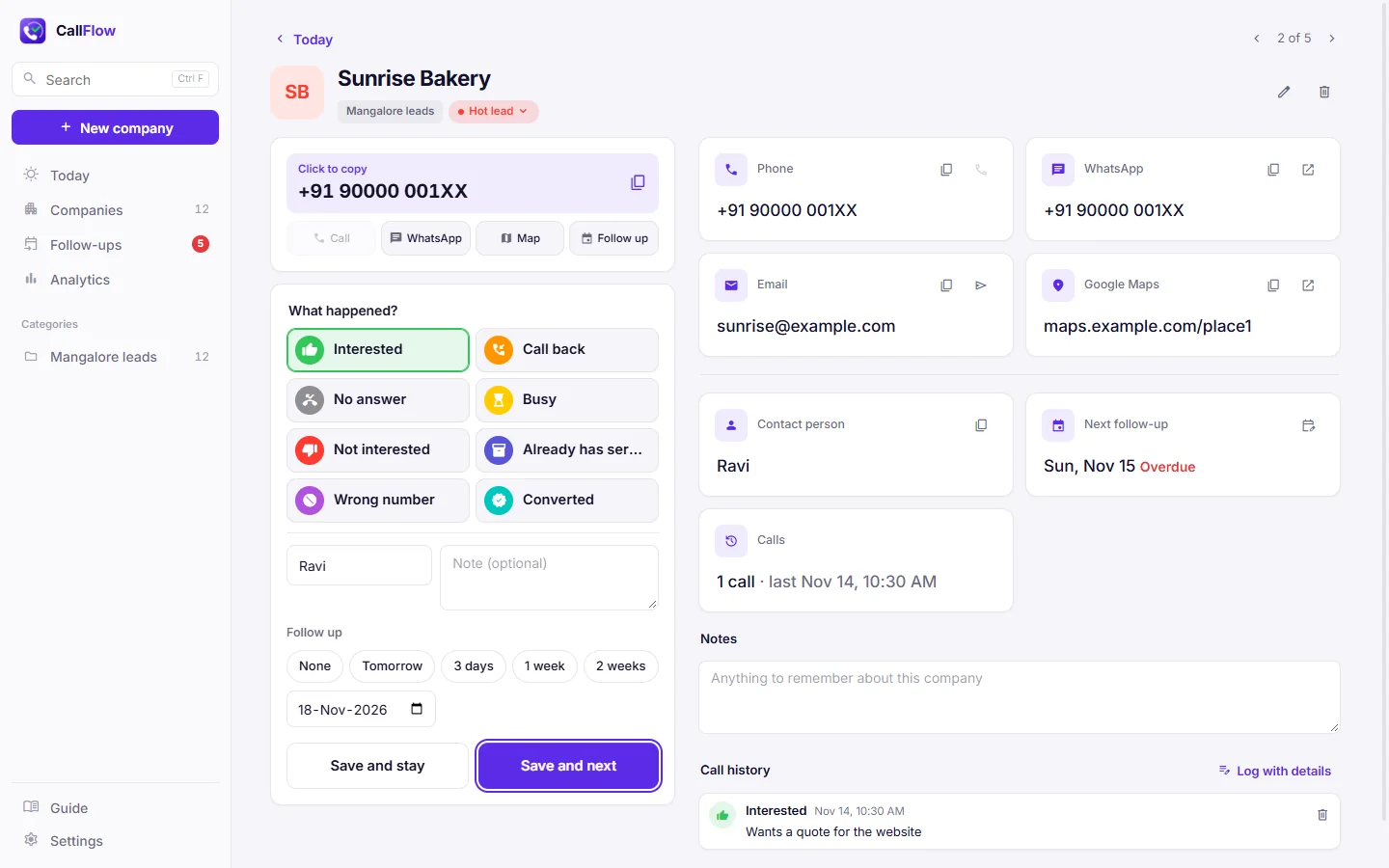
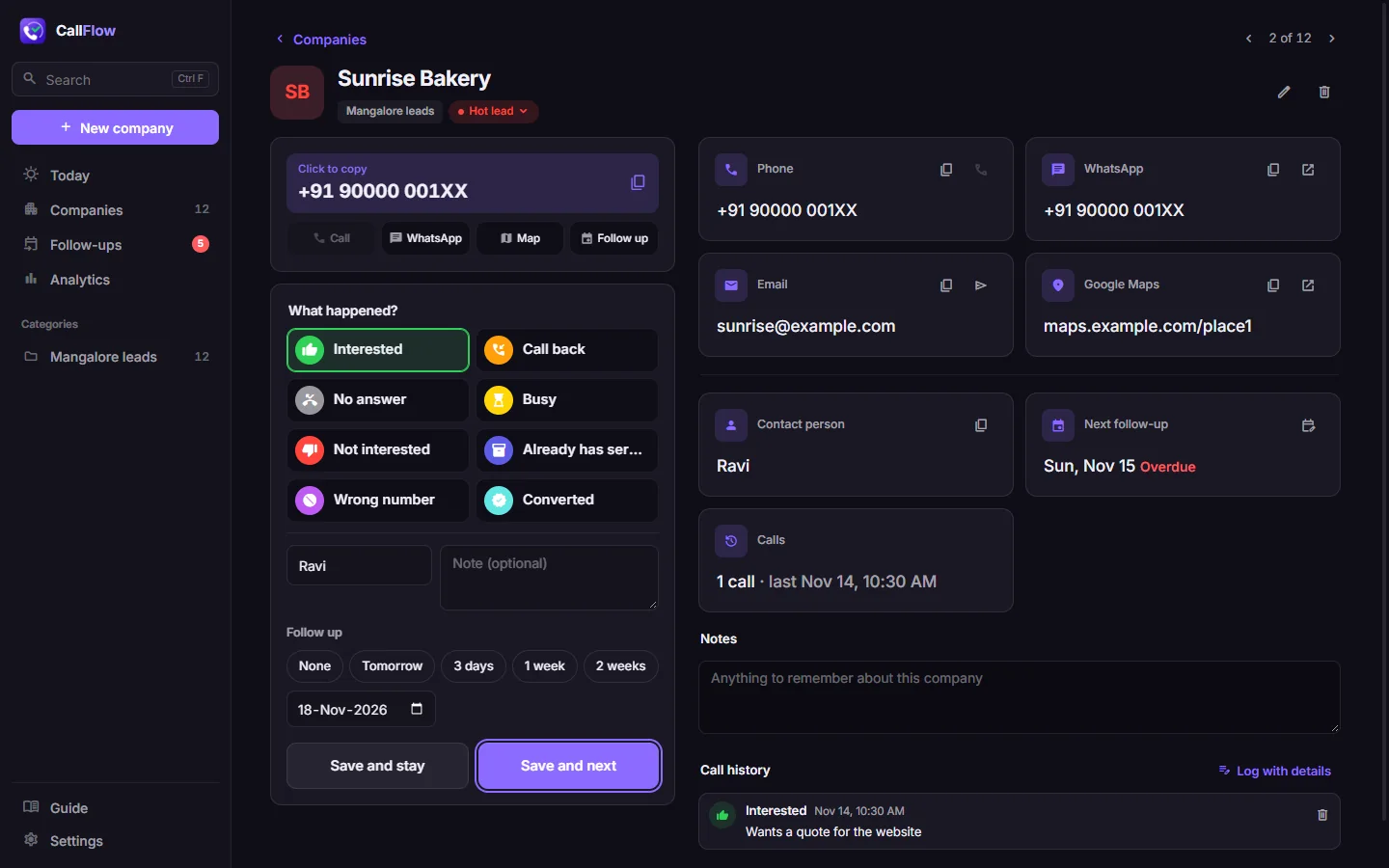
Click the big number to copy it, then dial on your phone. Pick what happened: Interested, Call back, No answer, Busy, Not interested and more. Each one can set the status and the next follow-up date.
Add a short note and click Save and next. The number, the outcomes, the note and Save sit together, so a laptop screen is enough. Keys 1 to 9 pick an outcome.
03 Follow up
See who to call back, and how it is going
The Today page lists who to call today and who is overdue, so a promised call back does not get lost. Every company keeps its notes and a full call history.
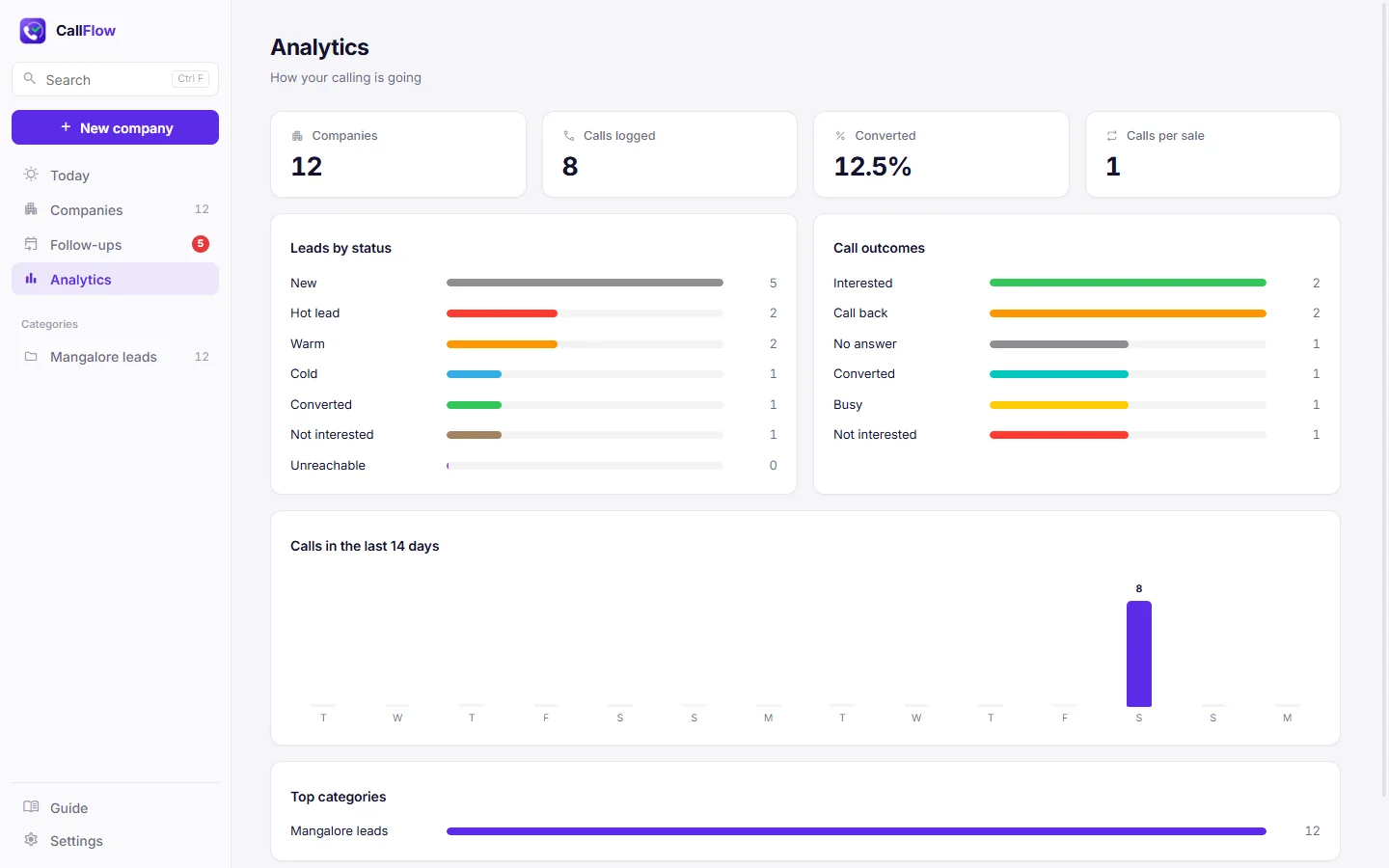
Analytics shows calls per day for the last two weeks, leads by status, call outcomes and how many calls a sale takes.
04 Team
Share one Google Sheet with your team
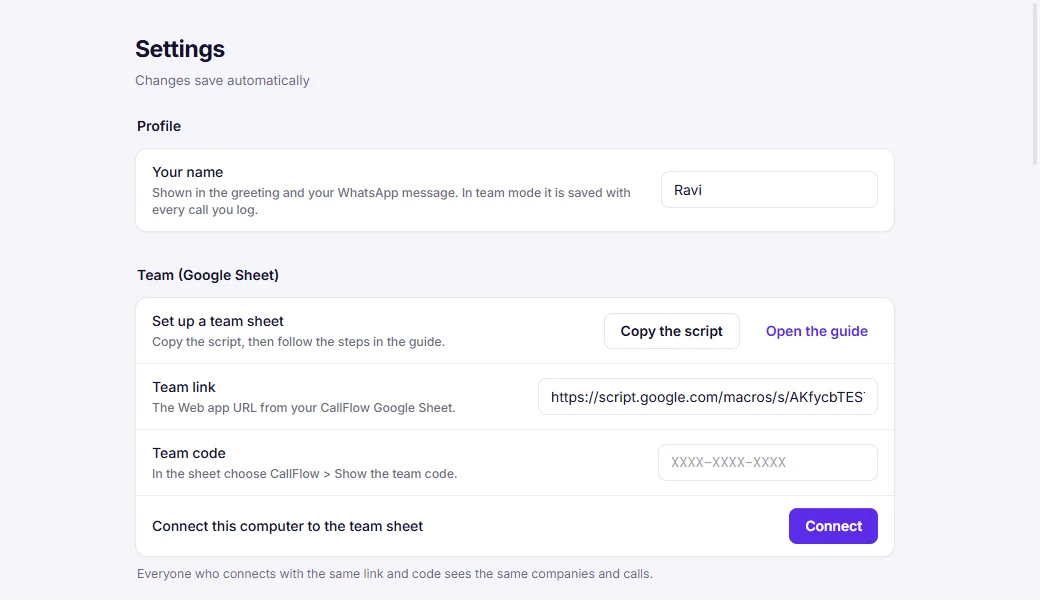
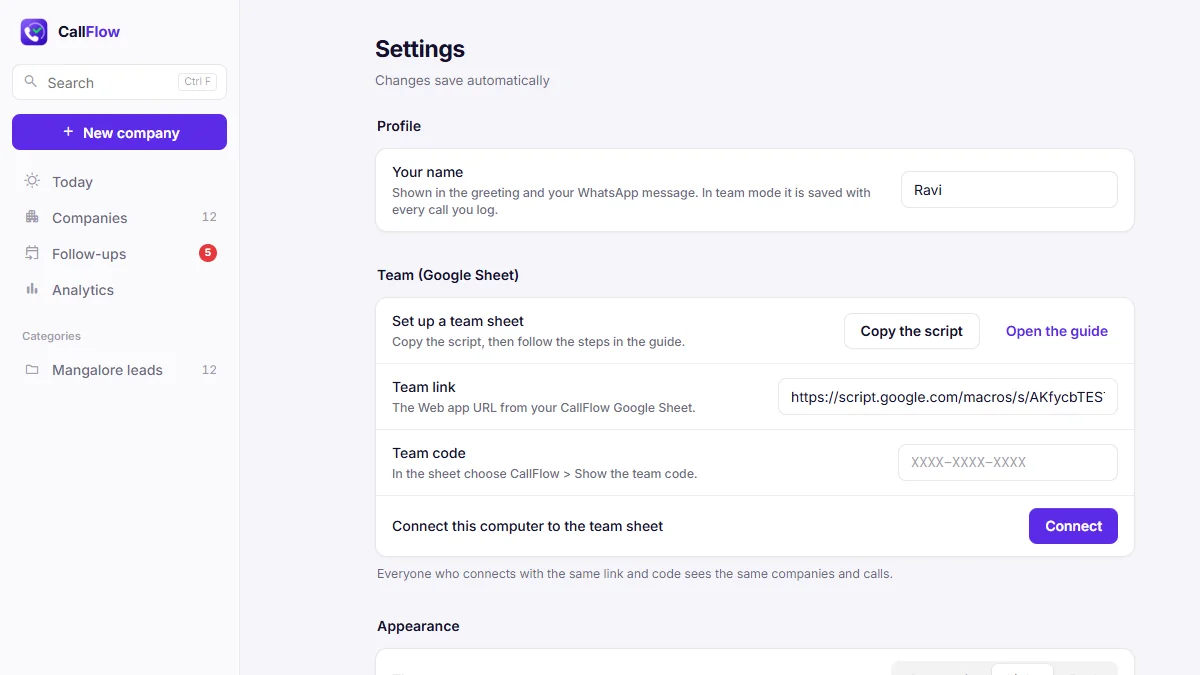
Team mode connects CallFlow to a Google Sheet in your own Google account. Everyone sees the same leads, and every call shows who made it. Each tab of the sheet is a category in the app.
There is no server to rent and no developer needed. The sheet is locked with a team code, and if someone leaves you make a new code. The Guide inside the app walks you through the setup.
Price
Pay once. Use it on your computer.
$23 one time, per computer
- Installer for Windows 10 and 11
- Installer for Mac (Apple Silicon and Intel)
- License key by email
- Free updates for this version
One seat is one computer. Choose more seats at checkout for your team. Each seat can move to a new computer twice.
Buy a license · $23Checkout and license key through Gumroad.
Guides
Learn the calling routine
FAQ
Questions people ask
Is the download free?
The download is free. CallFlow asks for a license key when you open it. A key costs $23 once per computer and you get it by email after you buy.
Is this a subscription?
No. You pay once per seat and get free updates for this version.
Where are my leads saved?
On your own computer. In team mode they are also in your own Google Sheet. CallFlow has no server of its own that stores your leads.
Can CallFlow make the calls for me?
No. It copies the number so you can call from your phone, and it keeps track of what happened. On a computer with a calling app, the Call button can open that app.
Does it need the internet?
Only to activate your key and to check it from time to time. Without internet it keeps working for up to 14 days. Team mode needs the internet to sync.
The Mac says it cannot open the app. What do I do?
Open the app once, then go to System Settings > Privacy & Security and click Open Anyway. You only do this the first time.
I got a new computer. Do I have to buy again?
No. In Settings, remove the license from the old computer, then enter your key on the new one. Each seat can move to a new computer twice.
Your next call list, sorted.
Download CallFlow, import your leads and make your first call in a few minutes.