How to Track Cold Calls: A Simple System for Your Lead List
· 3 min read · by the ProFigma team
A cold call list only works if you know what happened on every call. Without notes, you call the same shop twice in one day, forget the person who said "call me on Monday", and lose the lead who was ready to buy. This guide shows a simple system to track cold calls. It works in a spreadsheet, and it works even better in a calling app.
Write down five things after every call
Keep it short. A long form gets skipped when you are making 50 calls a day. These five are enough:
- Outcome: what happened, picked from a fixed list (more on that below).
- Date and time of the call.
- Who you spoke to, if it was not the owner.
- A short note, one line: "wants a price for 200 plates", "call after 5 pm".
- Next follow-up date, or none if the lead is closed.
Use a fixed list of outcomes
Free text like "maybe", "busy now" and "ok call later" is hard to sort. A fixed list makes your call log easy to filter and count. A good starting set:
- Interested
- Call back
- No answer
- Busy
- Not interested
- Already has the service
- Wrong number
- Converted
Keep the list to about eight. If you need a new one often, add it. If one is never used, remove it.
Let each outcome set the next step
The real value of tracking cold calls is the follow-up. Decide once what each outcome means, so you do not think about it on every call:
- Interested: follow up in two days, mark the lead as hot.
- Call back: follow up the next day, or on the day they asked for.
- No answer or Busy: try again the next day.
- Not interested or Wrong number: no follow-up, close the lead.
Also decide how many times you try before you stop. For example: three tries on different days, then mark the lead as unreachable.
Give every lead a status
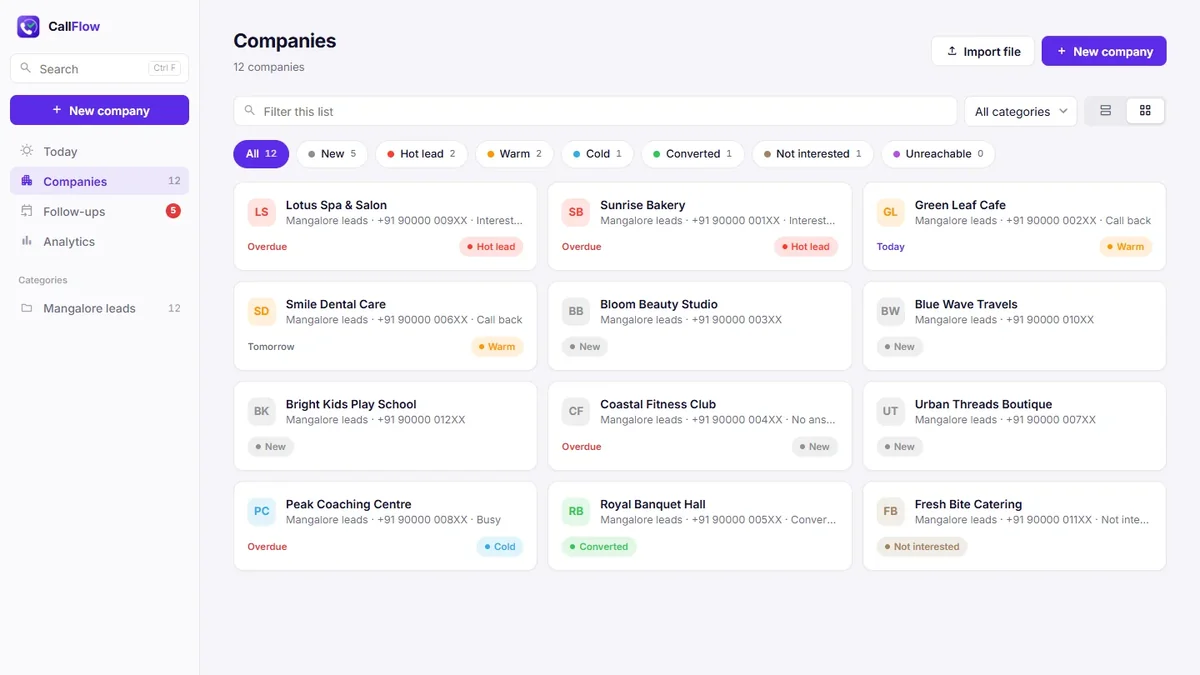
The outcome describes one call. The status describes the lead. Use a small set such as New, Hot lead, Warm, Cold, Converted, Not interested and Unreachable. When you open your list in the morning, the status tells you where to spend your time.
Start each day with your follow-ups
- Call everyone who is overdue first. These are promises you already made.
- Then call the follow-ups due today.
- Then work through new leads.
Ten minutes at the end of the day to check tomorrow's list saves a lot of "who was that again?" calls.
Spreadsheet or calling app?
A spreadsheet is fine for a short list and one person. It starts to hurt when you type dates by hand, sort to find today's follow-ups, scroll sideways to find the phone number, and send copies of the file to your team.
A calling app does the boring parts for you: it fills in the date, works out the next follow-up from the outcome and shows today's calls on one page.
How to track cold calls in CallFlow CRM
CallFlow CRM is a desktop app for Windows and Mac built for exactly this routine:
- Import your lead list from Excel or CSV (see how to turn an Excel lead list into a calling list).
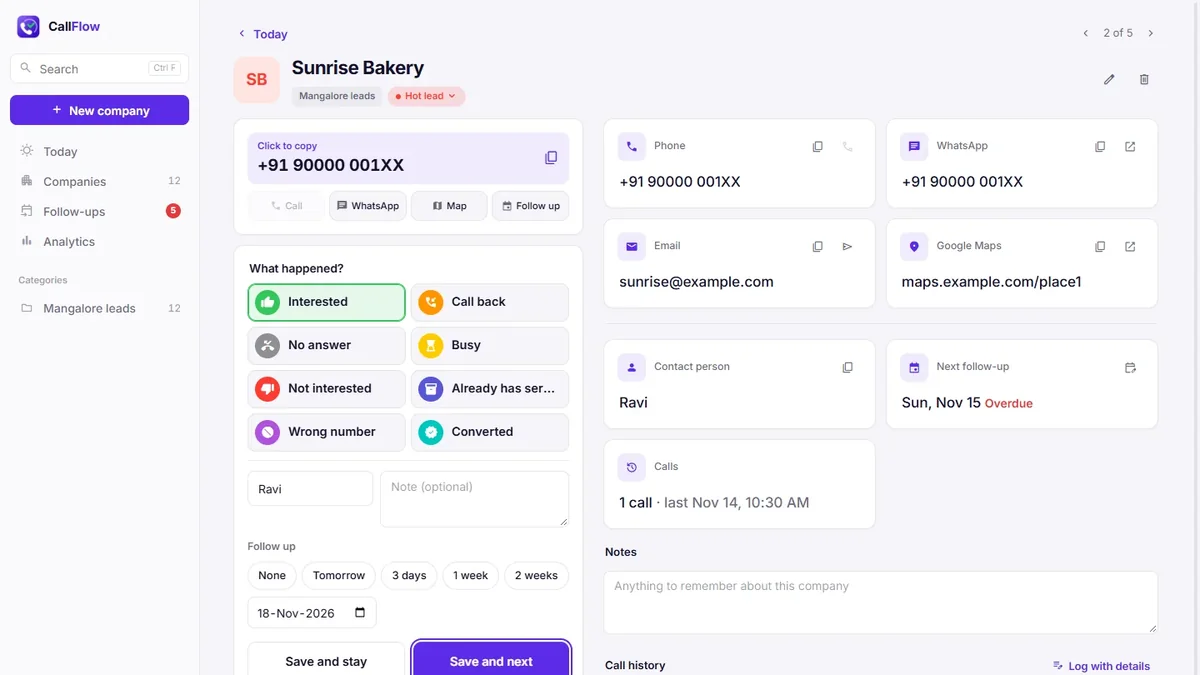
- Open a company and click the big number to copy it. Dial on your phone.
- Pick what happened. Each outcome sets the status and the next follow-up date, and you can change both.
- Add a short note and click Save and next. The next lead opens.
- Each morning, open the Today page to see who is overdue and who to call today.
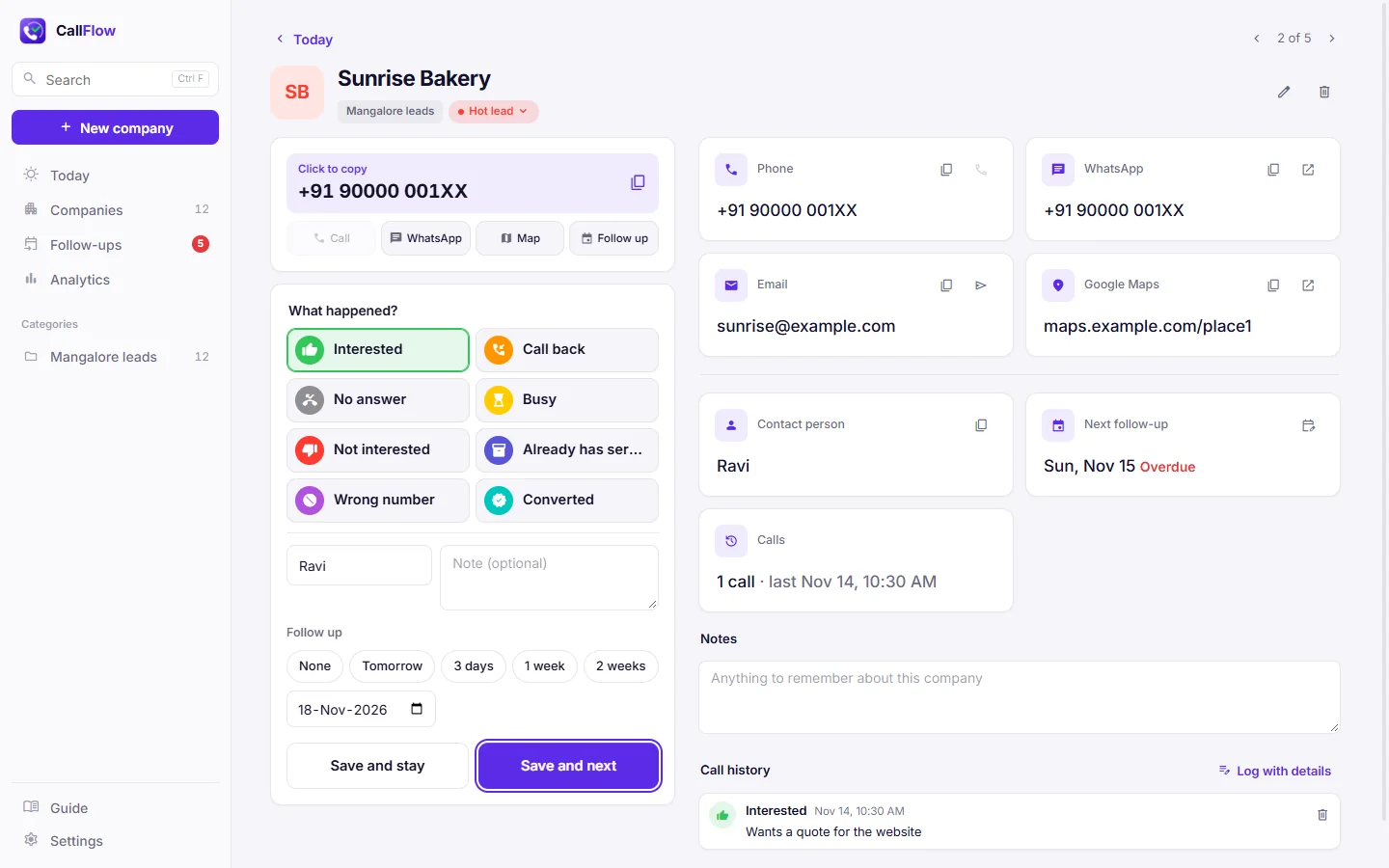
The outcomes, statuses and follow-up rules are yours to change in Settings. Every call stays in the company's history with its note and date.