

ClipDock download: free clipboard manager for Windows and Mac
This is the official ClipDock download page. Get the free clipboard manager for Windows 10 and 11 as a .exe installer, as a portable app that runs without installing, or from the Microsoft Store. On a Mac, get the .dmg for Apple Silicon or Intel.
No install wanted? Download the portable .exe · On a Mac? Download for Mac
You are on a Mac. Get ClipDock for Mac below: there is a .dmg for Apple Silicon and one for Intel.
ClipDock runs on Windows 10 and 11 and on macOS 13 or newer. Open this page on one of those computers to install it.
- Free download
- 7-day Pro trial
- $19 Pro, lifetime
- No account
Which ClipDock download is right for you?
All three are the same app, made by ProFigma. Pick the one that fits your PC.
Microsoft Store
Best if your PC has the Store.
- Updates install on their own
- No Windows warning on first start
- Install and remove in one click
Free · opens the Microsoft Store
Installer (.exe)
For PCs without the Store, or where it is turned off.
- Pick the folder you install it in
- Start menu shortcut and normal uninstall
- Can start with Windows
ClipDock-Setup.exe · 116 MB · version 1.2.6
Portable (.exe)
Runs without installing anything.
- Run it from any folder or a USB drive
- Nothing added to the Start menu
- Delete the file to remove the app
ClipDock-Portable.exe · 116 MB · version 1.2.6
ClipDock download for Mac
The same app for macOS 13 Ventura or newer. Pick the file for your Mac's chip.
Apple Silicon
For Macs with an M1, M2, M3, M4 or newer chip. Most Macs from 2021 on.
Download for Apple SiliconClipDock-Mac-AppleSilicon.dmg · 133 MB · version 1.2.6
Intel
For older Macs with an Intel processor.
Download for Intel MacClipDock-Mac-Intel.dmg · 138 MB · version 1.2.6
How to install ClipDock on a Mac
Check your Mac's chip
Click the Apple menu, then About This Mac. If it says Chip: Apple M1 (or M2, M3, M4), get Apple Silicon. If it says Processor: Intel, get Intel.
Open the .dmg and drag ClipDock to Applications
Double-click the downloaded file. In the window that opens, drag the ClipDock icon onto the Applications folder.
Open ClipDock, then click "Open Anyway"
The first time, macOS says it can't check ClipDock, because the app is not notarized by Apple yet. Click Done, open System Settings, then Privacy & Security, scroll down and click Open Anyway next to ClipDock.
Allow pasting and screenshots
ClipDock asks for two permissions. Accessibility lets a click on a clip paste it into your app. Screen Recording lets it take screenshots. Turn on ClipDock in both, then quit and reopen ClipDock.
How to install ClipDock on Windows
It takes about a minute. Windows may ask you twice to confirm, because ClipDock is a new app from a small studio.
Download the file
Click Download installer. If your browser says the file "isn't commonly downloaded", open the downloads list and choose Keep.
Open ClipDock-Setup.exe
You will find it in your Downloads folder. Double-click it to start.
Click "More info", then "Run anyway"
If a blue "Windows protected your PC" box opens, click More info, check that the app name is ClipDock, then click Run anyway.
Finish the setup
Choose a folder (or keep the default) and click Install. ClipDock appears as a thin pill on the right edge of your screen. Hover it to open the dock.
What you get free, and what Pro adds
Every ClipDock download starts with all Pro features free for 7 days. After that you keep the Free plan for as long as you like, or buy Pro once.
One price everywhere · no subscription · lifetime license on 2 computers
Is the ClipDock download safe?
Yes. ClipDock is made by ProFigma, and the files on this page are the official builds. The installer and the portable app are hosted on GitHub, and the Store version comes straight from Microsoft. ClipDock has no ads and no tracking, and your clipboard history stays on your PC. Read the ClipDock privacy policy for the details.
Why does Windows show a warning?
Windows shows the "Windows protected your PC" box for apps from new publishers that are not code-signed yet. It does not mean a virus was found. Your browser may also ask you to keep the file, as Microsoft explains in How SmartScreen helps protect you. If you prefer no warning at all, use the Microsoft Store version: Microsoft checks it before it is listed.
Check that your ClipDock download is genuine
Every file has a fingerprint called a SHA-256 hash. If the hash of your file matches the one below, the file is exactly the one we published.
10cfc229e8ce0e7ca81117ecc27105478195bf5fa7d834d7e25ceec24132b80d9bf41fbb3c8c75b4261e83c09735b534d2a1f004071d4c39f28288c7ead2051bTo check it, open PowerShell and run this command. The Get-FileHash tool is built into Windows.
Get-FileHash "$env:USERPROFILE\Downloads\ClipDock-Setup.exe"On a Mac, compare these hashes. Open Terminal and run the command below; it prints the hash of the Apple Silicon file.
e487d0f061f4e9535800ca3c0fbe1df68859cdd7319bec62fdece4d2edea4008461f13e5025fd8cf799ebab1b9150c352d0efe41901794ef5c07fa3a33e4d834shasum -a 256 ~/Downloads/ClipDock-Mac-AppleSilicon.dmgOlder versions and their notes are on the ClipDock releases page.
System requirements
How to update or uninstall ClipDock
Update: the Store version updates itself. The .exe versions do not, so come back to this page when you want the newest ClipDock download and run the new installer over the old one. Your clips, pins and settings stay where they are.
Uninstall: open Settings, then Apps, then Installed apps, find ClipDock and click Uninstall. For the portable app, quit ClipDock from its tray icon and delete the file. On a Mac, quit ClipDock from its menu bar icon and drag it from Applications to the Trash. To update a Mac, download the new .dmg and drag ClipDock to Applications again; choose Replace.
Activate Pro on any ClipDock download
Pro works the same in the Store app, the installer, the portable app and the Mac app. Buy Pro once for $19, open ClipDock, go to Settings, paste the license key from your email and click Activate. One license works on 2 computers, for example a PC at work and a Mac at home.
Tip: want to see what ClipDock can do before you install it? The ClipDock clipboard manager page shows every feature, and our free full page screenshot extension captures whole web pages in Chrome.
ClipDock download FAQ
Is the ClipDock download free?
Yes. Every ClipDock download is free, and the Free plan has no time limit. New installs also get all Pro features free for 7 days.
Store or .exe: which should I download?
Use the Microsoft Store if your PC has it, because it updates by itself and shows no warning. Use the .exe installer if the Store is blocked or turned off on your PC, and the portable .exe if you do not want to install anything.
Why does Windows say "Windows protected your PC"?
Windows shows this box for apps from new publishers that are not code-signed yet. Click More info, check that the app is ClipDock, then click Run anyway.
Does the .exe version update itself?
No. Download the newest installer from this page and run it over the old version. Your clips and settings are kept. The Microsoft Store version updates on its own.
How much does ClipDock Pro cost?
ClipDock Pro is $19, paid once, with a lifetime license. It is the same price in every country and there is no subscription.
What does the Free plan include?
20 screenshots a day, 2 screenshot stacks at a time (up to 3 screenshots each), your last 25 clips from the past 24 hours, 3 pins, drag and drop into any app, and the arrow and crop tools.
Can I use my Pro license with the .exe version?
Yes. The same license key works in the Store app, the installer, the portable app and the Mac app, on up to 2 computers.
Is there a ClipDock download for Mac?
Yes. Download the .dmg for Apple Silicon (M1 and newer) or for Intel Macs. ClipDock needs macOS 13 Ventura or newer.
Why does my Mac say it can't check ClipDock?
ClipDock for Mac is not notarized by Apple yet, so macOS asks you to confirm the first time. Open System Settings, then Privacy & Security, and click Open Anyway next to ClipDock. You only do this once.
Why does ClipDock for Mac ask for Accessibility and Screen Recording?
Accessibility lets ClipDock press Cmd+V for you when you click a clip. Screen Recording lets the screenshot tool see your screen. ClipDock does not record video, and your clips stay on your Mac.
Get ClipDock for Windows or Mac
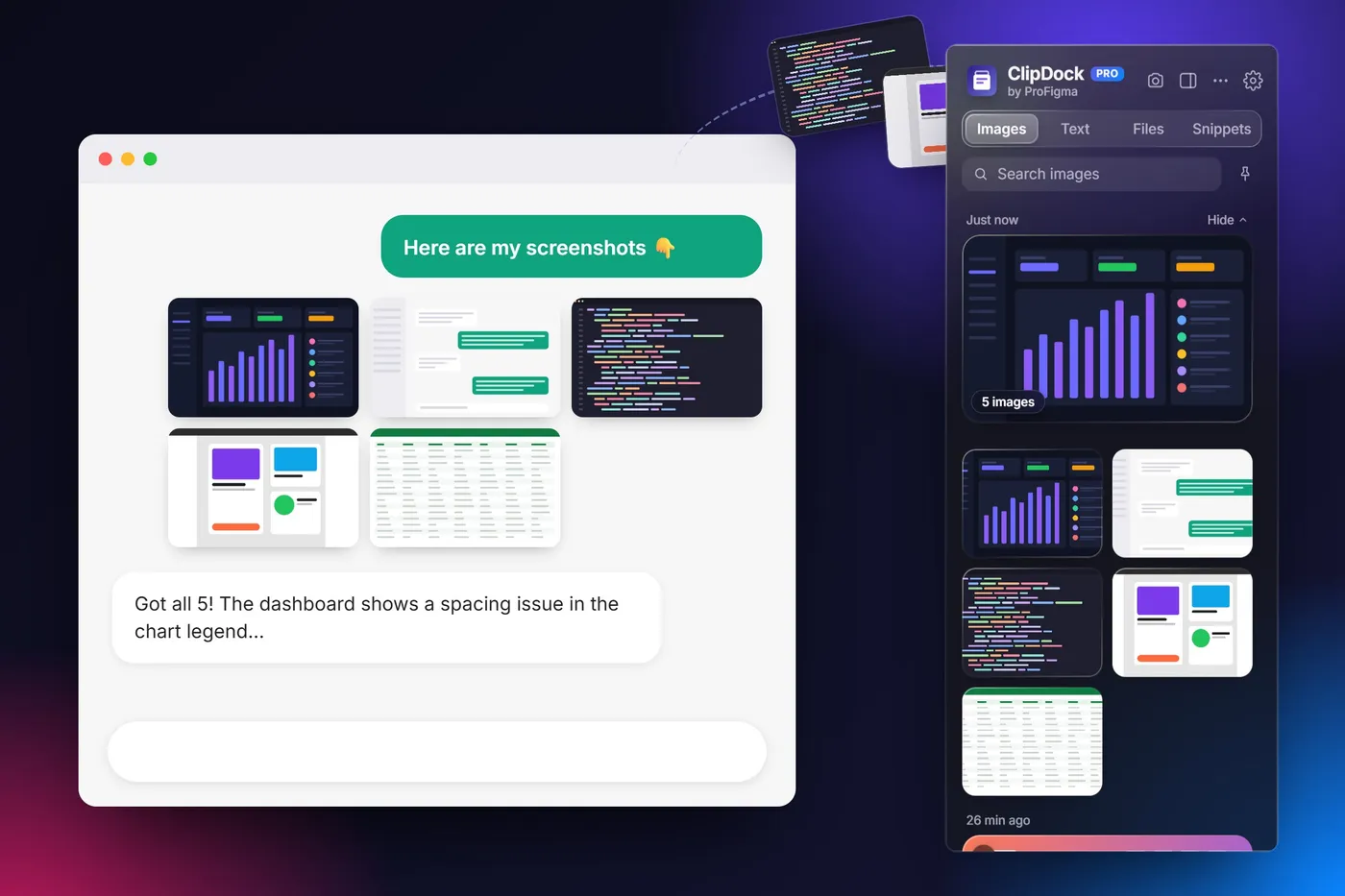
Take all your screenshots first, then drop them anywhere in one go. Free download, 7-day Pro trial, Pro is $19 once for lifetime use.