This website header design Figma template combines a slim contact strip with a clear main navigation bar. It is a good fit for service businesses that want phone, email and address visible at the top of every page.
Business visitors often want to find a phone number or an address before anything else. The dark strip puts those details at the very top, while the white bar below stays focused on navigation. The blue button gives the page one clear next step. Together they form a header that looks professional and is easy to rebuild with your own information.
What you get
- A dark navy strip with phone number, email address and location
- A white navigation bar with the ProFigma logo
- Menu links for Home, About Us, Services, Templates and Contact, with Home highlighted in blue
- A rounded blue Get Started button with an arrow icon
How to use it in Figma
Click the copy button on this page and paste into Figma with Ctrl or Cmd + V. The header arrives as editable layers. Type your own contact details, rename the menu items and swap the logo. Set the frame width to match your page.
Best for
- Agency, clinic and consultancy websites
- Local businesses that depend on calls and emails
- Landing page mockups with a clear action in the corner
- Redesign proposals for client sites
Customisation tips
- Delete the contact strip if you want a leaner header.
- Keep the button label short, such as Book a call or Get a quote.
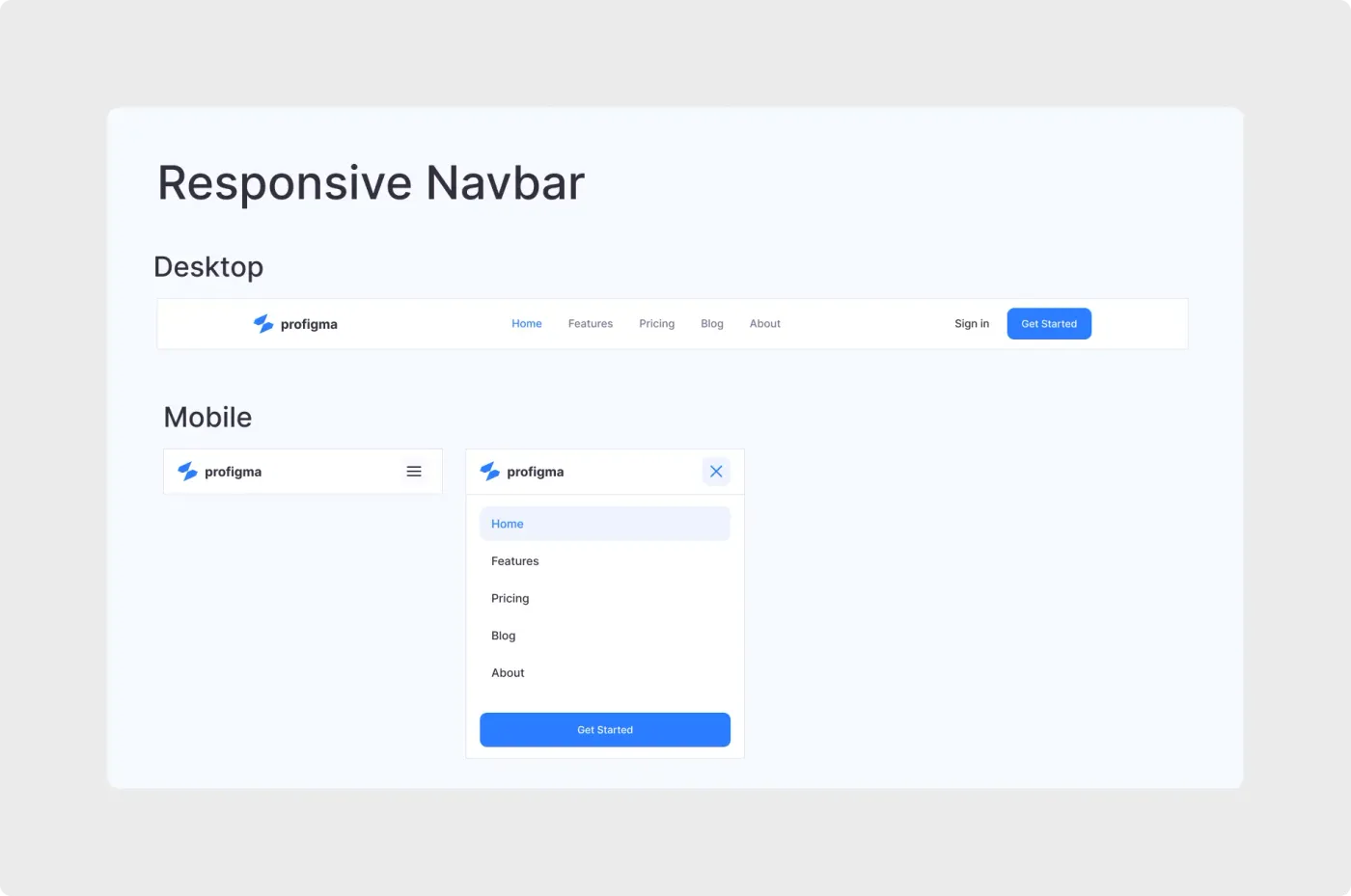
- Need a menu that collapses on phones? See the responsive navbar UI kit. More like this live under Headers and Navbars.