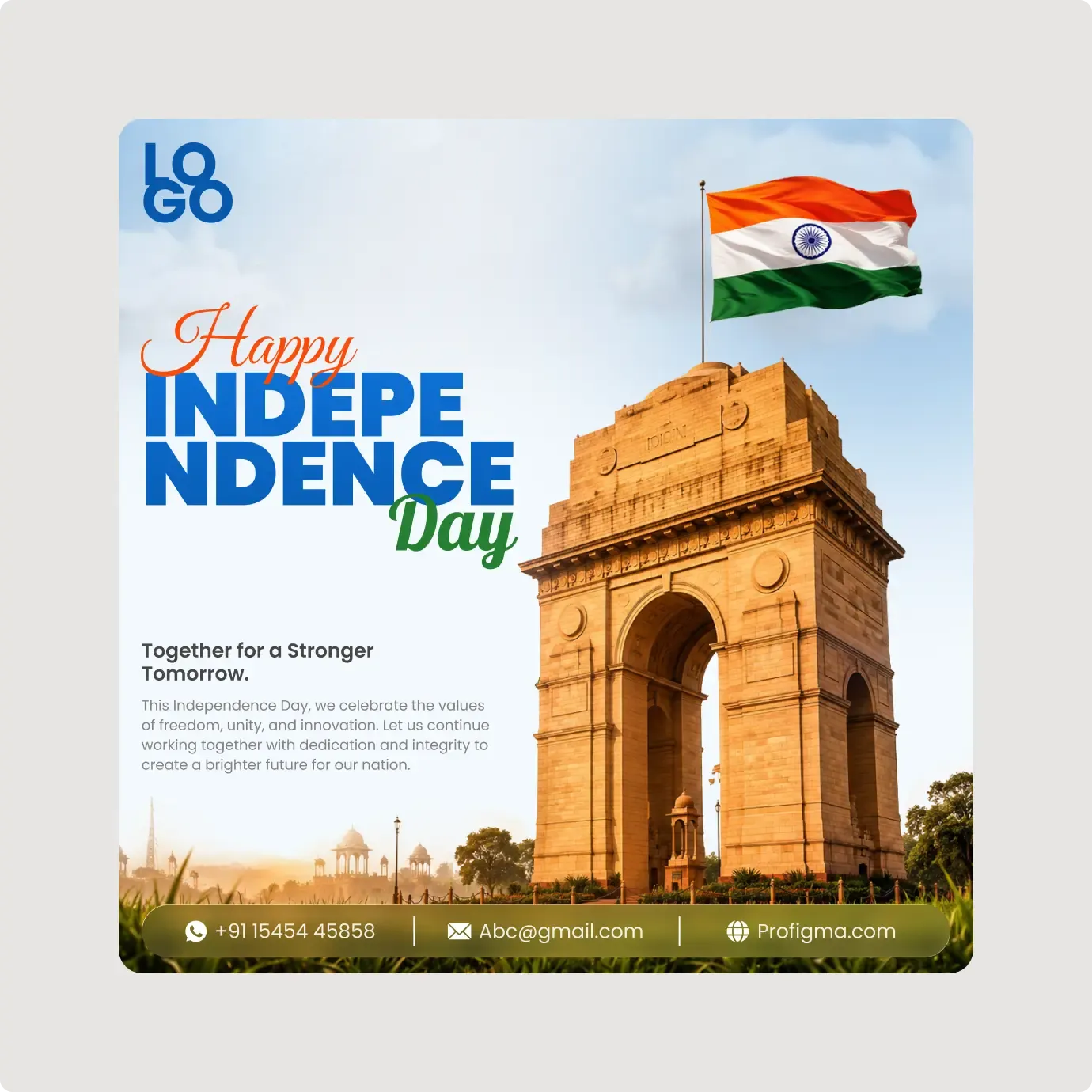
This Independence Day poster template is a square design built around India Gate and a waving tricolour flag. The large blue headline is the main focus.
A good festival poster has one big idea. Here it is the headline set against a famous monument and a flying flag, with a short paragraph and a contact bar to finish. The mix of script and bold type gives it rhythm, and the sky behind the headline keeps it bright and easy to read from a distance. Print it, post it or share it on social media. The square format works for all three with only small changes.
What you get
- A pale blue sky with India Gate and a flag on a pole
- A script "Happy" in orange, "INDEPENDENCE" in bold blue and "Day" in green
- A logo placeholder at the top left
- The line "Together for a Stronger Tomorrow." with a short paragraph below
- A rounded contact bar with phone, email and website over the grass
How to use it in Figma
Press the copy button and paste into Figma with Ctrl or Cmd + V. Edit the paragraph, add your logo and change the contact details. Check the large headline still fits after you edit any text.
Best for
- Schools, colleges and community centres
- Local businesses with a festival offer
- Government and NGO notices
- Social media managers who need a fast poster
Customisation tips
- Keep your message to four lines or fewer so the monument stays visible.
- Use brand colours on the logo only, and keep the flag colours true.
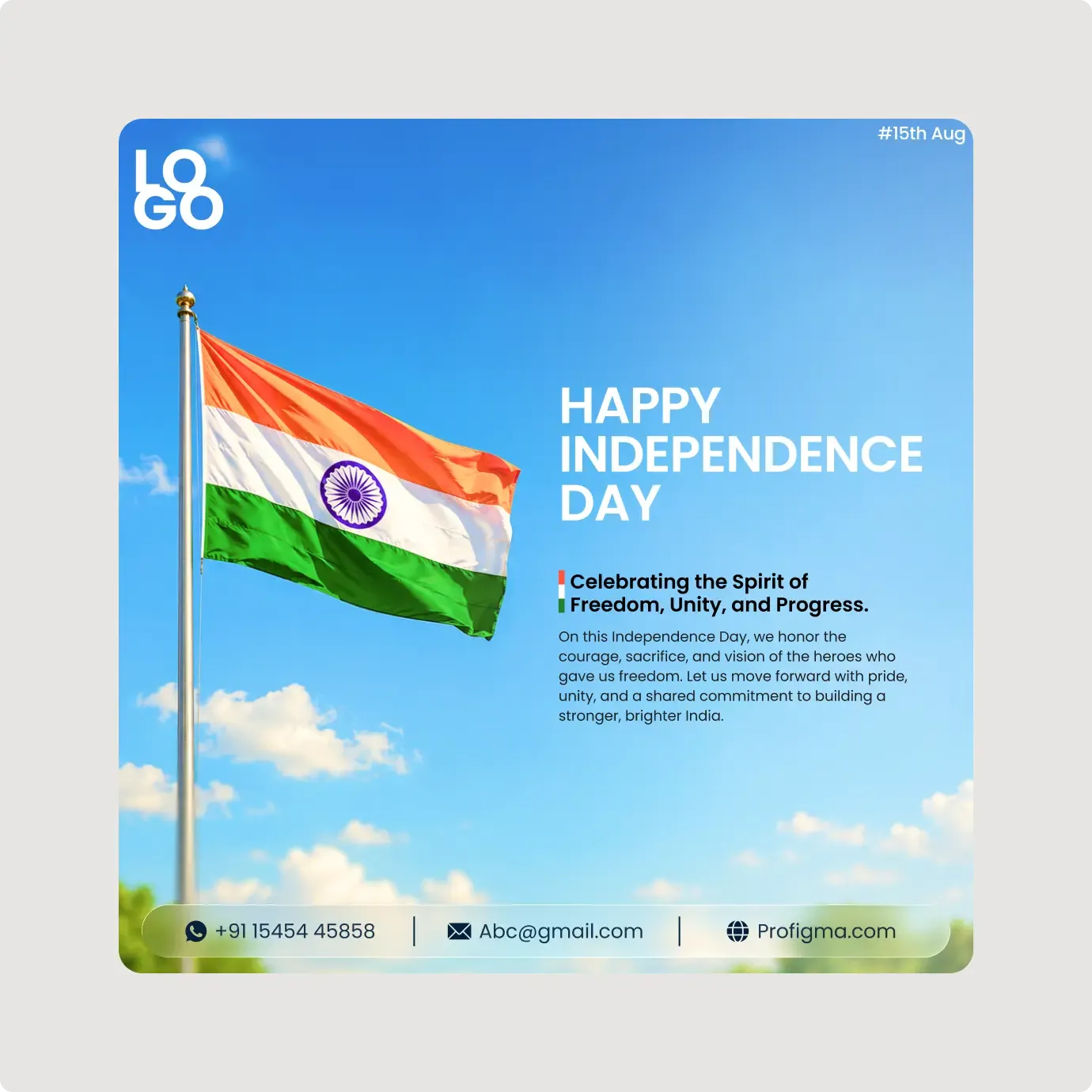
- Try the sky and flag post template for a lighter look. For more print designs see Posters and Flyers.