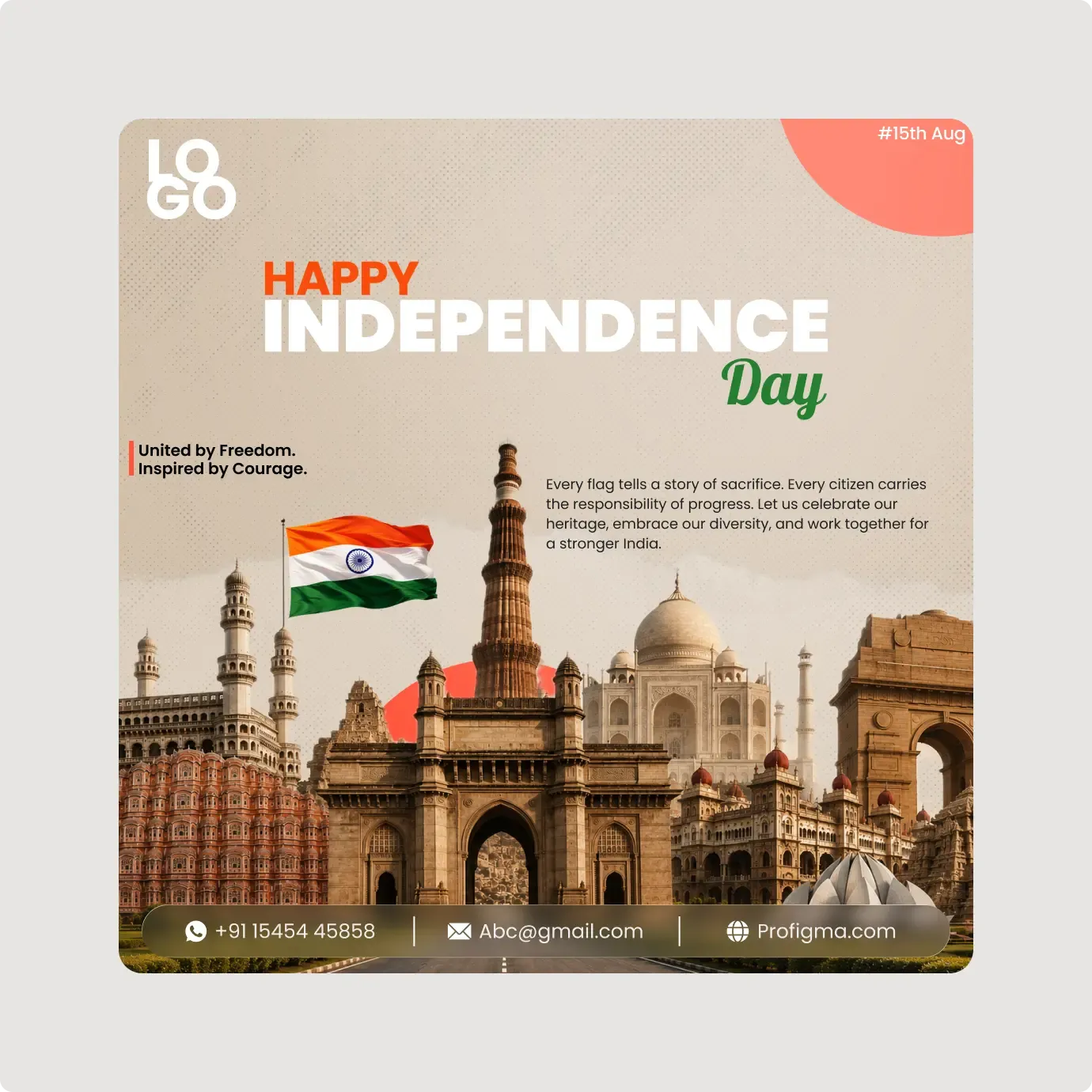
This Independence Day social media banner uses a collage of Indian monuments on a warm paper-toned background. It has a more editorial feel than a plain flag photo.
This banner works like a small poster. The monuments sit along the bottom, the headline sits above them and a short paragraph fills the middle, so the eye moves from top to bottom. The paper-toned background and halftone dots give it a printed feel, and the coral circle adds one bright accent without fighting the flag. The collage format also works well for a themed series, where you change the paragraph and keep the same visual frame.
What you get
- A beige background with a halftone dot texture and a coral circle in the corner
- A row of monuments, including a gateway, a tower, a domed building and a gate
- The headline "HAPPY INDEPENDENCE Day" in orange, white and green
- The line "United by Freedom. Inspired by Courage." with a short paragraph
- A flag, a "#15th Aug" tag and a contact bar
How to use it in Figma
Press the copy button and paste into Figma with Ctrl or Cmd + V. Edit the headline lines, the paragraph and the contact bar. Add your logo at the top left and export the frame.
Best for
- Brands that want a more designed holiday post
- Tourism, travel and heritage pages
- Cultural groups and schools
- Agencies with a festival content calendar
Customisation tips
- Keep the warm colours. They tie the monuments together.
- Use one font weight for the paragraph so the headline stands out.
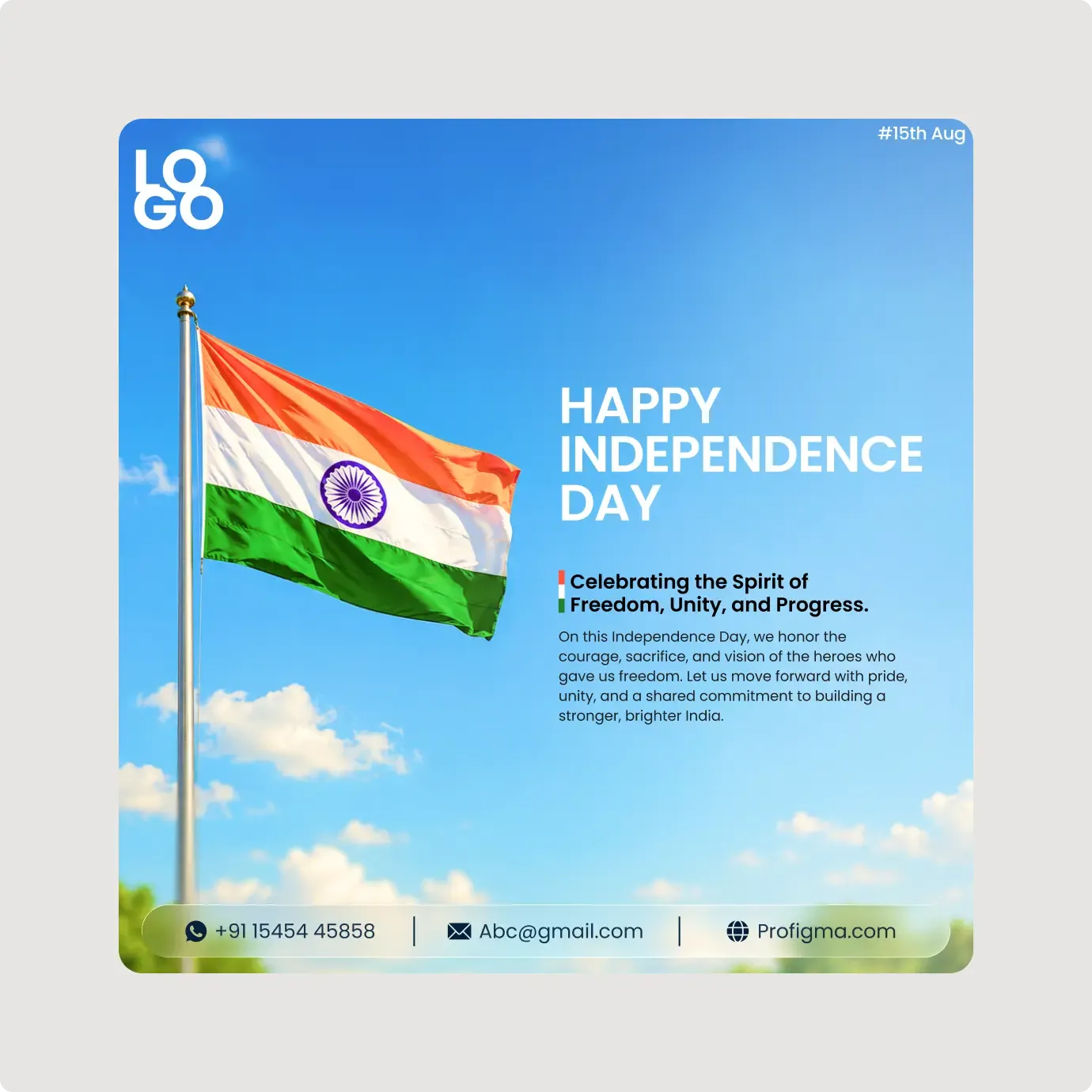
- Compare the simpler flag and sky post. More designs sit in Social Media Assets.