How to use it in Figma, even if you have never used Figma
Four steps. You do not need to draw anything, and a free Figma account is enough.
Fill
Export
- Press Copy to FigmaClick the button on this page. The design is copied, like text you copy with Ctrl + C.
- Paste it in FigmaOpen Figma, open any file and press Ctrl + V (Cmd + V on Mac). You get real, editable layers.
- Make it yoursDouble-click a text to type your own words. Click a shape and change its color under Fill. Drag your own photo onto an image box.
- Export itClick the design. In the right panel, scroll to Export, choose PNG, JPG, SVG or PDF, then click Export.
Tip: install the free Google Fonts used in the design (the name shows when you click a text) so the text looks the same on your computer.
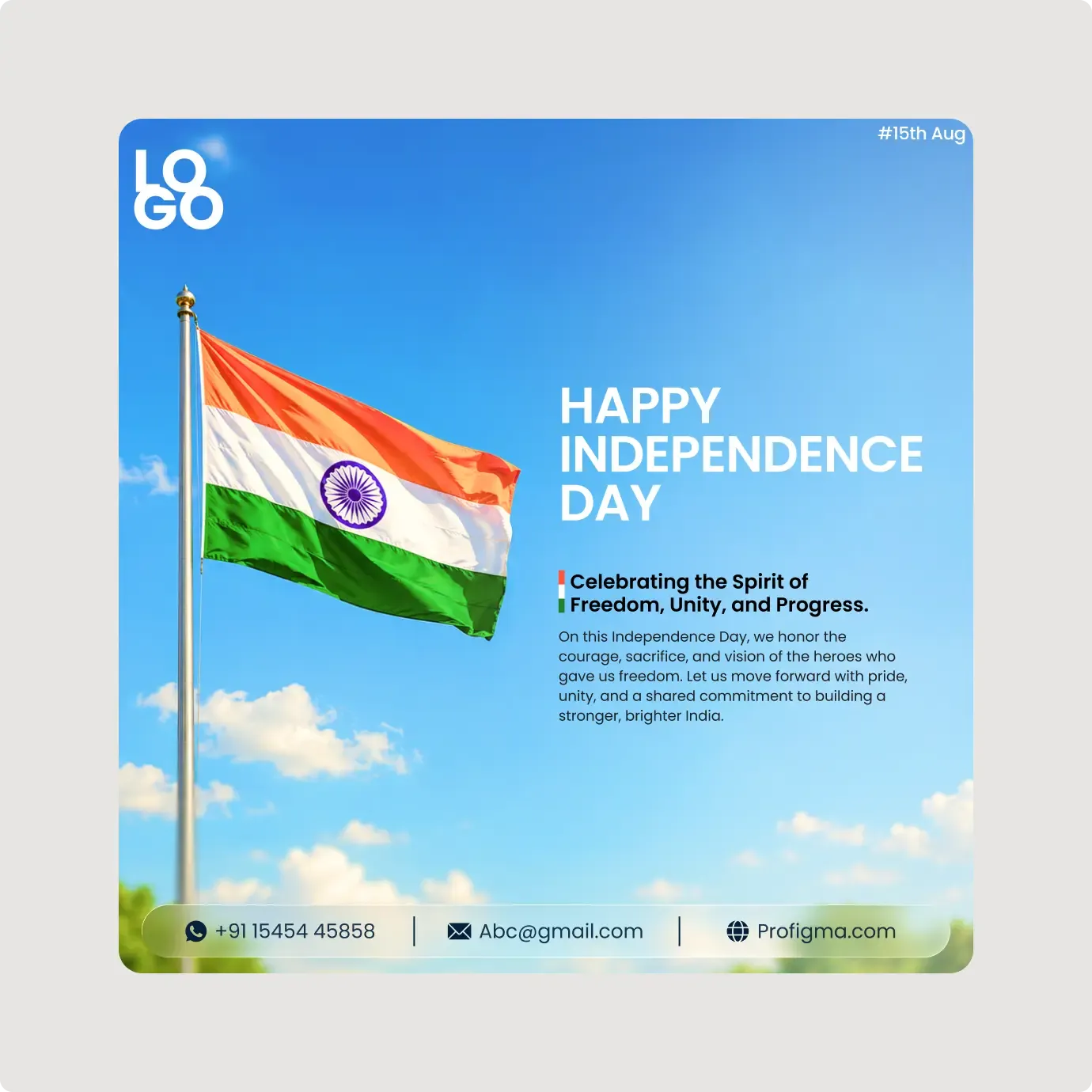
This Independence Day social media post template is a clean square design with a waving flag against a bright sky. The text sits on the right, away from the flag.
This layout puts the flag on the left and the words on the right, which gives each side room. The headline is set in plain white capitals over a clear sky, so it stays readable even when the post is small. The small tricolour bar beside the subheading adds a touch of colour without crowding the design. Because the photo is simple, it also works well as a background for a short offer or a message from your team.
What you get
- A blue sky with soft clouds and a tall flagpole
- The headline "HAPPY INDEPENDENCE DAY" in white capitals
- A subheading with a small tricolour bar, plus a short paragraph of thanks and pride
- A "#15th Aug" tag in the top right and a logo placeholder in the top left
- A frosted contact bar with phone, email and website
How to use it in Figma
Click copy on this page and paste into Figma with Ctrl or Cmd + V. Rewrite the paragraph, add your logo and replace the contact details. Export the frame at the size your platform needs.
Best for
- Brands posting a short greeting
- Schools and clubs
- Local businesses and shops
- Teams with a monthly content plan
Customisation tips
- Keep the paragraph short, since it sits over the sky.
- Move the text to the left if you replace the flag photo with one that has the pole on the right.
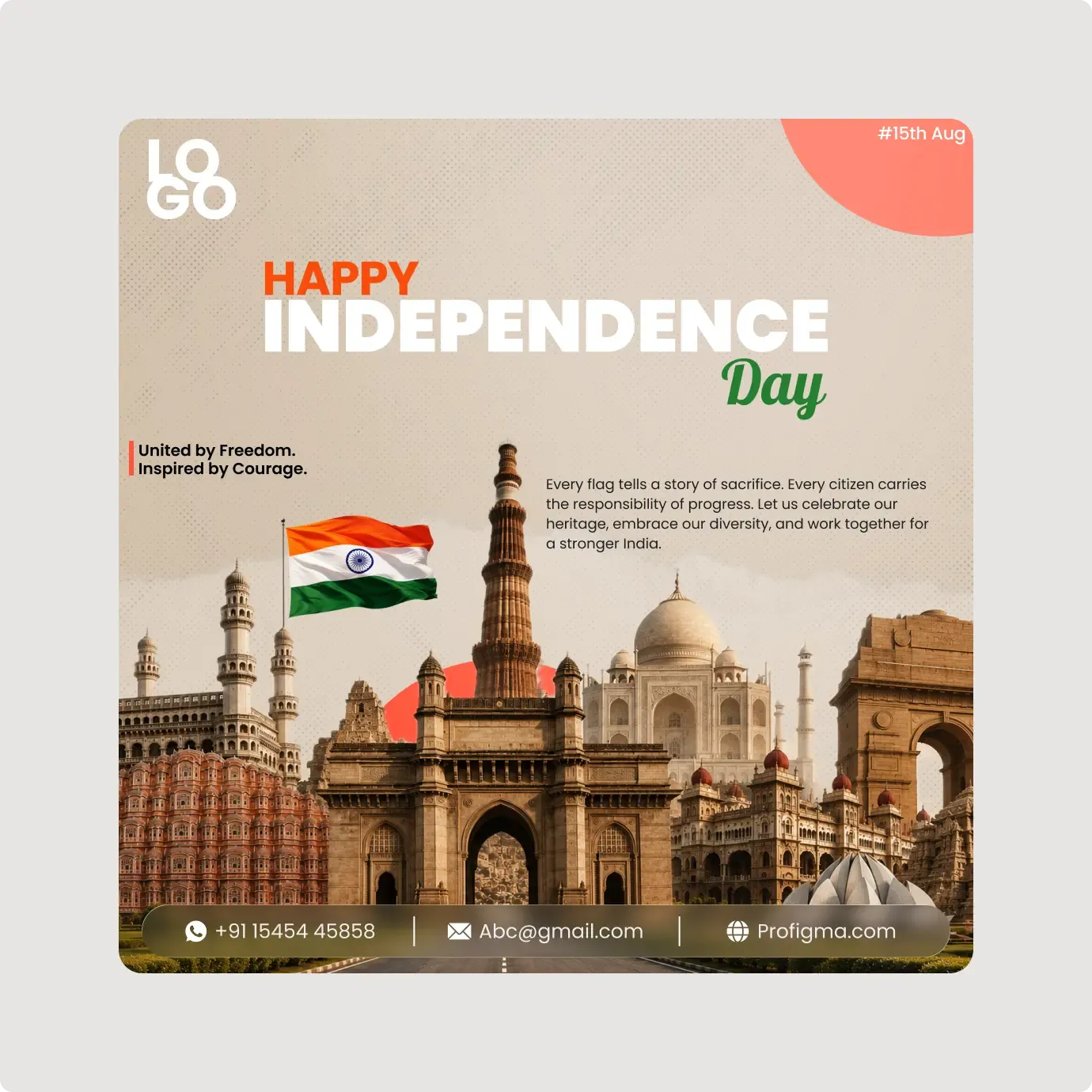
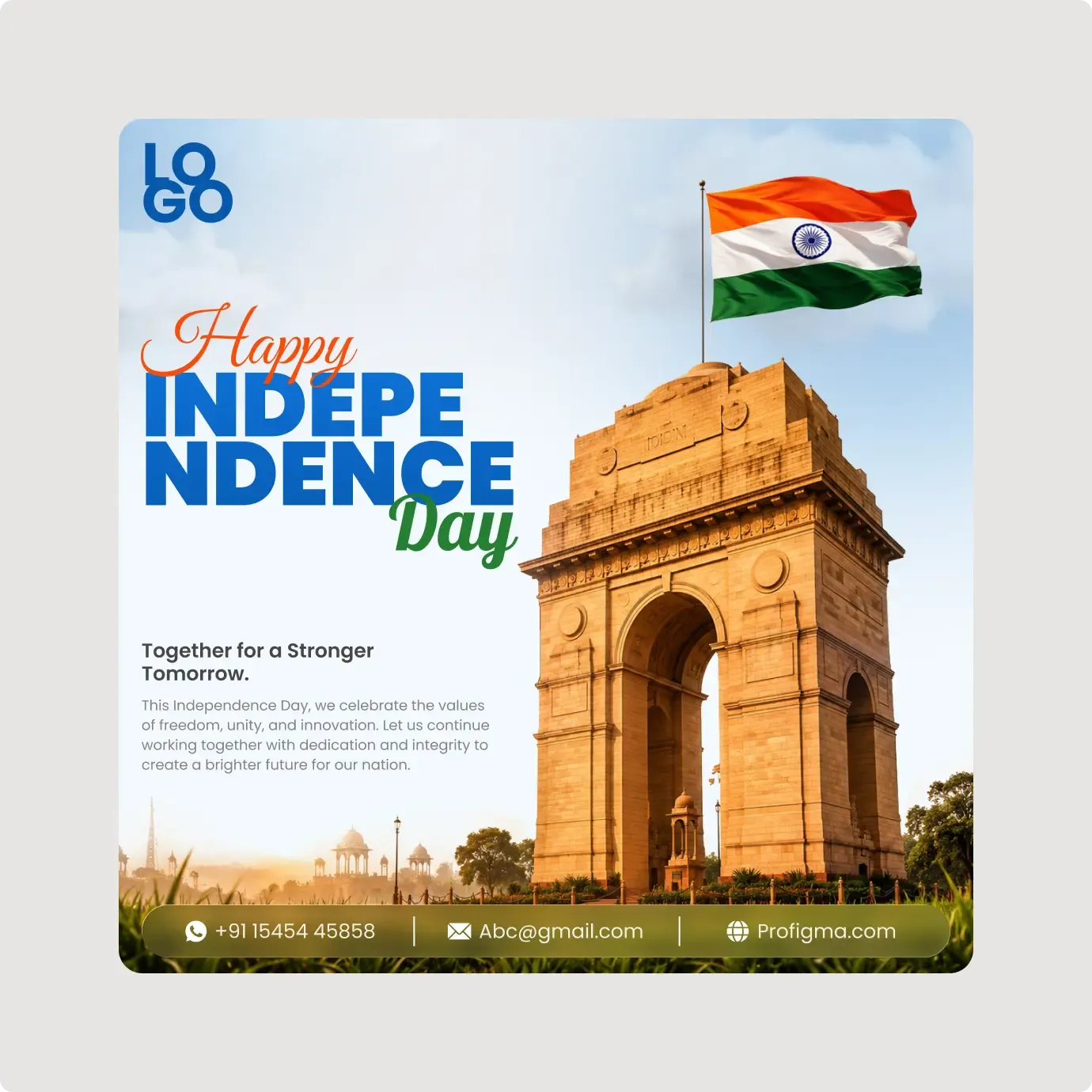
- For a more detailed scene, look at the India Gate poster template or the monuments banner.