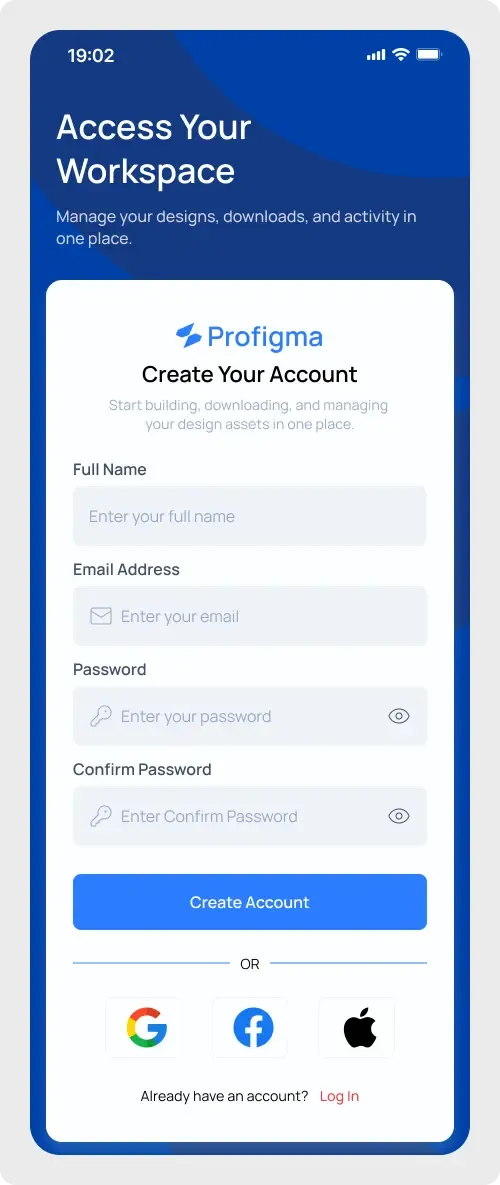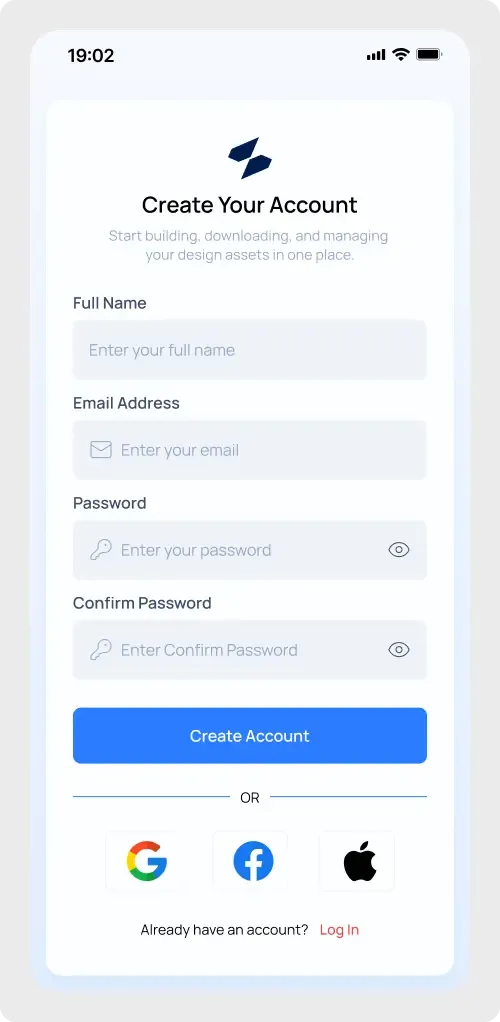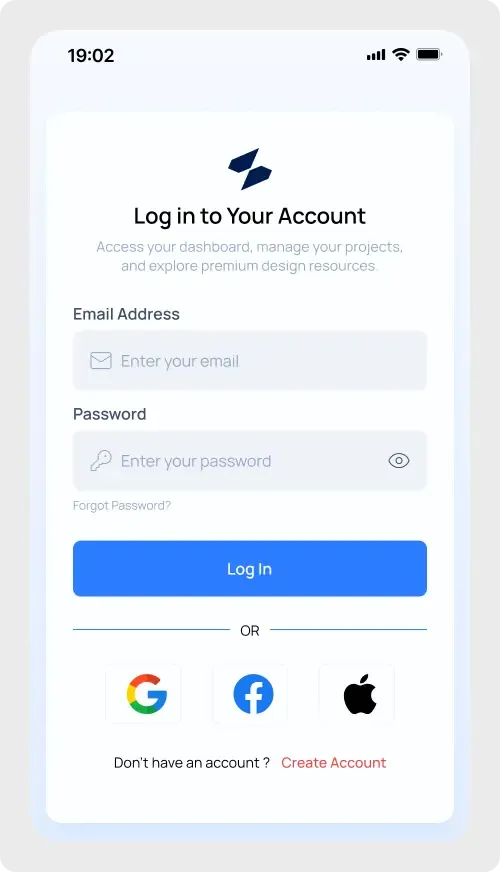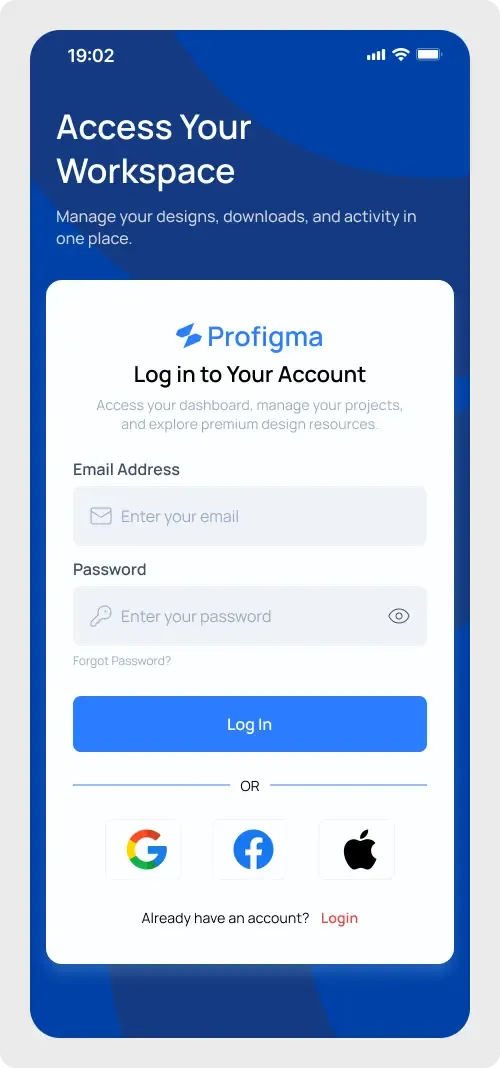
This mobile app login UI is a sign-in screen on a phone frame with a strong blue backdrop. The white card holds the form, so the eye goes straight to the Log In button.
A strong colour behind a login card can make an app feel finished even in an early prototype. Here the deep blue sets the mood while the white card keeps the form easy to read. The fields and buttons are large, which suits touch screens. You can keep the layout as it is and change only the logo, the headline and the colours.
What you get
- A phone frame with a status bar and a deep blue background
- A white headline and short line at the top, "Access Your Workspace"
- A card with the logo, a "Log in to Your Account" heading and a short intro
- Email and password fields with icons and a show-password toggle
- A forgot password link, a Log In button and an "OR" divider
- Google, Facebook and Apple buttons and a link to create an account
How to use it in Figma
Use the copy button, then paste into Figma with Ctrl or Cmd + V. Everything arrives as editable layers. Start by replacing the logo and recolouring the blue to match your product.
Best for
- Mobile apps for teams and workspaces
- Case studies on onboarding
- Quick mockups for client sign-off
Customisation tips
- Make sure the text on the blue stays readable. Test your new colours with the WCAG colour contrast checker.
- Remove the social row for a simpler, email-only login.
- Build the sign-up step with the mobile app registration UI.