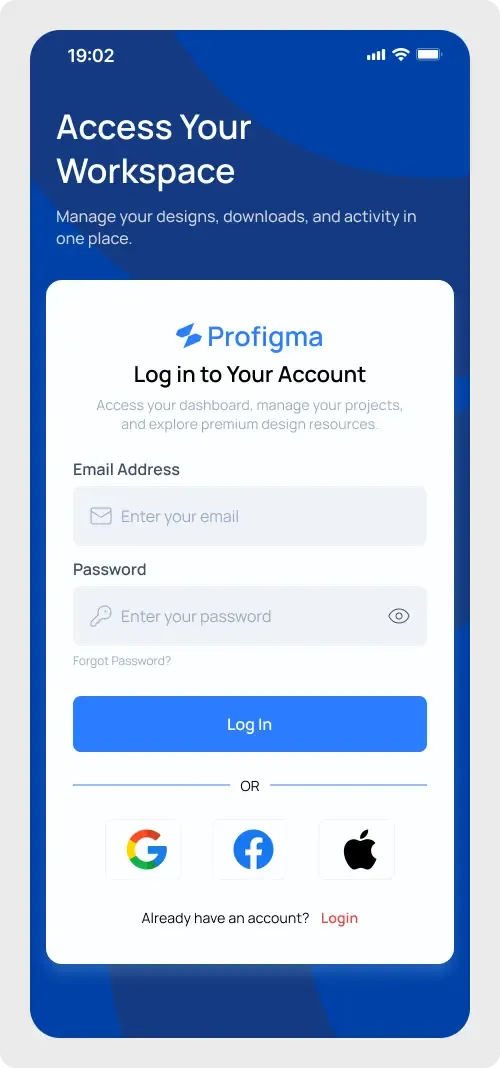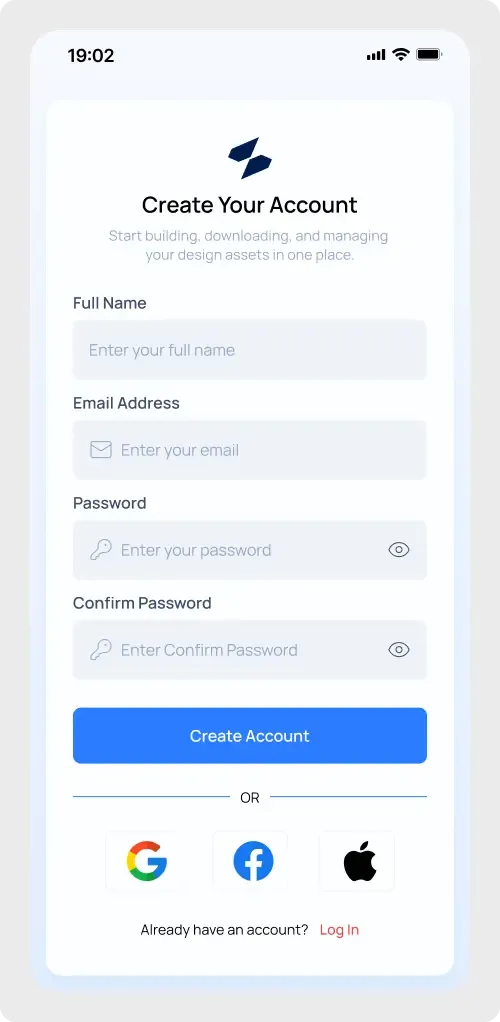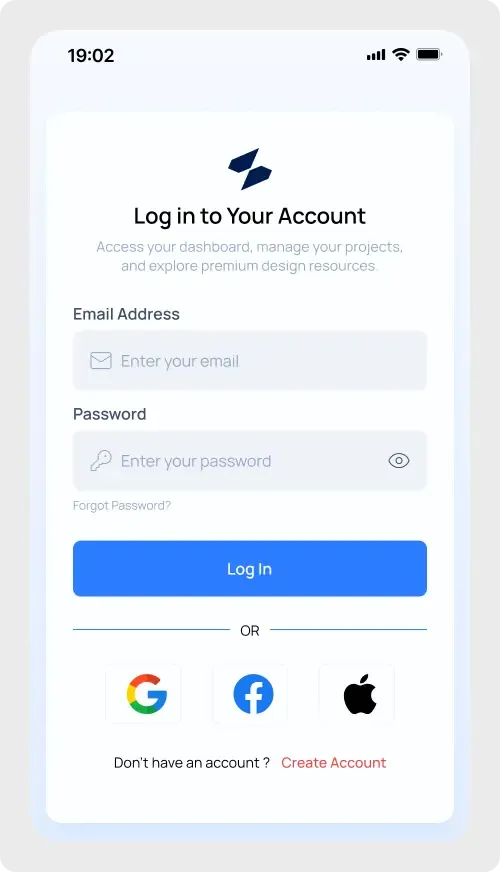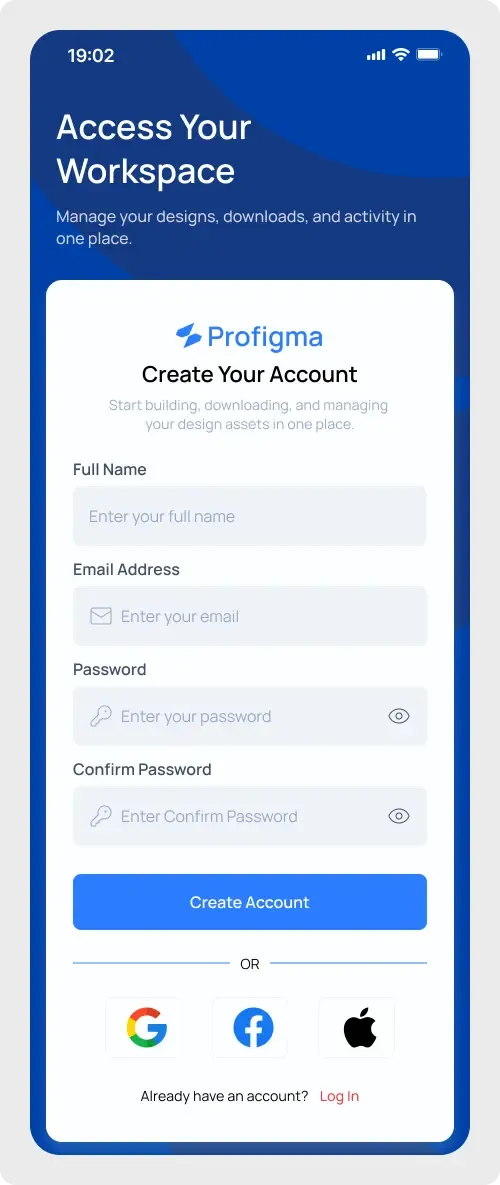
This mobile app registration UI is a bold sign-up screen on a phone frame. A deep blue header sits above a white card, which gives the form a clear focus.
Colour can make a registration screen feel more confident. Here the dark blue header frames the white card and pulls the eye down to the form. Text on the blue is large and light, which makes it easy to read at a glance. The card keeps the fields on a plain white surface, so typing and reading stay comfortable on a small screen.
What you get
- A phone frame with status bar and a blue background with large curved shapes
- A headline, "Access Your Workspace", and one supporting line in white
- A white card with the logo and a "Create Your Account" heading
- Full Name, Email Address, Password and Confirm Password fields
- A Create Account button, Google, Facebook and Apple buttons and a Log In link
How to use it in Figma
Click copy on this page, switch to Figma and paste with Ctrl or Cmd + V. The screen comes in as layers. Change the headline, replace the logo and set your own colours on the background and button.
Best for
- Onboarding for fintech, productivity and SaaS apps
- Pitch decks that show a sample app flow
- Portfolio mockups with a strong brand colour
Customisation tips
- Change the blue header to your brand colour and keep the card white for contrast.
- Try a shorter headline if your language runs long.
- Use the mobile app login UI as the second screen of the flow. For more screens like these, see Login and Signup components.