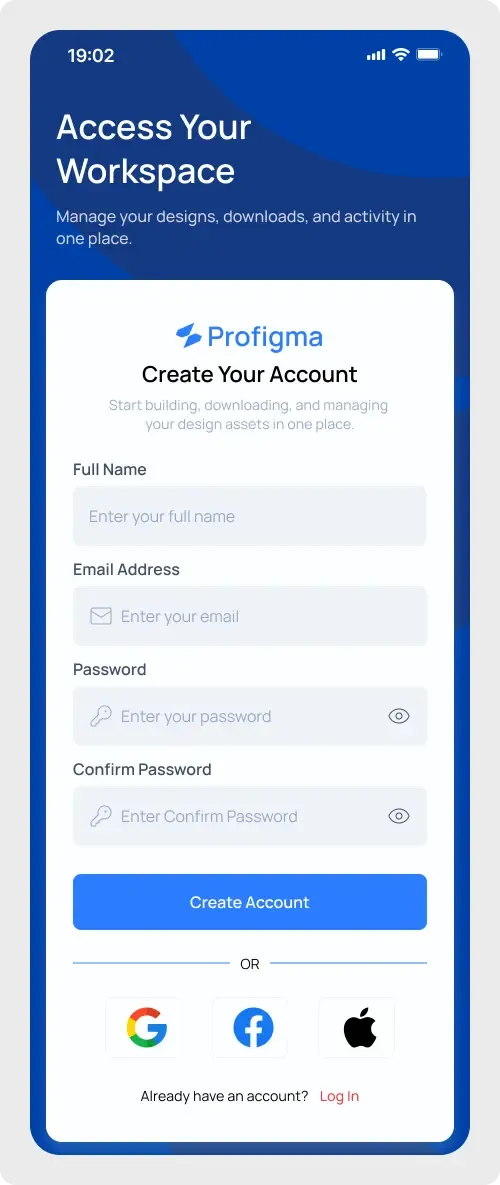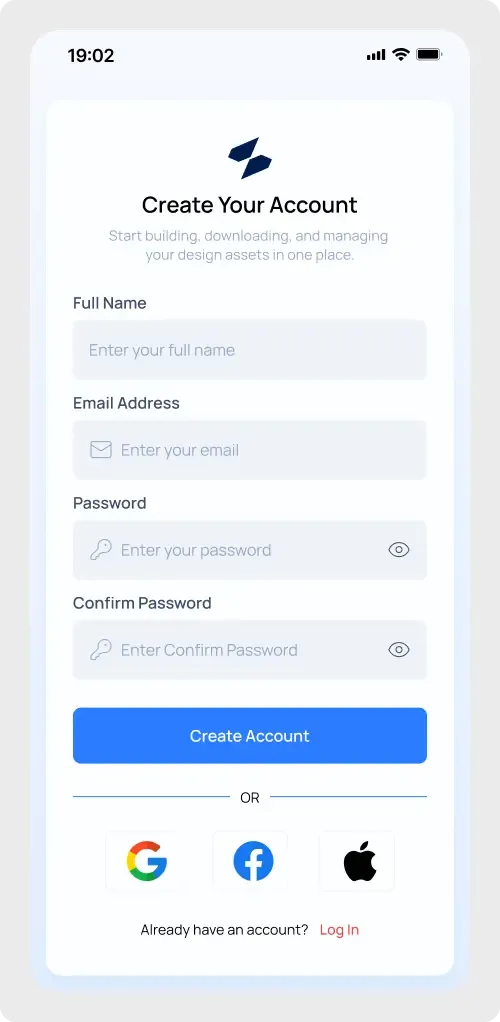
This mobile sign up screen UI is a single-screen account creation form on a phone frame. It is light, readable and short enough to prototype a whole onboarding step in one paste.
Creating an account on a phone should take a minute or less. This screen keeps labels above the fields, uses large inputs and puts a single wide button at the bottom of the form, so the next step is easy to find. The social options give users a quicker path if they already have an account elsewhere. It is a sound base for onboarding screens in any mobile product.
What you get
- A phone frame with a status bar and a white card on a pale background
- The logo mark, a "Create Your Account" heading and a short intro line
- Four labelled fields: full name, email, password and confirm password
- Show-password icons and a full-width Create Account button
- An "OR" divider with Google, Facebook and Apple buttons
- An "Already have an account?" line with a Log In link
How to use it in Figma
Press copy on this page, open your Figma file and paste with Ctrl or Cmd + V. The screen arrives as layers you can edit directly. Start by replacing the logo and the intro line, then match the blue to your brand.
Best for
- App onboarding prototypes
- Student and portfolio projects
- Client mockups for a new mobile product
Customisation tips
- Keep only the fields you truly need. Every extra field costs sign-ups.
- Make the placeholder text a little darker if you plan to test accessibility. The WCAG colour contrast checker helps with that.
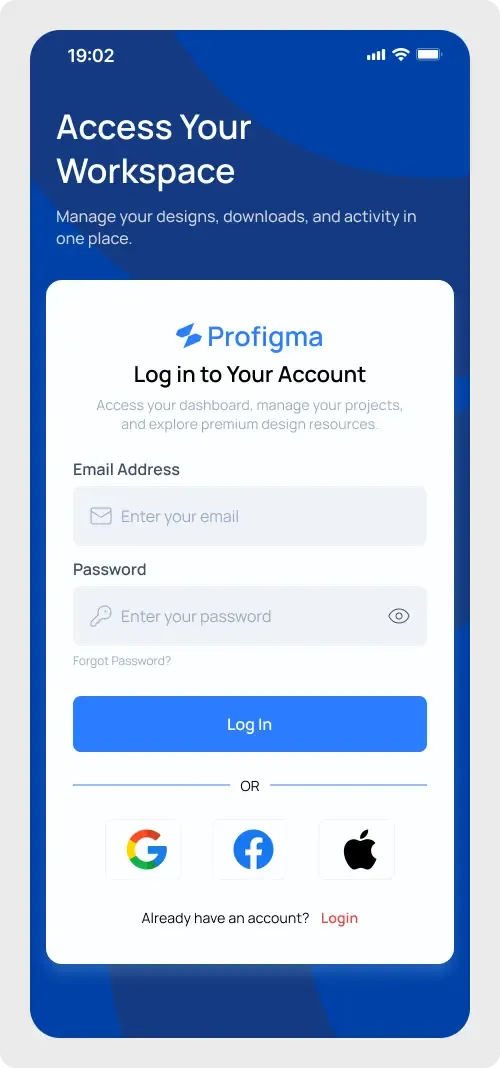
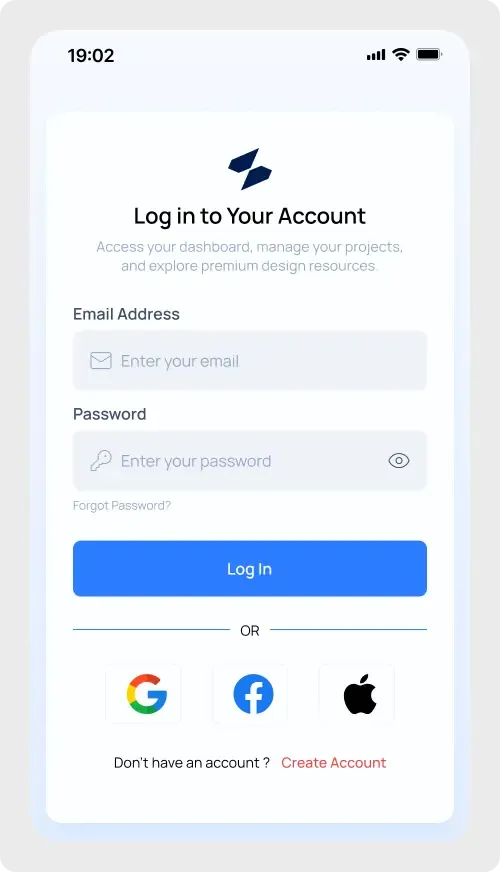
- Link it to the mobile login screen in your prototype so users can switch between the two.