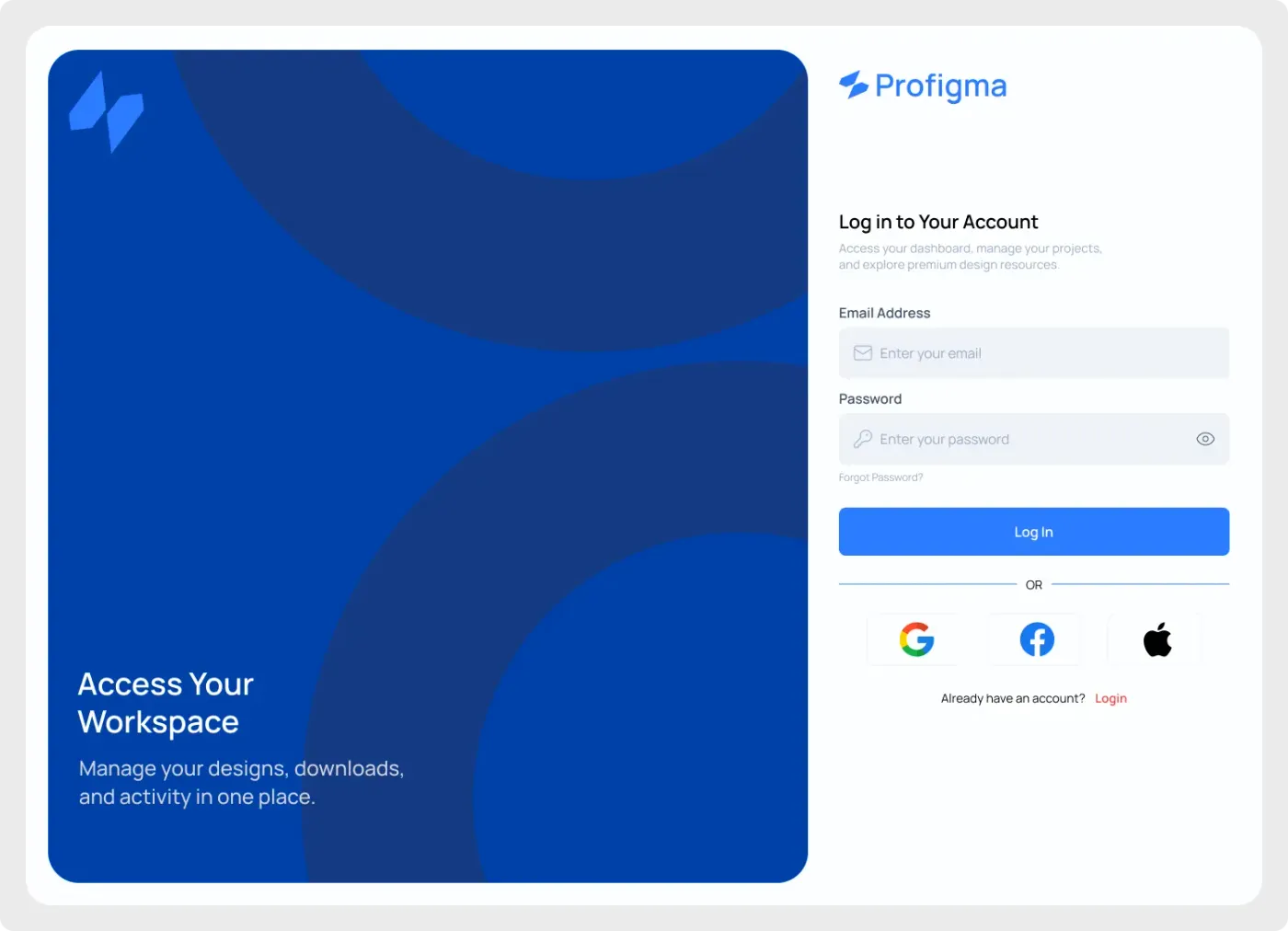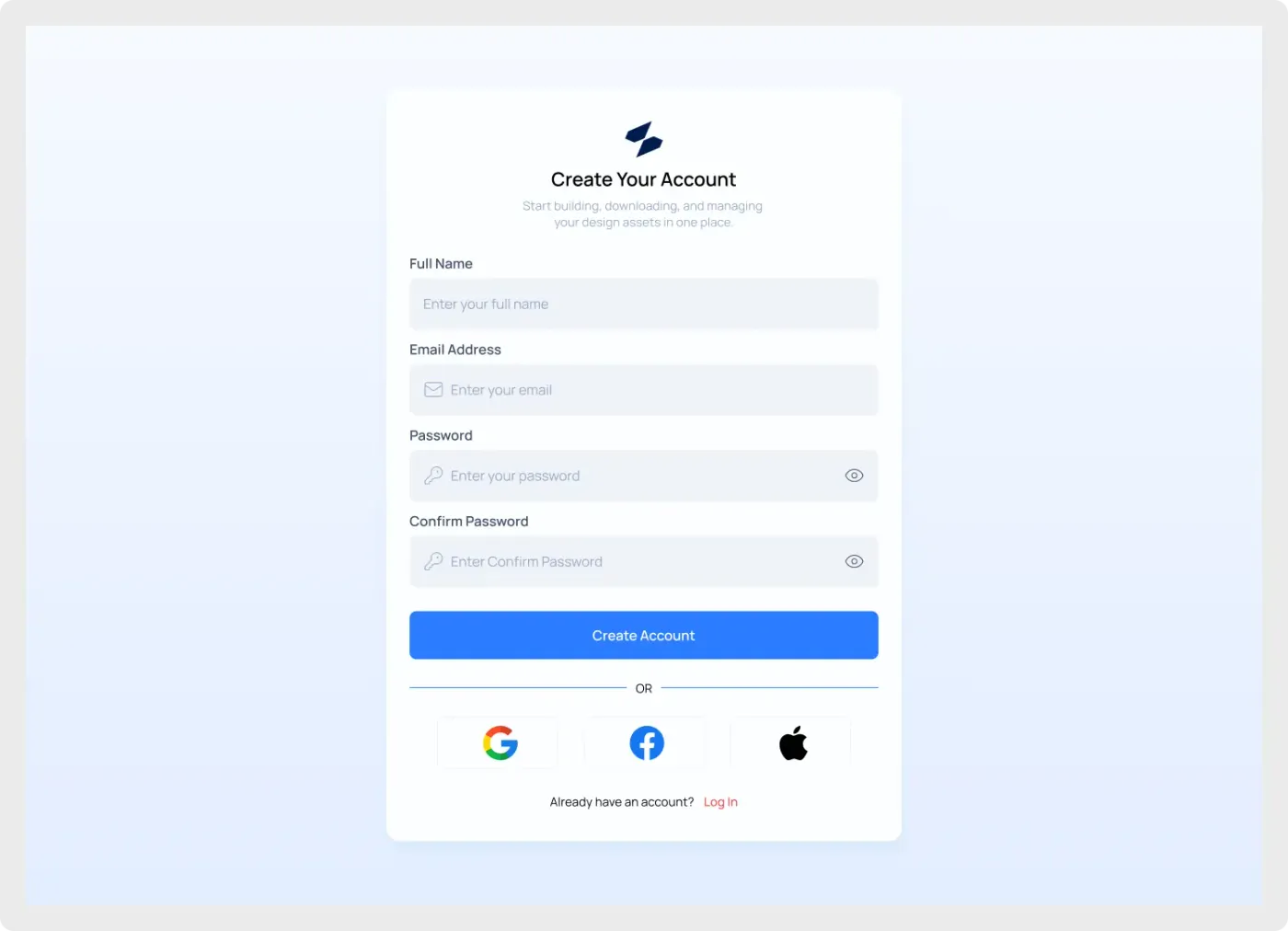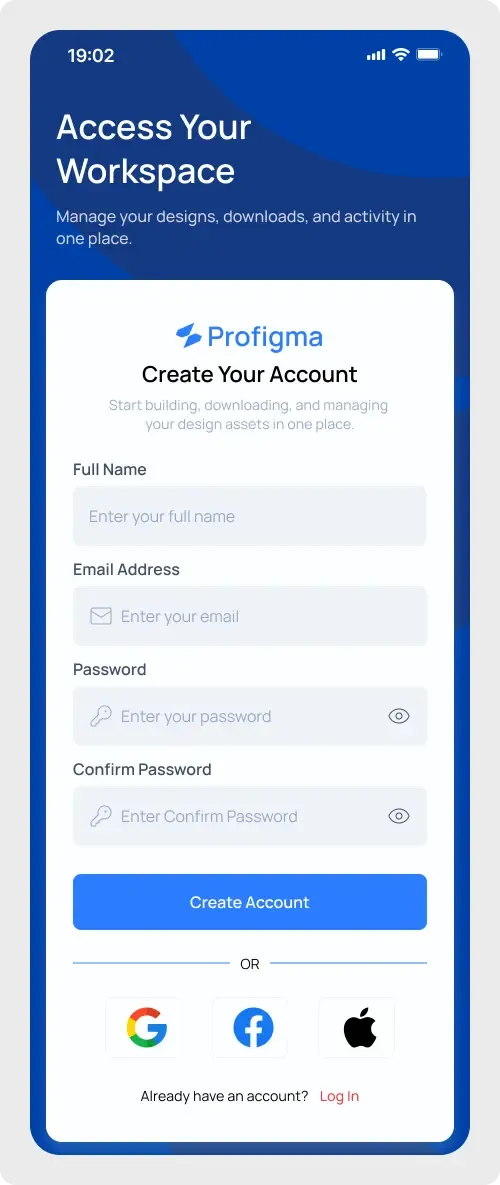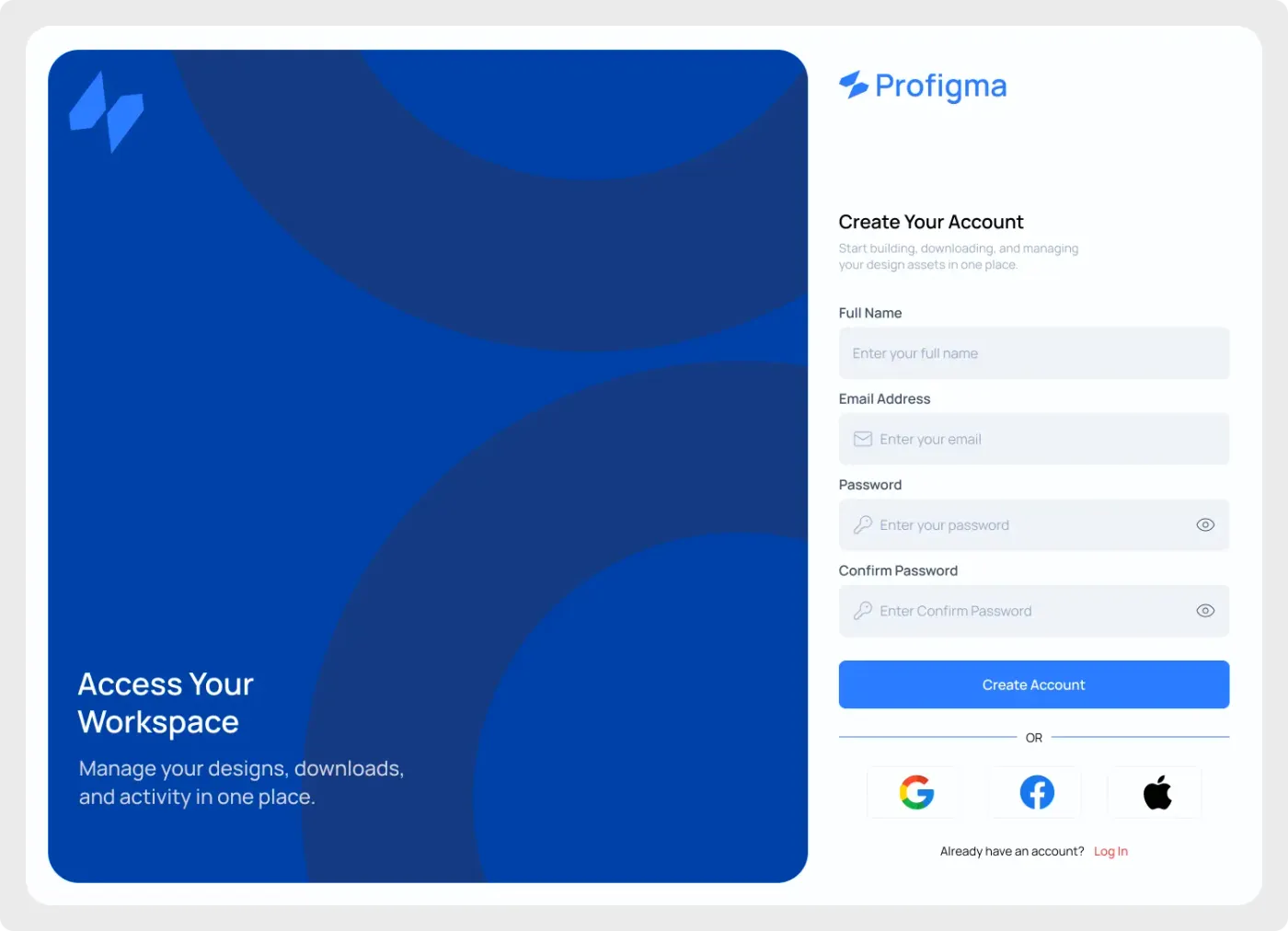
This web sign up screen UI pairs a blue brand panel with a registration form. It is made for products that want new users to feel welcome from the very first screen.
A sign-up page is often the first real step a customer takes, so it helps to give it a clear design. The brand panel sets the tone and the form stays plain and easy to scan. Labels sit above each field, the main button spans the full width and the social options sit below a simple divider. It works for products of almost any size.
What you get
- A desktop frame with a rounded blue panel on the left, decorated with large circles
- A logo mark and the headline "Access Your Workspace" with one supporting line
- On the right, the Profigma wordmark and a "Create Your Account" heading
- Full Name, Email Address, Password and Confirm Password fields
- A blue Create Account button, social sign-up buttons and a link for existing users
How to use it in Figma
Use the copy button, then paste into Figma with Ctrl or Cmd + V. Replace the wordmark with your logo, edit the left headline and recolour the panel. The form fields are separate layers, so you can reorder or remove them.
Best for
- SaaS onboarding and free trial pages
- Community and membership sites
- Client work where the sign-up page needs a bit of personality
Customisation tips
- Shorten the form for a quick waitlist signup by keeping only name and email.
- Replace the circles on the left with a product screenshot to show what users are signing up for.
- Pair it with the matching web login screen. Browse the whole set under Login and Signup.