How to use it in Figma, even if you have never used Figma
Four steps. You do not need to draw anything, and a free Figma account is enough (Pro components need a ProFigma Pro plan).
Fill
Export
- Press Copy to FigmaClick the button on this page. The design is copied, like text you copy with Ctrl + C.
- Paste it in FigmaOpen Figma, open any file and press Ctrl + V (Cmd + V on Mac). You get real, editable layers.
- Make it yoursDouble-click a text to type your own words. Click a shape and change its color under Fill. Drag your own photo onto an image box.
- Export itClick the design. In the right panel, scroll to Export, choose PNG, JPG, SVG or PDF, then click Export.
Tip: install the free Google Fonts used in the design (the name shows when you click a text) so the text looks the same on your computer.
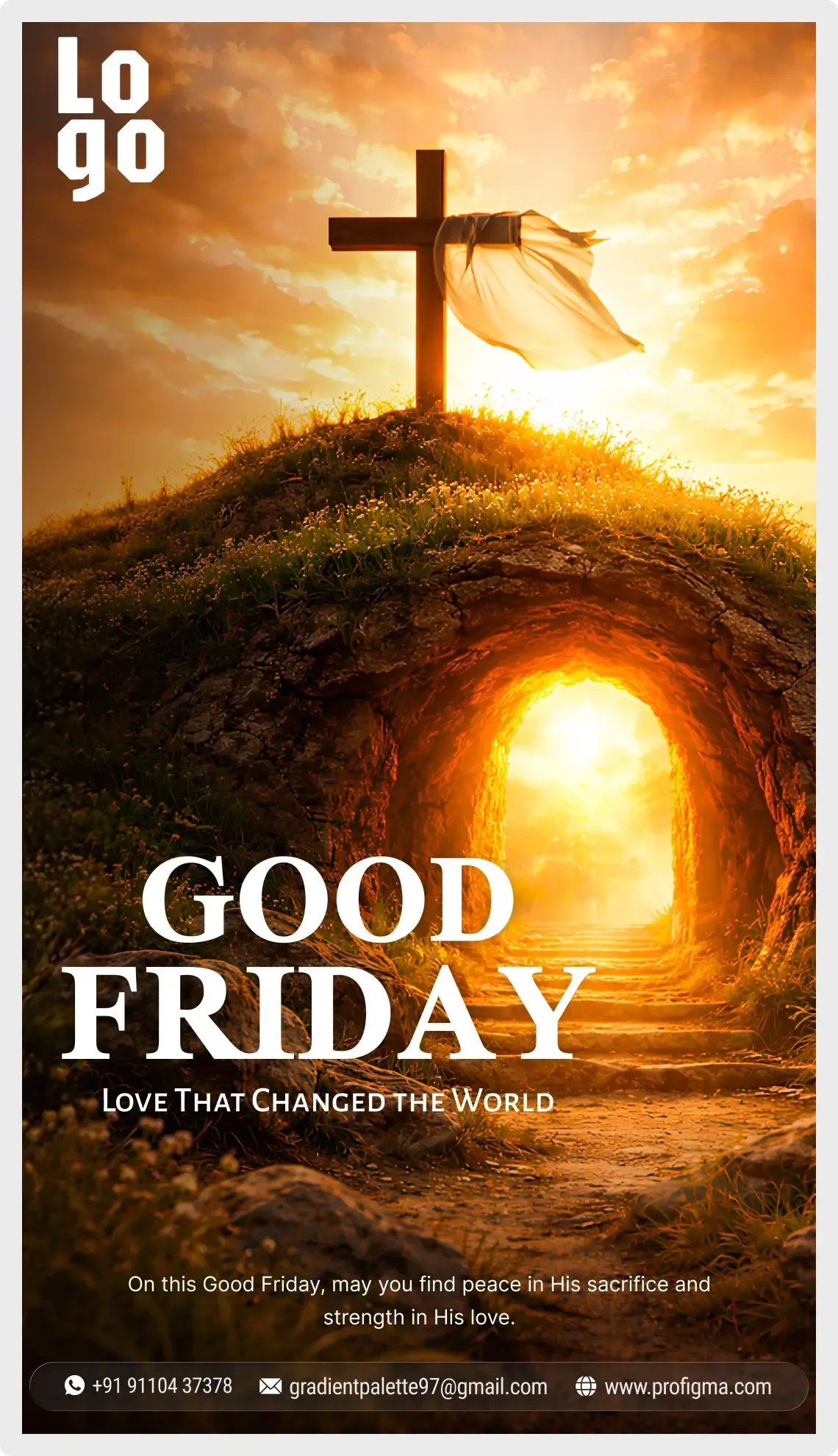
This Good Friday status template is a tall design that shows a glowing tomb entrance below a cross on a hill. It works well as a story or WhatsApp status, and it is included with Pro.
A full-screen status has only a few seconds to be noticed. This layout uses the glowing archway as a focal point, then places the serif title and the tagline below it in a clean stack. The dark foreground keeps the text readable, and the path leads the eye from the bottom of the frame up towards the light.
What you get
- A tall canvas with a hilltop cross and a cloth in the breeze
- A glowing arched tomb with a stone path leading to it
- The title "GOOD FRIDAY" in a heavy serif style
- The tagline "Love That Changed the World"
- A blessing in two lines and a contact bar with phone, email and website
How to use it in Figma
Click copy on this page, then paste into Figma with Ctrl or Cmd + V. The text layers are easy to rewrite. Add your logo at the top left, change the contact bar and export the frame at the size you need.
Best for
- WhatsApp statuses and Instagram stories
- Churches and faith groups
- Local organisations with a small design budget
Customisation tips
- Keep the blessing under two lines for easy reading on a phone.
- If you add a photo of your own, darken the lower third slightly so the text stays clear.
- For a different image, try the cross at sunset story. Pro members can copy every design with no limit, see pricing.