How to Become a UI/UX Designer: Step-by-Step Roadmap for Freshers
· 9 min read · by the ProFigma team
Here is how to become a UI/UX designer in practice: learn the fundamentals, practise on real projects and show your thinking in a portfolio. This roadmap breaks the path into eight steps, from design basics and UX research to Figma, case studies and job preparation. It is written for students, freshers and career switchers who want a clear order of what to learn first.
Key takeaways
- Learn design fundamentals and UX thinking before you spend weeks on tool tricks.
- Figma is the main tool to practise, but it expresses your thinking; it does not replace it.
- Three well-explained case studies beat many shallow projects.
- Time to job-ready varies; steady practice and feedback matter more than a fixed schedule.
- Apply for roles while you keep improving, and treat each interview as feedback.
UI vs UX: what is the difference?
UX (user experience) design is about how a product works for people: understanding their needs, mapping tasks, structuring information and testing whether it is easy to use. UI (user interface) design is about how it looks and feels on screen: layout, color, typography, components and interaction details.
In many companies one person does both, and the job title "UI/UX designer" covers the two. Some teams split them into researchers, UX designers and visual or UI designers. Knowing both gives you more options.
Step 1: Learn design fundamentals
Everything else rests on a few visual basics. Study them first, with small exercises.
- Layout and grids: alignment, spacing and structure. Try the UI grid maker to practise layout grids.
- Typography: hierarchy, size, line height and pairing.
- Color: palettes, contrast and meaning.
- Consistency: reuse the same spacing and styles throughout a design.
A good exercise is to copy an existing screen exactly, then redesign it with your own choices and compare.
Step 2: Understand UX basics
UX is a way of thinking before it is a set of tools. Learn how to:
- Define the user and the problem you are solving.
- Run simple research, such as short interviews and competitor reviews.
- Create user flows and sketch wireframes.
- Test with a few real people and note where they struggle.
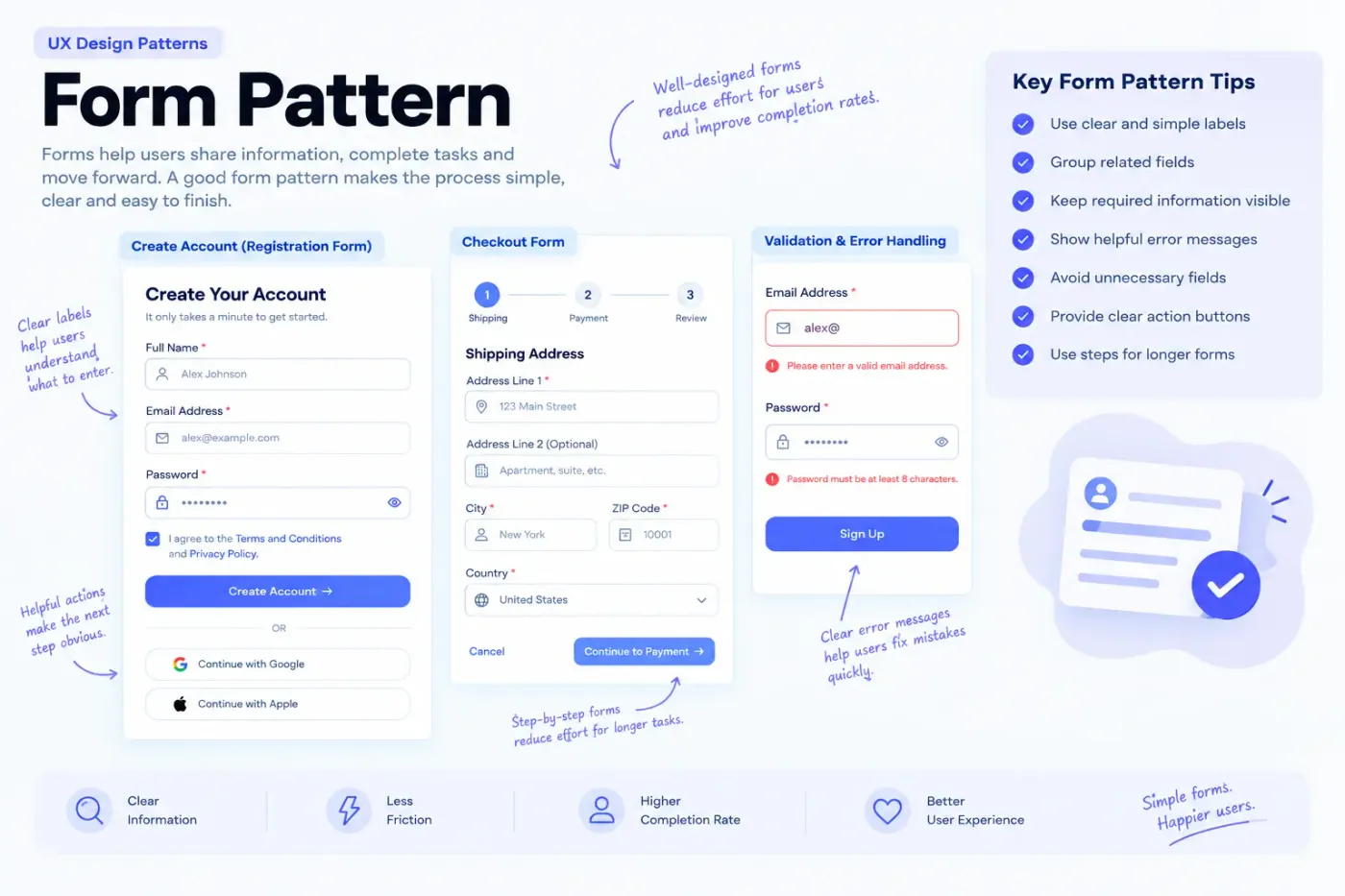
Our guide to UX design patterns is a good next read, since patterns help you recognize common solutions to common problems.
Step 3: Learn Figma
Figma is a widely used interface design tool, and many job listings mention it. Start with the interface, frames, shapes and text, then learn auto layout, components, variants and prototyping.
- Follow Figma's own tutorials in its help center and the Figma resource library.
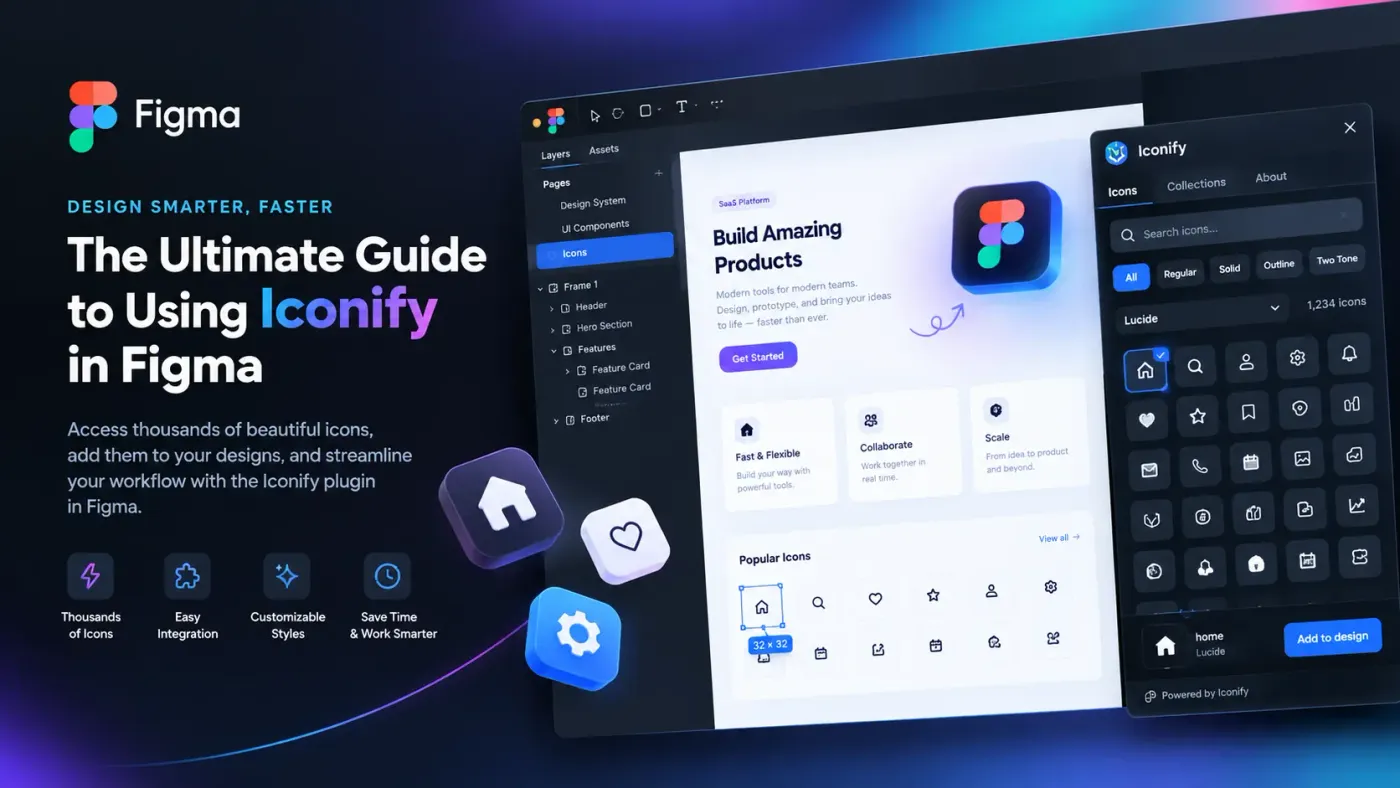
- Build a simple landing page using our guide on how to design a website in Figma.
- Learn the key Figma shortcuts so you work faster.
Practise by studying how others build. Copy a few free Figma components into a practice file and inspect their layers, auto layout settings and naming.
Step 4: Practise with small, real projects
Do not wait for a client. Create your own briefs.
- Redesign a screen from an app you use, and write what you would change and why.
- Design a simple app for a local business or a friend.
- Rebuild a login, checkout or onboarding flow.
- Join design challenges, but avoid copying others' work.
Keep each project small enough to finish. A completed small project teaches more than an abandoned large one.
Step 5: Build case studies for your portfolio
Hiring managers want to see how you think. A case study should answer a handful of questions.
- The problem: who is the user and what were they struggling with?
- Your role: what did you do, and what did others do if it was a team?
- Process: research, flows, sketches, iterations and what changed after feedback.
- The final design: clear screens with short explanations.
- Result and learning: what worked, what did not and what you would do next. Only include numbers that are real.
Aim for three strong projects, with your best one first. For layout inspiration, look at a portfolio grid UI for Figma to see how projects can be presented.
Step 6: Learn the tools beyond Figma
- FigJam or a whiteboard tool for flows, brainstorming and workshops.
- Notion or a similar tool for notes, research summaries and planning.
- Accessibility checkers for contrast, plus the criteria in the WCAG 2.2 quick reference.
- Basic knowledge of HTML and CSS helps you speak with developers, even if you never code professionally.
Step 7: Make a portfolio and prepare your profile
Your portfolio can be a simple website, a Figma file or a PDF, as long as it loads easily and looks clean. Put your name, role and a short introduction on top, link to case studies and add contact details.
Update your LinkedIn profile to match, and make your resume clear and one page if possible. If you use Figma for your resume, our guide on how to make a resume in Figma shows how.
Step 8: Prepare for jobs, internships or freelance work
Job applications
Apply to roles that match your level, including internships and junior positions. Tailor your portfolio's first project to the type of company, and be ready to explain every decision in your case studies.
Interviews and design tasks
Expect questions about your process, and sometimes a design task. Practise talking through a project in five minutes: problem, approach, decisions and outcome.
Freelance first steps
Start with small projects, such as landing pages or social templates, set clear scope and price, and ask for a testimonial after each job. Do not give away large amounts of unpaid work.
A realistic timeline and weekly study plan
How long it takes depends on your prior experience, hours per week and feedback you get. Many learners need several months of steady study and projects; some need longer. Instead of a deadline, set weekly habits.
| Focus | Example weekly time |
|---|---|
| Fundamentals and UX reading | 3 to 4 hours |
| Figma practice | 4 to 6 hours |
| Project work and case study writing | 4 to 6 hours |
| Feedback and review (community, mentors) | 1 to 2 hours |
This is a sample, not a rule. Adjust to your schedule and review progress each month.
Free and paid resources for practice
- Figma's help center and resource library for tool skills.
- The free templates and components on ProFigma, which you can open and study. Complete layouts are a good way to see how full pages are structured.
- Books, courses and communities for UX theory. Choose paid courses carefully and check recent reviews and sample material first.
Common mistakes to avoid
- Jumping straight to visual polish without understanding the problem.
- Portfolios full of copied or concept work with no explanation.
- Collecting courses without building projects.
- Ignoring accessibility and developer handoff.
- Waiting until you feel "ready" to share work and ask for feedback.
Conclusion
You become a UI/UX designer by learning the basics, practising on real problems and explaining your decisions clearly. Follow the eight steps in order, keep your projects small and finished and share your work early to get feedback.
To begin practising today, open the ProFigma component library, copy a couple of components into Figma and rebuild a simple screen around them.
FAQ
How long does it take to become a UI/UX designer?
It varies with your time and practice. Many learners need several months of steady study and projects to be job ready. Progress depends on practice, feedback and a portfolio, not a fixed number of weeks.
Do I need a degree to become a UI/UX designer?
No degree is strictly required for many roles, though some employers prefer one. A strong portfolio, clear case studies and the ability to explain your decisions matter most in applications.
Is Figma enough to learn UI/UX design?
Figma covers the main UI tool skills, but UX also needs research, user flows, wireframing and testing. Learn the thinking first and use Figma to express it.
How many projects should a fresher have in a portfolio?
Three well-explained projects are better than many weak ones. Show the problem, your process, the final design and what you learned from each, and keep the strongest project first so it gets seen.
What should I learn first?
Start with design fundamentals such as layout, typography, color and consistency, then UX basics, then Figma. Practise each on small real projects as you go.